 Seller OS
Fiverr gig SEO checklist: field by field before you publish
This checklist is built to be run once, in order, before you press Publish. Each field gets the same treatment: what Fiverr publishes about it, what passes, and what fails. On a finished draft, the whole pass takes about fifteen minutes.
It is not a list of twelve SEO tips; the reasoning behind each field lives in the SEO tips guide and the keyword pages linked below. Here you get the gate itself: the checks a gig should pass before it goes live, using only limits Fiverr actually publishes.
Free plan available. Local-first data. Human review on every change.
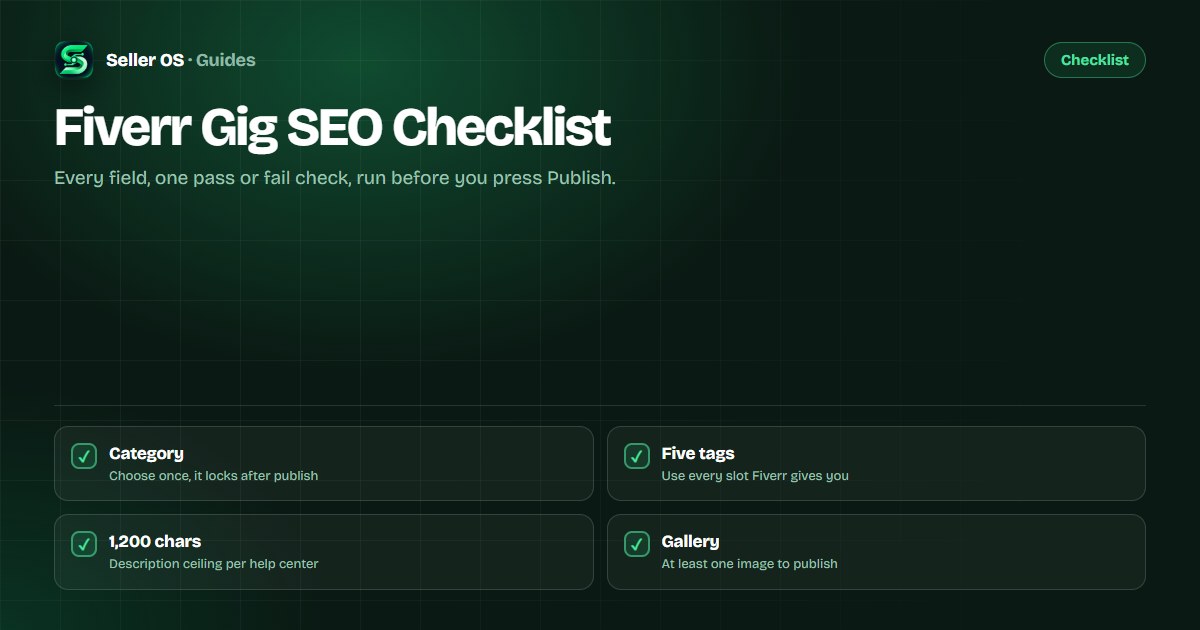
How to run this checklist in one pass
Work top to bottom on a draft gig, not a live one. Every row has a published rule and a pass condition; if a field fails, fix it before moving on, because later fields depend on earlier decisions.
Treat the checklist as a gate, not a score. One failed field is enough to stop the publish, and a gig that passes is not guaranteed anything; it is simply not fighting itself.
Fields that decide matching: category to tags
These fields determine what your gig can be found for. Category and service type set the context; title, positive keywords, and tags carry the phrases. Fiverr's help center says the category cannot be changed after the gig is published, so this is the one row you cannot fix later.
The title row follows Fiverr's writing guidance, and the tag row follows its best-practice note to use all five slots.
| Field | What Fiverr publishes | Pass condition |
|---|---|---|
| Category | Cannot be changed after publishing | Every package fits the category |
| Service type | One per gig | Chosen before the title is written |
| Title | Short, clear, to the point; no special characters | Reads as a sentence with the phrase early |
| Positive keywords | Up to five words or short phrases | Each phrase describes the service accurately |
| Tags | Up to five; best practice is to use all | Five slots filled with distinct phrases |
Fields that decide conversion: description to FAQ
These fields do not change what you match; they change whether a click becomes an order. The description carries the explanation, the packages carry the offer, and the FAQ handles the objections that would otherwise become messages before an order.
The description limit is 1,200 characters, with an English description required. Packages go up to three tiers, Basic, Standard, and Premium, with a minimum starting price of $5 that is higher in some categories. The FAQ field holds up to 10 questions.
A concrete check: if Basic includes one revision and Standard includes three, the description should state the same numbers the packages state. When the two disagree, the page has failed the gate even though every field individually looks fine.
| Field | What Fiverr publishes | Pass condition |
|---|---|---|
| Description | Up to 1,200 characters; English required | Promise, scope, and next step up front |
| Packages | Up to three; minimum $5, higher in some categories | Each tier has a real difference |
| FAQ | Up to 10 questions | Top buyer objections answered, not filler |
| Requirements | Free-form; questions can be required | Every question needed to start is asked |
The gallery gate before publishing
Fiverr's help center says a gig gallery holds up to three images, one video, and two PDFs, and at least one image is required to publish. Fiverr adds badges automatically, so you should not add Fiverr logos, ratings, or level badges yourself. The published specs live in Fiverr's gallery article.
Two category notes worth checking. Video is required in the Video & Animation category, per Fiverr's gig creation article. And PDFs are preview only: Fiverr states that clients cannot download them, so the PDF sells the format rather than delivering the file.
- One image minimum; up to three images, one video, and two PDFs.
- 1280 x 769 px recommended; 712 x 430 px minimum.
- Ten words maximum of text on an image.
- No Fiverr logos, ratings, or level badges added by you.
The final pass: five minutes, six checks
Once every row passes, do one last read as a buyer rather than as the seller who wrote it. The steps below take about five minutes and catch the inconsistencies that field-by-field checks can miss.
If a step fails, fix that field and run the step again. The pass is cheap; a published gig that contradicts itself is not.
Re-check the title
does the promise fit the category it sits in?
Count the tags
all five filled, none repeating the title word for word.
Scan the description
one clear promise and scope at phone width.
Compare the packages
real deltas in scope, speed, or format.
Shrink the gallery
check the first image at search-result size.
Answer objections
put the FAQ against your repeated inbox questions.
What changes after publishing and what cannot
Category is locked once the gig is published. Fiverr also says significant edits, such as changes to the title, category, or pricing, may trigger a review, and the gig may not be visible until the review is complete. That is why this checklist exists before publish: fixing after the fact can cost visibility while the review runs.
Give the published gig a full measurement window before judging it. Fiverr's keyword guidance is to allow at least 30 days before reviewing the impact of new or updated keywords, and the same patience applies to a fresh listing that starts with no history at all.
Failing marks that slip through most often
The most common miss is an empty tag slot, even though Fiverr's best-practice note says to use all five. The second is a description that fills its 1,200 characters with adjectives instead of scope. The third is a gallery whose first image only makes sense at full size, where it is a blur with a logo.
Check every field against one question: could a stranger tell what is sold, for whom, and what it costs without clicking? If a field fails that question, it fails the gate, no matter how polished it looks.
One scenario worth walking through: a gig titled I will design a Shopify product page with tags shopify, shopify design, shopify store, ecommerce, and online store. The count passes, but coverage fails, because three slots spend themselves on one platform. Keep one Shopify tag and spend the rest on the buyer's other words.
Where Seller OS helps
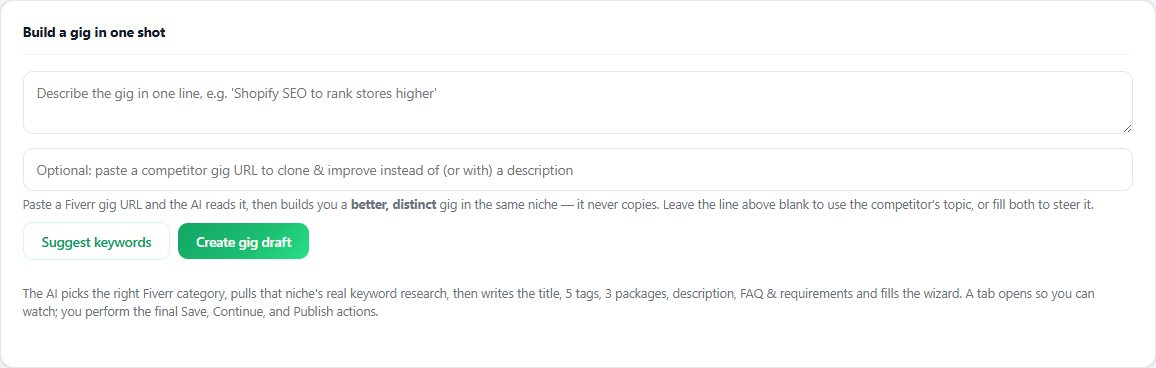
Seller OS's Gig Builder is built for this stage. Give it a one-line idea or a competitor URL, and it produces a structured gig draft with category fit, title, tags, description, and packages, and can fill the Fiverr wizard fields for you. You review every field and complete Save and Publish yourself.
The honest limit: a draft is a starting point, not a pass. Run this checklist over whatever it produces, because the checks are about your offer being internally consistent, and only you know whether the scope and pricing are right.
Fiverr Gig SEO Checklist questions
What should I check before publishing a Fiverr gig?
Run the fields in order: category and service type, title, positive keywords, five tags, the 1,200-character description, up to three packages, the gallery minimum, and the FAQ. Each has a published rule from Fiverr's help center and a pass condition. Fix failures as you go, because later fields build on earlier ones.
How many tags should I use on a Fiverr gig?
Use all five. Fiverr's help center says you can add up to five tags to improve your gig's visibility in search, and its best-practice guidance is to use every slot. Fill each one with a distinct phrase that adds coverage instead of repeating a word already in the title.
Can I change my gig category after publishing?
No. Fiverr's help center states the category cannot be changed after the gig is published. That makes category the first checklist row and the one decision worth slowing down for, since the title, tags, and packages all have to fit the category you choose.
Is there a minimum for the gig gallery before publishing?
Yes: at least one image is required to publish, and Fiverr's gallery article says each gallery holds up to three images, one video, and two PDFs. The recommended image size is 1280 x 769 px, and text on an image should stay at ten words or fewer.
Run the gate before you publish.
Take the checklist field by field, fix what fails, and publish a gig that does not contradict itself.