 Seller OS
Fiverr invoice for sellers: what you can download and fix
Start with the honest answer: Fiverr does not issue invoices for the money you earn. Its invoice article states that only payments generate invoices, and its support pages say the commission withheld from your revenue is not invoiced either, because it is deducted automatically before your revenue is released.
What you get instead is a usable paper trail: a Statement of Earnings for tax and accounting, an emailed activity CSV, tax documents where your country requires them, and purchase invoices for anything you buy from Fiverr. This guide maps each document to the exact place you download it, and to the gap a client request exposes.
Free plan available. Local-first data. Human review on every change.
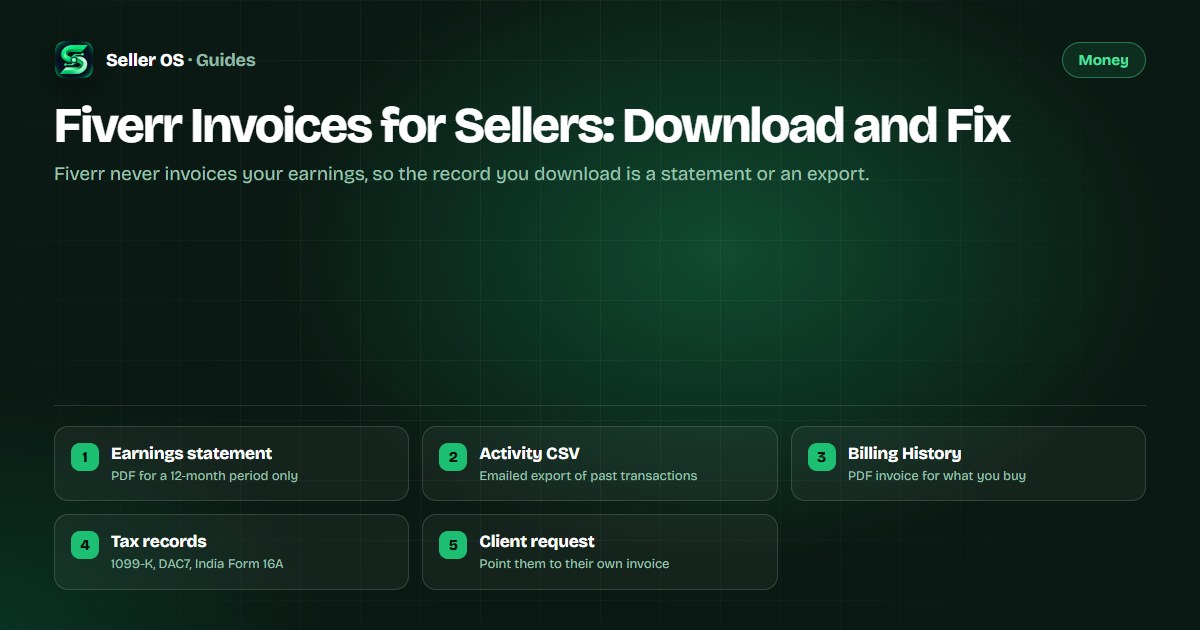
What Fiverr issues for sellers
Fiverr's invoice article draws the line plainly: freelancers do not receive invoices for completed orders, while invoices are issued for the Fiverr services you pay for, such as Seller Plus or Fiverr Ads. The commission taken from an order is not invoiced at all, because it is automatically withheld before your revenue is released.
The practical result is that three different screens hold three different kinds of records: your Earnings page for money arriving, your Billing History for money leaving, and your client's account for the payment they made. Confusing them is how sellers end up sending clients a document Fiverr never generated.
- Money in: Statement of Earnings, activity export, and tax documents.
- Money out: invoices for Fiverr services you buy, in Billing and Payments.
- Client's payment: the invoice sits with whoever paid the money.
- Your own paperwork: whatever you choose to issue, with the order ID attached.
Statement of Earnings: the official record
The Statement of Earnings shows your Fiverr earnings, including Fiverr fees, for tax and accounting purposes. Fiverr publishes the constraints with unusual clarity: it is issued for a period of 12 months only, it cannot be generated for shorter custom periods, and it does not include the current month until that month has ended.
You reach it from the Earnings page under the Financial Documents tab, next to the 1099-K and the W-9 declaration for eligible US freelancers. If your accountant asks for a single quarter, the honest answer is that the platform will not produce one, so the quarterly view has to come from your own records.
Activity reports: the export that shifts dates
For anything narrower than a year, the activity table is the tool. Open it, choose Email activity report, filter by date range and activity type, and Fiverr sends a CSV to your registered email. Future earnings never appear in the report, so an export is always a snapshot of the past. For day-to-day performance, the sales analytics view is the better habit.
The mistake sellers make is treating that CSV as a receipt: dates in the table use your local timezone while the filters and the report itself use UTC, so a late-evening delivery can land on a different day than the client remembers. Illustrative example: an order completed at 8 p.m. on October 30 sits under October 30 in the local table, while a UTC filter for that day can bucket it into the day before.
Open the activity table
find the email activity report action
Set the filters
date range and activity type
Check your inbox
the CSV arrives at your registered email
Mind the timezone
table dates are local, filters and reports are UTC
The invoices Fiverr does send you
Invoices do arrive for money you spend on Fiverr. Your own purchases live under your profile image, then Billing and Payments, then Billing History, where each invoice downloads as a PDF, and multiple invoices can be selected and downloaded together as a CSV or ZIP archive.
Two details matter when you go looking. Invoices issued before May 2021 are not downloadable online, and tips a client sends are charged as separate transactions, so they generate their own invoice instead of folding into the order's — more on that in the tips guide.
| Record | Where it lives | Format |
|---|---|---|
| Your Fiverr purchases | Billing and Payments, then Billing History | PDF per invoice; CSV or ZIP in bulk |
| Invoices before May 2021 | Same Billing History view | Not downloadable online |
| Tips from clients | Charged as separate transactions | Generate their own invoice |
| Earnings and commission | Never invoiced by Fiverr | Use the Statement of Earnings |
When a buyer asks you for an invoice
Because only payments generate invoices, the invoice for an order belongs to whoever paid it. When a client asks you to send one, the fastest accurate reply points them to their own Billing and Payments screen, with the order number in the message so they find it in one search. Fiverr's invoice help article covers the download path in full.
Illustrative example: a client needs a document for their own records. You can issue one yourself with your name or business details, their name, the Fiverr order number, the completion date, the agreed price, any Gig Extras, and a line stating that payment was processed by Fiverr. That is a record of what happened, and it stays honest about who handled the money.
- Number your own invoices so your records stay sortable.
- Reference the Fiverr order number in every one you send.
- State the order completion date, not today's date.
- List Gig Extras as their own lines.
- Say plainly that Fiverr processed the payment.
Tax records are your responsibility
Fiverr publishes the tax documents it is required to produce, and the rest is yours to keep. Eligible US freelancers download a 1099-K from Earnings and Financial Documents and can update the W-9 declaration in the same area, and the DAC7 report's first reporting year was 2023 with figures stated in USD. The wider picture sits in the 1099 and deductions guide.
India sellers provide PAN and GSTIN billing details within 30 days of the first notification and receive Form 16A by email each quarter when tax was deducted. Fiverr's India page also notes that TDS is calculated on 100% of the gig amount while the Statement of Earnings shows the 80% you received, so the two documents will not match, and that is expected.
- What counts as income or a deduction is decided by your tax authority, such as the IRS in the US; this page is informational only.
- Keep your own statements and CSVs, because a deleted account cannot have invoices or records reissued.
- Conversion rates and fees can change what you actually withdraw — see currency conversion cost and timing.
Where Seller OS helps
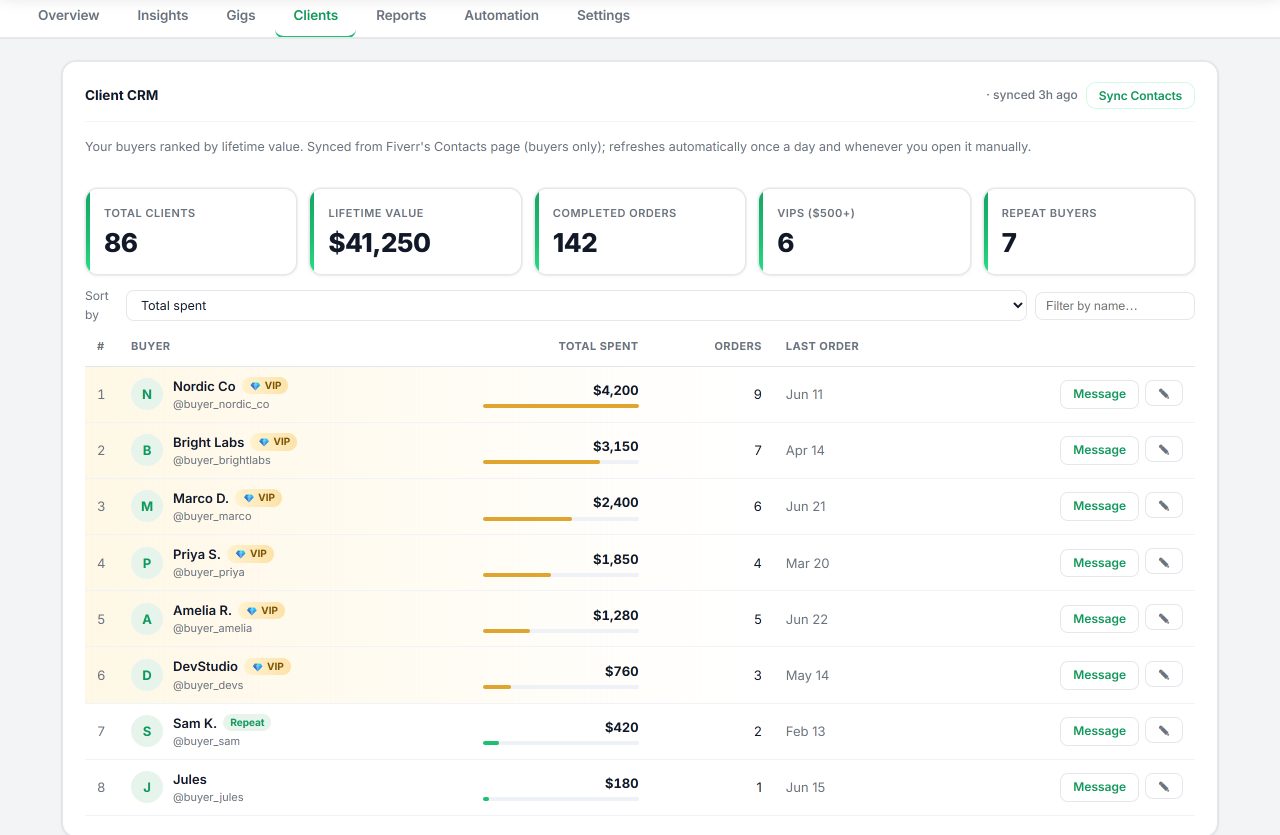
Records are easier to keep when the client history is already in front of you. Seller OS keeps local client records with order history and notes, drafts the reply you review before sending when someone asks for proof of purchase, and holds your reports and action queue in one workspace so an export request does not derail the day.
It drafts and fills; a person performs every final Send, Save, Continue, or Publish action. Seller OS does not generate invoices, statements, or tax documents, and it has no access to your Fiverr Earnings page or Billing History.
Fiverr Invoices for Sellers questions
Does Fiverr give sellers an invoice for earnings?
No. Fiverr's invoice article says it does not issue invoices for the percentage deducted from your earnings, because that commission is withheld before your revenue is released. What you download instead is a Statement of Earnings, an activity CSV, and tax documents where your country requires them.
How do I download a Fiverr invoice for something I bought?
Open your profile image, go to Billing and Payments, then Billing History. Each invoice downloads as a PDF, and you can select several at once to download a CSV or ZIP archive. Invoices issued before May 2021 are not available for online download, so older records need a different route.
Can I get a Fiverr invoice for a specific month?
Not for your earnings. The Statement of Earnings covers a 12-month period only and cannot be generated for shorter custom periods, and it leaves out the current month until that month ends. For a narrower slice of activity, request the emailed CSV export instead and use it as your own working record.
What do I send a client who asks for an invoice?
Point them to their own Billing History first, since the payment invoice belongs to whoever paid. You can also issue your own document with your details, the Fiverr order number, the completion date, the agreed price, and a line stating Fiverr processed the payment. Tax treatment is decided by your own authority.
Download the right document
Grab the Statement of Earnings, export the activity CSV, and answer client invoice requests without guessing.