 Seller OS
Fiverr fees explained for sellers and buyers
Every Fiverr order carries fees on both sides of the transaction. You pay a seller commission on the order value, and your buyer pays a service fee at checkout. Both are described in the Fiverr Help Center, and both change the math you should use when you set prices.
This guide maps the full fee picture: the seller side, the buyer side, how extras and tips are treated, and where to check current figures. It ends with a pricing habit that keeps your take-home predictable. For live arithmetic on any amount, use the fee calculator.
Free plan available. Local-first data. Human review on every change.
What you pay as a seller
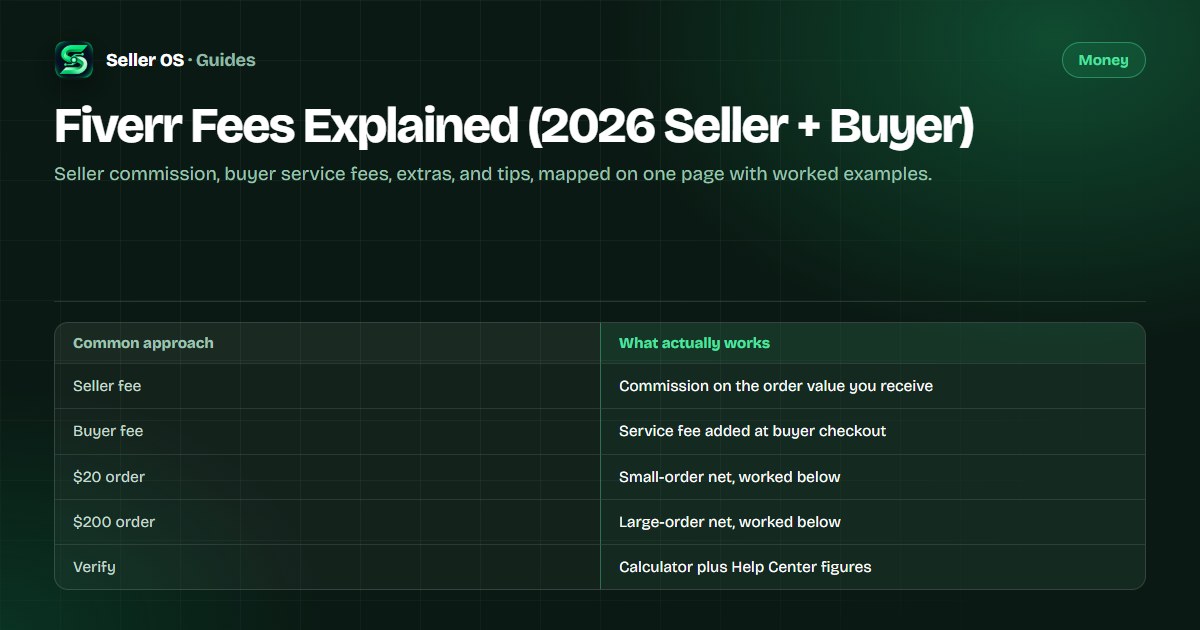
According to the Fiverr Help Center, the seller fee is a fixed share of each order's value: 20% of the order total. A $20 order leaves you $16 before any withdrawal charges, and a $200 order leaves $160. The share is the same at both sizes, which is why small orders feel the fee more once fixed withdrawal costs enter the picture.
The commission applies to the whole order value, including gig extras added to the package. If a buyer orders a $50 package plus a $30 extra, the fee applies to $80. Price extras with the same net math you use for packages, because Fiverr does not treat them as a separate, fee-free bucket.
| Order value | Seller fee (20%) | You keep |
|---|---|---|
| $20 | $4.00 | $16.00 |
| $200 | $40.00 | $160.00 |
What your buyer pays at checkout
Buyers pay a service fee on top of the package price, shown before they confirm payment. The Help Center describes this fee as a percentage of the order with a small fixed component, and the exact amount moves with the order total. Your buyer sees the final figure at checkout, so there is no surprise for you to manage on your side.
This matters to you because the buyer compares your price plus their fee against alternatives. A $50 gig can read as a noticeably larger charge once the service fee is added. Clear scope and a clear delivery date do more to carry that total than trimming your own price does. The pricing guide covers positioning in depth.
How extras and tips are treated
Extras behave like part of the order: they raise the order value, and the seller commission applies to the raised total. That makes extras a clean way to grow revenue without adding orders, since the fee treatment matches the base package exactly.
Tips appear separately on completed orders. Fiverr presents the tip as an addition to your earnings rather than part of the priced package. Because tip handling can change, confirm the current treatment in the Fiverr Help Center before you count on any particular figure.
- Packages and extras share the same commission treatment.
- Buyer service fees sit outside your earnings and outside your control.
- Tips are recorded separately from the package price.
Where to verify the current figures
Fee pages age fast, so build a verification habit. Check the order page for the buyer-side total, your earnings dashboard for the seller-side net, and the fee calculator when you test a new price. When this guide and a live page disagree, the live page wins.
The Help Center is the source of record for policy wording: what the commission covers, how the buyer fee is structured, and how newer products such as early payout or cash advances are priced. Bookmark the fee articles there and recheck them each time you raise prices.
A pricing habit that survives the fees
Set prices from the net backward. Decide the take-home you need per order type, add the commission back on top, and sanity-check the buyer-side total. A $25 package nets $20; if $20 does not cover the work, the package is underpriced no matter how many orders it wins.
Revisit the habit each time you add an extra or raise a package. Small, regular adjustments beat rare, large jumps, and each one takes a minute with the calculator. The orders math guide shows how nets compound across a month of orders.
- Start from the net you need, not the price that looks nice.
- Recheck the buyer-side total after every change.
- Recheck the Help Center figures once per quarter.
Where Seller OS helps
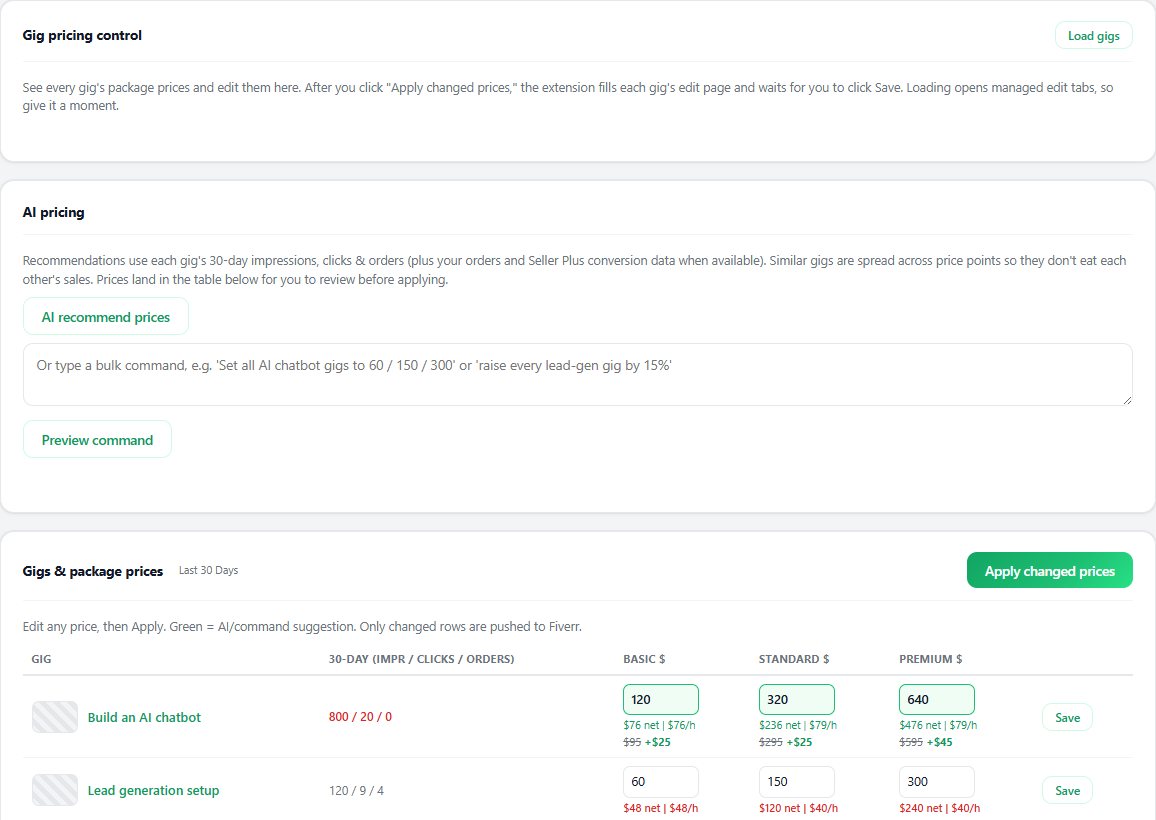
Seller OS does not set your prices, but it keeps the arithmetic visible while you work. The pricing view and the fee calculator sit next to your gig data, and client records and order history stay in Chrome local storage where you can review them.
As with every Seller OS workflow, the extension drafts and fills while you decide. It never publishes a price or edits a live gig on its own; a person completes every Save, Continue, or Publish action.
Fiverr Fees Explained questions
How much does Fiverr take from sellers?
Fiverr describes the seller fee as 20% of each order's value, so a $20 order nets $16 and a $200 order nets $160 before withdrawal charges. Extras count toward the same order value and carry the same treatment. Because figures can change, confirm the current rate in the Fiverr Help Center before you lock in new prices.
What do buyers pay on top of the gig price?
Buyers pay a service fee at checkout on top of the package price, and the final total is shown before they pay. The amount moves with the order total, so larger orders carry a larger fee. You cannot change or waive it, which is why your gig page should justify the full buyer-side total with clear scope and delivery terms.
Do Fiverr fees apply to gig extras?
Yes. Extras raise the order value, and the seller commission applies to the full total rather than only the base package. A $50 package with a $30 extra is an $80 order for fee purposes. Treat every extra as part of the same net calculation you use for packages, and test the combined price before publishing.
Where can I check the current Fiverr fee rates?
Start with the Fiverr Help Center, which is the source of record for commission wording and buyer-fee structure. Then check your own earnings dashboard, where every completed order shows the net you actually received. Use those two together whenever you change prices, and treat any third-party summary as background rather than authority.
Price from the net backward.
Check every package and extra against its take-home before you publish.