 Seller OS
Fiverr seller levels explained: Level 0, 1, 2, and Top Rated
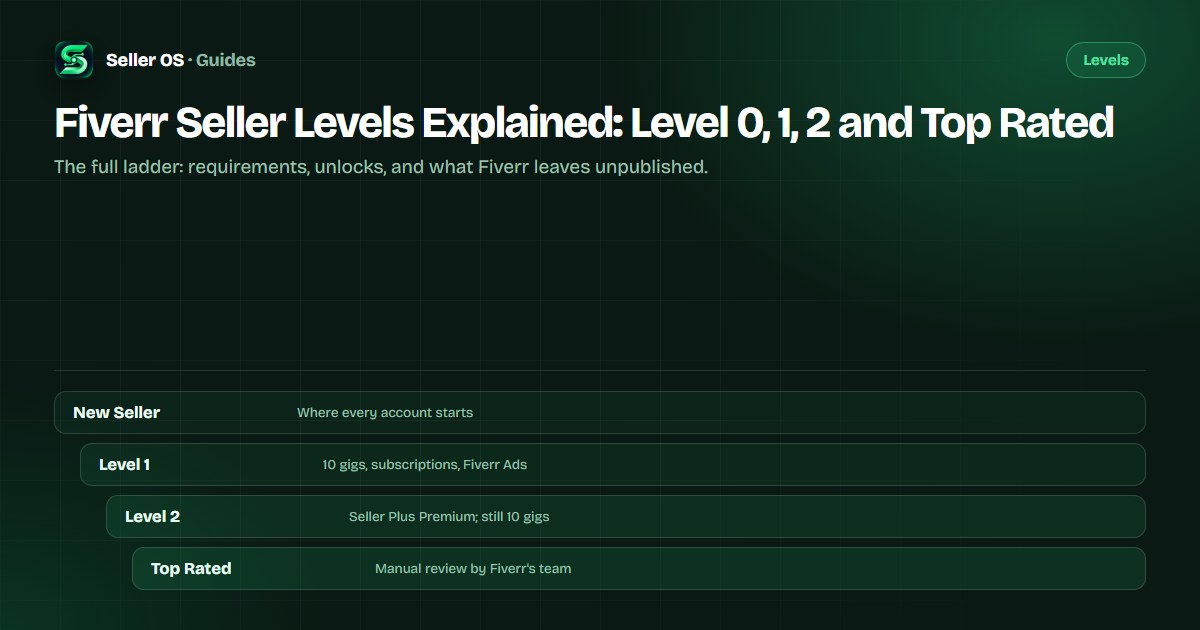
Fiverr assigns every seller a level, from New Seller through Level 1 and Level 2 to Top Rated, using six published metrics. The levels are not decorative: they decide how many gigs you can run, which features you can unlock, and how much of your standing buyers can see on gig cards.
This page is the reference. It covers the full published requirements table as of September 2026, what each level unlocks, how movement up and down works, and the numbers Fiverr does not publish. The companion guides turn each step into a plan.
Free plan available. Local-first data. Human review on every change.
The six metrics behind every level
Fiverr's Help Center describes a level system that tracks your progress across key metrics and assigns a level automatically. The current published levels are New Seller, Level 1, Level 2, and Top Rated, and every level decision uses the same six metrics: Success Score, Rating, Response Rate, Orders, Unique Clients, and Earnings.
Level 1 and Level 2 advance automatically once all six criteria are met, while Top Rated additionally requires a manual evaluation. Only the top-level requirements differ between levels; the machinery is identical.
- Success Score: a 1-10 score shown only to you, built from six areas per gig.
- Rating: the average star rating used for the level check.
- Response Rate: first replies to new messages within 24 hours.
- Orders: completed orders counted toward the level.
- Unique Clients: how many different buyers those orders came from.
- Earnings: the revenue completed orders produced.
“To move up to Level 1 or Level 2, you must meet the criteria in all six metrics. Once you qualify, you'll move up automatically within 24 hours. To progress to Top Rated, you will also need to pass a manual evaluation to confirm your eligibility.”
— Fiverr's Help Center, Understanding Fiverr's freelancer levels, September 2026
The published level requirements table
As of September 2026, Fiverr's published criteria require all six metrics at once. The table below reproduces the thresholds for the three named levels. New Sellers are not on it: every account starts as a New Seller after onboarding, and Level 0 is the state used when a seller falls below Level 1.
Fiverr publishes the rating metric as covering the past two years and the response rate as covering the last 90 days. It does not publish the equivalent windows for orders, unique clients, earnings, or the Success Score. Your Level Overview shows the current requirements and your progress against them, which is the authoritative place to check.
If a number here looks different from what you remember, re-check Fiverr's own page rather than this summary. Fiverr updates Help Center articles without publishing a change log, and third-party guides are often a year or more behind.
| Metric | Level 1 | Level 2 | Top Rated |
|---|---|---|---|
| Success Score | 5+ | 7+ | 9+ |
| Rating | 4.4+ | 4.6+ | 4.7+ |
| Response Rate | 80% | 90% | 90% |
| Orders | 5 | 20 | 40 |
| Unique Clients | 3 | 10 | 20 |
| Earnings | $400 | $2,000 | $10,000 |
What each level actually unlocks
Levels gate practical capacity. Fiverr's published benefits table lists active gig limits of 4 for New Sellers, 10 at Level 1, 10 at Level 2, and 30 at Top Rated. Every gig status counts toward the limit except deleted gigs and automation gigs such as Logo Maker and Consultation services.
The gig limit is the benefit sellers feel first, because it caps how many offers you can test. Subscriptions and ads matter for growth: Fiverr's freelancer article states that subscription gigs must be priced at $10 or more, and Fiverr Ads are limited to Level 1 and above.
| Benefit | Unlocked at |
|---|---|
| 10 active gigs | Level 1 |
| Subscriptions | Level 1 and above |
| Fiverr Ads | Level 1 and above |
| Seller Plus Standard | Level 1 and above |
| Seller Plus Premium | Level 2 and above |
| Early Payout and priority support | Top Rated only |
Level 0 and how demotion works
Below Level 1 sits Level 0, the state Fiverr uses when a seller no longer meets the Level 1 criteria. Fiverr states that if your performance drops below the criteria for your current level, you enter a 30-day grace period, and that your level may change at any time due to periodic evaluations.
Two official notes soften the edge: Fiverr's FAQ says it is easier to move up and more difficult to be moved down, and the level page says metrics such as seniority, days without warnings, order completion rate, and on-time deliveries are no longer directly related to level status. One harder note is worth knowing: Fiverr says that if your Success Score drops to a critically low level, your account is labeled low performance and your visibility is affected.
“If your metrics fall below the criteria for Level 1, you will move to Level 0.”
— Fiverr's Help Center, Understanding Fiverr's freelancer levels, September 2026
The Success Score inside the levels
The Success Score is the least transparent metric in the set. Fiverr says it evaluates each gig in six areas: client satisfaction, effective communication, conflict-free orders, order cancellations, delivery time, and value for money. Gigs with more orders carry more weight, and more recent or higher-value orders may count more. The formula and weights are not published.
Two official properties prevent misreading. The score is relative: Fiverr says it is based on your performance relative to other freelancers in your price range, and that a score of 10 is not required for success. And it is not punished by silence: Fiverr states the score does not decrease simply due to inactivity or lack of new orders. Clients never see the score; they see your level.
Practical read: when the Success Score is your weakest metric, the fastest honest move is usually the area Fiverr marks as having the strongest negative impact for a specific gig. The Scores by Gig view exists for exactly that diagnosis.
What Fiverr does not publish about levels
Several numbers that circulate widely are not on Fiverr's pages. There is no published requirement for active days on the platform; figures like 60, 120, or 180 days do not appear in Fiverr's criteria table or FAQ. Nor does Fiverr publish the evaluation windows for orders, unique clients, earnings, or the Success Score, beyond the rating and response-rate windows named earlier.
Fiverr also does not publish what the Top Rated manual evaluation weighs beyond its four-pillar description, or whether the criteria table itself has changed since the 2024 leveling rollout. The instruction for sellers is simple: trust the Level Overview screen, which shows the current requirements and your actual progress.
Fiverr's Understanding Fiverr's freelancer levels article is the source for the tables above; re-check it before trusting any number from memory, because Fiverr updates these pages. Treat this guide as a map, never as a substitute for your own Level Overview.
Reading levels without obsessing over them
The levels work best as a maintenance schedule, not a scoreboard. Check the six metrics monthly, fix the weakest one, and leave the rest alone. Most of the metrics are outputs, orders, clients, and earnings, that you influence by doing the work rather than by watching them.
When you are ready to move, the action plans matter more than the table. The Level 1 plan covers your first five orders, the Level 2 plan covers consistency at higher volume, and the Top Rated guide covers the manual evaluation honestly. Start with the level you are on.
One rule keeps the whole system in perspective: the level is a lagging indicator. It moves after the orders, ratings, and responses do. Improving the inputs is the only reliable way to move the output.
Where Seller OS helps
Seller OS keeps your level work in view without turning it into a dashboard habit. The Success Score guardian in the Pro monitors watches the areas Fiverr shows for your gigs and flags movement while Chrome is open, and the reports view pairs those signals with the orders and response activity behind them.
When a metric needs attention, the action queue points at the specific input: an unanswered first message, a delivery at risk of being late, or a client who went quiet. It watches and reminds; it never messages clients or changes a gig on its own.

Fiverr Seller Levels Explained questions
What are the Fiverr seller levels in order?
Fiverr's current levels are New Seller, Level 1, Level 2, and Top Rated, with Level 0 used when a seller falls below the Level 1 criteria. Fiverr Pro is a separate vetted designation, not a level. Levels are assigned automatically from six metrics, and Top Rated additionally requires a manual evaluation.
What is a good Success Score on Fiverr?
The published level thresholds are 5 or more for Level 1, 7 or more for Level 2, and 9 or more for Top Rated, all relative to other freelancers in your price range. Fiverr explicitly says a score of 10 is not required for success, and it does not publish the formula or weights behind the number.
Does Fiverr demote sellers right away?
Fiverr states that if your performance drops below the criteria for your current level, you enter a 30-day grace period, and that your level may change at any time due to periodic evaluations. If your metrics fall below the Level 1 criteria, Fiverr says you move to Level 0.
Do Fiverr levels reset every month?
Fiverr does not publish a monthly reset. It says levels are tracked automatically across the six metrics and may change at any time due to periodic evaluations, with a 30-day grace period when performance drops below your current level's criteria. Check your Level Overview for the current requirements and your progress.
Know the bar before you chase it.
Check your Level Overview, fix the weakest of the six metrics, and read the plan for the level you are on.