 Seller OS
Fiverr Success Score: what it is and how to protect it
Fiverr's Success Score summarizes how your gigs perform across the areas Fiverr tracks. The formula is not public, but the habits that move the score are visible in your own dashboard, and they are the same habits that keep orders arriving. Read the score as a direction, protect the inputs you control, and treat one bad week as data rather than a verdict.
Free plan available. Local-first data. Human review on every change.
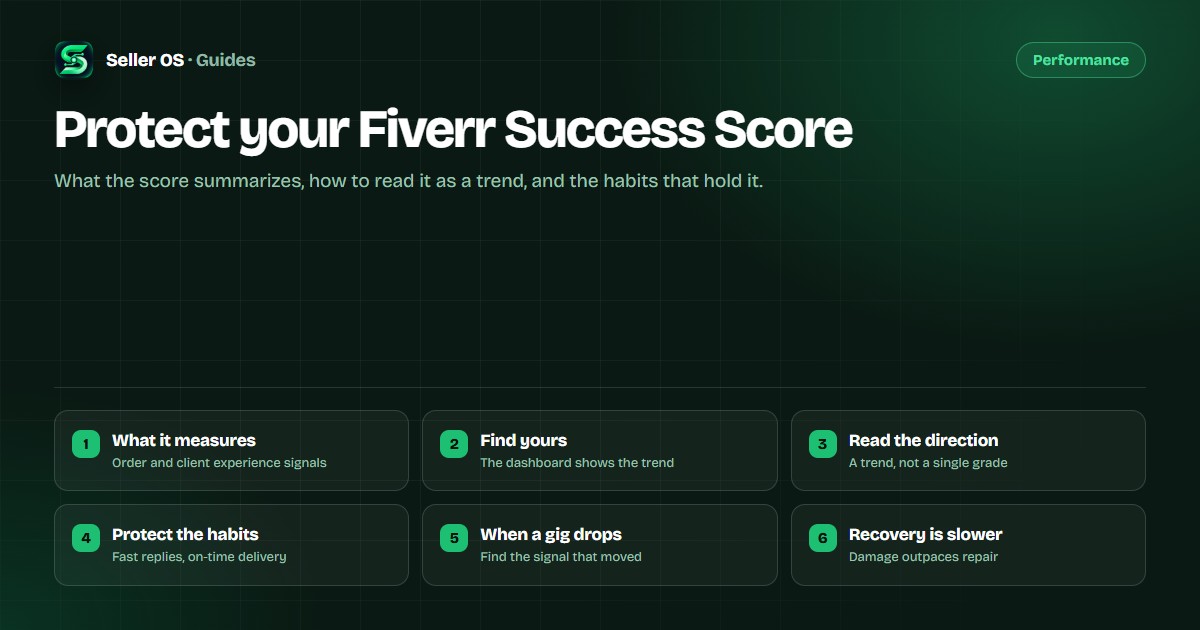
What the Success Score actually measures
Fiverr presents a score alongside key areas it says feed that score. Your dashboard is the source of truth for which areas are shown and how the number is described, because Fiverr can change both the factors and their weight without publishing a formula.
Two layers matter. The account-level score follows you across every gig, and individual gigs show their own scores. A strong account score can carry a weak gig for a while, but a gig that keeps losing buyers eventually shows up in the account number too.
Where to find yours
Your seller dashboard shows the score and its key areas, usually near the level and performance information. Open it from the same account you sell with; the number is per account, not per browser.
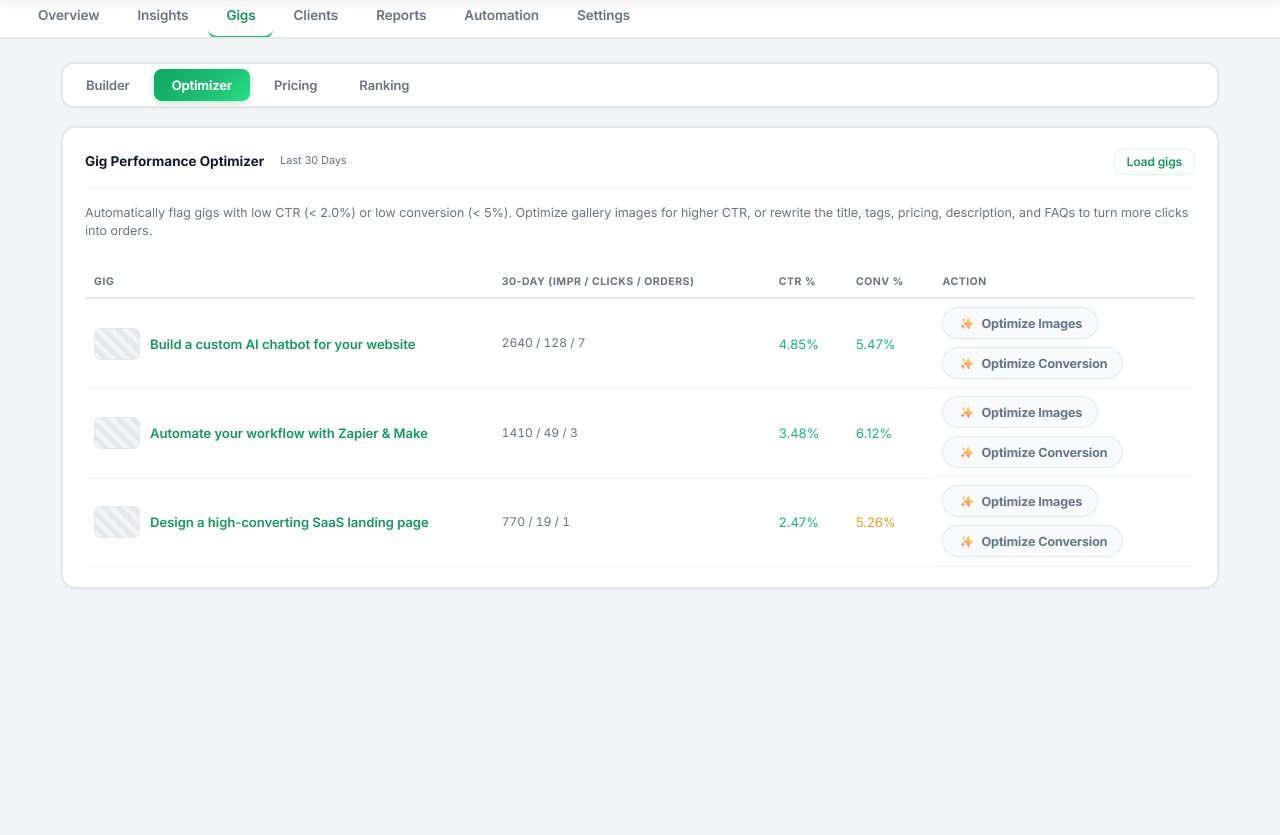
The Seller OS Gigs tab shows the same score history next to each gig, including the gig's 30-day high, its weakest area, and any sub-category overlap warning. That local history makes a slow slide visible before it becomes a surprise.
Read it as a direction, not a grade
A score is a lagging indicator. It summarizes orders you already delivered, so it moves after the work, not before it. One week of movement is mostly noise; a trend over several weeks is the signal worth acting on.
Compare each gig to its own history rather than to another seller's number. A gig at 6 that has held 6 for months is stable, while a gig at 8 that fell from 10 in three weeks has a problem worth finding.
The habits that protect it
Protection is unglamorous and repetitive: deliver before the deadline, answer messages quickly, keep revisions inside what the package promises, and talk a problem through before it becomes a cancellation. Those four habits cover most of what the key areas track.
Two more help. Send a short progress update on longer orders so the buyer never wonders, and flag a risk early instead of hoping it resolves. Buyers forgive a delay they were told about; they rarely forgive silence.
When a gig's score drops
Start with the weakest key area, not with a rewrite. If delivery time is the weak area, changing your title will not help. Find the area that moved, then look at the orders and conversations from the same period. For a structured walkthrough of likely causes, see what to check when your Success Score drops.
Change one thing and give it time to show in new orders. Editing several fields at once makes the result unreadable, and panic edits to a gig that is still converting usually cost more than they recover.
Recovery is slower than damage
There is no reset button and no appeal that removes a bad week. The score rebuilds through a volume of clean orders: on-time delivery, no cancellations, satisfied buyers. That takes as long as it takes to complete those orders, which is why prevention is cheaper than repair.
Keep your gigs live while you recover. Pausing or deleting removes the orders that would rebuild the history, and a new listing starts from zero.
What each part of the score means
Fiverr's Help Center names six key areas behind the Success Score: client satisfaction, effective communication, conflict-free orders, order cancellations, delivery time, and value for money. Your dashboard is where they appear for your account, and on the level overview page you can expand each gig under "Scores by Gig" to see which areas had the strongest impact, positive and negative.
Read each area as a description of the orders behind it, not as a separate exam. Client satisfaction and value for money move with how buyers judged the order against what they paid; effective communication moves with how you handled the conversation; conflict-free orders and order cancellations move when an order goes wrong; delivery time reflects how often you deliver on time or ahead of schedule, including the frequency of late deliveries. Fiverr's own list of things that can pull the score down maps to the same areas: negative reviews, late deliveries, cancellations, poor communication, conflicts, and decreased client satisfaction.
Fiverr does not publish the formula, the weights, or the exact lookback window, so treat any precise weighting you see quoted elsewhere as unofficial. Fiverr does say that gigs with more orders carry more weight, that higher-value and more recent orders may have a greater impact on a gig's score, and that the score is relative to other freelancers in your price range. That is why comparing each gig to its own history is more useful than comparing numbers across sellers.
Account and gig scores feed the level system, but they are one of six level metrics alongside rating, response rate, orders, unique clients, and earnings, and the published Success Score entry points (5+, 7+, and 9+ for Level 1, Level 2, and Top Rated) only count when the other criteria are met too. When one area moves, check that area first against the recent orders it reflects, and leave a gig that is still converting alone until you know the movement is not noise. For the full walkthrough, see what to do when your Success Score drops and the Fiverr level system guide.
Where Seller OS helps
The Success Score guardian is a Pro monitor that refreshes your seller levels while Chrome is open, records a bounded score history per gig, and raises one combined alert when a gig falls at least your threshold below its recent high. Free keeps the local history and the Gigs tab view; only the scheduled check is Pro.
The same tab shows the weakest scoring dimension and a sub-category overlap warning, so the first question after a drop is already answered. Everything is observation and draft: Seller OS never sends, saves, or publishes on its own.
Fiverr Success Score questions
Does the Success Score decide my seller level?
Fiverr evaluates levels using several requirements and performance signals, and the Success Score is part of that picture rather than the whole decision. Your dashboard shows the current requirements, so read them there instead of guessing from the score alone.
Can I see which order caused a score drop?
Usually not as a single attributed order. Fiverr shows the key areas behind the score, not a line-by-line blame list. Compare the timing of the drop with your recent orders, deliveries, and conversations to find the likely cause.
Should I delete a low-scoring gig to protect my score?
No. Deleting a gig starts a new listing with no history, and the habit that produced the low score follows you. Find the weakest key area and fix the cause on the gig you already have.
How often should I check my Success Score?
Weekly is enough to see a trend without chasing noise. Daily checks mostly show normal variation. The Seller OS Success Score guardian can refresh the numbers on a schedule and alert you when a gig falls below its recent high.
Protect the score before it slides.
Track each gig against its own recent high and get one alert when something drops.