 Seller OS
Fiverr impressions dropped overnight: triage order
An impressions drop that happens overnight feels like an emergency, but most of the time it has one of a few explainable causes. The work is to check them in an order that rules out the cheap ones first, so you do not rewrite a healthy gig over a dashboard lag.
This guide walks a triage sequence: confirm the drop is real, check the gig's status, test whether search still serves it, decide whether demand or your account moved, and only then touch the listing.
Free plan available. Local-first data. Human review on every change.
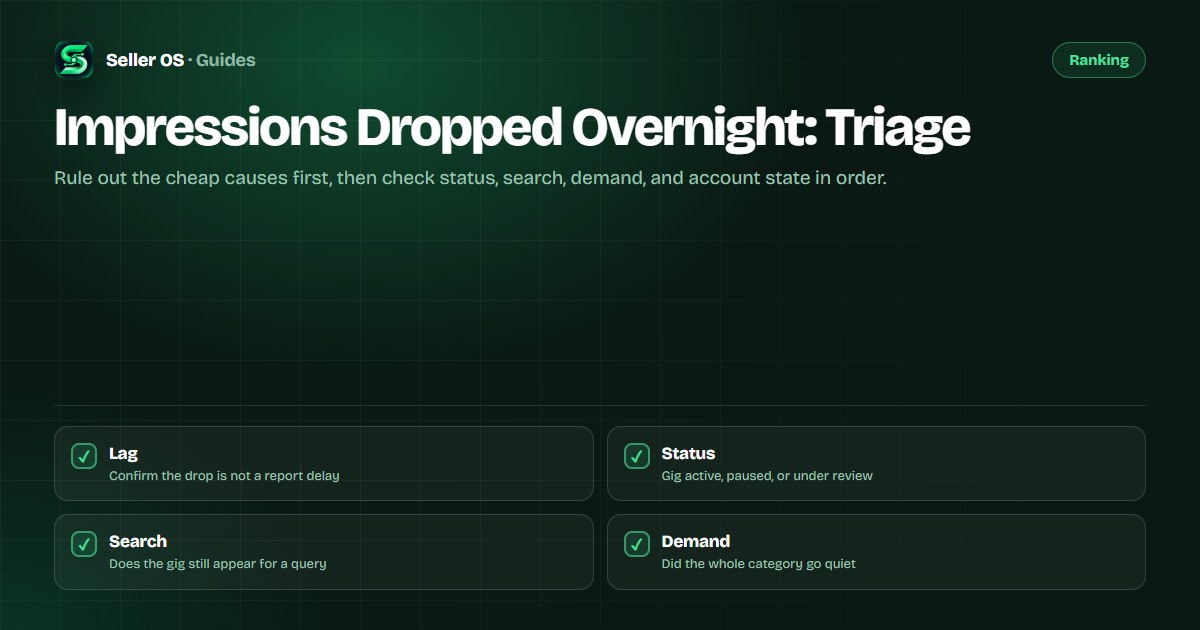
Rule out a reporting lag first
Before diagnosing your gig, confirm the drop is real. Analytics update on their own schedule, and a single quiet day can look like a collapse until the numbers catch up. Check the date range you are reading, and compare whole weeks rather than two adjacent days.
Impressions are counted across the surfaces where your gig appears, not just search. A change on one surface can move the total without anything being wrong with the listing. When in doubt, wait a day and re-read the same range.
Set the comparison honestly before you judge the number. Pick the same date range you used last week, note the total, and keep a short log of the reading and the date. A drop that exists only between two single days is often just the shape of a quiet weekend.
Is the gig active?
Open your Gigs list and check status, not just the count. A gig can be paused, denied, or under review, and any of those removes it from the surfaces that generate impressions. Fiverr's Managing your Gigs article covers the states and what each one means.
Also check your availability. Setting Availability or an out-of-office pause changes whether buyers can reach you, and that change can show up as an impression drop before you notice the setting.
- Active — visible on the surfaces that count impressions.
- Paused by you — removed from search until you resume it.
- Paused or denied after review — hidden while an edit is checked.
- Out of office or availability change — buyers may be unable to order.
Is search still serving the gig?
If the gig is active, test whether it still appears. Sample a long-tail query you rank for from a private window and note whether the gig shows at all. Impressions can keep coming from browsing surfaces even when one specific query stops showing your listing.
A drop for one keyword is not a gig failure. Fiverr's results are assembled per query and personalized, so a phrase can reshuffle without your gig changing. Watch the neighboring gigs: if they moved with you, the page changed rather than your listing.
Test from a clean session so the reading means something. A logged-in check can surface your own gig because of your browsing history, so use a private window and the same location setup each time. Record either the page and position or a plain not-seen note.
Seasonality or your gig?
Seasonal demand moves entire categories at once. Compare your trend to the category around you: if competing gigs are quiet in the same weeks, demand is down, not your listing. If they are steady and only your impressions fell, the change is local to you.
Look at the shape of the drop as well. A gradual decline over weeks reads differently from a cliff that started on one date. A cliff usually points at a status change, an edit, or a policy event; a slope often points at demand or competition.
A useful trick is to compare two periods of equal length, such as this month against the same month last year, rather than against the busiest week you remember. Demand for many services is seasonal, and a fair comparison keeps the seasonal hum out of the diagnosis.
Check your account state
Account-level conditions affect visibility across every gig at once. A warning, a metric that fell below a level criterion, or a pending review can sit behind a broad impression drop. Read your level overview and any notices before editing a single gig.
Fiverr's freelancer levels article lists the criteria, and dropping below one of them can change what you are eligible for. If something is flagged, resolve that first; editing gigs will not fix an account-state problem.
Check availability with the same care, because it is easy to forget and easy to undo. If you turned on out-of-office for a break and never turned it back on, the fix is a single setting, not a weekend of gig edits.
What to do once you know which it is
Once the checks above point to a cause, the response differs by case. Work the matching row below and resist changing several things at once, because that erases your ability to tell what actually worked.
Status problem
restore the gig or resolve the review, then let the surfaces catch up.
Search problem
confirm with two or three queries and re-check after a week before editing anything.
Seasonal problem
hold steady, keep delivering, and expect the page to recover with demand.
Account problem
read the notice, fix the metric, and let the published grace period do its work.
Your-gig problem
change one variable and re-measure against the same queries.
Never do all of them at once
you lose the ability to tell which change mattered.
Where Seller OS helps
Seller OS is built for the observing side of this triage. The local rank tracker samples your keywords on a schedule and stores the history, so an overnight cliff appears as a line rather than a feeling. Gig and order records stay in Chrome local storage.
It cannot see Fiverr's internals and does not claim to. It records what a browser session can see, on a fixed schedule, so seasonality and status changes are easier to separate.

Impressions Dropped Overnight questions
Why did my Fiverr impressions drop to zero overnight?
A sudden zero usually points at a status or account change rather than demand. Check the gig state first, then your availability setting, then any notice on your account. If the gig is active and search still serves it, look for a reporting lag before assuming the worst.
How long should I wait before editing my gig after a drop?
Give it at least a week of consistent readings before making changes. A single quiet day is often noise or a dashboard lag, and editing on noise can send the listing for review. Confirm the direction over several days, then change one thing at a time.
Is an impressions drop always my gig's fault?
No. Impressions move with seasonality and with page-level reshuffles that affect every gig in a category. Compare your trend to neighboring gigs: if they moved too, demand or the page changed. If only yours fell, the cause is local and worth a focused check.
Can editing a gig cause impressions to drop?
A significant gig edit can send the listing for review, and a gig under review is not served in the meantime. That pause can read as an impression drop. Make edits deliberately, one change at a time, and expect a short review period after large revisions.
Triage before you touch the gig
Check status, search, seasonality, and account state in order, and save your edits for after you know which one moved.