 Seller OS
Stopped getting Fiverr sales? A seven-point recovery plan
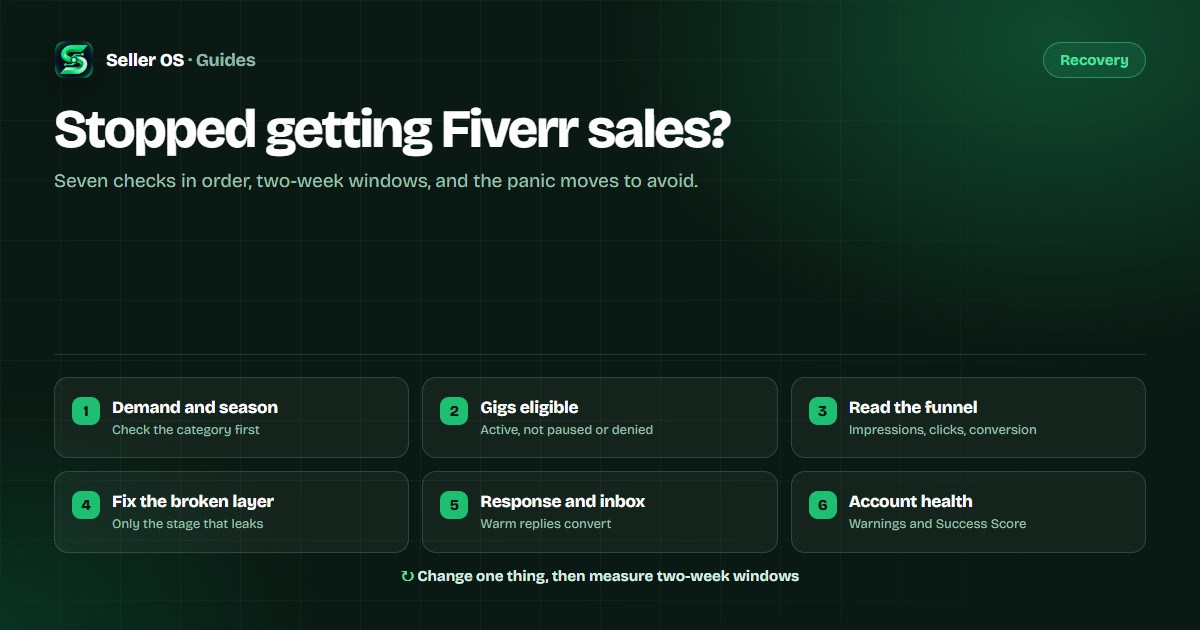
Sales stopped and nothing obvious broke. Work down this list in order: demand and seasonality, gig status, impressions, clicks, conversion, response time, account health. Change one thing per two-week window so you know what moved.
Free plan available. Local-first data. Human review on every action.
1. Check demand and seasonality first
Before you touch a gig, ask whether the quiet is yours or the market's. Search your main keywords and study the top gigs. Are their positions stable? Does demand look soft for the season? Some services slow at predictable times of year. Fiverr search results vary by time, account, and location, so one check is directional, not proof.
If several sellers in your category look quiet, timing may be the problem. Keep delivering quality and hold your positioning. For ways to actively bring orders in rather than wait for demand, see how to get more Fiverr orders.
2. Confirm your gigs are active and eligible
Paused gigs, out-of-office settings, denied edits, incomplete requirements. Any one of them removes you from consideration. Open every gig and confirm it is active, that delivery time and pricing are current, and that nothing is waiting on a Fiverr review. Check for warnings or account notes that might be limiting visibility.
3. Read the funnel: impressions, clicks, conversion
Three numbers, three different fixes. Fiverr reports impressions, clicks, and conversion for each gig, so read them separately. The Fiverr gig performance guide walks through the same three numbers. Say a gig shows 4,000 impressions, 240 clicks, and 3 orders. A month later it shows 4,000 impressions, 120 clicks, and 2 orders: visibility held, and the click promise weakened.
Impressions down
Visibility fell. Check relevance (title, tags, category), recent edits, gig status, and who else competes on the keyword.
Impressions fine, clicks down
The gig is visible but not compelling. Rework the title promise and the thumbnail before you touch the description.
Clicks fine, orders down
People arrive and leave. Look at the description, packages, pricing, FAQ, and requirements.
4. Fix the layer the numbers point to
Title and thumbnail
Front-load the buyer's phrase and the outcome, and make the thumbnail readable at small sizes. The title caps at 80 characters, and the "I will" prefix counts as six, so every word has to earn its place.
Description and packages
State deliverables, turnaround, and what you need from the buyer. Keep the three tiers easy to compare, and stay inside the 1,200-character description limit.
Pricing
The 20% Fiverr fee decides what you actually keep; the free Fiverr fee calculator runs the number. Cutting prices to win a slow week trains buyers to wait for discounts and can leave the work unprofitable.
5. Tighten response time and inbox handling
Slow replies lose orders that were nearly yours. Batch the inbox into a few sessions a day, answer new briefs first, and keep follow-ups from going stale. Response time and buyer satisfaction feed visibility, and an unanswered message is a sale you never see.
6. Check account health: warnings and Success Score
Account issues show up everywhere. Review any warnings, your Success Score, and the signals behind it: response time, on-time delivery, completion rate, buyer satisfaction. One late delivery or cancellation can weigh on visibility across gigs, so fix the process rather than the gig page.
7. Change one thing, then measure in two-week windows
Write down what you changed and when. Give each change enough time to collect impressions and clicks; daily judgment produces noise, not evidence. If a change does not help, revert it and test the next hypothesis.
What not to do when sales slow down
- Do not panic-edit. Rewriting everything at once destroys the experiment.
- Do not slash prices first. It rarely fixes visibility and can hurt positioning.
- Do not buy engagement. It risks the account and creates no real signals.
- Do not copy a competitor word for word. Copy the structure, not the identity.
- Do not check rankings hourly. Weekly is enough to see a trend.
Where Seller OS helps
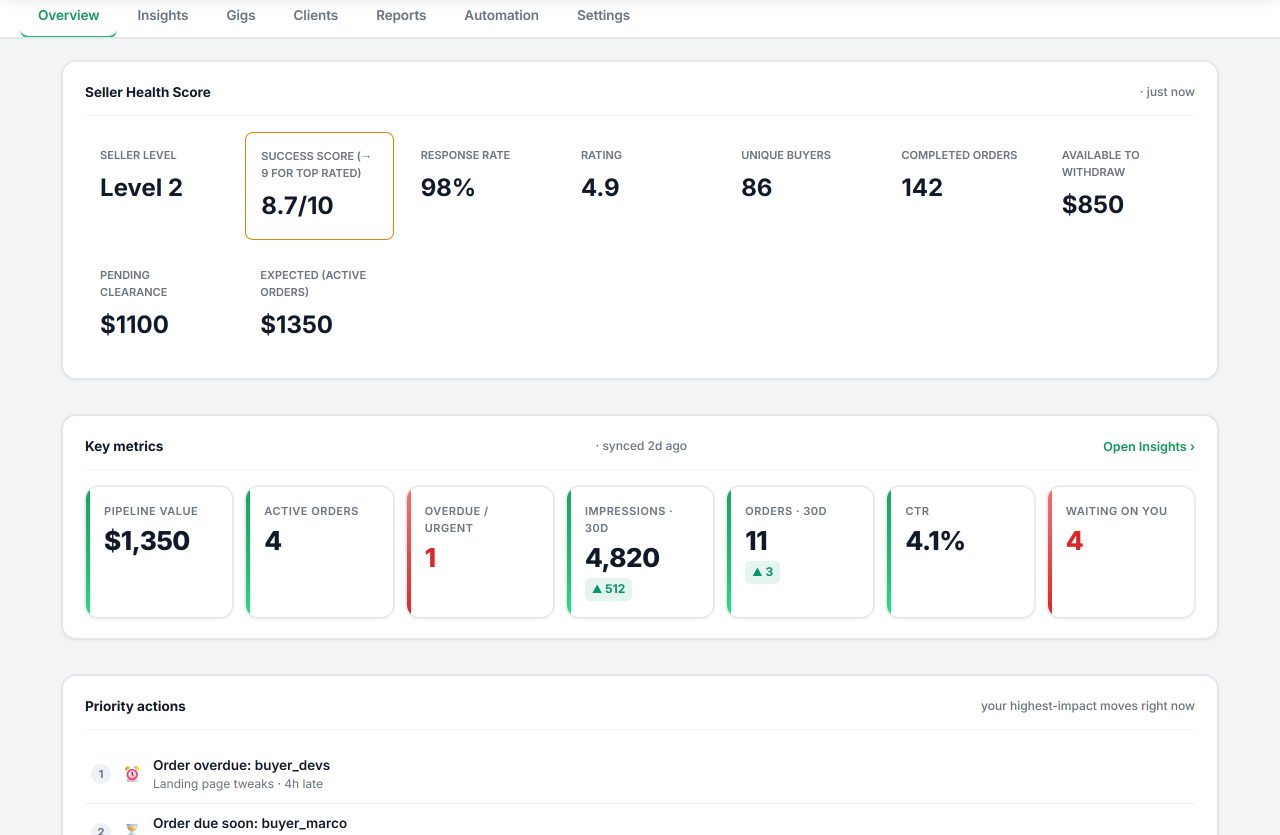
Seller OS gives you the overview first: gig health, the daily action queue, and the numbers behind each gig, so the seven checks above start from data instead of a feeling. The Gig Performance Optimizer audits a live gig against its own impressions, clicks, and conversions and keeps a history of the changes you apply, and optional Pro monitors watch ranks, deadlines, briefs, and Success Score drops while Chrome is open.
Nothing sends or publishes automatically, and no tool can guarantee orders — but you can stop guessing which layer broke. See the Fiverr seller tools guide for the full workflow.
Fiverr sales recovery questions
How long before I should judge a change?
Give a change enough time to collect impressions and clicks, then compare with the period before it. Two weeks is a practical starting window; daily checks mostly produce noise.
Should I lower my prices to get orders moving?
Not as a first move. A slow patch is more often visibility or conversion than price. If you do change pricing, make it a deliberate test with a clear end date, and account for the 20% Fiverr fee.
My impressions are fine but orders stopped. Where do I look?
At the gig page itself: description, packages, pricing, requirements, and FAQ. Impressions without orders means people are seeing the gig and not choosing it, so the fix is on the page.
Can a warning or low Success Score affect all my gigs?
Yes. Account-level signals such as warnings, response time, on-time delivery, completion rate, and buyer satisfaction can affect visibility across your gigs, which is why the account check comes before gig-level tweaks.
Find the broken layer fast.
Gig health, audits, and monitors, with every change reviewed and applied by you.