 Seller OS
Fiverr time management for sellers
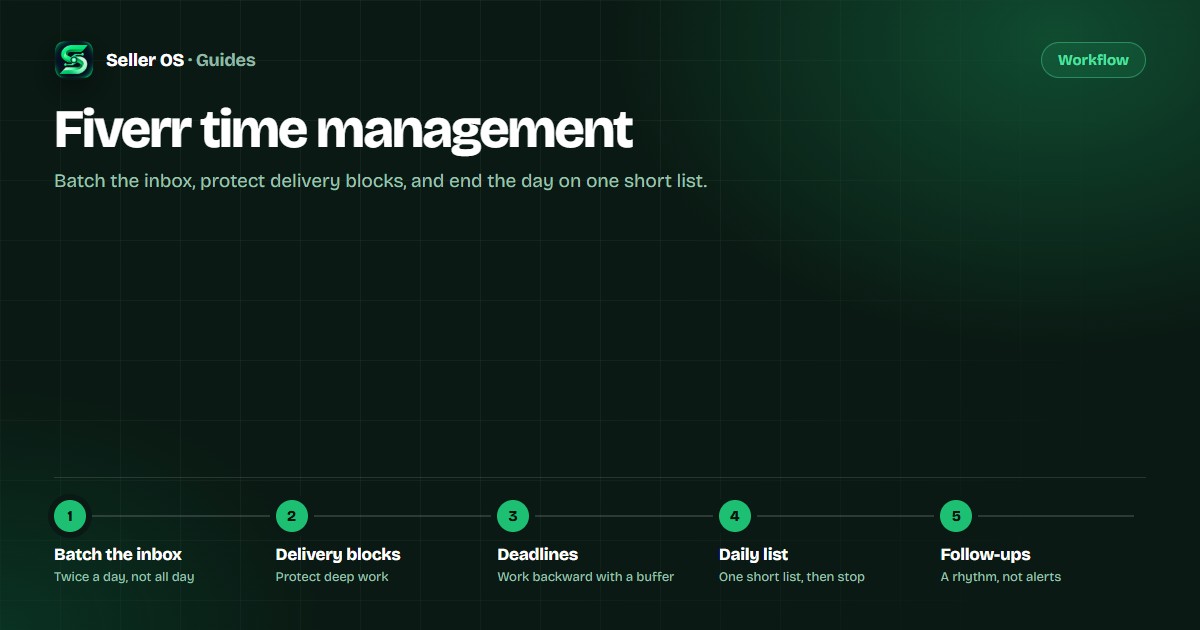
Decide in advance when you answer messages, when you deliver, and when you close the laptop. Two or three reply windows and one protected delivery block will do more for your week than staying online all day.
Free plan available. Local-first data. Human review on every change.
Batch the inbox instead of living in it
Messages arrive all day. Few need an answer the minute they land. Pick two or three windows, then handle the inbox in one pass: read, reply, note what needs a follow-up. A batch session is faster because you are already in writing mode, and it stops one question from fragmenting an hour of delivery work.
Inside a session, answer by consequence: active orders first, then serious inquiries, then everything else. A message like "Can you also add captions? I need it by Friday" is quick to answer inside a window; answered mid-delivery, it costs you the whole context switch. Seller OS drafts replies for you to review, so a batch starts from a draft instead of a blank box.
Protect deep-work delivery blocks
Delivery work needs uninterrupted time. Block two or three hours, close the inbox tab, and work one order at a time. Five open conversations and one deliverable is how an afternoon task stretches into two days.
If buyers expect instant answers during your block, tell them your reply window before the block starts. Most buyers accept a clear rhythm; what they dislike is silence without a boundary. On-time delivery feeds your visibility, and focused blocks are how on-time delivery happens. No schedule survives every busy week, but a protected block keeps one late order from swallowing the whole day.
Work backward from the deadline with a buffer
Take the due date, subtract your realistic delivery time, then subtract a buffer for one revision round and one bad day. That is your internal deadline. The free Fiverr order deadline calculator does the subtraction, including the time zones when the buyer is in another country.
If the internal deadline is already in the past, the order is at risk. Message the buyer before the due date, not after. Buyers forgive a heads-up; they do not forgive a missed deadline with no warning. If the risk is real, the Fiverr order extension guide covers how to ask for more time properly.
Keep a short daily action list
Long lists are where priorities go to hide. Each morning, write only what must happen today: deliveries due, revisions in progress, questions waiting on you, and one growth task such as a gig improvement or a keyword check. If it does not move an order or a gig forward, it does not belong on today's list.
Keep it short enough that finishing is realistic. When the list is done, the workday is done. A steady pace keeps delivery quality consistent through the month; one heroic week is usually followed by a burnt-out one.
Set a follow-up rhythm
Some conversations stall, and stalled conversations become lost orders. Decide in advance when you follow up: when a brief goes quiet, after a quote, before a deadline, and after delivery to invite a review. Keep each message short, specific, and tied to the buyer's goal rather than your need for a reply.
A written rhythm beats memory, because the busiest week is exactly when a follow-up matters most and is easiest to forget.
Why always online is not a strategy
Staying logged in all day feels productive and produces nothing Fiverr measures. Fiverr weighs response time, on-time delivery, completion rate, and buyer satisfaction. None of those improve because a browser tab is open. A schedule you can keep improves them: quick replies inside stated windows, deliveries finished before the deadline, enough rest to do both again next week.
Where Seller OS helps
Seller OS keeps the schedule visible. Its daily action queue collects what needs attention today, and Pro deadline monitors warn you when an order is drifting toward its due date while Chrome is open. Inbox drafts shorten the message sessions, and reports show how your time is actually being spent across orders.
Nothing sends by itself and nothing is filed without you seeing it; every draft and action waits for your review. See the full workflow in the Fiverr seller tools guide.

Fiverr time management questions
How often should I check Fiverr messages?
Batch them. Two or three scheduled inbox sessions a day are enough for most sellers, with deadline alerts as the exception that interrupts you. Constant checking fragments the delivery blocks where the paid work actually happens.
Should I stay online all day to get more orders?
No. Being online does not create the signals Fiverr measures, and it costs you the focused hours that produce on-time deliveries. A reliable response habit matters more than a green dot.
How much buffer should I leave before a deadline?
Enough to absorb one round of revisions and one bad day. Calculate your delivery time honestly, add the buffer, and set the deadline from that number instead of from the fastest possible run.
What belongs on a daily Fiverr action list?
Only the items that move orders forward: deliveries due today, revisions in progress, buyer questions waiting on you, and one growth task such as a gig improvement. Keep the list short enough to finish.
Run the week on a schedule, not on alerts.
Queue today's actions and watch deadline risk with local data and human review on every step.