 Seller OS
Fiverr order extension: when and how to ask for more time
A Fiverr delivery extension moves your delivery date later, and only the seller can request one. The request goes to the client, who has 48 hours to respond; silence accepts it. Because the added time attaches to the original deadline rather than to today, the moment you ask changes how much of it you actually get.
This guide covers the request mechanics, the date math with a worked example, when to ask, a message template you can adapt, and what your options look like if the client declines.
Free plan available. Local-first data. Human review on every change.
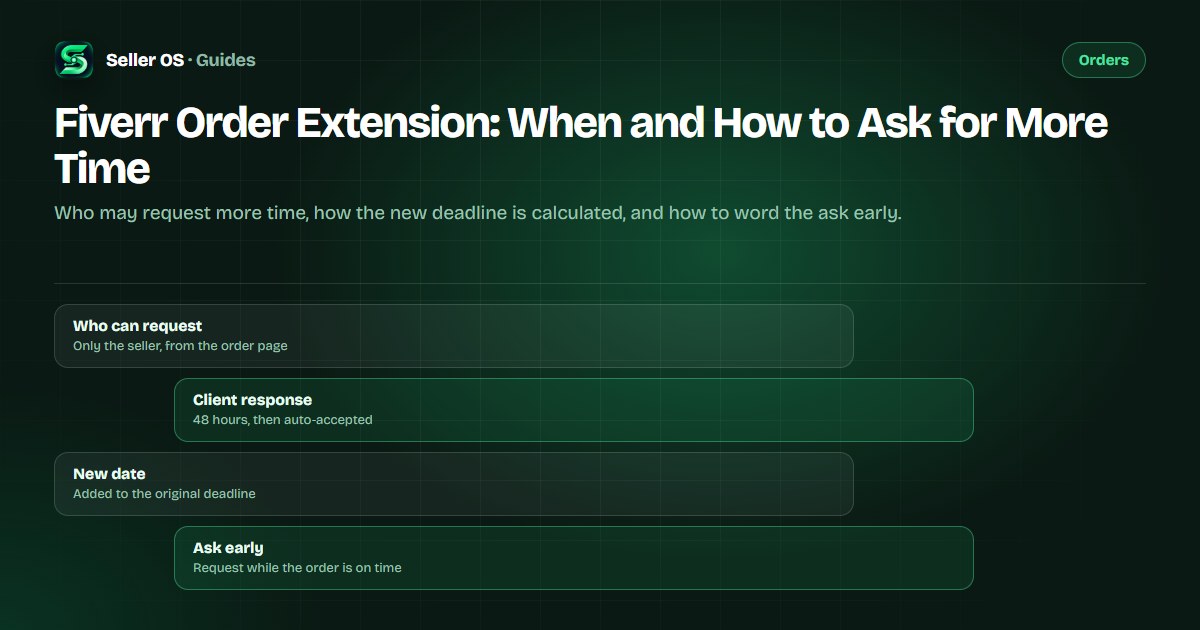
How the extension request works on Fiverr
Only the freelancer can request a delivery extension. You send it from the order page using the Extend delivery date option under the Deliver Now button, and the client gets one job: accept or decline. Fiverr's help center states the client has 48 hours to respond, and if they do not respond in that window, the request is automatically accepted and the delivery date changes.
You can request an extension more than once, and a single request can add up to 60 days. Fiverr's guidance tempers that limit: frequent changes can impact the client's experience, so use it thoughtfully. Delivery extensions also appear among the actions Fiverr describes as enhancing the client experience rather than harming the Success Score.
- Only the seller can send the request; the client can only accept or decline.
- No answer within 48 hours means the request is automatically accepted.
- A decline leaves the original delivery time unchanged.
- One request can add up to 60 days, and requests can repeat.
Extensions add time to the original date
Here is the part that surprises sellers: Fiverr states that an extension adds time to the original delivery date, not to the current date. The official example makes it concrete — if the original deadline was the 1st and you request 3 extra days on the 4th, the new deadline becomes the 4th, not the 7th.
Worked example, hypothetical: your deadline is Friday, September 10. On Monday, September 6 you learn that a client file will not arrive until Wednesday, September 15. Request seven days and the new deadline is Friday, September 17 — September 10 plus seven — which leaves two days of quality-check buffer. Request only five days and the deadline lands on Wednesday the 15th, the same day as the file, with no room left.
| Days requested | New deadline | Room before the delivery |
|---|---|---|
| 5 days | Wednesday, September 15 | None — the file arrives that day |
| 7 days | Friday, September 17 | Two days of buffer before delivery |
| 10 days | Monday, September 20 | Five days of buffer before delivery |
Ask as soon as the risk appears
The right moment is the day you learn the original date is at risk, not the day it breaks. Triggers: a missing dependency, a holding client decision, a late scope addition, or your own capacity slipping. When any of those happens, a request is a planning tool; waiting turns it into a rescue. If the missing piece is a buyer who has gone quiet rather than a file that is late, the unresponsive buyer guide covers the stage-by-stage timing.
Waiting has a cost that Fiverr publishes. Once the deadline passes, the order can be marked Late, and 24 hours later Very Late; from that point the client's cancellation options widen, and the late delivery guide walks through the sequence. No current Fiverr page states that an accepted extension clears a Late mark, so treat the original deadline as the real one until the new date is confirmed.
How to word the extension request
The formal request is half the job; the message beside it decides how the client feels. Four parts carry the whole message: the reason in one line that blames no one, the exact new date, what stays the same, and one option the client controls. Send both together, then stay available.
Template, labeled hypothetical: Hi Maya — quick update on the explainer. The voiceover session moved to Thursday, which puts the original deadline at risk. I have sent a delivery extension to Friday the 17th, five days beyond the original date. Everything else stays the same: same scope, same two revision rounds, and you will still see the first cut before the final files. If Friday does not work, tell me and I will propose another way to protect your launch.
Adapt the four parts, keep the tone factual, and avoid the two failure modes: apologizing more than once, and explaining internal problems the client cannot act on. If the delay exists because the scope keeps moving, more time only postpones the argument. The Fiverr revisions guide covers the revision setup that stops that pattern.
If the client declines, you still have options
Fiverr states that a declined request leaves the original delivery time in place. That switches the job from asking to planning, with four practical routes.
Re-scope the delivery so a smaller version lands on the original date, using a partial refund for the removed scope. Fiverr's published limits apply: active orders only, an order amount over $50, a minimum of $5, and a maximum of 60% of the original price. A second route is asking again for a smaller amount once the client is engaged; Fiverr allows repeat requests but warns that frequent changes hurt the client experience.
A third route is a mutual cancellation through the Resolution Center — clean, but Fiverr lists seller-submitted cancellation requests among the scenarios that affect Order Completion Rate, so save it for orders that cannot proceed. The final route is delivering what exists by the original date and moving the rest into a new order; if the order has already completed, the revision-after-completion guide sorts out the change request.
If the deadline passes anyway, the order can go Very Late, where the client can cancel without your approval, and an undelivered Very Late order auto-cancels 30 days after placement with the buyer refunded. That path affects your Order Completion Rate, so have the conversation early.
| Route | What it looks like | What to watch |
|---|---|---|
| Re-scope | A smaller delivery on the original date; refund the removed part | Partial refunds: active orders, over $50, up to 60% |
| Ask again, smaller | A shorter extension once the client is engaged | Fiverr warns frequent changes affect the client experience |
| Mutual cancellation | The Resolution Center route both sides approve | Seller-submitted cancellations are listed as affecting OCR |
| Deliver and reorder | Freeze the scope; move the rest into a new order | Best when the extra work is genuinely new scope |
Mistakes that turn a request into a problem
The most common mistake is asking on the day the work is due. By then the client has no room to plan, and if the deadline has already passed, the order may carry a Late mark that no extension request is documented to remove. Ask at the first sign of risk, not when the hope runs out.
The second is asking for the maximum simply because it is allowed. Sixty days per request is a ceiling, not a target; request what the work needs plus buffer, and explain the number. The third is asking repeatedly without new information: Fiverr's guide notes that frequent changes can impact the client's experience, so every request should carry a new fact, a date, or a decision you need.
Finally, do not treat a pending request as protection. Until the client accepts, or 48 hours pass and Fiverr accepts for them, your working deadline is still the original one. Plan as if the answer will be no, and a yes becomes breathing room instead of a rescue.
Where Seller OS helps
Seller OS keeps extension decisions from arriving as surprises. On Pro, the deadline guard watches active orders while Chrome is open and flags the ones whose delivery dates are drifting, so you can ask for time while the request still helps. The inbox assistant drafts the message that accompanies the request from the order context, and you edit and send it yourself.
The local deadline view also keeps the math visible: original dates, current dates, and what a given number of days would produce. Nothing is requested, sent, or changed automatically; every action on the order page stays with you.

Fiverr Order Extension questions
Can a buyer request a delivery extension on Fiverr?
No. Fiverr states that only the freelancer can request a delivery extension; the client's side is accept or decline. You send it from the order page, and the client has 48 hours to respond. If they do not respond in that window, Fiverr automatically accepts the request and the delivery date changes.
Does requesting an extension hurt my Success Score?
Fiverr lists delivery extensions among the actions it evaluates as tools that enhance the client experience, in the same group as revisions and partial refunds, which it describes as not negatively impacting the Success Score. What Fiverr does caution about is frequency: its guide says frequent changes can impact the client's experience, so ask only when the work needs it.
What happens if my client declines the extension?
Fiverr states that the original delivery time remains unchanged. From there you have real options: re-scope the delivery with a partial refund, ask again for a smaller amount once the client is engaged, or agree on a mutual cancellation. Seller-requested cancellations are listed among the scenarios that affect Order Completion Rate, so weigh them carefully.
How many days can a Fiverr extension add?
Up to 60 days per request, and you can request more than once. The time is added to the original delivery date, not to the day you ask, so the amount you effectively gain shrinks as the deadline approaches. Ask for what the work needs, plus buffer for review and quality checks.
Buy time before you need it.
Ask while the deadline is intact, add buffer to the original date, and put the new plan in writing.