 Seller OS
Fiverr message templates: what to say to potential clients
Message templates are prewritten answers to the messages you send over and over: the first reply to a brief, the questions before a quote, the quote itself, a delay notice, a revision acknowledgment, and the close-out. The goal is not to sound automated. It is to stop writing from a blank page when a buyer is waiting.
This guide gives you six templates to adapt, the variables to change every time, and the tells that make a message read as copy-paste. It also covers where templates help your response rate and where an automatic reply quietly fails to count.
Free plan available. Local-first data. Human review on every change.
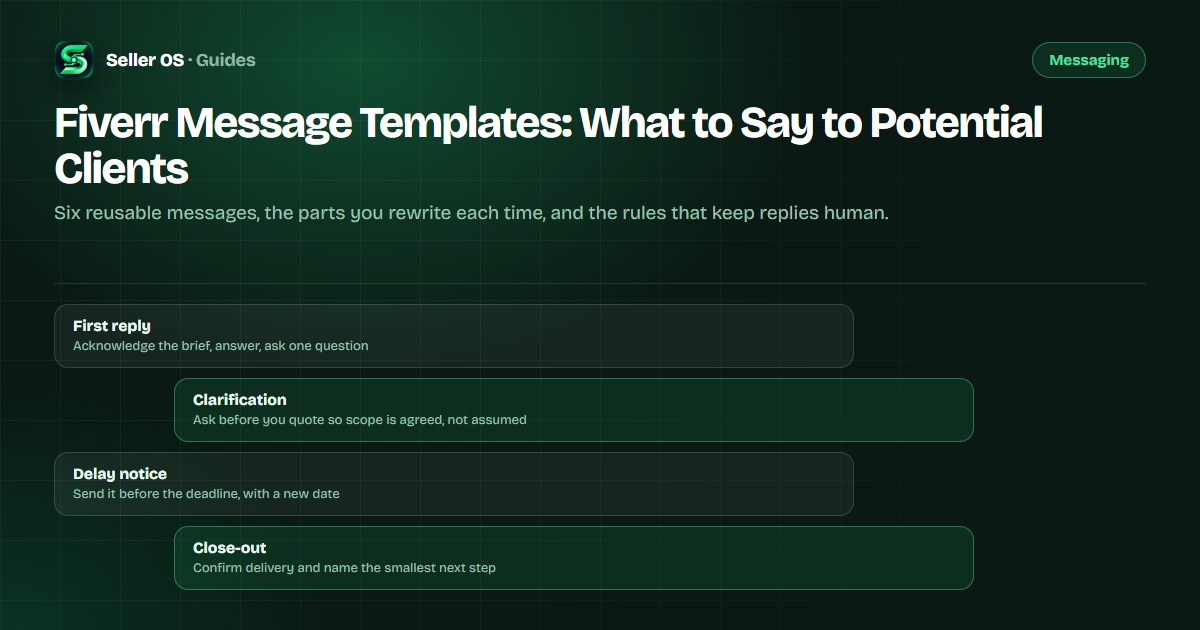
The rules that keep templates human
A template works when it removes the blank page, not the thinking. The structure stays; the specifics change every time: the buyer's goal, the deliverable, the date, the price, and the one detail only this brief could produce. A template with the wrong project name costs more trust than a slow reply.
Three rules cover most of it. Write each template in your own voice once, on a calm day, so it still sounds like you. Keep it under 120 words unless the buyer asked a detailed question. Read the draft aloud before sending: anything you would not say to a person does not survive the edit. Fiverr's Help Center documents the 24-hour window in its article on response time and rate.
- One job per message: answer, ask, or update. Not all three at once.
- Replace every variable: name, deliverable, timeline, price, next step.
- Mirror the buyer's words for the thing they want, not a synonym you prefer.
- Never send a template in the first five minutes when the brief needs a real answer.
“automatic responses aren't considered as a response to the client's message.”
— Fiverr Help Center, Everything you need to know about response time and rate, September 2026
Template 1: the first reply to a brief
Example first reply, labeled hypothetical: Hi Maya, thanks for the brief. A 60-second explainer for a project-management tool is squarely what I do, and I can share two recent videos in that style. One question before I quote: do you already have a script, or should the quote include scripting? I can hold your slot for 48 hours.
Make it yours: the acknowledgment names their actual project, the answer states what you do, the question is the one thing that changes the price, and the close gives a next step with a time in it. If the brief is vague, replace the project name with the problem they described.
- Their name and the name of the project or file they mentioned.
- The one phrase from their brief that proves you read it.
- The single question whose answer changes your quote.
Template 2: clarifying before you quote
A quote built on assumptions is a future revision. Ask up to three questions in one message, and only ones that change the number: quantity, format, deadline, rights, or who provides the source material. Example, labeled hypothetical: Before I quote, three quick questions. How many pages are in the final document? Do you need the editable file as well as the PDF? Is the 14th the deadline, or the day you want it live?
Make it yours: number the questions so the buyer can answer in one pass, and state what happens after they answer, such as receiving the quote with named deliverables and a 48-hour approval window. If the buyer already answered something, do not ask again to complete the template.
Template 3: writing the quote message
The quote message is not a summary of the price; it is the reason the price makes sense. Example, labeled hypothetical: Thanks, Maya. Here is the plan. For the 60-second explainer with scripting, storyboard, and two revision rounds, the quote is 480 dollars. It includes the voiceover direction and full-resolution files. Approve today and the first cut lands in seven days. The offer sits in your inbox for 72 hours.
Make it yours: the first line repeats the scope in their words, the middle names what is included, and the last line gives the click. Custom offers let a client accept, decline, or ask for changes, so write the message as an invitation to adjust scope, not only to pay.
Template 4: the early delay notice
Example delay notice, labeled hypothetical: Quick update, Maya. The voiceover session moved to Thursday, so the first cut will land Friday instead of Wednesday. Nothing else changes, and the final deadline still has two days of buffer. If you would rather have a rough cut on Wednesday, say so and I will send one.
Two rules make a delay notice work. Send it before the deadline, not on the day, and always pair the new date with an option the buyer controls. If you need time formally, only you can request a delivery extension from the order page; the client has 48 hours to respond, and the request adds time to the original deadline.
Send it before the deadline - a notice on the due date is an apology, not a notice.
Name the new date - say what it means for the final delivery.
Offer one control - a rough cut early, a scope tweak, or a decision to make.
Templates 5 and 6: revision and close-out
Revision acknowledgment, labeled hypothetical: Thanks for the notes, Maya. Three changes are clear: the opening scene, the music under the demo, and the logo timing. I am on them now and will re-deliver Thursday morning. If I read any note differently than you meant, tell me before you review and I will adjust.
Close-out, labeled hypothetical: The final files are in your order page: MP4, captions, and the project file. If anything is missing, reply here and I will fix it. When you plan the next video, send the script and I will confirm the turnaround before you order.
The close-out is where a repeat project starts. Fiverr counts a client as a repeat buyer once an order is completed, so a finished delivery is also the first entry in your shared history, and the natural moment to name the smallest next step.
Six tells that a message was copy-pasted
Buyers cannot see your templates, but they can feel them. The most common mistake sellers make is sending a polished template that answers a question nobody asked, and the tell is usually a missing detail rather than a wrong tone.
A template is a starting point, not a script. The test is simple: if removing the buyer's name would not change the message, it is not personalized enough to send. Fix the specifics first, and the tone will follow.
| Tell | Why it shows | Fix |
|---|---|---|
| Wrong project name | The buyer sees you did not read the brief | Paste the template first, then edit the specifics |
| Answers nothing asked | It recites your package instead of their question | Lead with the answer, then the context |
| Identical every time | Repeat buyers notice the same wording | Keep two or three variants and rotate them |
| No next step | The buyer has to invent what happens next | End with one action and one date |
| Overlong | The useful sentence is buried in explanation | Cut to under 120 words unless detail was requested |
Where Seller OS helps
Seller OS turns this copy bank into a working set. The inbox assistant drafts replies, brief responses, and order messages from the context already in the conversation, and you review and edit every draft before anything is sent. The drafts stay close to the templates above because you keep control of the wording.
It is a drafting layer, not an auto-responder: nothing sends itself, and automated actions stay behind your review. On the Free plan, automated inbox and brief actions have daily caps; the manual workspace does not.

Fiverr Message Templates questions
Do Fiverr message templates hurt your response rate?
No. Response rate measures the share of first responses sent within 24 hours, so a template that helps you answer faster works in your favor. One catch: Fiverr states that automatic responses are not considered a response to the client's message, so an auto-reply does not protect the metric. Send a real first reply.
What should my first reply to a Fiverr buyer say?
Acknowledge the specific brief, answer the actual question, ask the one thing that changes your quote, and name a next step with a time in it. Keep it under 120 words. If the buyer asked for a price, give a range with the condition that firms it up rather than stalling for another round.
How do I make a Fiverr message template sound personal?
Change every variable: the buyer's name, the project, the deliverable, the date, and one phrase taken from their own brief. Keep two or three variants of each template and rotate them, especially with repeat buyers. Read the message aloud before sending; anything you would not say out loud should be rewritten.
Which Fiverr messages should not use a template?
Anything emotional or complicated: a complaint, a dispute, a refund conversation, or a buyer whose project does not fit your service. Templates handle the routine messages so you have more attention for the hard ones. For those, write from scratch and use the structure of a template only as a checklist.
Stop rewriting the same six messages.
Save your versions, fill in the specifics, and send while the buyer is still interested.