 Seller OS
How to respond to Fiverr clients faster
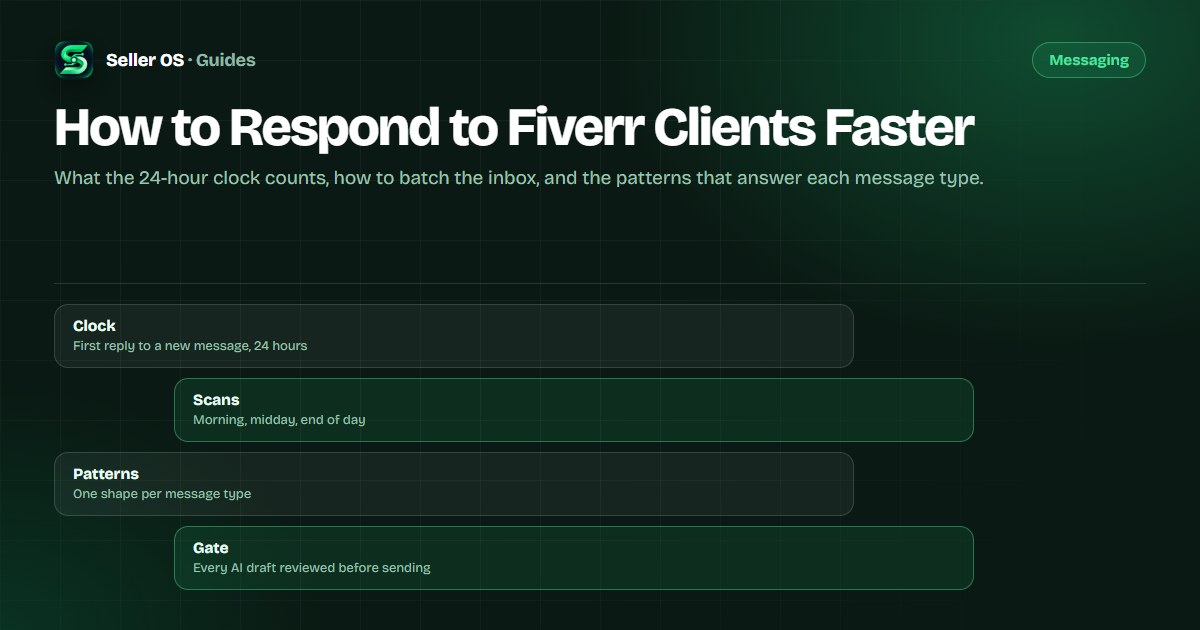
Speed on Fiverr is a measured behavior, not a vibe. Fiverr defines response rate as the percentage of first responses to new messages sent within 24 hours, measured over the last 90 days, and it counts only the first reply to a new message from a new client.
This guide builds a system for hitting that window without sounding automated: a batching routine, quick-reply patterns by message type, and an AI drafting workflow with a review gate. The clock is real, but a fast generic reply still costs you the order.
Free plan available. Local-first data. Human review on every change.
What Fiverr's response rate actually counts
The definition is narrow in ways that matter. Fiverr's response rate article says the metric tracks first responses sent within 24 hours over the last 90 days, and that automatic responses are not considered a response. Later messages in an existing thread are not counted either, so the pressure sits on the first touch.
Two more published details shape the routine: time zones do not change the 24-hour allowance, and spam must be reported within 24 hours to stay out of the count. The rate is visible only to you, while clients see your response time, so both numbers improve through the same habit of answering quickly and completely.
“Response rate is the percentage of first responses to new messages that a freelancer sends within 24 hours.”
— Fiverr's Help Center, response time and rate, September 2026
Build a three-scan inbox routine
You do not need to watch the inbox all day; you need to touch it at fixed times and handle each message the same way. Three scans, morning, midday, and end of day, cover most time zones and turn a vague anxiety into a short checklist.
The order inside each scan matters more than its length. First messages come first because they carry the clock, then blocking questions, then the messages that need scoping and can wait an hour.
Scan for first messages
answer anything new before anything else in the inbox
Answer the blocking question
the one thing the buyer cannot proceed without
Park what needs scoping
send a short holding reply, then scope it properly
Close the loop
anything you promised today gets sent before the last scan
Quick-reply patterns by message type
Different messages fail for different reasons. A first inquiry needs proof that you read it, a scope question needs a decision, a revision note needs acknowledgment plus a date, and a delay notice needs honesty before explanation. The pattern below is short on purpose, because speed is the point.
Treat each pattern as a shape, not a script. The shape keeps the reply complete under time pressure; the words stay yours, which is what keeps the conversation from reading like a queue.
| Message type | Must include | Trap to avoid |
|---|---|---|
| First inquiry | One line that mirrors their request | A generic introduction of yourself |
| Scope question | A direct answer plus the key caveat | Answering a question they did not ask |
| Revision note | Acknowledgment and a redo date | Defending the first delivery |
| Delay notice | The new date and a reason | Explaining before apologizing |
| Price objection | Scope options at different budgets | Discounting the same scope instantly |
Speed without sounding templated
Templates save the blank page, and the message templates guide collects them, but the buyer can feel a copy-paste. The cheap fixes are specific: use their project name, answer the exact question they asked, and cut any sentence that would be true for every buyer.
The expensive fix is reading before replying. One detail pulled from their message, such as the platform their video is for or the deadline they mentioned, proves the reply was written for them. That detail costs five seconds and buys the whole conversation.
- Open with their request, not with your services
- Cut any line that could be sent to everyone
- Keep one human detail: their platform, deadline, or format
- Match their length; a two-line question deserves a short answer
AI drafts, held behind a review gate
A draft generator is the difference between answering in four minutes and twenty. The safe workflow is fixed: generate the draft from the message, verify every claim against your real work and calendar, edit the words, and then send it yourself.
Two rules keep the workflow honest. Never let a tool reply automatically, because Fiverr does not count automatic responses anyway and an unreviewed promise becomes a commitment you owe. And never paste client details into a service whose privacy terms you have not read; the buyer's project is their information, not anyone's training data.
When you cannot answer the question yet
Some messages arrive while you are asleep, mid-delivery, or before you have the answer. A holding reply is a real reply: name the request, say when the full answer comes, and stop there. Fiverr counts that first response, so the clock is settled while you do the work properly.
Worked example, hypothetical. A buyer asks for a quote on a forty-page document at eleven at night. The holding reply: 'Thanks for the page count and the deadline; I am confirming the scope tonight and will send the full quote with the timeline tomorrow morning.' It is honest, it takes twenty seconds, and it costs nothing at the end of a long day.
One caveat: do not lean on holding replies as a habit. Buyers can tell when every message buys another day, and the pattern starts to read as stalling. Use them for genuine unknowns, not for avoidance.
The habits that keep replies fast
Speed survives on setup, not willpower. Notifications on for the inbox, a phone or second screen for first replies, and a fixed end-of-day scan catch nearly everything inside the window. Seller OS monitors can alert on unread messages while Chrome is open, which covers the desktop hours.
Protect the routine when you travel with availability settings: Fiverr says response rate is unaffected while you are unavailable, unless you keep the all-buyers-can-contact-me toggle on, in which case the normal 24-hour counting applies. Decide which behavior you want before you leave, not after a message arrives.
Finally, measure the right thing. Response rate is the 90-day first-reply percentage; response time is what buyers see on your profile. Both improve the same way, by answering quickly and completely, and the most common mistake is chasing the percentage itself with fast empty replies that protect the metric and still lose the order.
Where Seller OS helps
Response speed is a workflow problem before it is a writing problem, and Seller OS treats it that way. The inbox assistant drafts a reply from the incoming message, your gig details, and your local client records, then places the draft beside the original request so you can verify and edit in one pass.
On Pro, unread message alerts watch the inbox while Chrome is open, so a first message does not age unnoticed. Free plan actions are capped per day, every draft stops at review, and the tool never sends automatically. It does not promise a better response rate; it removes the blank page.

How to Respond to Fiverr Clients Faster questions
What is Fiverr's response rate based on?
Fiverr defines it as the percentage of first responses to new messages that you send within 24 hours, measured over the last 90 days. Only the first reply to a new message from a new client counts; later messages do not, and automatic responses are not counted as a response.
Do automated replies count as a response on Fiverr?
No. Fiverr's help page states that automatic responses are not considered a response to the client's message. A written holding reply that names the request does count, which is why the routine here uses short human replies for anything you cannot fully answer immediately.
How fast is fast enough on Fiverr?
The published window is 24 hours for a first response, and Fiverr says a late first response to a Mira message can affect your response rate. Treat anything beyond a few hours during your working day as overdue, and use fixed inbox scans so the clock never depends on memory.
Can I use AI to reply to Fiverr clients?
Yes, as a drafting tool with a review gate. Generate the draft, verify every claim about your work, edit the wording to match the buyer, and send it yourself. Never let it send automatically, and check the privacy terms of any tool before pasting client details into it.
Answer inside the window, every time
Run the scans, keep the patterns short, review the drafts, and let the 90-day record build itself.