 Seller OS
Fiverr delivery time that protects your score
The delivery time on a gig is a promise made at the moment of purchase, before you have seen a word of the brief. Set it from the time the work actually takes, and the order closes comfortably. Set it from the best case, and a single slow day turns into a late delivery.
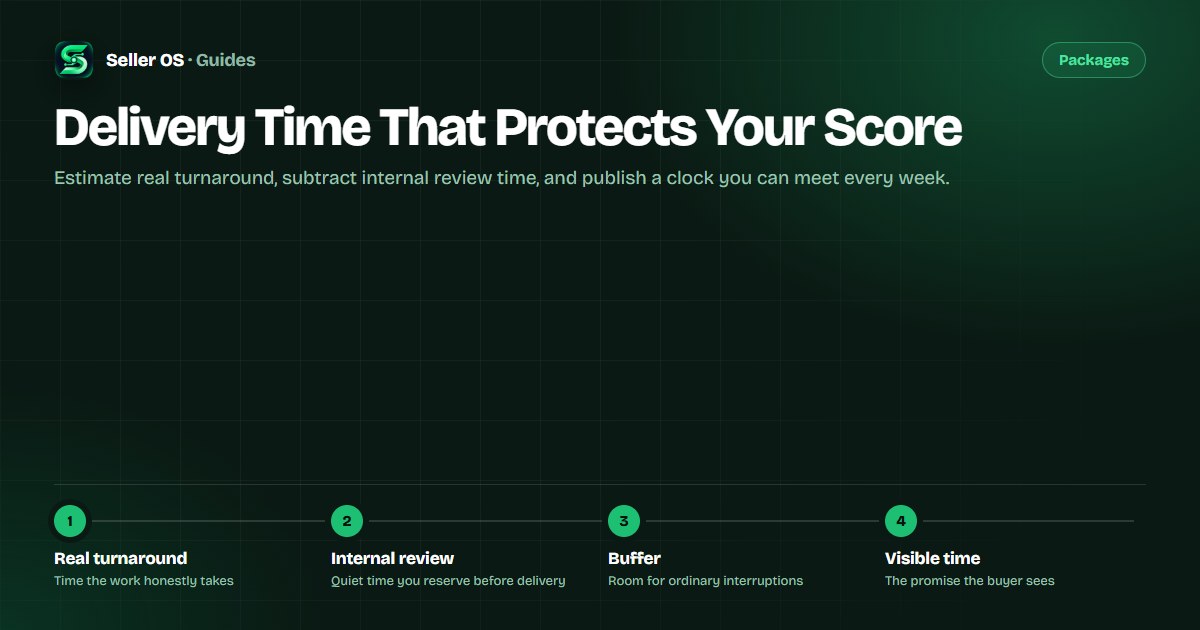
This guide treats the delivery clock as a design problem. You estimate the real turnaround, subtract the internal review step buyers never see, add a buffer for the ordinary interruptions of the week, and publish the number that survives all three.
Free plan available. Local-first data. Human review on every change.
What the delivery clock actually measures
On Fiverr, the delivery time is the window from the moment you accept or the order starts until you mark it delivered. The Help Center describes on-time delivery as a factor in your seller metrics, and it explains how to extend an order when you need more room (see Fiverr Help Center). Because the clock is measured against real events, the number you choose should reflect real working days, not an optimistic average.
Two things quietly consume that window before any creative work begins. The first is waiting for requirements if the buyer has not sent them yet. The second is the back-and-forth a first draft usually triggers. A delivery time that ignores both will feel tight even when your hands-on work was fast.
Estimate the real turnaround first
Start by measuring, not guessing. Take your last several orders of the same type and write down the calendar time from start to delivered, including the gaps. The average is informative, but the slowest typical order is more useful, because that is the one that produces late deliveries.
Then separate the work into stages: intake and clarification, the main production block, and any revision round. When you can see where the time goes, you can decide which stages you control and which depend on the buyer. Buyer-dependent stages deserve the most buffer.
- Measure calendar time, not just hours at your desk.
- Look at your slowest typical order, not the fastest one.
- Split the work into intake, production, and revision.
- Give buyer-dependent stages the widest margin.
Reserve internal review before the delivery
The step buyers never see is the review pass: checking the file, re-reading the brief, and confirming you addressed every requirement. It is short, but skipping it is how a small mistake becomes a revision request and a second cycle on the clock.
Subtract that review step from the time you show the buyer. If the work takes you two days and the review and packaging take half a day, the honest number is closer to three. The half day you hide becomes the reason the delivery is clean and on time.
A worked buffer example
Suppose a hypothetical order takes eight focused hours of editing across two working days. Intake and clarification cost a few hours of waiting on a reply. Review and packaging cost about half a day. Ordinary interruptions in a normal week add a little more.
Focused work spreads across three mornings. The buyer reply adds a day of slack. Review and packaging fit into the same afternoon as the final pass. The honest promise lands at five days, and the two extra days over the raw estimate are exactly what keeps the order on time.
| Stage | Time | Why it is included |
|---|---|---|
| Focused work | 8 hours over 3 mornings | Main production, spread realistically |
| Buyer reply wait | 1 day | Requirements and clarification |
| Review and packaging | Half a day | The pass buyers never see |
| Buffer | Half a day | Ordinary interruptions |
| Published time | 5 working days | The promise that survives a busy week |
Protecting on-time delivery once it is set
A well-set clock still needs a habit of protecting it. Accept or start work promptly so the window begins when you are ready, and send a short note when you receive the brief confirming what you understood. That one message prevents most first-draft surprises.
If the scope grows or the buyer is slow to reply, use the order extension flow the Help Center describes rather than rushing a poor delivery. An extension the buyer agrees to keeps the order on track; a missed deadline damages the metric the buyer never sees.
Delivering early is always safe and often useful, but do not let the possibility of early delivery pull your published time down. The number is a ceiling you plan to beat, never the average you hope to hit.
Where Seller OS helps
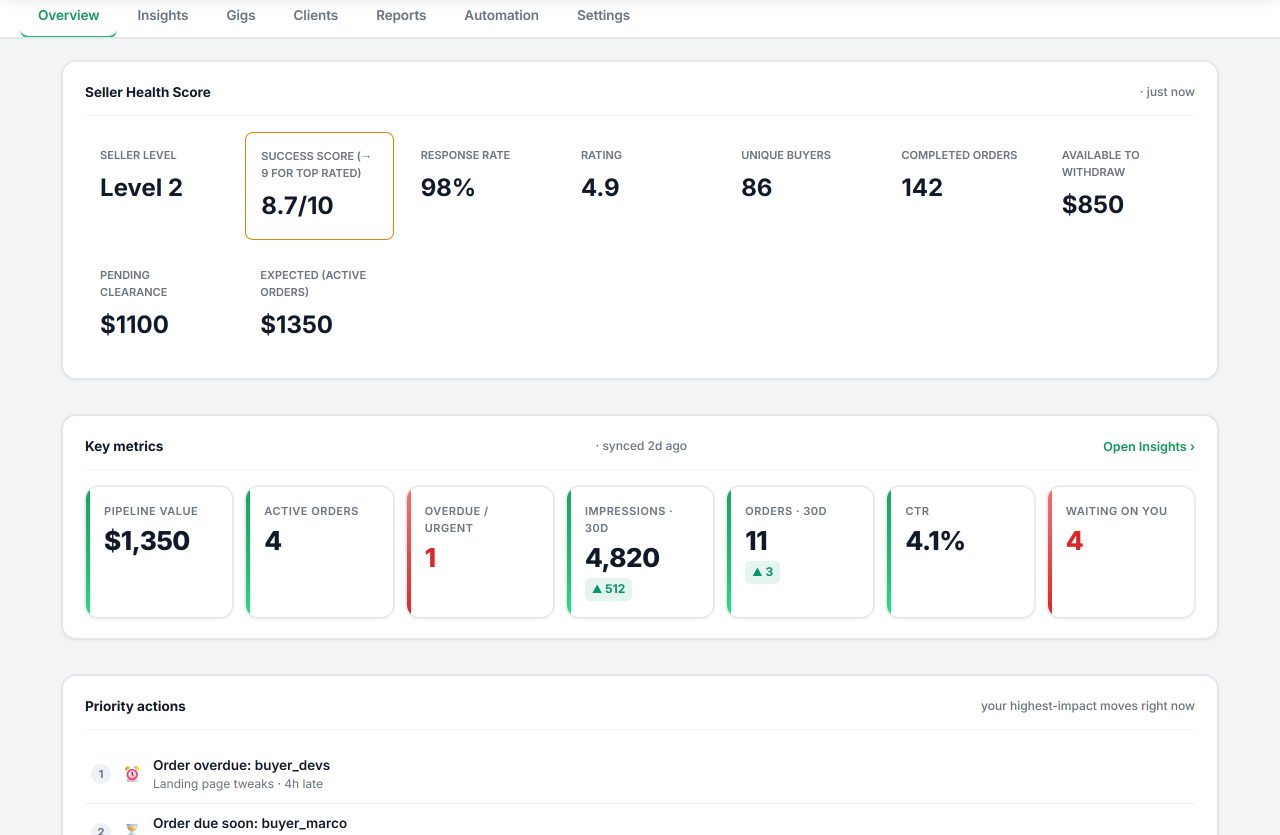
Seller OS keeps the order clock visible without taking over the work. Active orders and their deadlines surface in one local view, so you can see what is due this week before you accept more, and the monitors flag an order that is drifting toward its deadline while there is still time to extend it.
The extension tracks deadlines but never changes an order or contacts a buyer on its own. You decide the delivery time, you handle any extension, and every action stays in Chrome local storage on your machine.
Delivery Time That Protects Your Score questions
How do I choose a Fiverr delivery time?
Measure the calendar time of several real orders, look at the slowest typical one, and add the review pass and a small buffer for interruptions. Publish that larger number. The gap between your raw estimate and the visible time is what keeps deliveries on time during an ordinary busy week.
Does late delivery affect Fiverr seller metrics?
Fiverr treats on-time delivery as a factor in your seller metrics and provides an order extension flow for when you need more time. Instead of shipping rushed work to beat a deadline, request an extension the buyer can agree to. The Help Center documents both the metric and the extension process.
Should I give buyers a faster delivery time to win orders?
A shorter clock can win a comparison, but only if you can meet it consistently. One late delivery costs more than the click you gained. A safer approach is a realistic published time and, if buyers value speed, a priced extra for faster delivery that you only accept when your queue allows it.
What if the buyer does not send requirements on time?
Waiting on the buyer still burns your delivery window, so treat the reply wait as part of the estimate. Send a clear requirements summary when you start, and if the buyer stalls, ask for what you need in writing. An agreed extension protects the metric when a reply does not arrive in time.
Publish a clock you can keep.
Measure the real turnaround, reserve review time, add a buffer, and only then set the visible delivery time.