 Seller OS
Fiverr gig under review: how long it takes and what to do
A gig under review is Fiverr's Pending Approval state: the listing exists, but it is not live while a check runs. Fiverr's help center says significant edits such as title, category, or pricing changes may trigger that review, and the gig may stay hidden until it finishes. The awkward part is the wait.
This guide covers what the state means, what Fiverr does and does not publish about timing, how to act while the listing is checked, and how to ask for help once if the process stalls. No invented timelines.
Free plan available. Local-first data. Human review on every change.
What 'under review' means for your gig
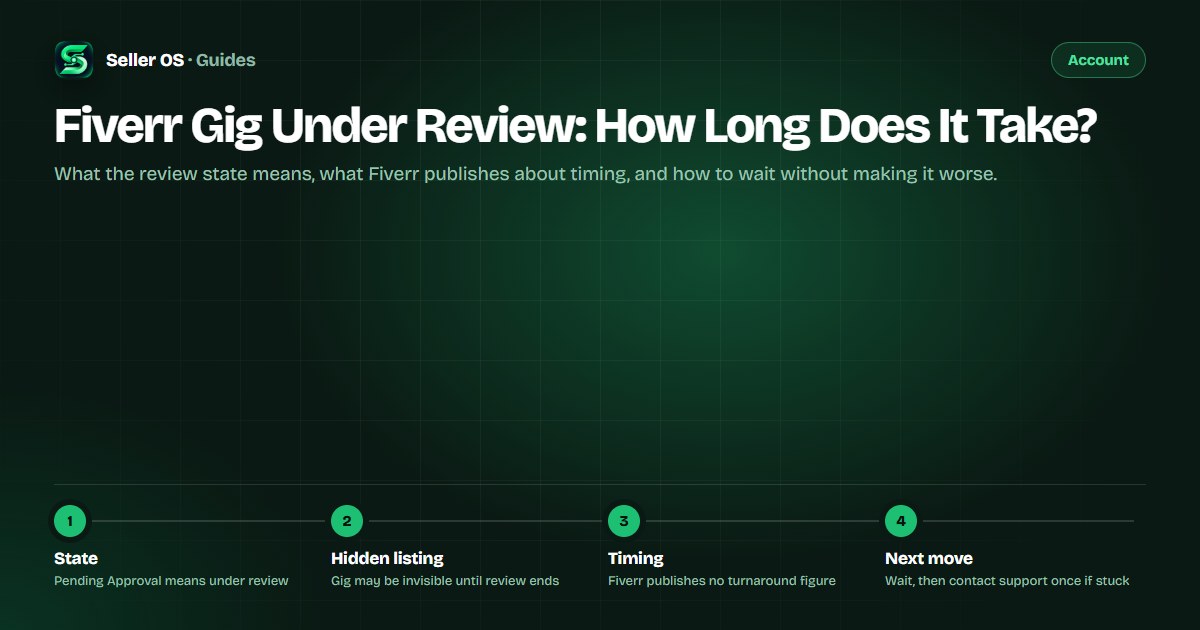
Fiverr's gig management page lists a status called Pending Approval, described in the help center as "Your Gig is under review." The listing is not deleted and not denied; it sits on the way to approval. Fiverr states that significant edits, such as changes to the title, category, or pricing, may trigger a review, and that the gig may not be visible until it completes.
That last part explains the panic. Impressions fall to zero, search cannot find you, and the dashboard looks broken. It usually is not; the listing is simply hidden from buyers while it is checked. Read the exact status on the gig management page before assuming the worst.
How long a gig review takes, honestly
Fiverr does not publish a review turnaround time. The help pages describe the state and the trigger but give no minimum, average, or maximum, so any specific number you read elsewhere is someone's guess rather than policy. Plan around the absence of a promise instead of a countdown.
What you can observe is your own case: when the listing stopped showing, what you changed, and whether the status moves. Log those timestamps. A record of your review history is useful if the wait stretches and a support agent needs something concrete to check.
What sends a gig into review, and what does not
The published trigger is significant editing. Title, category, and pricing changes are named by Fiverr as the kinds of edits that may start a review, and new gigs can be checked before they go live. Not every change causes a review, so treat the state as normal plumbing rather than a verdict.
Two neighboring states get confused with it. Requires Modification means the gig needs edits before it can be published. Denied means it was not approved, and the reason is shown on the management page and in the Denied Gigs section. A removal is a third, heavier case with its own rules; the gig removed guide covers that path, and the gig denied guide covers the lighter one.
| Status | What it means | Your move |
|---|---|---|
| Pending Approval | Gig is being reviewed; may be hidden | Wait, and avoid further edits |
| Requires Modification | Needs edits before it can be published | Make the requested changes |
| Denied | Not approved; reason shown on the page | Fix and resubmit, or appeal once |
| Paused | Not visible to clients; reactivatable | Reactivate when you are ready |
Common mistakes while a gig is in review
The instinct is to keep working the problem: another title tweak, a price adjustment, one more thumbnail. Each significant edit can restart or extend what the first one triggered. Stacking edits also destroys your ability to know which change caused what.
The second mistake is publishing a near-identical gig to cover the hidden one; Fiverr caps how many active gigs each level can run, so the copy spends a slot you may want later. The third is telling a buyer a go-live date you do not control.
- Do not keep editing; let one review finish before the next change.
- Do not publish a duplicate listing to cover the gap.
- Do not promise buyers a date Fiverr has not given you.
- Do not stop delivering: late orders still affect your on-time metric.
Keep a record while the review runs
If the state clears in a day, none of this matters. If it does not, a short local record turns a vague complaint into something support can check. Start it when you notice the status, and keep it factual: identifiers, dates, and what changed.
Notice what is not on the list: theories about who flagged you and anything that reads as a demand. Support works from what the system shows, so give it the identifiers and the timeline.
- The gig's title, URL, and gig ID as it appears now.
- The date and time you first saw Pending Approval.
- Exactly what you edited before the review started.
- A screenshot of the gig management page and any alert on it.
- Any notification or email Fiverr sent about the change.
- Order numbers still in progress, to show delivery continues.
How to write a support note that gets read
If weeks pass with no change, contact Customer Support once through the official help center. Keep the note short and structured; a wall of frustration buries the two facts a reviewer needs, which are the gig's identity and the fact that the status has not moved.
Send it, then wait. Repeated tickets do not create a faster queue; they split your own paper trail. Fiverr decides the outcome, and nothing in the help pages promises a review will end in your favor. The value of the note is a clean, checkable record if it does not.
Subject
Pending Approval on gig #0000 since [date]
What happened
one sentence on the edit and the review it triggered
Timeline
the dates the status appeared and any Fiverr messages
What you checked
the management page, notifications, and your record
The ask
a status check or the reason the review is still open
Attachments
the screenshot and your timeline, nothing else
When the notice is about the account, not the gig
A single hidden listing and an account-level action need different responses. If your notice names the account rather than one gig, start with the account under review guide, keep the account warning or ban guide for warning emails, and use the account disabled guide if access is already gone.
Sorting the labels first matters because the response changes completely: a gig review needs patience and a record, an account restriction has a 60-day window and a support complaint route, and a disabled account has a funds timeline and one appeal.
Where Seller OS helps
Seller OS cannot speed up a review, and it does not pretend to. What it does is keep the listing's story in one place: local records of each gig, its current state, and a history of the copy and pricing changes you made, so the next significant edit is a considered one instead of a reflex.
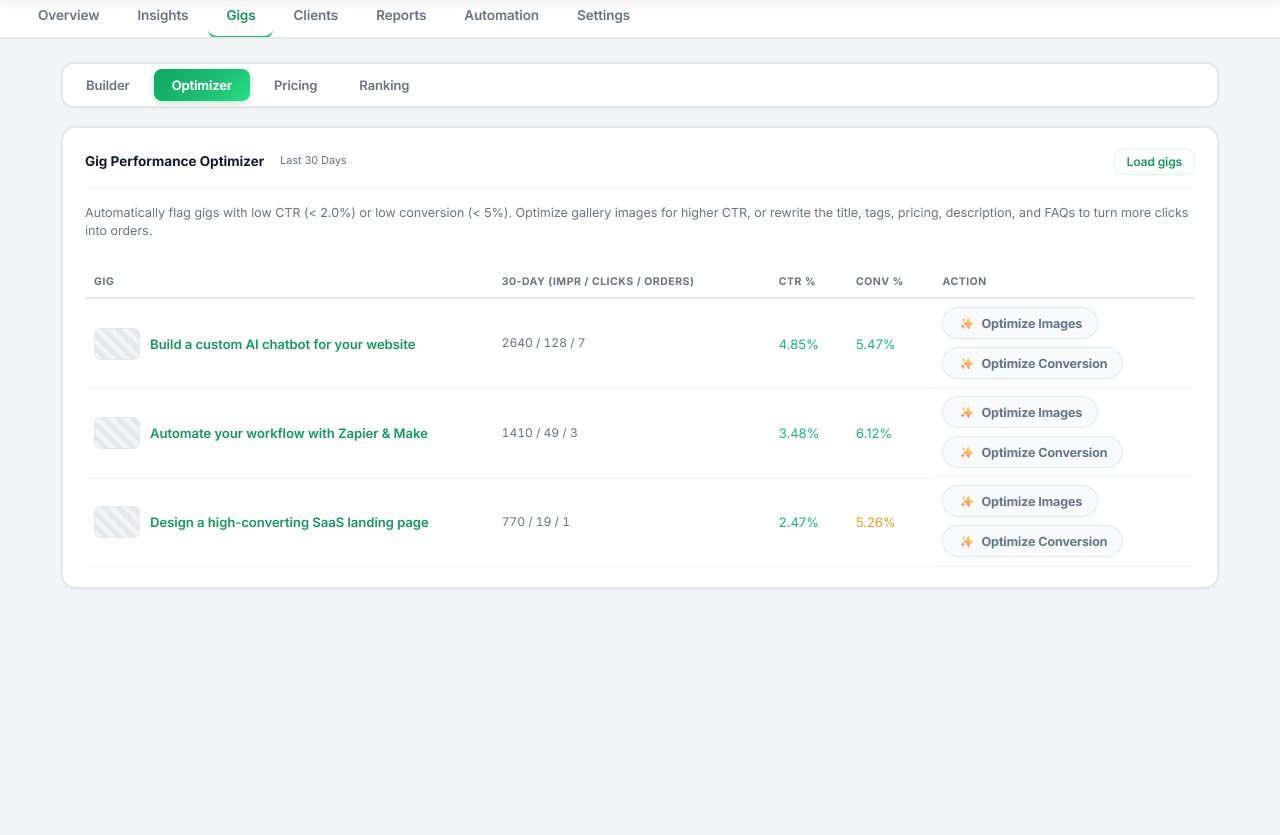
The Gig Performance Optimizer reviews a live gig's copy, gallery, and conversion signals and proposes changes as drafts; you approve anything that gets applied. On Pro, monitors keep watch while Chrome is open, including deadline reminders for orders that must ship no matter what the listing is doing. Nothing is sent, saved, or published without your click.
Fiverr Gig Under Review questions
How long does a Fiverr gig review take?
Fiverr does not publish a turnaround time for gig reviews. Its help center describes Pending Approval as your gig being under review and notes that significant edits may trigger a review, but gives no minimum or maximum. Anyone quoting a precise number is guessing. Track your own dates and keep a short record.
Why did my gig go under review after a small edit?
Fiverr says significant edits, such as changes to the title, category, or pricing, may trigger a review, and a small-looking edit can still count if it touches those fields. The state is normal plumbing, not a punishment, and the gig may be hidden until the check finishes. Give it time before editing again.
Should I delete the gig and upload it again?
No. Deleting and re-uploading does not skip the check; a new listing can be reviewed too, and a near-identical replacement spends one of your limited active gig slots. Leave the gig where it is, stop editing, and let the pending review finish.
What if my gig has been under review for weeks?
Fiverr publishes no deadline, so there is no official point at which a review is late. Contact Customer Support once through the help center with the gig's ID, the date the status appeared, and what you edited. Keep the note factual. Do not open repeated tickets or create a duplicate listing while you wait.
Wait it out, then ask once
Log the date, stop editing, and keep one clean support note ready in case the review stalls.