 Seller OS
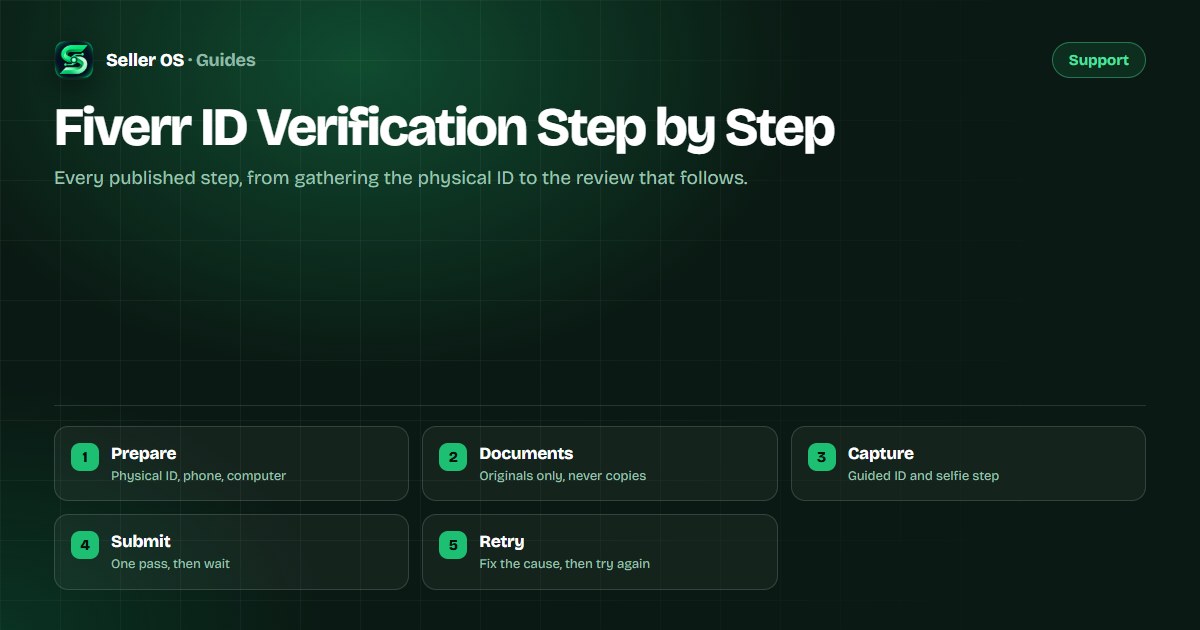
Fiverr ID verification step by step
Fiverr asks a seller to verify identity through a flow that runs on two devices: a computer keeps the session open while a smartphone camera captures a physical government ID and a selfie. The validation is handled by a third-party provider, and the outcome is pass or retry, not a conversation.
This guide walks the published flow from preparation to submission: which documents qualify, how the capture runs, what happens during review, and the mistakes that force a second attempt. It stops where Fiverr publishes guidance and does not guess at review times.
Free plan available. Local-first data. Human review on every change.
Prepare before you open the flow
Start from the notification inside your account, not from a link in an email. Fiverr states the process never arrives by email, so a message asking you to verify through an email link should be treated as a phishing attempt. The clock that matters begins with the notice and gives you 14 days to complete the flow.
Set aside fifteen uninterrupted minutes and two devices. You need a computer for the session and a smartphone with a working camera for the captures. A well-lit room, a plain background, and a stable connection remove most of the avoidable failures before they happen.
The documents Fiverr accepts
Only original physical documents are accepted. Fiverr's identity help page lists the types that qualify, and the list is short: a driver's license, passport, permanent residency card, identity card, residency permit, or diplomatic passport. Digital or online copies are not accepted, which is the most common reason an attempt fails.
- Driver's license
- Passport
- Permanent residency card
- Identity card
- Residency permit
- Diplomatic passport
The capture, step by step
The capture is guided rather than free-form. The system tells you what to photograph and how, then compares the ID against the selfie. Follow the prompts exactly instead of improvising a better angle; the checks are looking for the document as it is, not as you would prefer to present it.
Open the flow from the notification inside your account
Place the physical document on a flat, plain surface and capture it as prompted
Hold still through glare checks and any edge or corner prompts
Complete the selfie comparison with the smartphone front camera
Submit the session and close both devices only after confirmation appears
What happens during the review
After submission, the provider validates the document and the selfie. Fiverr does not publish a review turnaround time, so plan around the 14-day completion window rather than an expected answer date. There is nothing to chase in the meantime; refreshing the page does not move the review.
While a verification is pending, some account actions can be limited. If a notice states your selling ability is paused, you can usually still finish active orders. That makes any in-progress delivery a live deadline, so check your open orders before the review resolves and keep those buyers updated.
The causes that force a retry
Almost every rejection traces back to preparation rather than a bad document. Digital copies, a document type that is not accepted for your country, and poor captures cover most cases. The verification failed guide walks the full diagnosis when you need to fix a specific failure.
- A scan, screenshot, or digital copy instead of the physical document
- A document type that is not accepted for your country
- Glare, shadow, or a cropped edge on the capture
- A selfie where the face is obscured or the lighting is poor
- Retrying before the published wait between attempts has passed
After verification passes
A passed verification is normally shown as a status on the account, and some premium programs require it before a seller can take part. Once the check clears, the flow does not need repeating unless Fiverr requests it again or an account change triggers a fresh check.
Verification is separate from gig ranking and the success metrics Fiverr tracks, so passing it restores access rather than improving placement. If a related step is still open, the phone verification guide and the EU business verification guide cover those branches.
Where Seller OS helps
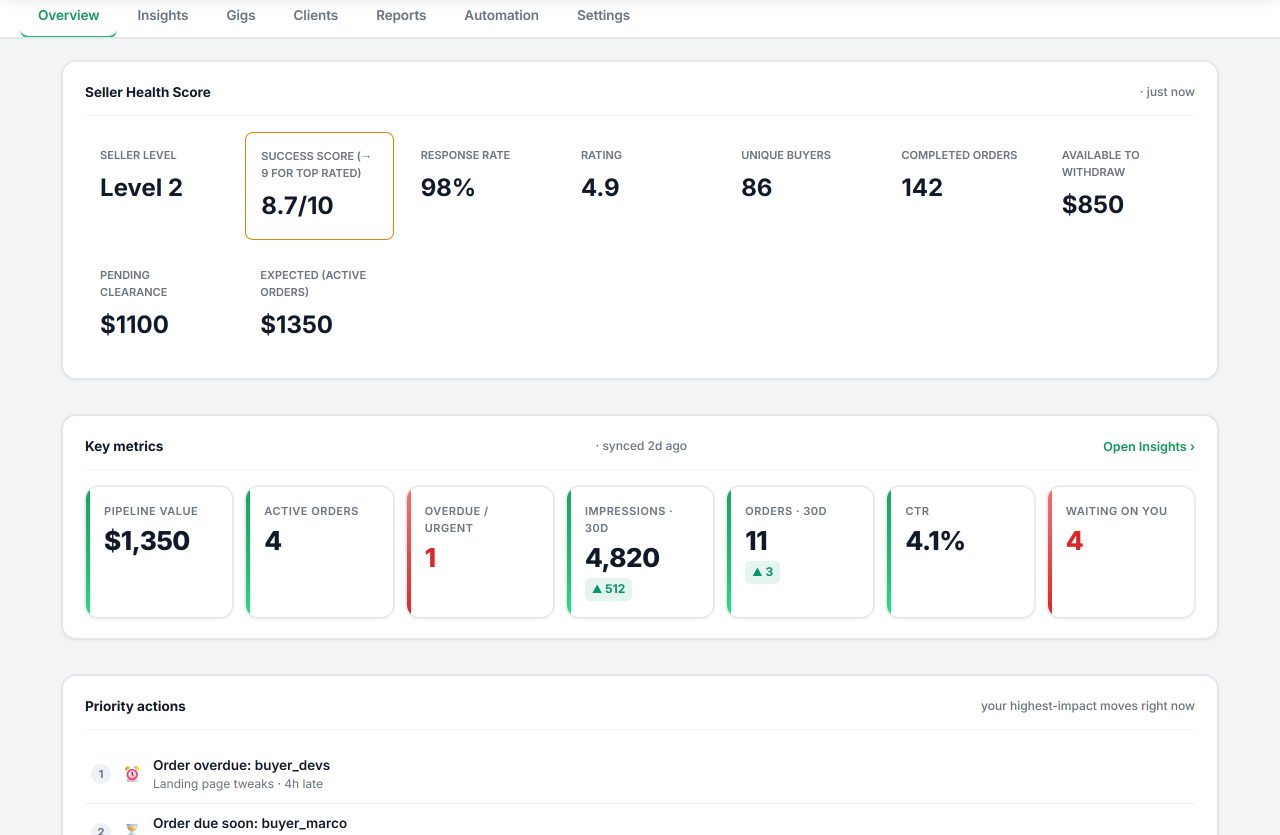
Seller OS cannot verify an identity and never should. Fiverr's flow runs through its own screens and a third-party provider, and a browser extension has no business touching your ID images. What the extension keeps visible is the rest of the account while the check runs: order deadlines, unread messages, and gig state in one local view.
Everything stays in Chrome local storage. The extension drafts and organizes, a person performs every save and submit, and the extension is not affiliated with Fiverr.
Fiverr ID Verification Step by Step questions
What documents does Fiverr accept for ID verification?
Fiverr accepts original physical documents: a driver's license, passport, permanent residency card, identity card, residency permit, or diplomatic passport. Digital or online copies are not accepted, so a scan or a photo of a screen will fail. Options can vary by country, and Fiverr may also request proof of residency such as a utility bill.
How long does Fiverr ID verification take?
Fiverr does not publish a review turnaround time, so treat the 14-day completion window as the deadline that matters. The check is handled by a third-party provider that validates the document against your selfie. If an attempt fails, a wait applies before the next try, so prepare carefully rather than submitting several attempts in a row.
Why do I need a phone and a computer to verify?
The session runs on the computer while the smartphone camera captures the document and the selfie. That split is part of the design rather than an error. The computer keeps the flow open and the phone supplies the camera, so both devices need to stay on the same account and a stable connection until the submission is confirmed.
What happens after I pass Fiverr verification?
A status normally appears on the account, and some premium programs require verification before a seller can take part. Verification does not change gig ranking or the performance metrics Fiverr tracks, so passing it restores or unlocks access rather than improving placement. You do not repeat the flow unless Fiverr requests it again.
Two devices, one clean pass.
Gather the physical document, follow the capture prompts exactly, and submit inside the 14-day window.