 Seller OS
Fiverr Resolution Center: how it works for sellers
The Resolution Center is Fiverr's built-in channel for order-related requests, and it runs directly between you and the buyer without Customer Support. Most sellers first meet it at the worst possible moment, which is a bad time to learn the rules. Knowing what each option does beforehand turns a panicked click into a decision.
This guide covers who can open what, how cancellation differs from a partial refund, the 48-hour response clock that decides every request, and when the tool is the wrong place entirely.
Free plan available. Local-first data. Human review on every change.
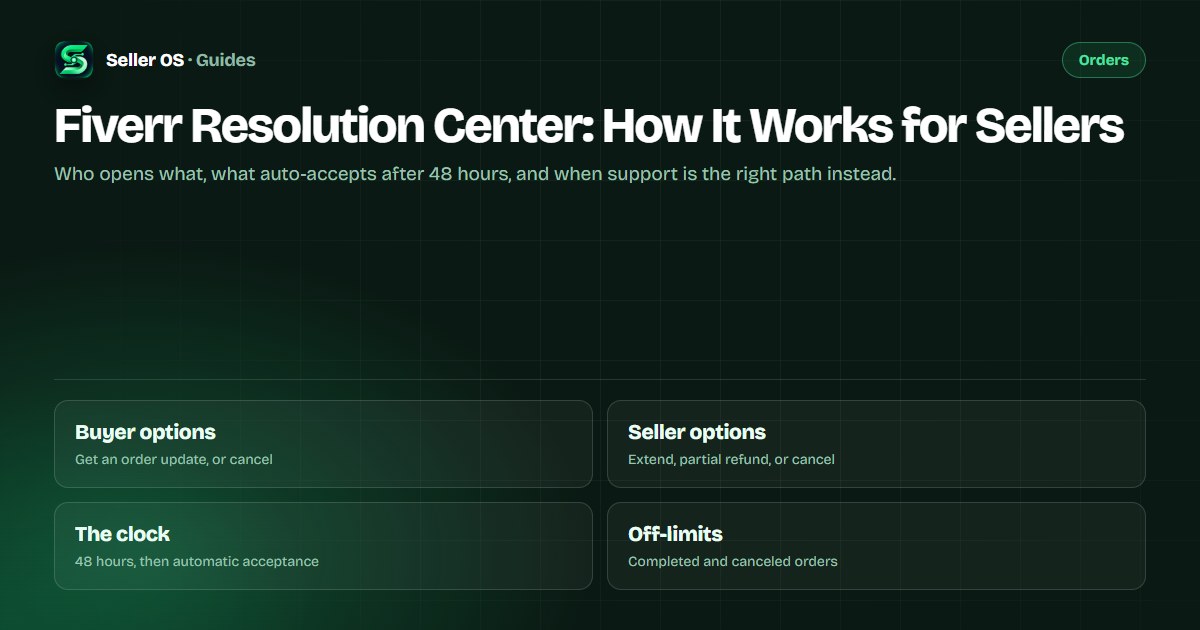
What the Resolution Center actually does
It is a request queue attached to an order. Each request is sent directly to the other party, who has 48 hours to accept or decline; if nobody answers, the system accepts it automatically. A request can be withdrawn before it is decided. That is the whole tool — a structured way to change an order's terms without opening a support case.
Two orders fall outside it: completed and canceled orders cannot use the Resolution Center at all. If your problem sits on a finished order, the channel becomes Customer Support. And anything involving a bank is a different process again — that story belongs to the order dispute guide.
Who can open what, from the order
The options on each side are published and short. Buyers can ask for an order update or request a cancellation. Sellers can extend the delivery date, offer a partial refund, or request a cancellation. Two asymmetries matter most: only the freelancer can request a delivery-date extension, and only the freelancer can initiate a partial refund.
The asymmetry is not arbitrary. Extensions and refunds change the order's terms, and only the seller can commit to more time or a lower payout. As a buyer, the options are a request for information and an exit; as a seller, the three options are the levers that keep an order recoverable.
| Request | Who opens it | What it does |
|---|---|---|
| Order update | Buyer | Asks the seller for status or a change |
| Cancel order | Either party | Requests a full cancellation; approval rules depend on the order state |
| Extend delivery date | Seller only | Adds time to the original deadline, up to 60 days per request |
| Partial refund | Seller only | Returns part of the amount on an active order |
Cancellation versus a partial refund
A cancellation ends the order. It normally needs both sides to agree — you cannot force-cancel, so the buyer approves your request or the order auto-cancels after 48 hours of silence. The buyer can cancel without your approval in exactly two published situations: an order still waiting for requirements, and an order that is very late, meaning 24 hours past the deadline.
A partial refund keeps the order alive. It is available on active orders over 50 dollars, needs a minimum of 5 dollars, and caps at 60 percent of the original price. One per order, and once accepted it cannot be reversed. Fiverr states that an accepted partial refund does not affect your performance metrics.
Worked example, hypothetical: a 400 dollar order delivers the main site, but the buyer wants to finish the blog page themselves. A 120 dollar partial refund sits inside every published limit and lets the order complete, with both parties able to review it because Fiverr treats partially refunded orders as completed. Canceling instead would end the order and change the metrics conversation — the cancellation guide covers that other path.
How a request moves, hour by hour
Every request runs on the same clock, and the clock is your real deadline. The other party has 48 hours to accept or decline, and no answer means automatic acceptance. Partial refund offers go further: if the client does not respond within 3 days, the offer expires, and you can withdraw it at any point before it is decided.
Extension requests have their own shape. The added time applies to the original delivery date rather than today, up to 60 days per request, and you can request more than once — though Fiverr warns that frequent changes hurt the client experience. Fiverr groups delivery extensions, revisions, and partial refunds as client-experience actions when it evaluates the Success Score.
The practical rule is to answer before the second day. A decline sent in hour five keeps the thread alive and leaves room to negotiate; silence until hour forty-nine hands the decision to the system. The clock does not care which outcome you wanted.
When the buyer stops answering
Silence has its own path. Fiverr's cancellation guidance says that if a client is unresponsive, you can initiate a mutual cancellation through the Resolution Center; you cannot force-cancel, so the buyer approves or the order auto-cancels after 48 hours. If the buyer never submits requirements, the order auto-cancels after 14 days and the buyer is refunded.
Fiverr also states that unresponsive clients do not negatively impact your Success Score. Document what you delivered anyway, keep the thread clean, and let the clock do its work — the unresponsive buyer guide covers the full sequence.
Mistakes that cost sellers in the center
The first mistake is letting requests sit. A 48-hour auto-accept means silence can decide for you, so answer inside the tool even when the answer is a quick decline. The second is choosing the heavier tool: canceling an order over a small dispute when a partial refund would have ended it, and forgetting that a cancellation you submit affects order completion.
The third is arriving after the window closed — the Resolution Center is unavailable on completed orders, and refunds there go through Customer Support. The fourth is avoiding the tool out of fear. Most order problems are exactly what it was built for, and a clear request with a reasonable remedy protects the order better than a silent standoff.
Where Seller OS helps
Seller OS helps you reach the Resolution Center with a plan instead of a reflex. Pro deadline monitors flag orders approaching their delivery date while Chrome is open, so an extension conversation can start days earlier, and the inbox assistant drafts the request in plain language for you to edit.
Client records keep each order's history in one place, which matters when a second request follows a first, and reports pull the timeline together if a case ever needs it. The extension never submits a request, a refund, or a cancellation; every action on Fiverr stays yours.

Fiverr Resolution Center questions
Who can open a request in the Fiverr Resolution Center?
Both parties can submit order-related requests, but the options differ. Buyers can ask for an order update or a cancellation; sellers can extend the delivery date, offer a partial refund, or request a cancellation. Only the freelancer can request a date extension or start a partial refund.
What happens if the other party ignores a Resolution Center request?
The system accepts it automatically after 48 hours without a response, whatever was requested. That is why silence is dangerous: an unanswered cancellation request can go through on its own. Partial refund offers behave differently — they expire after 3 days of buyer silence, and you can withdraw one before it is decided.
Cancellation or partial refund, which should I offer?
Use a partial refund when the order can still finish and only part of the work or the timeline is in question. It is available on active orders over 50 dollars, from 5 dollars up to 60 percent, one per order, and it does not affect performance metrics when accepted. A cancellation ends the order and can affect metrics when you submit it.
Can I use the Resolution Center after the order is complete?
No. Fiverr states the Resolution Center is unavailable for orders that are already completed or canceled. Once an order completes, its status cannot be changed or canceled through the tool, and refund requests on completed orders go through Customer Support instead. Use it while the order is still open, or not at all.
Use the tool with the clock in mind.
Know your options, answer requests within 48 hours, and keep the order alive when a partial refund can settle it.