 Seller OS
How to contact Fiverr support (24/7 paths)
When something goes wrong on Fiverr, the fastest route to help is almost never a public complaint. The platform publishes an ordered set of support channels, and the one that works depends on what you are trying to solve. Starting in the right place saves days.
This guide walks the published routes in order: the Help Center first, then the contact flow, and then the fallback for a locked-out account. Every path here is described by Fiverr in its Help Center; the phrasing that gets a fast answer is the part you control.
Free plan available. Local-first data. Human review on every change.
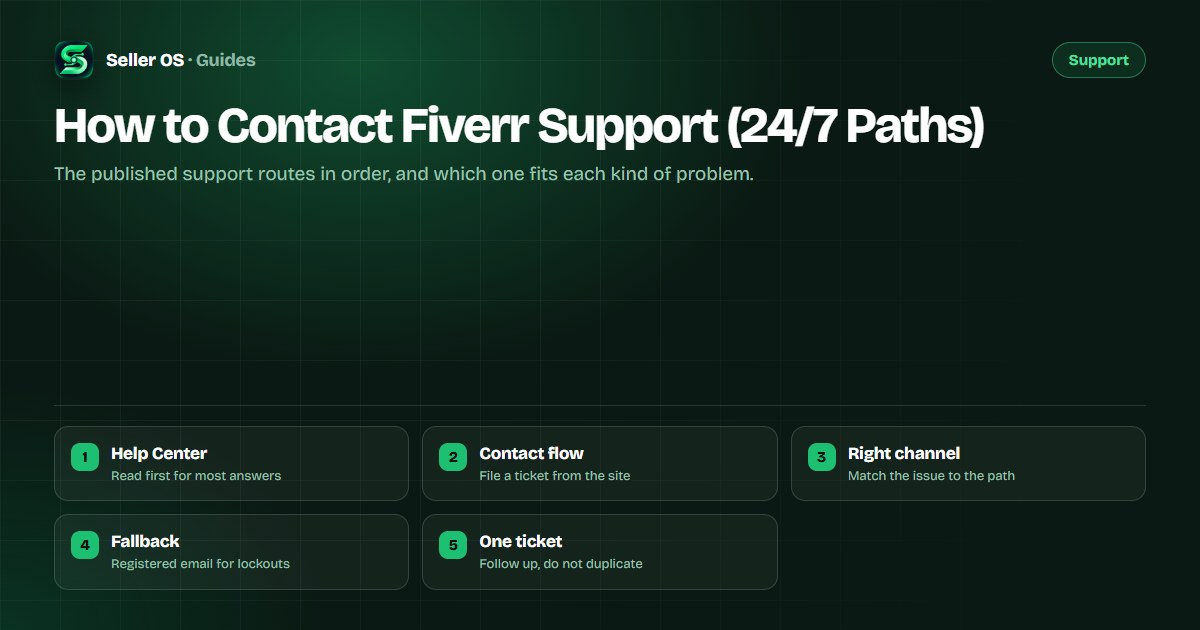
Start with the Help Center, not a ticket
Most issues have a published answer that resolves them without a queue: how a feature works, what a policy says, how to complete verification, or where a setting lives. Fiverr's Help Center is the reference for these, and reading the matching article first either solves the problem or gives you the exact wording to cite in a ticket. It also tells you whether the issue is even something support handles.
Keep the article open when you do write in. Quoting the policy name and linking it in your message shows the reviewer you did the reading, which shortens the back-and-forth. If no article matches, that absence is itself useful information: it means the ticket needs to explain the problem from scratch.
Use the contact flow on the site
When an article cannot resolve it, the contact flow inside the Help Center is the correct next step. It routes your request based on the category you choose, so pick the closest match to your problem rather than a generic option. The flow collects your account and order context automatically, which is why filing it while signed in is better than describing yourself from memory.
Write once, completely. A ticket that states the problem, the order or account it concerns, what you already tried, and the outcome you need is resolved faster than a series of short messages. The support request guide breaks that structure down field by field.
Which channel fits which problem
Different problems belong in different places, and choosing the wrong one adds a redirect. Account and login problems, order disputes, payment questions, and policy questions each have a natural home in the flow's categories. When you are unsure, the category that names your outcome is a better guide than the category that names how you feel about it.
| Problem | First step | If it continues |
|---|---|---|
| How a feature works | Help Center article | Contact flow, same category |
| Order or delivery issue | Order page and Help Center | Contact flow, order context |
| Payment or payout question | Help Center billing article | Contact flow, billing category |
| Account locked out | Password and recovery steps | Registered-email fallback |
| Policy or warning question | Help Center enforcement pages | Contact flow with the notice |
The registered-email fallback
For a lockout, an appeal, or a reactivation request, the published fallback is email to support from the address registered on your account. Using the registered address is the whole point: it lets the team match your message to the account even when you cannot sign in. A message from any other address may be treated with suspicion, which is reasonable when impersonation is common.
The email support guide shows how to structure that message and which situations justify it. Reach for it when you genuinely cannot use the contact flow, not as a shortcut around it.
Follow up well, or not at all
Once a ticket is open, add information rather than pressure. A single polite follow-up with new detail, such as a screenshot or a corrected order number, helps. Repeated tickets on the same issue, or several channels at once, split your case across queues and can read as abuse. The ticket discipline guide covers the line between the two.
No Fiverr page promises a specific response time, so treat any number you see quoted as unofficial. Track your own dates, keep every message, and let one clear ticket do its work.
Where Seller OS helps
A support request goes faster when the facts are already assembled. Seller OS keeps client notes, order context, and message drafts in Chrome local storage, so the order number, the dates, and the agreement you need are ready to copy rather than scattered across tabs.
The extension never contacts Fiverr for you and never files a ticket on its own. It stores and organizes what you already have, and you decide what to send.

How to Contact Fiverr Support questions
What is the best way to contact Fiverr support?
Start with the Help Center, because most questions have a published answer there. If it does not resolve the issue, use the contact flow inside the Help Center and choose the category closest to your problem. For a lockout or appeal, the fallback is email from your registered address.
Is Fiverr support available 24/7?
The Help Center is always available, and the contact flow accepts requests around the clock. Whether a person replies at any given hour depends on the queue and the category, and Fiverr publishes no guaranteed response time. Track your own submission date rather than relying on a quoted number.
Should I email support or open a ticket?
Use the contact flow for anything you can file while signed in, because it carries your account and order context automatically. Email from your registered address is the fallback for a lockout, an appeal, or a reactivation request when you cannot sign in. Do not do both for the same issue.
Can I contact Fiverr support on social media?
The published support routes are the Help Center and the contact flow, with email from your registered address as the fallback for account lockouts. Public social channels are not described as a support path, and posting account details there can expose information you would rather keep private. Use the official routes instead.
Right route, first time
Read the Help Center, file one clear ticket, and use email only when you cannot sign in.