 Seller OS
Email support@fiverr.com from your registered email
Email is not the first support route, but there is a specific situation where it is the right one: you cannot sign in, you are appealing a decision, or you are asking to reactivate an account. In those cases the published fallback is a message sent from the email address registered on the account.
This guide explains when email is appropriate, why the sending address matters, and how to structure a message that can actually be matched to your account. It follows the support pages Fiverr publishes, and it keeps expectations honest about what email can and cannot do.
Free plan available. Local-first data. Human review on every change.
When email is the right channel
The contact flow inside the Help Center handles most issues, and it should be your first choice whenever you can sign in. Email becomes the correct fallback when signing in is the problem itself: a lockout, an appeal against a decision, or a reactivation request. Those are the cases where Fiverr's published support pages point to the registered email.
If you can still use the contact flow, use it; email in that situation can slow things down by creating a second thread. Reserve the fallback for the situations it is meant for.
Why the sending address matters
Support needs to connect your message to an account, and the registered email is the identifier it can trust. A message from that address is easy to match; a message from an unrelated address raises the question of who is writing and why. Since impersonation and account-theft attempts are common, that caution is reasonable rather than bureaucratic.
Before you send, confirm the registered address is still one you control. If you have lost access to it, say so plainly in the message and provide what you can to prove the account is yours. Never route an account request through a third party or a paid service; the pay-to-work guide explains why those offers are traps.
How to structure the email
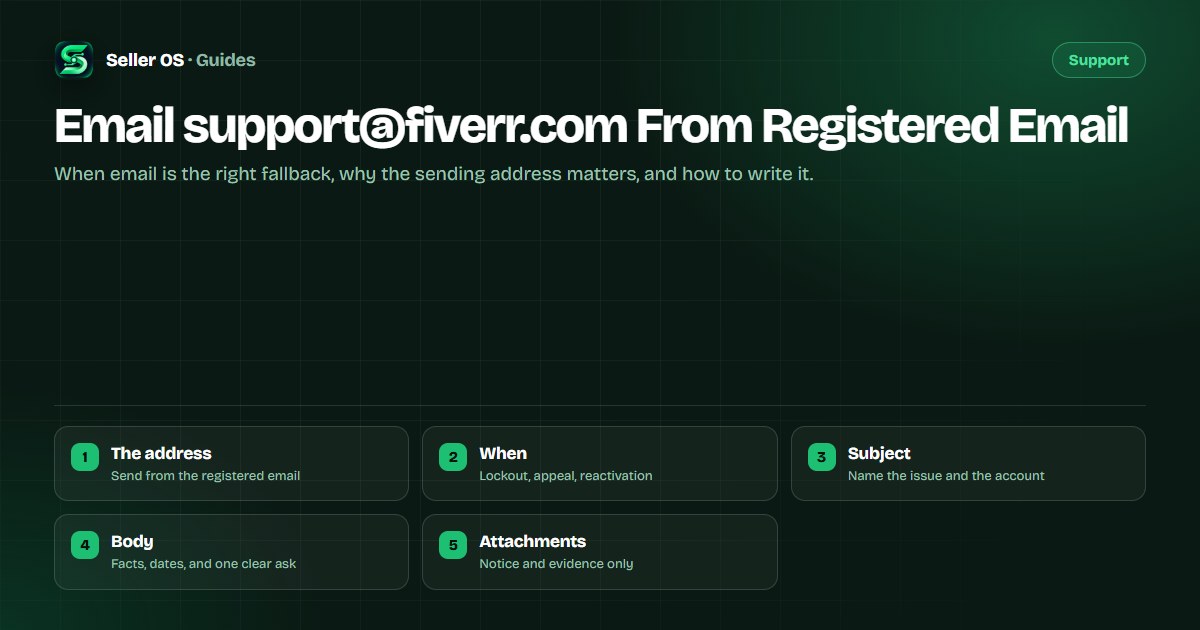
A good support email reads like a short incident report. Lead with the account and the decision, then give a dated sequence of facts, then state exactly what you are asking for. Leave out adjectives and accusations; they do not speed anything up, and they can bury the point a reviewer needs.
Subject
account username, the issue, and the date you noticed it
Opening line
who you are and the state of the account, in one sentence
The facts
a short dated timeline of what happened, one event per line
What you need
a single, specific request, stated without emotion
Attachments
the notice, the timeline, and relevant documents
Sign-off
your username and the registered address you are writing from
After you send it
Send once, then wait. Fiverr does not publish a guaranteed response time, so a same-day follow-up adds nothing, and repeat messages can split your case or look like abuse. If you remember a missing detail, send one short addition that references the original rather than starting over.
Keep every message you send in a folder outside the account, along with the notice and your timeline. If the situation escalates, that folder is the record. The appeal guide and the request guide cover the appeal and ticket cases in more depth.
| Include | Leave out |
|---|---|
| Username and registered address | Threats or demands |
| Dated, verifiable facts | Long emotional backstory |
| One clear request | Several unrelated asks |
| The notice and evidence | Speculation about motives |
| A single follow-up | A new email every day |
What email cannot do
Email cannot promise a reversal, a faster payout, or a fixed review window, and no honest message should imply otherwise. What it can do is put your facts in front of the right team from a verifiable address, which is the only thing you fully control. If someone claims they can restore your account for a fee, that is a scam, not support.
Stay on the official routes. A message from your registered email to the published support address is the fallback; anything that asks you to log in elsewhere or pay for access is not.
Where Seller OS helps
Drafting a support email is easier when the record already exists. Seller OS stores order context, client notes, and message drafts in Chrome local storage, so the dates and details you need for a timeline are at hand instead of spread across receipts and screenshots.
It does not send email, contact Fiverr, or promise an outcome. It organizes your local notes so the account you write down matches the account you are asking about.
Email support@fiverr.com From Registered Email questions
Is support@fiverr.com the official Fiverr support email?
Fiverr publishes email as the fallback for situations like a lockout, an appeal, or a reactivation request, sent from the address registered on your account. Use the support address exactly as it appears on Fiverr's published support pages rather than one forwarded in a message, since lookalike addresses are a common phishing tactic.
What should I write in the subject line?
Name the account and the issue in the subject so the message is easy to route and match. A subject that reads like your username, the problem, and the date you noticed it gives a reviewer everything needed to file it. Avoid vague subjects like urgent help that force someone to open and guess.
Why does the sending email address matter so much?
Support matches your message to an account using the registered email, so a message from that address is trusted and easy to verify. Writing from an unrelated address raises the question of who is sending it, especially because impersonation is common. Keep the registered address current and use it for every account request.
Can I email Fiverr support about a normal order question?
Use the contact flow in the Help Center for anything you can file while signed in, because it carries your order and account context automatically. Email is the fallback for a lockout, an appeal, or a reactivation request, not a general shortcut. Filing both can create two threads that slow each other down.
From the right address, once
Send account requests from your registered email, with facts and one clear ask, and then wait.