 Seller OS
Pay-to-work traps on Fiverr: money flows to you
A message arrives with good news: you have been selected for steady orders, remote tasks, or a buyer program. Then comes the catch. Before work starts, you must pay a verification fee, a refundable deposit, or a training charge, usually through a link or an account outside Fiverr.
That catch is the whole trap. On Fiverr, money flows from buyer to seller through orders, and a real opportunity never asks you to send money or log in somewhere else first. This guide shows the common versions, the single rule that exposes them all, and how Fiverr's own verification differs. Platform process points below follow the Help Center.
Free plan available. Local-first data. Human review on every change.
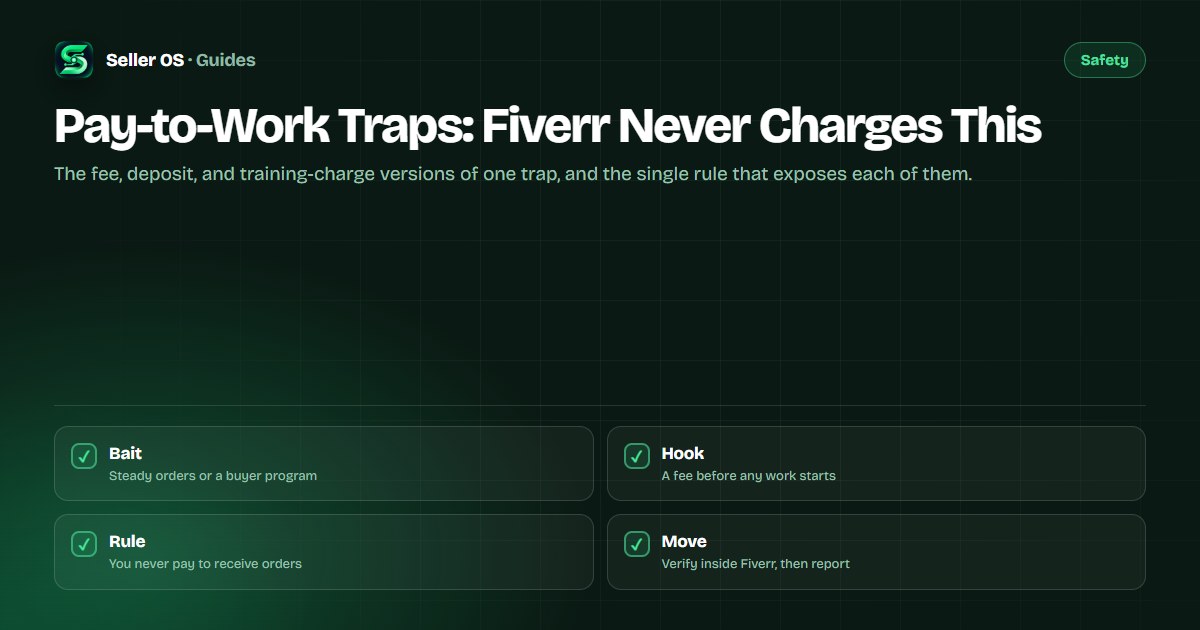
How the pay-to-work trap works
The setup is always flattering. You are chosen, pre-approved, or shortlisted, often by an account posing as a buyer, an agent, or even Fiverr staff. The role sounds easy and the pay sounds steady, which lowers your guard before the fee appears.
The fee then arrives dressed as procedure: identity verification, a security deposit, training materials, or software access. Payment goes through gift cards, crypto, or a login page the message links to. Once you pay, the contact vanishes or invents a second fee.
- Verification fee: a charge to confirm your identity before orders can start.
- Refundable deposit: a deposit you supposedly get back with your first payout.
- Training or kit fee: payment for materials, courses, or tools needed for the tasks.
- Upgrade fee: a charge to unlock higher-paying orders or a premium buyer tier.
The one rule that exposes every version
A genuine Fiverr payment never requires you to send money first, and it never requires you to log in on a page someone messaged you. Orders, payouts, and account steps all happen inside your Fiverr account after you sign in yourself, not through links in an inbox pitch.
Hold every offer against that rule and the details stop mattering. Refundable or not, small or large, urgent or relaxed: if receiving work or money depends on you paying or logging in elsewhere, it is not Fiverr paying you.
How Fiverr's own verification differs
Fiverr does verify sellers, and that is exactly what the trap imitates. The difference is the channel: real verification happens inside your account settings or seller dashboard after you sign in directly, never through a link a stranger sent, and it never asks you to transfer funds to anyone.
Anyone can rent the vocabulary of trust and safety. What they cannot fake is the location: inside your signed-in account versus somewhere a message told you to go.
| Point | Fiverr's own checks | The trap version |
|---|---|---|
| Where | Inside your signed-in account | A linked page or outside chat |
| Money | No transfer to a person required | A fee, deposit, or charge |
| Contact | Account notifications and Help Center | A stranger's inbox pitch |
| Proof | Status shown in your own dashboard | Screenshots and promises |
How to verify before you act on anything
Pause before clicking, paying, or entering credentials. Verification takes a few minutes and costs nothing, while the trap depends on you acting before you check.
Work through these in order. Stop at the first failure and treat the offer as hostile.
Type the address yourself
Open Fiverr by typing the address or using your own bookmark, then look for the same notice inside your account.
Inspect the sender
A new account with no history pitching steady work is a warning sign, not a lucky break.
Check the money direction
Any step where you send funds, gift cards, or crypto means the offer fails the one rule.
Check the login
Any page asking for your password or code from a message link is unsafe; close it and sign in directly instead.
How to report the trap and what happens next
Report the account through the reporting tools in the inbox or on the relevant page, as described in the Help Center. Include what was asked: the fee type, the payment method, and any link sent. Your report helps the next seller who meets the same account.
Then cut contact. Do not warn the scammer, do not negotiate, and do not click their links again to gather evidence. If you already paid or entered credentials, change your password from a clean device, review your account activity, and contact support through the official channel.
- Report through Fiverr's own tools and keep your messages in the thread polite and brief.
- Study the off-platform payment lure next, since the two traps often arrive together.
- Learn the phishing signs if any link or login page was involved.
- Use the support contact guide if you lost money or shared credentials.
Where Seller OS helps
Seller OS cannot tell a real offer from a trap for you, and it never pays, logs in, or reports on your behalf. Its part is quieter: client records keep the thread history in Chrome local storage so you can reread a pitch with cool eyes, and the inbox assistant drafts the verification reply you review before sending.
The habit matters more than the tooling. Reread flattering offers the next morning, check the money direction, and let a person make every click.

Pay-to-Work Traps questions
Does Fiverr ever charge sellers a fee to receive orders?
No legitimate order requires you to pay money upfront to receive it. Fiverr earns through its published service structure on completed transactions, handled inside the platform. Anyone asking for a verification fee, deposit, or training charge through messages or outside links is running a trap, not representing the platform.
The fee page had the Fiverr logo. Could it still be fake?
Yes. Logos, page layouts, and even whole login screens are easy to copy, so appearance proves nothing. What matters is how you arrived: a page you reached from a message link is untrusted, while your account dashboard reached by typing the address yourself is the real thing. Never enter credentials from a linked page.
How is this different from Fiverr verifying my identity?
Real verification happens inside your signed-in account, through your own settings or seller dashboard, and it never asks you to transfer money to a person. The trap version arrives as an unsolicited pitch and routes you to an outside page or payment. Same vocabulary, completely different channel, and the channel is the test.
I already paid the fee. What should I do?
Stop all contact with the account and do not pay any second fee it invents. Change your Fiverr password from a device you trust, check recent account activity, and contact support through the official Help Center channel. Keep copies of the messages and payment details, since you will need them for any payment-provider claim.
You never pay to receive work.
Check the money direction first, and every version of this trap fails the test.