 Seller OS
Phishing signs every Fiverr seller should recognize
Phishing is a message dressed as someone you trust, built to steal the one thing that unlocks your account: your login. For sellers, it usually arrives as a buyer message with a link, an email about a suspended gig, or a QR code that leads to a convincing copy of the sign-in page.
This guide walks through the mechanics aimed at sellers, shows how to inspect any link before touching it, and explains where to report what you find. The habits below are general cybersecurity best practice, and platform reporting points follow the Help Center.
Free plan available. Local-first data. Human review on every change.
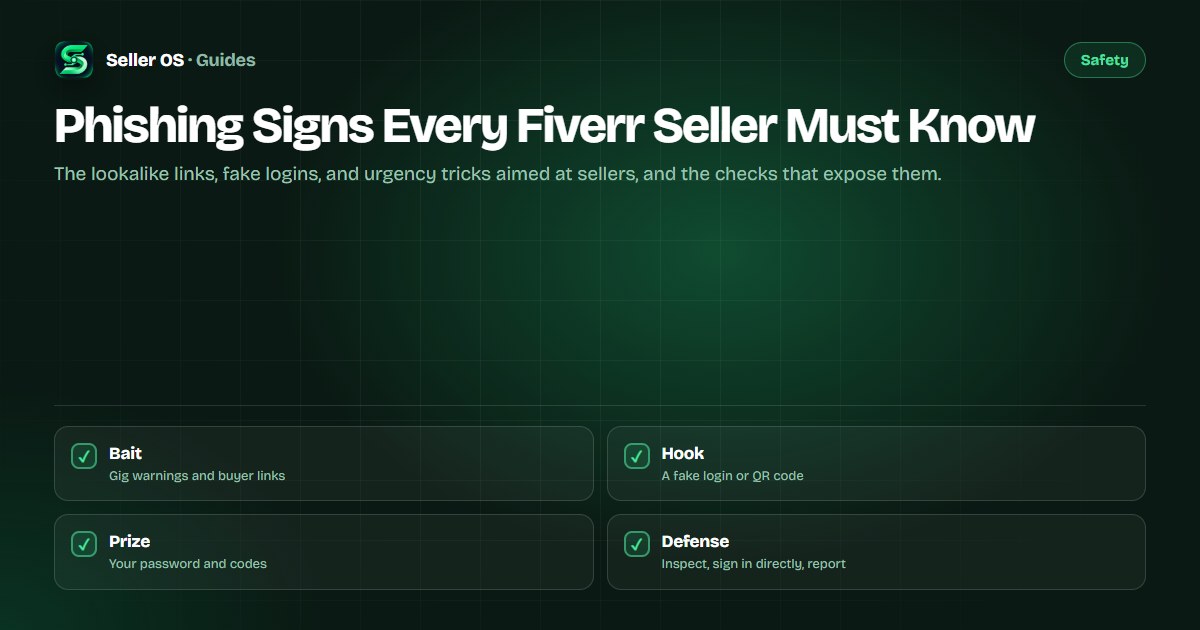
How phishing reaches sellers
The inbox is the main road. A new buyer sends a file, a brief, or a payment confirmation that requires opening a link. Because sellers are trained to respond fast and stay helpful, the malicious link rides in on normal behavior.
Email is the second road: warnings about policy violations, suspended gigs, or pending payouts, each with a button to resolve the issue now. A smaller third road is the QR code in an attached image, which hides the destination until scanned and skips the link preview you would otherwise read.
- Inbox links: briefs, test files, or payment proofs that open outside the platform.
- Account emails: fake warnings and payout notices with resolve-now buttons.
- QR codes: images that hide the destination and bypass link previews.
- Credential requests: any ask for your password, code, or recovery details.
How to check any link before touching it
Treat every unexpected link as untrusted until the address proves otherwise. On desktop, hovering usually reveals the real destination; on mobile, a long press previews it. Read the domain itself, not the words around it, because display text can say anything.
Lookalikes rely on speed-reading: swapped letters, extra words before the real domain, or a long subdomain that buries the true address at the end. Slow down and read right to left from the first single slash.
Preview first
Hover or long-press to reveal the destination without opening it.
Read the domain
The registrable domain sits just before the first single slash; everything before it can be decoration.
Spot the tricks
Swapped letters, added words, hyphens, and homeglyph characters all mark a lookalike.
Open nothing shady
If the address looks wrong, close the message and sign in by typing the address yourself.
Urgency, logins, and credential requests
Phishing runs on hurry. Account suspended in 24 hours, payout expiring tonight, buyer waiting on your confirmation: each one pushes you to act before you check. Real security notices do not need you panicked; they need you signed in through your normal route.
The second tell is the credential ask. No buyer, client, or support process needs your password, your two-factor code, or your recovery email. Reported risks include session theft after a single code handover, so treat any code request as the attack itself, not a step inside one.
| Sign | What it looks like | Your check |
|---|---|---|
| Countdown | Suspended in 24 hours, act now | Sign in directly and look for the notice |
| Fake login | Pixel-perfect sign-in page | Never arrive from a message link |
| Code request | Share the code we just sent | No real process asks for this |
| QR detour | Scan to view the brief | Preview the URL before opening |
If you already clicked or typed credentials
Act quickly and in this order. Speed matters because stolen sessions get used fast, but panic helps no one, so work the list top to bottom.
These are general incident steps, not platform policy. The platform-specific part is reporting, covered in the next section.
- Disconnect the tab and do not enter anything else into the suspicious page.
- From a clean browser, sign in directly and change your password immediately.
- Review active sessions and connected apps, and sign out anything you do not recognize.
- Consider turning on two-factor authentication if it was off, and rotate the email password too.
- Watch payouts and profile changes for a few days for anything you did not do.
Report it and tighten the account
Report the message through the inbox reporting tools and forward phishing emails through the channel Fiverr documents in the Help Center, without clicking anything inside them again. Your report shortens the life of the fake page for the next seller.
Then harden the account: unique password, two-factor on, recovery details current. The session and attachment guides below extend the same habits to files and logins.
Where Seller OS helps
Seller OS never asks for your Fiverr password and never opens buyer links for you. It keeps to its own lane: client records and thread history stay in Chrome local storage, and the inbox assistant drafts the careful reply you review before anything is sent.
That boundary is the point. A tool with no access to your credentials cannot hand them to a fake login page, and every send still waits for a person.
Phishing Signs Every Fiverr Seller Must Know questions
How do I tell a real Fiverr email from a phishing one?
Check the sender domain carefully, but decide by the link, not the logo. Preview every button destination and compare the domain character by character with the address you normally use. When anything feels off, ignore the email entirely and sign in by typing the address yourself to see whether the notice exists.
A buyer sent a link to their brief. Is it safe to open?
Not automatically. Preview the destination first and read the domain before clicking. Prefer files shared through the platform attachment flow over outside links, and be wary of QR codes that hide the address. If the buyer resists sharing through normal channels, treat that resistance as information and slow down.
Should I ever share my two-factor code with anyone?
No. No buyer, collaborator, or support process needs a code sent to your device, and reported risks include full session theft from a single shared code. Anyone asking for it, however official they sound, is running the attack. End the conversation and report the account through the inbox tools.
Where do I report a phishing message on Fiverr?
Use the reporting tools inside the inbox or on the message thread, as documented in the Help Center, and include the link or image involved. Do not reply to argue with the sender. If you entered credentials, change your password from a clean device first, then report, then review sessions and payouts.
Read the address, not the message.
Thirty seconds of link checking beats weeks of account recovery.