 Seller OS
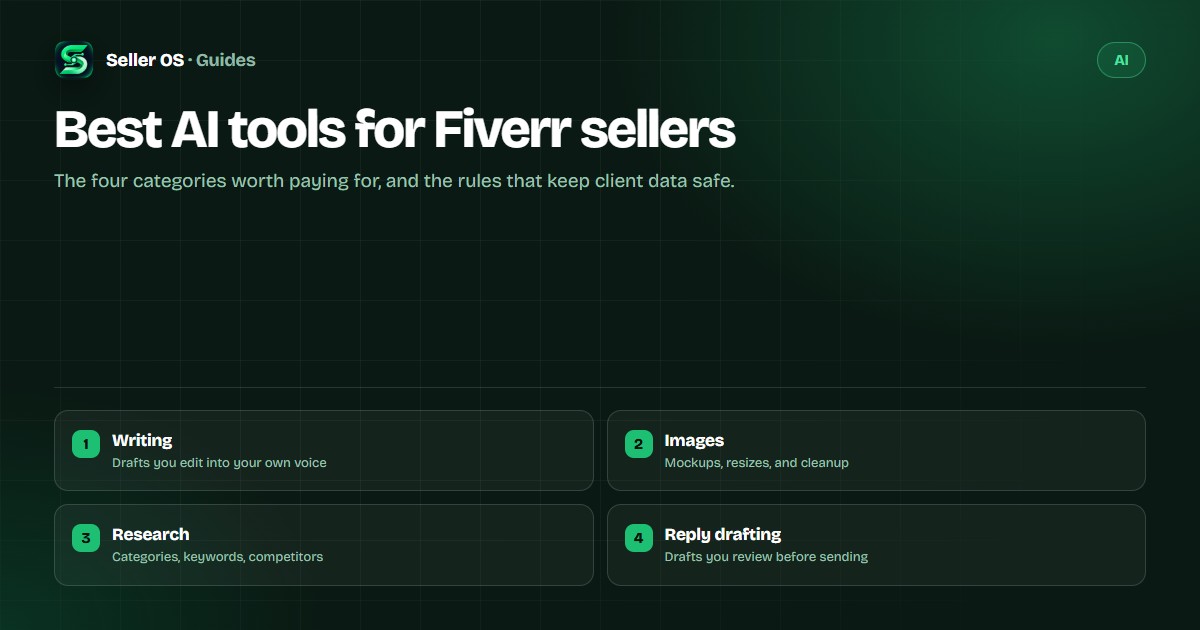
Best AI tools for Fiverr sellers
Your stack does not need nine subscriptions. For most Fiverr work it needs four jobs covered — drafting, images, research, and reply outlines — plus a review habit that keeps you accountable for what ships. Pick tools by how they handle data and fit your review step, not by the longest feature list.
Free plan available. Local-first data. Human review on every change.
Start with categories, not brands
Categories change slower than product names, and thinking in categories stops you from paying for three overlapping subscriptions. For Fiverr work, four categories cover most needs. If you are weighing a general assistant like ChatGPT, see ChatGPT for Fiverr work.
Writing and editing
These draft gig copy, delivery documents, proposals, and follow-ups, and they tighten awkward sentences. Useful, and risky if you treat the output as finished. Budget a real edit for anything a buyer will read closely. For the gig-copy workflow specifically, see how to use AI to optimize a Fiverr gig.
Image generation and editing
Handy for thumbnails, mockups, and social assets. Check usage rights and licensing before you deliver a generated image, respect client brand rules, and disclose generated imagery where the context expects it.
Research and summarizing
Good for condensing long briefs, competitor pages, and style guides so you can start faster. Summaries drop detail, so verify anything factual against the source before it shapes your work.
Inbox and brief drafting
These draft reply outlines, follow-ups, and clarifying questions. Keep the tone yours, never auto-send, and treat every draft as a starting point for a person who knows the client.
Four questions before you subscribe
Data handling comes first: what happens to your inputs, and can you keep confidential client material out? If that answer is unclear, the tool is unsuitable for that client's work. Usage rights come second: can you use the output commercially, and does that match what your buyer expects?
Third, the review workflow: does the tool draft and hand you control, or act on its own? Prefer draft-and-approve. Fourth, the cost model: subscriptions belong in your pricing math, so know what a busy month actually costs before you commit. Run the math: a $20 monthly tool spread across ten orders adds $2 to the cost of each one.
Rules for safe use
- Keep confidential client material out of tools you have not cleared with the client.
- Verify names, numbers, quotes, and citations; generated text can be confidently wrong.
- Keep a human review step before anything goes to a buyer.
- Disclose AI assistance where the client, contract, or platform expectations require it.
- Keep final files and records on your own machine so you can prove what you delivered.
- Do not let a tool speak for you in a dispute; read the message you send.
Where Seller OS helps
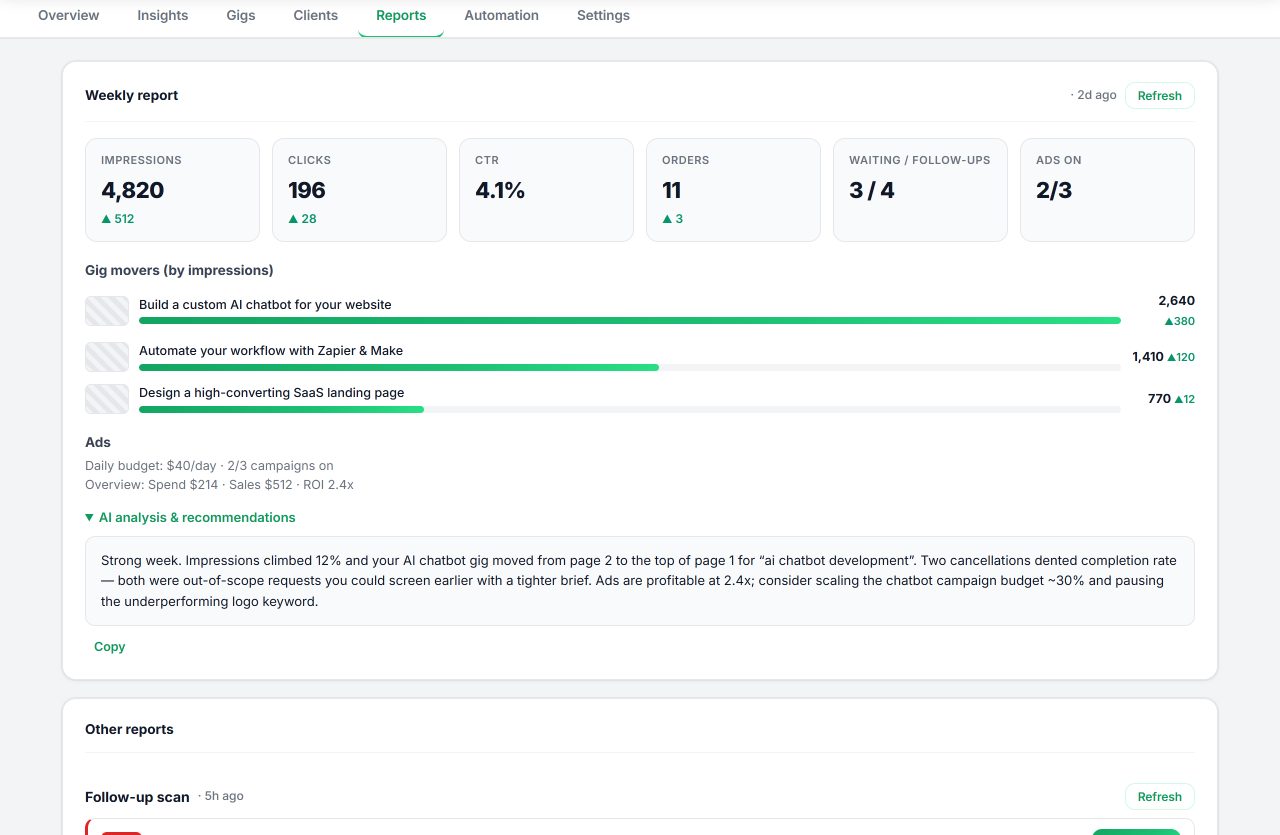
Seller OS is not an AI provider. It is the Fiverr workflow around the provider you already use: it drafts brief responses, inbox and order replies, and full gig structures inside the extension, then stops and hands you the draft. You edit, then you Send or Save. The extension supports a browser AI session or your own provider key, and the plans do not include third-party AI credits.
It also keeps the review habit visible: the Fiverr seller tools guide shows where drafting, gig work, and monitoring connect, and the Fiverr SEO tool covers keyword suggestions, rank history, and live gig audits.
What not to do
- Do not paste contract-bound client material into a tool whose data handling you have not checked.
- Do not deliver unreviewed output; a fast draft with a wrong fact costs more than the time it saved.
- Do not use tools to mass-produce near-duplicate gigs or fake engagement; that puts your account at risk.
- Do not choose tools by hype. Fit, data handling, and review workflow are the criteria that hold up.
AI tool questions for Fiverr sellers
Do I need paid AI tools to work on Fiverr?
No single paid tool is required. You can work with a browser AI session or a provider account you already pay for, and Seller OS does not include AI credits either way. What matters is that you review the output and can stand behind it.
Is it safe to paste client work into an AI tool?
Only when you have permission and the tool's data terms allow it. For confidential or contract-bound material, keep it off third-party services, or use tools whose handling you have verified. When in doubt, ask the client.
Will clients know I used AI?
Sometimes they will ask, and the honest answer works: modern tools help you draft, and you review and own the result. Disclose where the client, the contract, or platform expectations require it.
How many AI tools does a Fiverr seller need?
Usually fewer than you think. One writing tool, one image tool, and one place to keep your process is enough for most sellers. Add a category only when a repeated task genuinely demands it.
Let AI draft while you decide.
Bring your own AI session or provider key and keep every Send, Save, and Publish in your hands.