 Seller OS
Browser extension safety for Fiverr sellers
Fiverr sellers run their business inside a browser tab, and extensions sit in that same tab with broad access: reading pages, watching requests, storing notes, and sometimes touching messages and order details. Most extensions are benign, yet each one you install widens the set of software that can see buyer conversations, attachments, and login sessions.
This guide gives you a least-permission routine. It is general cybersecurity best practice, not Fiverr policy. You will learn how to read permission prompts, what questions to ask before installing a seller tool, how to review access you already granted, and when removing an extension is the right call.
Free plan available. Local-first data. Human review on every change.
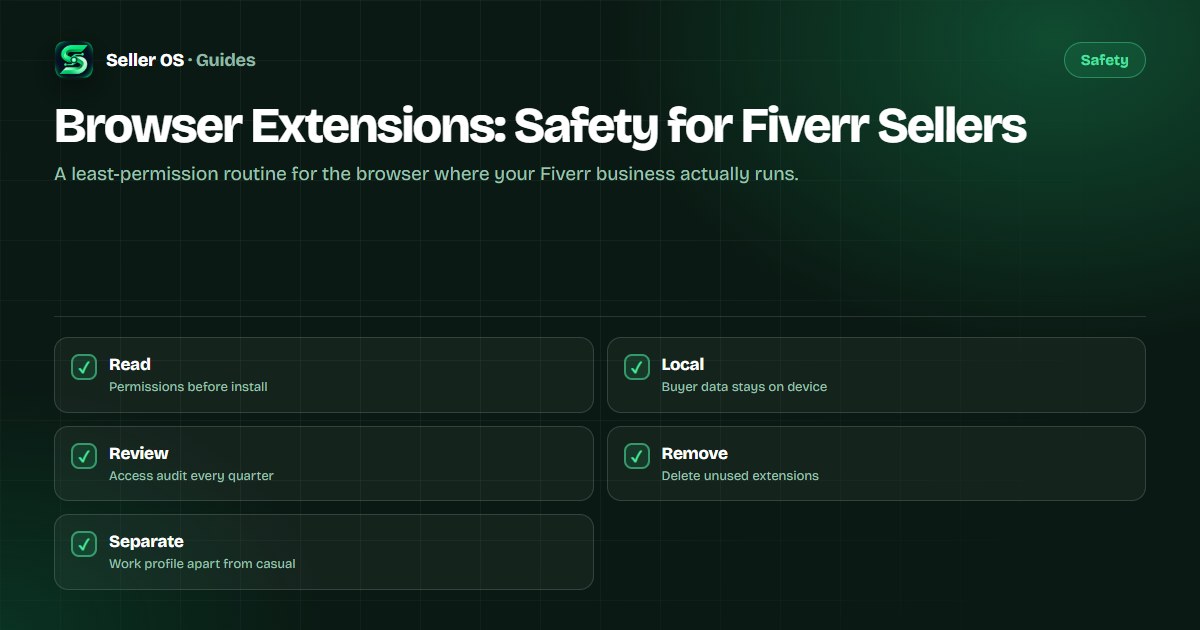
Why extensions deserve special care on a seller machine
An extension is software with a standing invitation. Depending on its permissions, it can read page content on sites you visit, observe the tabs you open, store copies of what it sees, and send data to its own servers. For a seller, page content means buyer briefs, message threads, delivered files, payout pages, and the login session that guards all of them.
That access is also why good seller tools work: they need page context to draft, fill, or track. The question is never whether access exists but whether it is bounded, explained, and removable. A tool that states exactly which sites it touches and keeps your data on your device is a different proposition from one that requests every site plus remote storage without saying why.
Read the permission prompt before you install
Chrome shows what an extension asks for before you confirm, and that screen is the cheapest security review you will ever do. Read it line by line. Access to all sites means the extension can run everywhere, while access to named sites limits it to those pages. Permissions to read browsing history, manage downloads, or access tabs each add reach that should map to a visible feature.
Match each permission to a job the extension claims to do. A screenshot tool needs capture rights, while a simple calculator does not need every page you open. Be cautious with bundles that install extra extensions alongside the one you wanted, and with tools that demand a new account and broad data sync before showing any value. If the mapping is unclear, pause and check the vendor docs or pick a narrower tool.
- Site access: named Fiverr pages only beats read-and-change on every site.
- Tabs and history: needed for session tools, suspect in simple utilities.
- Downloads and files: justified for export features, not for readers.
- Account and sync: ask where the data lands and how to delete it.
Five questions to ask about any seller tool
Run every candidate through the same short screen, whether it is a rank tracker, a template helper, or a delivery timer. The answers tell you how much buyer data leaves your machine and how hard it is to leave the tool later.
Prefer tools that process locally and publish nothing on their own. Seller OS follows that pattern: drafts and client notes stay in Chrome local storage, the extension fills Fiverr forms for your review, and a person completes every Save, Continue, or Publish step. Whatever you evaluate, hold it to the same bar and keep credentials out of the decision entirely.
Where does my data live
on my device, or on someone else's server, and for how long
Which sites does it touch
named Fiverr pages, or every tab I open
What does it send
drafts and settings, or page content and message text
Who publishes
do I click every Fiverr action, or does it act while I sleep
How do I leave
one-click removal plus data deletion, or a maze
Review what you granted and remove what you stopped using
Permissions drift. Extensions update, add features, and request wider access, while sellers accumulate helpers from old workflows that still run in every tab. Open the extension manager, expand each entry, and confirm the site access still matches the job. Switch anything set to every site down to named sites where the option exists, and turn off tools during weeks you do not need them.
Remove without sentiment. An extension you have not clicked in a quarter is pure surface area: uninstall it, then check whether its vendor account still holds your data and delete that too. Keep the browser itself updated so permission controls and site isolation stay current, and consider a separate browser profile for Fiverr work so casual browsing extensions never share a session with buyer data.
Treat buyer data as borrowed, not yours
Buyer briefs, files, and message histories belong to the working relationship, not to your tool stack. Keep that framing when you grant access: an extension that copies full thread text to a remote server for a minor formatting feature takes more than the feature is worth. Prefer local processing, download client files only when the order needs them, and keep personal browsing in a separate profile.
The same care covers what you paste elsewhere. Drafts that quote a buyer brief verbatim should not travel into public demos, shared prompts, or unrelated tools. Paraphrase when you test a workflow, strip names and order numbers from examples, and review the attachment scanning guide and the seller tools hub before widening the set of software that sees client work.
| Pattern | Read | Action |
|---|---|---|
| Named Fiverr pages only | Bounded access | Accept if features need it |
| Every site, vague reason | Unbounded access | Decline or find alternative |
| Local storage stated | Data stays put | Prefer for buyer work |
| Remote copy, unclear delete | Data leaves device | Avoid for client threads |
Where Seller OS helps
Seller OS is built for this least-permission posture. It runs as a Chrome extension that works on Fiverr pages you approve, keeps client records and drafts in Chrome local storage, and fills gig and message forms for your review instead of acting on its own. No page action completes without your click.
If you evaluate it against the screen above, the answers are short: named-site access, local data, human review on every publish step, and clean removal through the standard extension manager. Apply the same questions to everything else in your toolbar.

Browser Extensions questions
Are browser extensions safe to use with Fiverr?
Many are, but each one adds software that can see page content, so screen every install. Read the permission prompt, match each permission to a visible feature, and prefer tools that state named-site access and local storage. Remove anything you have not used in the last quarter.
Which extension permissions should worry a Fiverr seller?
Treat read-and-change on every site, browsing history access, and remote data sync as permissions that need a clear justification. A seller helper should explain why it needs each one. If a simple utility asks for broad page access plus account sync, pause and look for a narrower alternative.
How often should I review my installed extensions?
Review them quarterly and after any permission-change notice. Open the extension manager, confirm each tool still earns its site access, narrow every-site grants to named sites where possible, and uninstall tools from finished workflows. Keep the browser updated so current isolation and permission controls apply.
How do I keep buyer data private when using seller tools?
Prefer tools that process drafts locally and publish nothing without your click. Keep buyer threads out of unrelated apps, paraphrase briefs when testing workflows, and use a separate browser profile for casual browsing. Download client files only when the order needs them.
Fewer doors, watched closely.
Keep the extensions you need, narrow their reach, and remove the rest.