 Seller OS
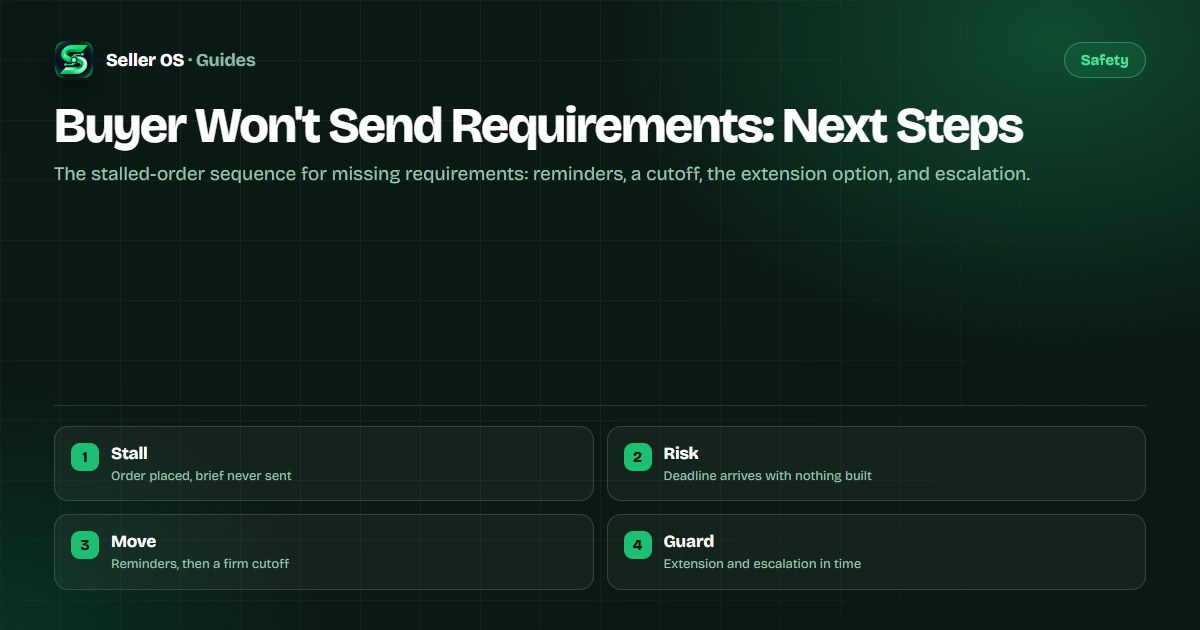
Buyer will not send requirements on Fiverr: next steps
The order is placed and the clock is running, but the brief never arrives. You message, you wait, and the delivery date creeps closer with nothing to work from. Starting without requirements risks a revision war; waiting silently risks a late delivery on your record.
This guide covers the requirements stall specifically: the reminder sequence, the cutoff point, the extension option, and the escalation path, all before delivery time runs out. Platform process points follow the Help Center. Broader silence after work has started is a different problem with its own playbook.
Free plan available. Local-first data. Human review on every change.
Why orders stall at the requirements step
Most stalls are mundane. The buyer ordered from a phone and planned to send files later, assumed you would start from the gig description alone, or simply forgot. A smaller share are disorganized buyers who never had the materials ready.
Your job is to separate the forgetful from the absent as early as possible. The sequence below does that: each step asks for the brief a little more firmly, and the buyer's response, or lack of it, tells you which path to take next.
- Ordered on the go: buyer intended to send files from another device later.
- Assumed start: buyer thinks the gig description is enough to begin.
- Missing materials: buyer never gathered logos, logins, or references.
- Gone quiet: buyer stopped opening messages after placing the order.
The reminder sequence that restarts most stalls
Send these in order, spaced across the waiting period, and keep every one inside the order thread so the full history sits in one place. Each message makes it easier to reply by naming exactly what you need.
Attach a concrete checklist to the second message. Vague asks like send me everything get vague silence; a numbered list of three items gets answered.
Same-day welcome
Confirm the order, name the 2-3 items you need, and give the simplest way to send each one.
Checklist nudge
Send the list again with checked and missing items marked, so the buyer sees how small the remaining effort is.
Deadline warning
State the date by which you need the brief to deliver on time, and what happens after it.
Final cutoff
Name the cutoff, the extension or next step you will take, and invite any partial materials now.
Protecting the deadline with an extension
When the cutoff passes with no brief, move before the timer does. Requesting more time through the order's extension option, as documented in the Help Center, keeps a late delivery from landing on your record while the stall continues.
Frame the extension honestly in the request note: work cannot start until requirements arrive. Buyers approve these readily when the thread shows you asked early and often, which is another reason every reminder belongs in the order conversation.
| Moment | Proactive path | Passive path |
|---|---|---|
| Day one | Welcome message with checklist | Waiting silently |
| Mid-wait | Nudge with missing items marked | One vague follow-up |
| Cutoff | Extension requested with reasons | Deadline approaching unguarded |
| Expiry | Record shows effort throughout | Late delivery with no paper trail |
The escalation path when silence continues
If reminders and an extension still produce nothing, raise the issue through the order's resolution and support options described in the Help Center. Ask for the outcome that fits: more time, a mutual cancellation, or guidance for a buyer who may never return.
Keep your tone factual throughout. State dates, quote your unanswered reminders, and propose one clear resolution. Threads that read as patient and organized get faster, better outcomes than threads that read as frustrated.
- Document first: dates of order, reminders sent, and the extension status.
- Use the order's own resolution options before any outside channel.
- Propose one outcome: extended time, mutual cancellation, or support guidance.
- For cancellation mechanics, see the cancellation guide.
Preventing the next stall before it starts
Stalls shrink when requirements are easy to complete. Shorten the form to what you truly need, make one field carry the core brief, and show an example of a good answer so buyers know what done looks like.
The requirements guide covers the full design: fewer fields, sharper prompts, and scope wording that stops the brief from arriving vague. Pair it with the ghosted-buyer playbook when the silence starts after delivery instead of before it.
Where Seller OS helps
Seller OS watches the clock you cannot watch all day. Order monitors track state changes so a stalled requirements step surfaces instead of sitting quiet, client records keep the reminder history in Chrome local storage, and the inbox assistant drafts each nudge from your own templates.
You still decide the cutoff and send every message. The extension tracks and drafts locally; a person reviews, approves, and acts.
Buyer Won't Send Requirements questions
Should I start the work without requirements?
No. Guessing the brief trades a stall for a revision war, and delivered work built on assumptions rarely matches what the buyer wanted. Send the reminder sequence, request an extension before the deadline, and escalate through the order options if silence continues. The paper trail of unanswered asks protects you far better than a guess.
How long should I wait before requesting an extension?
Request it as soon as it becomes clear the original date is unreachable, not after it passes. A mid-wait request with the reminder history attached reads as responsible planning. Waiting until expiry turns the same request into damage control and risks a late mark the extension was meant to prevent.
Can I cancel an order when the buyer never sends the brief?
Cancellation is a last resort after reminders, an extension, and the resolution options. Propose a mutual cancellation through the order flow with dates and unanswered messages cited, so the record shows patience rather than refusal. The cancellation guide walks through the mechanics and the review implications to weigh first.
How is this different from a ghosted or unresponsive buyer?
This guide covers the requirements step specifically: nothing has been built yet and the deadline is the risk. Ghosted-buyer scenarios usually involve silence after delivery or mid-project, with different tools like follow-ups and resolution-center claims. Match the playbook to the stage, since the wrong sequence wastes the time you are trying to save.
Remind early, guard the deadline.
A short sequence now beats a late delivery and a dispute later.