 Seller OS
Fiverr gig gets impressions but no clicks
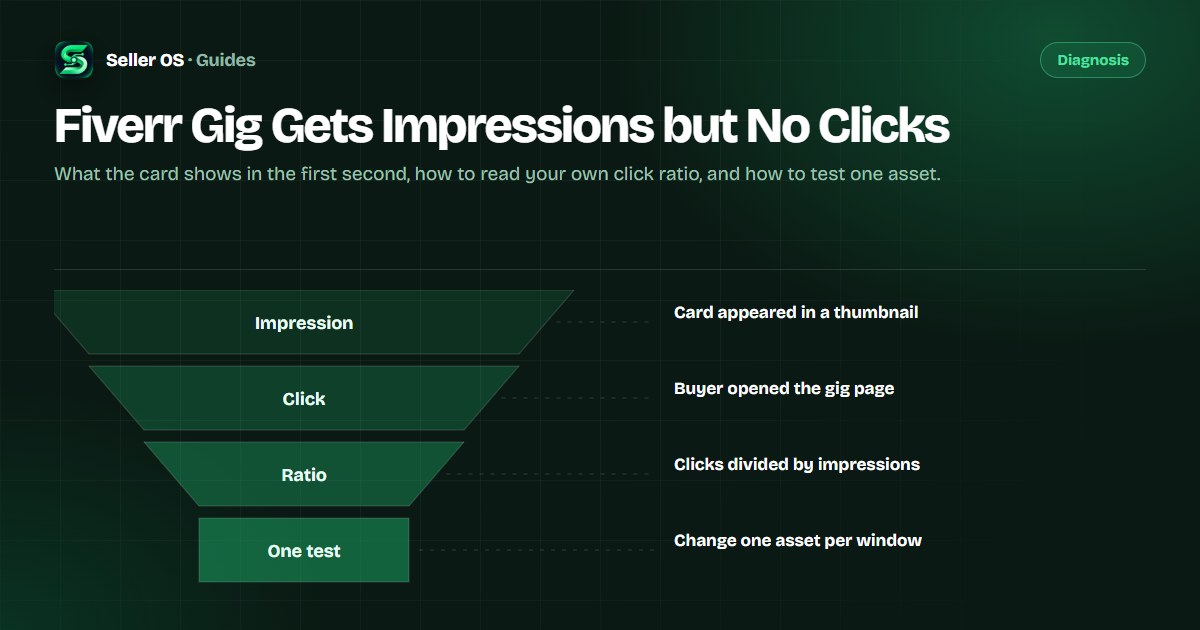
Impressions with no clicks mean buyers saw your card and did not open it. Fiverr counts an impression every time your gig appears in a thumbnail — on the homepage, category pages, search results, or a profile — so some of that traffic was never shopping for a service like yours. The decisive part is what the right buyers see in the first second.
This guide covers what a gig card actually shows, how to read your own click ratio without a published benchmark, the gallery rules that shape a thumbnail, and a one-change test you can run without touching anything else on the listing.
Free plan available. Local-first data. Human review on every change.
What impressions actually count
Impressions are appearances, not unique visitors. Fiverr's definition counts each time your gig shows in a thumbnail across the homepage, category and subcategory pages, search results, and profile pages. That mix matters, because homepage and category browsing is a different audience from a typed query.
Before blaming the thumbnail, check where the impressions come from and whether the count is large enough to judge. A spike from a broad placement can add low-intent views; a steady trickle from one category page may be closer buyers. The same card can look weak in one context and strong in the other.
The mix also changes month to month, which is why an impressions drop and a clicks problem are not always related. If impressions grew from a broad surface while clicks stayed flat, your ratio fell without anything on the card changing. Compare the ratio only when the surface mix is roughly stable.
What the buyer sees before clicking
The card is compact: the first gallery image, the gig title, and the seller's level badge, which Fiverr states is visible on gig cards, gig pages, and profiles. Ads in the mix carry an ad badge of their own.
Every element does a different job. The image earns attention, the title says what the service is, the badge adds a trust shortcut, and the phrasing positions the price. When clicks are flat, one of these is failing to answer the buyer's first question: is this for me?
What the card does not show matters too: no description, no process, and no revision terms. The buyer decides with three elements whether to spend attention on your page. Your job is not to cram more into the card; it is to make those three elements honest and specific.
- Image: one idea, readable at thumbnail size
- Title: the outcome, not a list of tools
- Badge: a level signal set by the platform
Read your own click ratio honestly
Standard analytics does not display click-through rate; that figure appears in Seller Plus reporting. You can still do the arithmetic yourself: divide clicks by impressions for the same window, and compare the result across equal windows. That is a ratio you compute, not a metric Fiverr shows every account.
Worked example, hypothetical. One gig records 900 impressions and 9 clicks in the first two weeks, then 900 impressions and 15 clicks in the next two weeks, with nothing else changed. The ratio moved from about one in a hundred to better than one in sixty. Treat the numbers as illustration of the method, not as a benchmark to hit.
Record the baseline first. Two or three undisturbed windows of clicks and impressions tell you what normal looks like for this gig, and any later comparison is only meaningful against that range. A change that lands inside the normal range has not been demonstrated yet. The click-through rate guide covers how the metric is reported and improved.
It also helps to sample the search page itself, not just your dashboard. The ratio tells you whether clicks are keeping pace with exposure; the sampled page tells you which gigs the buyer chooses instead, and whether they share a pattern your card could match.
How to run a two-week card test
The card has two editable assets: the first image and the title. Test one at a time, or the result belongs to neither. The rest of the listing — tags, description, packages, price — should stay frozen for the duration so the reading stays clean.
One confound deserves special care: the impressions base. If a placement change doubles your impressions while clicks stay flat, the ratio falls for arithmetic reasons, not because the card got worse. Compare windows with similar exposure, or compare clicks at a stable impressions level.
Write the test down before you run it: the asset, the old version, the start date, and the ratio you expect to beat. If the change is not worth writing down, it is probably not worth making.
Pick one asset
the thumbnail or the title, not both
Save the current version
keep the old image file and the exact old title text
Change only that asset
leave tags, description, packages, and price untouched
Wait two weeks
then compare the ratio on a similar impressions base
Keep or restore
one better reading is encouraging; a second confirms it
Gallery rules that shape the test
Fiverr's gallery allows up to three images, one video, and two PDFs, and the first image is the one that appears in results. The recommended image size is 1280 x 769 pixels, and Fiverr's guidance keeps on-image text to no more than 10 words, as the gallery article states.
Two rules matter for testing. Fiverr adds badges automatically, so do not paint level or rating badges onto your image. And some subcategories require a video before a gig can publish, which means your test may have to work around a required asset rather than replace it.
The video and the PDFs are support assets, not test subjects. They help the buyer who already clicked, which is a different job than earning the click. Keep the first image dedicated to that job, and use the rest of the gallery to answer questions the card cannot.
When the title is the click problem
A thumbnail earns attention, but a vague title returns it. If the first few words do not name the service and the outcome, the buyer has to decode the card, and most will not spend the effort while comparing several tabs.
Hypothetical example: a title that promises a stunning design for your brand could describe a logo, a banner, or a pitch deck. A title that promises a minimal logo for a coffee brand answers the buyer's question in the first second. Same service, different decoder ring. Run the line through the gig title checker before you commit the edit.
Front-load the outcome. The first few words of a title are what most scanning eyes actually read, so put the service and the result there and move qualifiers later. A title that opens with a superlative wastes its strongest position on a word the buyer cannot verify.
Where Seller OS helps
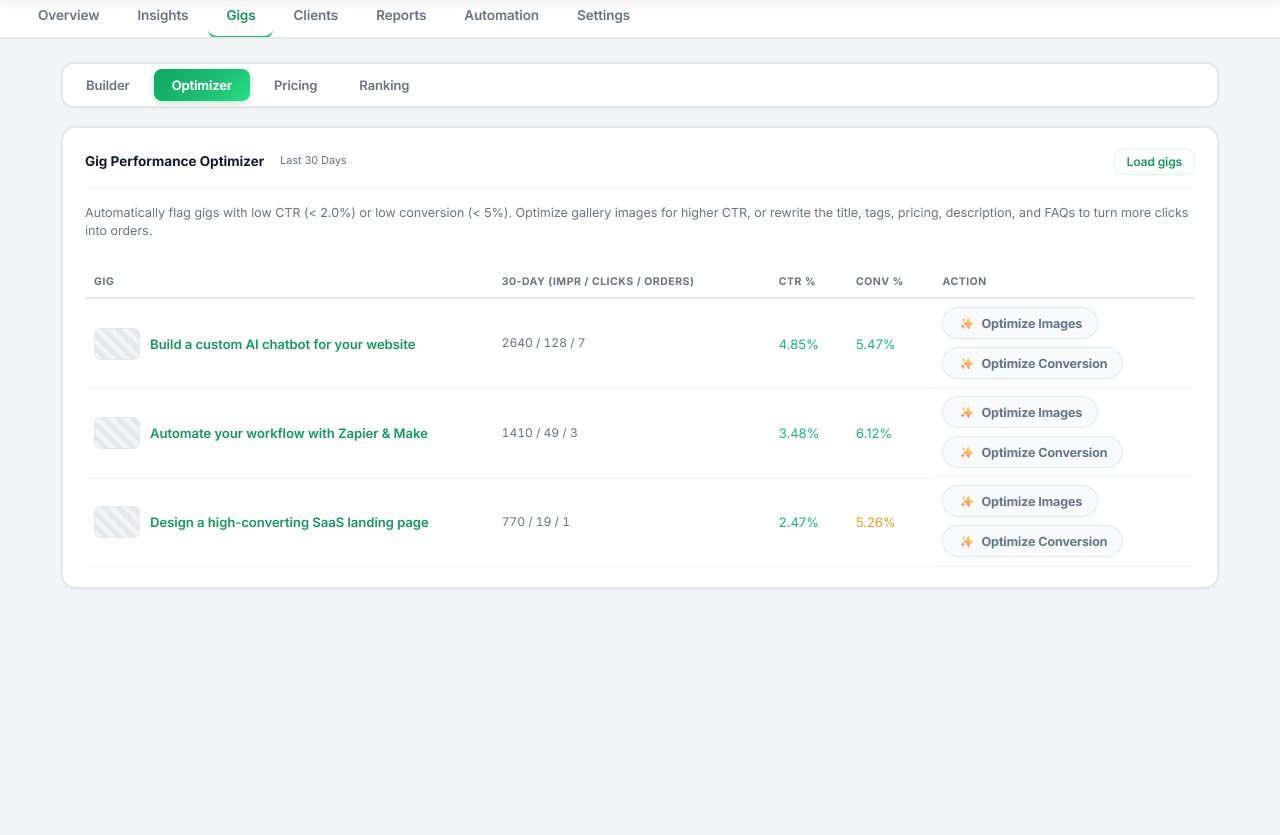
Seller OS helps diagnose the card layer specifically. The Gig Performance Optimizer reviews the live gig's copy, gallery, and conversion signals against the gig's own performance data and proposes changes, which is useful when the question is which card element to test first. Keyword tracking keeps the phrases that earn impressions visible, so you know which audience the card is speaking to.
Everything stays local in Chrome, and the tool only proposes: you make the edit, you run the test, and the position history stays on your machine.
Fiverr Gig Gets Impressions but No Clicks questions
Why is my Fiverr gig getting impressions but no clicks?
The card is losing the first decision. Buyers see the thumbnail, title, and level badge and decide whether to open. Common causes are an image that does not read at small size, a title that buries the outcome, or impressions arriving from placements where the audience was never looking for your service.
What is a good click-through rate on Fiverr?
Fiverr does not publish a benchmark, and the standard analytics view does not display click-through rate at all; that metric appears in Seller Plus reporting. Compare your own clicks divided by impressions across equal windows instead, and treat a movement in your ratio as the signal.
Should I change the thumbnail or the title first?
Change one, not both, or you will not know which moved the ratio. If the image is cluttered or unreadable at small size, start there, because attention comes before comprehension. If the image is clear but the title is vague, fix the title first.
Does Fiverr show my gig image text in search results?
Your first gallery image is what appears in results, so any text inside it is visible at card size. Fiverr recommends keeping that text to no more than 10 words, and the gallery holds up to three images, one video, and two PDFs. Keep the first image simple and readable.
Change one card element
Pick the image or the title, keep the old version, and compare two equal windows before the next edit.