 Seller OS
Fiverr keyword tool: find keywords for your gigs
A Fiverr keyword tool helps you find the search terms buyers use, then fit them into the fields Fiverr gives you: a title, five positive keywords, five tags, and a 1,200-character description. The useful part is not a long candidate list. It is knowing which term belongs in which slot.
This guide covers what a tool needs to do for Fiverr specifically, how Fiverr says it prioritizes keywords, and how to judge suggestions instead of trusting them. The free-source research workflow lives in a separate guide, linked below.
Free plan available. Local-first data. Human review on every change.
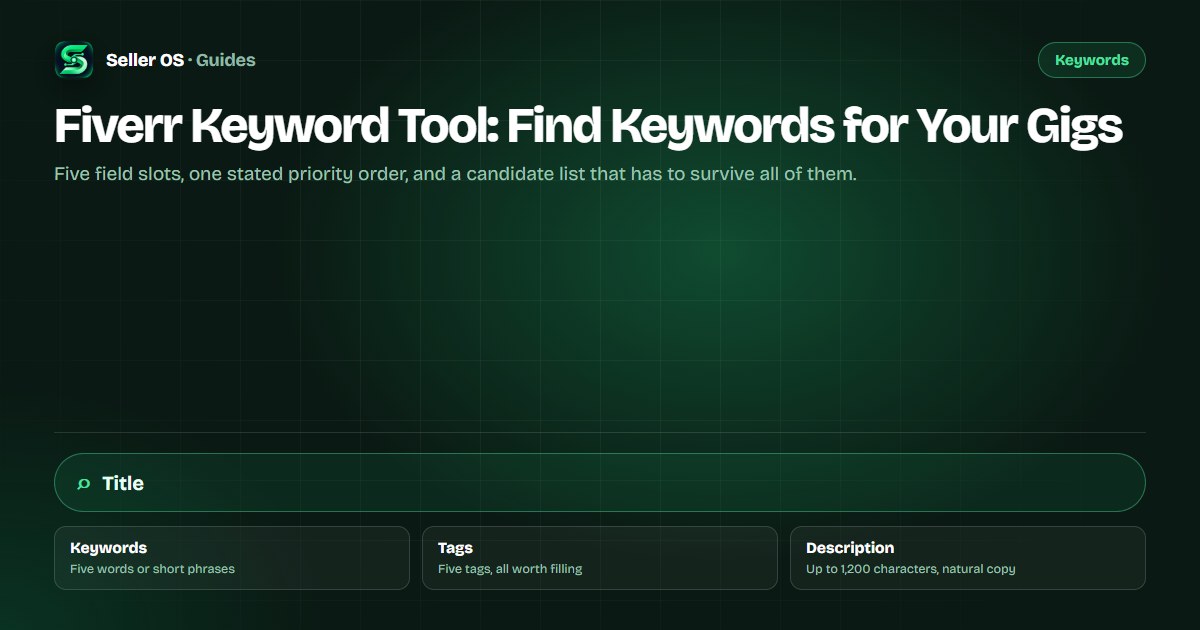
The field slots a keyword tool must respect
Fiverr's gig editor gives you a fixed set of places for keywords, and a useful tool has to work with them rather than around them. The title arrives pre-filled with I will, and Fiverr's guidance is to keep it short, clear, and to the point. The positive keywords field takes up to five words or short phrases that help Fiverr categorize the service. Tags take up to five entries, and Fiverr's stated best practice is to use all five. The description runs up to 1,200 characters. Fiverr lists those limits in Creating a Gig.
Several numbers sellers repeat, such as an 80-character title limit or a 20-character tag limit, do not appear in Fiverr's current help articles. Do not build a strategy on them. Build it on the limits Fiverr publishes, and keep the title readable rather than padded to a number that may not exist.
- Positive keywords field: up to five words or short phrases.
- Tags: up to five, and Fiverr's guidance is to use all five.
- Description: up to 1,200 characters, in English.
- Title: pre-filled with I will; Fiverr asks for short and clear.
- FAQ: up to 10 questions where leftover buyer questions can live.
How Fiverr says it matches keywords
Fiverr's Advanced Analytics article states the priority order plainly, and that one sentence should shape every keyword decision you make. It tells you where the strongest phrase earns the most context, and where the rest of the fields do their quieter work.
Fiverr does not publish the weights behind that order, so do not invent them. Place your most relevant, most specific phrase where the priority order says it gets read first, then keep every other field consistent with it so the gig describes one service clearly instead of several at once.
“The algorithm prioritizes title text first, then the positive keywords field, then the description.”
— Fiverr's Advanced Analytics for Seller Plus help article, September 2026
What to demand from Fiverr keyword suggestions
A suggestion only helps if it fits a slot. Ask three questions about every candidate: does it describe a service you actually deliver, does a buyer who types it want what you sell, and can you use it in a field without stretching the sentence past recognition? Three clear yeses earn a place on the shortlist. Anything vaguer goes back to the pile.
| Candidate | Relevant? | Buyer intent? | Usable where? | Verdict |
|---|---|---|---|---|
| podcast intro voice over | Yes | Ready to order | Title or keywords | Keep as primary |
| voice over | Partly | Mixed and broad | Too generic alone | Support only |
| female american voice over | Only if you match | Yes | Keywords or tag | Keep if true |
| cheap voice over | No | Price-first | Sets wrong expectation | Drop |
What free and paid keyword sources give you
No public Fiverr keyword tool exists. Fiverr's own marketplace keyword data lives in the Keyword Research tab, which Fiverr documents as available only to Seller Plus Standard and Premium members and only on desktop. That tab shows Overall Rank, Search Volume, Average Order Price, Conversion Rate, and Competition, with the note that lower competition is better. The Advanced Analytics article describes the full set.
Free sources still build a candidate list: Fiverr's autocomplete, the language in your own inbox, and the titles of gigs already ranking in your subcategory. What free sources usually cannot give you is verified search volume, because nobody outside Fiverr has its internal data. Third-party tools that display volume are estimating, however confident the number looks.
Worked example: one service, final keyword set
Suppose you sell short podcast intros. A tool returns thirty phrases. A workable final set is smaller: one primary phrase for the title, four supporting phrases for the positive keywords field, and five tags that split the difference between format, use case, and audience.
Notice how each phrase has exactly one home. Nothing is repeated across all four fields, because repetition adds characters without adding context, and the priority order already decides which field matters most.
Primary: podcast intro voice over
placed in the title, because Fiverr reads title text first.
Supporting: podcast intro, voice over intro, audio intro, podcast branding
filling the five positive keyword slots.
Tags: podcast, voice over, intro, audio branding, voice talent
all five slots used.
Description: natural sentences buyers actually read, with the primary phrase appearing once.
FAQ: delivery time, revision policy, and file formats
where remaining buyer questions get answered.
Using competitor titles as keyword data
A competitor's title is public evidence of the phrase they chose, not a recommendation for yours. Mine several titles for repeated phrases, then check each phrase against your own service. If three sellers use the same phrase, that can signal demand; it can also signal a crowded term you will not win tomorrow with a new listing.
The safe use is subtraction. Collect the shared phrases to build a candidate list, then choose the one that matches your delivery most exactly as your primary. The goal is a buyer who reads your title and understands you are the specific solution they searched for, not a generalist quoting on everything.
Keyword tool mistakes that waste the fields
The common mistakes are mechanical. Sellers paste the same phrase into the title, keywords, tags, and description, which adds no new context. They fill two tag slots and leave three empty. They choose the biggest phrase on the list even when it describes a service they do not offer. And they judge the result after a week.
Fiverr's guidance is to hold a keyword change for at least 30 days before judging its impact. Within that window, resist swapping fields daily. Change, wait, then compare the per-gig impressions and clicks before deciding which phrase earned its place and which one should be replaced.
Where Seller OS helps
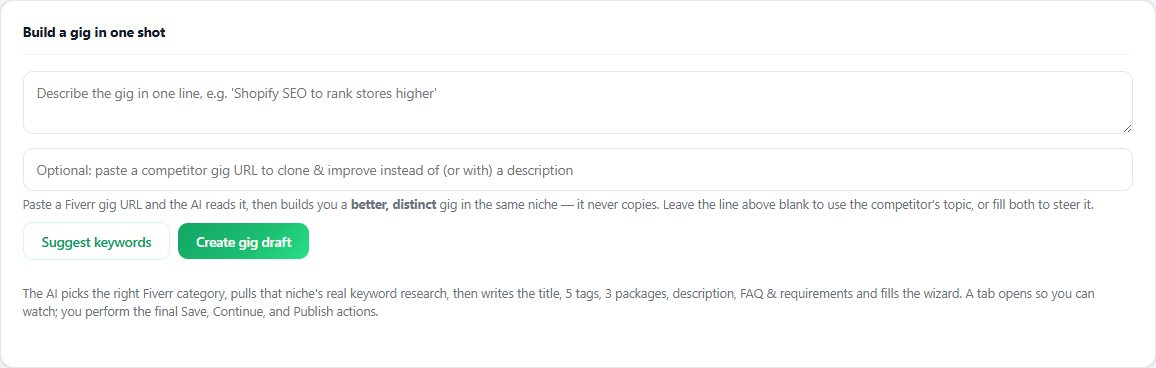
Seller OS includes keyword help while you build or optimize a gig. It suggests terms for the fields, keeps the five-phrase and five-tag limits visible, and can draft a title and description around the keyword you choose. You review and edit every line, and you complete the Save or Publish step yourself.
Its rank tracker then records how the terms you picked perform over time and how the gigs around you move, so the 30-day review window has data behind it. Everything stays in Chrome local storage, and the extension never publishes a gig on your behalf.
Fiverr Keyword Tool questions
Is there a free Fiverr keyword tool?
Fiverr does not publish a public keyword tool. Its marketplace keyword data, including the Keyword Research tab with search volume and competition metrics, is documented as available only to Seller Plus Standard and Premium members on desktop. Free options include Fiverr's autocomplete suggestions and the phrases buyers use in your own inbox.
Where should my main keyword go in a Fiverr gig?
Fiverr's Advanced Analytics article states the algorithm prioritizes title text first, then the positive keywords field, then the description. Place the single phrase that best describes your service in the title, support it in the keywords field, and let the description read naturally. Fiverr publishes no weighting beyond that order.
How many keywords should I use in a Fiverr gig?
Fiverr gives you five positive keyword slots and five tag slots, and its guidance is to use all five tags. Those ten slots, plus the title and description, are the practical limit. Filling every slot matters less than making each entry add context that a buyer or the matching system can actually use.
How long should I wait before judging new keywords?
Fiverr's guidance in its Seller Plus analytics article is to leave new or updated keywords alone for at least 30 days before judging them. That window lets impressions and clicks accumulate on the gig. Check the per-gig statistics for movement, compare with the previous period, and change one field at a time.
Give every keyword a slot with a reason.
Install Seller OS, build your keyword set against the real field limits, then review the data after 30 days.