 Seller OS
How to use AI for Fiverr keyword research
AI changes the shape of Fiverr keyword research: it is fast at expanding, clustering, and rewording phrases you already have, and it is blind to demand. It cannot know how many buyers search a term, because Fiverr's internal search data is not public. The work that remains is verification.
This guide covers a prompt set for expansion, a loop that checks each candidate against autocomplete and top gigs, and the field mapping that follows. It also explains what Fiverr's own Seller Plus keyword research adds when you have it.
Free plan available. Local-first data. Human review on every change.
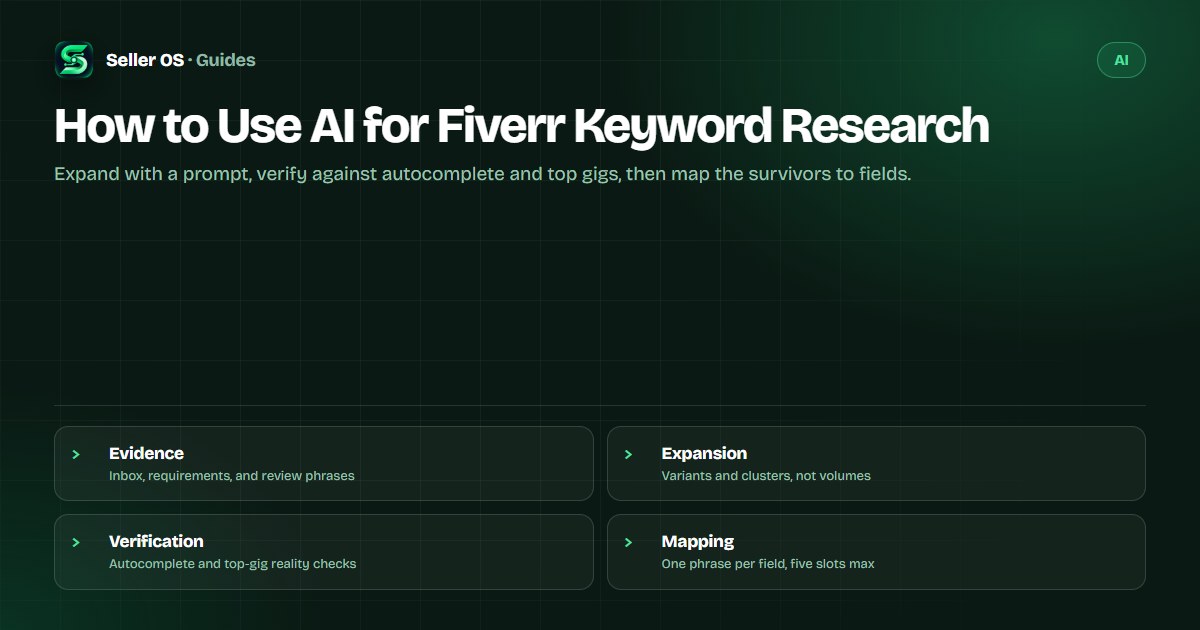
AI cannot measure Fiverr demand
A chat model will happily rank twenty keywords by opportunity, but it has no window into Fiverr's search data. Nobody outside the platform does: the marketplace keyword metrics Fiverr provides, with figures for search volume and competition, are part of Seller Plus Standard and Premium, web-only per Fiverr's Advanced Analytics article. Treat any demand number a third-party tool prints as an estimate you cannot verify.
That limitation is not fatal; it just sets the division of labor. AI expands and groups what you feed it. You supply the feed — real buyer language — and you run the verification. Demand evidence comes from Fiverr's autocomplete, the top gigs in your subcategory, and your own account data, not from the model's confidence.
Keep two kinds of evidence apart while you work. Marketplace evidence is what the platform shows everyone: suggestions, rival gigs, the metrics inside Seller Plus. First-party evidence is what only your account holds: the phrases buyers typed to you, the keywords your gig already surfaces for, the orders that followed. A candidate that lines up with both is worth a slot; one that only sounds plausible is not.
Expansion starts with your own evidence
Feed the tool phrases buyers have actually used. Your inbox holds them: first messages, order requirements, revision notes. Reviews hold them too, because buyers name the deliverable when they explain what they loved. Twenty real phrases beat two hundred hypothetical ones, and keeping buyer identities out of the prompt costs you nothing.
Here is a prompt template for one gig, with a WordPress speed service as the example seed. Ask for breadth first, then react to the output rather than accepting it: cross out anything you cannot deliver, and star anything you have seen a buyer say.
- Input — 15 phrases from my last 90 days of inbox threads, order requirements, and reviews for a WordPress speed gig.
- Task — expand each phrase into wording variants buyers might type; keep my terminology, do not invent brands or tools.
- Group — organize the variants into deliverable, platform, format, audience, and problem clusters.
- Output — a table with the variant and its cluster only; no search volumes, no rank estimates.
- Ask — end with five questions I should answer before choosing a phrase.
A verification loop against real results
Every candidate passes four checks before it earns a field. That filter is the difference between research and a wish list, and it takes minutes once you have a shortlist instead of a dump.
Run the checks in order and keep the results next to the candidate. A phrase that fails deliverability is out even if it looks popular; a phrase that passes everything becomes a shortlist entry with evidence attached. The example below shows the pattern: one keeper, one supporting phrase, and one drop that sounded impressive and traced back to nobody.
| Candidate | Autocomplete | Top gigs | Your data | Verdict |
|---|---|---|---|---|
| speed up wordpress | Suggests related terms | Appears in several titles | Seen in inbox twice | Keep as primary |
| wordpress core web vitals | Rare suggestion | Appears in a few tags | No inbox evidence | Keep as supporting |
| guaranteed page one seo | No suggestion | No gig uses it | Never seen from a buyer | Drop |
Autocomplete
type the phrase into Fiverr's search box and record the suggestions Fiverr itself shows
Top gigs
open the first page and note whether the phrase appears in titles, tags, or descriptions
Your data
check your inbox and analytics for the phrase or something close to it
Deliverability
confirm the phrase describes a service you can complete at the price shown
Map the survivors to gig fields
Fiverr's Advanced Analytics article states that the algorithm prioritizes title text first, then the positive keywords field, then the description. That order decides placement: one phrase earns the title, the rest spread across up to five positive keywords and up to five tags, and one honest mention can live in the description.
Tags sort the gig into browsing buckets; keywords describe the service; the title should read like the buyer wrote the first draft. When two candidates look equal, prefer the one with first-party evidence, and send the tie to the keyword competition guide rather than back to the AI for another opinion.
Test one phrase, then leave it be
Fiverr asks sellers to wait at least 30 days before judging new or updated keywords, and that window applies to AI-assisted choices exactly as it applies to any other edit. Change one phrase, note the date, and read the same metric over equal windows.
Single readings mislead because Fiverr results are personalized and shift with the session, so compare your own readings to each other rather than to a snapshot someone posts. Keep the log local and short: date, field, old phrase, new phrase, what happened.
A quarterly rhythm works well with AI in the loop. Rerun the expansion prompt on one gig every three months, refresh the inbox phrases from the last 90 days, and promote the strongest survivor into the next test window. Four small, evidenced changes a year beat one annual rewrite, and each one leaves a record you can read.
The prompts that produce bad keyword lists
The fastest way to waste a session is to ask for the best Fiverr keywords with no context. The model fills the gap with plausible industry language, you paste a few terms, and nothing traces back to a buyer who might actually order. And keywords are only one layer of a gig: when impressions are healthy but orders are not, the next move belongs to the copy, which the optimization workflow covers.
Four habits make output worse: accepting invented volumes; generating a hundred terms you will never review; copying a competitor's phrase list without checking fit; and stuffing synonyms into the tags until the five slots all say one thing. Keep client material out of every prompt, too — phrases you have rewritten in your own words are enough.
The deeper mistake is asking a tool to be a source instead of an assistant. No model has sat inside Fiverr's search logs, and no prompt unlocks data that is not public. What AI genuinely adds is patience for the tedious half: rewording, grouping, deduping, and holding the list while you do the checking that only you can do. If you are still choosing where to run the loop, the tool-by-job guide compares the categories.
- Give the tool a role and a stop condition
- Feed it only phrases from real buyer conversations
- Ask for clusters, not rankings
- Keep output you can verify, discard the rest
Where Seller OS helps
Seller OS supports the verification half of this loop. It suggests keywords to track while you work on a gig, then the Keyword Rank tracker keeps a local history of positions, movement, and the competitor gigs around yours, so a 30-day window is visible as a trend rather than a memory.
It samples and records; it does not invent demand data or claim to know Fiverr's internals, and it never edits or publishes on its own. Suggestions and history stay in Chrome local storage, and any AI step runs through your own provider account or an eligible browser session.

How to Use AI for Fiverr Keyword Research questions
Can ChatGPT do Fiverr keyword research?
It can expand, cluster, and reword phrases you give it, which speeds up the messy first pass. It cannot measure search demand, so pair it with verification: autocomplete, top gigs in your subcategory, and your own inbox. Where Fiverr provides real marketplace keyword metrics, they are inside Seller Plus.
How do I verify a Fiverr keyword before using it?
Run four checks. Type it into Fiverr to see whether autocomplete suggests it. Scan the first page of results for it in titles and tags. Search your own inbox and analytics for the phrase. Then confirm you can deliver the service it describes at the price you show. Only survivors earn a field.
How many keywords does a Fiverr gig have?
Up to five positive keywords or short phrases and up to five tags, with one phrase anchoring the title, per Fiverr's help center. The description supports them naturally. Five strong, verified phrases beat fifteen loose ones, because every slot you fill is a promise about what the gig matches.
How often should I update my gig keywords?
One phrase per 30-day window. Fiverr asks sellers to give new or updated keywords at least 30 days before reviewing impact, so stack changes as a queue, not a batch. Keep a short log of the date, field, and old phrase so the next decision is a comparison instead of a guess.
Expand with AI, verify with Fiverr
Feed the tool real buyer language, check every candidate against autocomplete and top gigs, and test one phrase per window.