 Seller OS
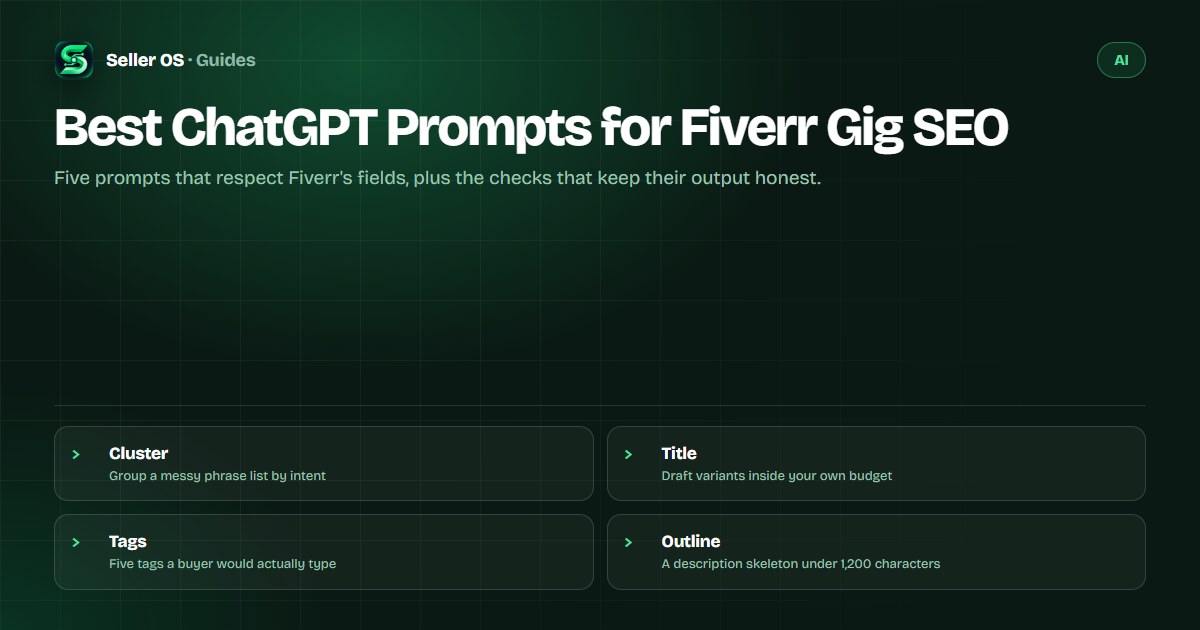
Best ChatGPT prompts for Fiverr gig SEO
Fiverr SEO prompts are only as useful as the constraints you give them. This guide supplies prompt recipes that respect the platform's real fields: up to five tags, a positive keywords field, and a description of up to 1,200 characters, with a verification pass against Fiverr autocomplete before you trust any keyword.
You will get five prompts with the rules for running each, one worked keyword example, and a short audit prompt. None of them replaces your own review of the listing before you press Save.
Free plan available. Local-first data. Human review on every change.
Rules that keep SEO prompts honest
A model can cluster phrases, rewrite them in buyer language, and fit them into a field. It cannot know how many people search a phrase or where Fiverr will rank it, and if you ask for volume numbers it will produce plausible ones that are worthless. The rules below keep the output in the zone where a model actually helps.
Fiverr's own Advanced Analytics article states that the algorithm prioritizes title text first, then the positive keywords field, then the description, and recommends giving new or updated keywords at least 30 days before reviewing impact (help.fiverr.com, checked September 2026). Your prompts should produce candidates for those fields; your own analytics should judge them later.
- Never ask for search volume or difficulty; ask for phrases and grouping.
- Put the field limit in the prompt and ask for a count.
- Verify candidates against Fiverr autocomplete and the top results for your subcategory.
- Change one field per test window so the result stays readable.
Prompt 1: cluster a list of keyword candidates
Start with phrases you already have evidence for: autocomplete suggestions, words buyers used in your inbox, and phrases from competitor titles. Twenty to forty phrases is enough for a useful clustering pass. Ask for groups, not a single answer, and ask the model to explain why each group holds together.
Then verify. Type the strongest phrase into Fiverr search and read the autocomplete suggestions; open the top gigs in your subcategory and note which phrases repeat in titles. Clustering is the cheap part; confirmation is the part that keeps you from optimizing for a phrase nobody types.
| Cluster | Candidate phrases | Where it can go |
|---|---|---|
| Repair | wordpress error fix, broken site help | Title, tags |
| Speed | site speed optimization, core web vitals | Keywords field, description |
| Migration | wordpress move host, site transfer | Description, FAQ |
Cluster my keyword candidates
Here is a list of phrases buyers might use for my service: [paste 20 to 40 phrases]. Group them into theme clusters where one gig page could credibly rank. Label each cluster with the buyer intent it matches. Flag phrases that are too broad to target and phrases that look like the same search in different words. Output a table with three columns: cluster label, phrases, and why they belong together.
Prompts 2 and 3: titles and tags
Every Fiverr gig title starts with I will, and Fiverr's Creating a Gig page says to keep it short, clear, and to the point. Fiverr does not publish a title character limit, so set a working budget you can defend, such as 50 to 70 characters, and give the model that number. Avoid special characters, including ampersands and plus signs.
Tags are the other short field: Fiverr's help center says you can add up to five tags and recommends using all five. Keep each tag to the words a buyer would type, and do not spend all five slots on the same root keyword.
Title variants inside my budget
Act as my Fiverr listing editor. Service: [what you sell]. Main keyword: [phrase from the clustering step]. Write ten title variants that start with I will and stay under [your character budget]. Each must read naturally, include the main keyword once, and avoid special characters. Rank them by how specifically they match the service, then explain in one line why the top three won.
Five tags with alternates
My gig: [title]. Candidate phrases: [paste the cluster]. Pick five tags that fit the tag field and cover different buyer phrasings. For each tag, list two alternates that mean the same thing. Prefer words a buyer would type over internal jargon, and avoid repeating one root keyword in every slot.
Prompt 4: plan a 1,200-character description
The Creating a Gig page states that a description can run up to 1,200 characters. Put that ceiling in the prompt and ask for a plan with a budget per section, because one long generation tends to repeat and pad. Your proof, process, and turnaround are the parts the model cannot invent, so it should leave placeholders for them.
Run the outline, then draft one section at a time and check the total in the character counter. Rewrite the opening sentence yourself if it sounds like every other gig in the subcategory; the first line is what buyers actually read.
Outline within 1,200 characters
My gig: [title]. Buyer: [who they are and what they need]. Proof I can show: [results, process, tools]. Write a description outline with a budget per section that totals under 1,200 characters. Cover what the buyer gets, how I work, and what I need from them. Mark each section with a two-line example and leave my specific claims as placeholders I will fill in.
Prompt 5: audit a live gig listing
This prompt is the one to run before any edit. Paste your current fields, ask for three specific checks, and require replacements rather than opinions. It will not tell you whether a keyword converts, but it will catch the mismatches that make a listing read as unfinished.
Then space out your edits. Fiverr's guidance in its Advanced Analytics article is to allow at least 30 days before judging new or updated keywords (checked September 2026), so pick the top finding, change it, and leave the rest for the next window.
Audit my gig listing
Here are my current Fiverr gig fields. Title: [paste]. Positive keywords: [paste]. Tags: [paste]. Description: [paste]. Check three things: phrases that appear in the description but not in the title or keywords field, tags that overlap or duplicate each other, and claims a new buyer would find vague. Output a prioritised list of changes with the exact field and a suggested replacement. Do not suggest keyword volume numbers.
SEO prompt mistakes that waste edits
Three mistakes do the most damage. Asking a model for search volume or difficulty produces invented numbers you cannot verify. Letting it stuff the main keyword into every sentence makes the listing read worse than it ranks. And applying five changes at once destroys your ability to learn which one worked.
Measure with something that keeps history. The Fiverr rank tracker guide explains the sampling habit, the rank tracker roundup compares tools, and the SEO tools roundup covers the rest of the stack. For inbox and planning prompts, use the general prompt bank.
Where Seller OS helps
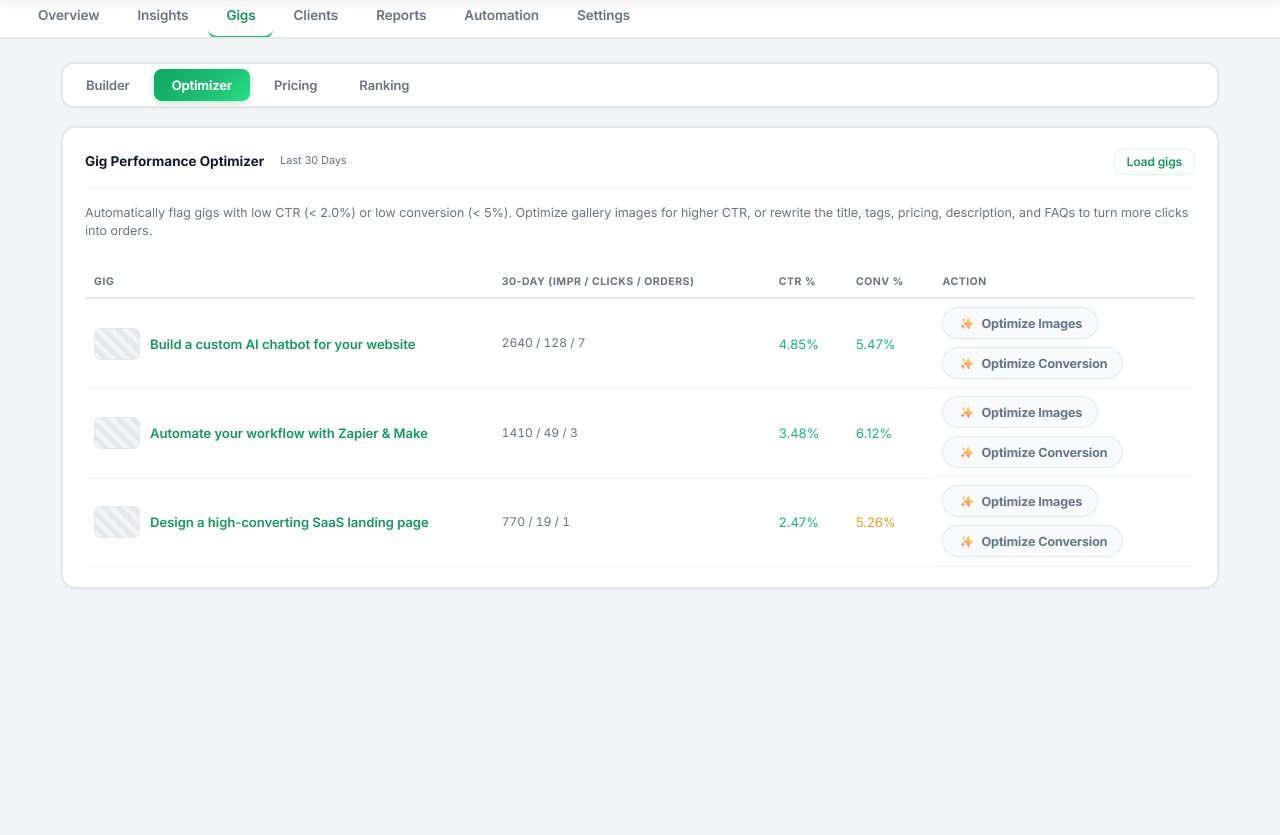
Seller OS pairs the prompt work with the fields and the history. The Gig Performance Optimizer reviews a live gig's copy, gallery, and conversion signals against the gig's own performance data and proposes changes. The Gig Builder turns a one-line idea or a competitor URL into a structured draft that fills the Fiverr wizard, and you complete Save, Continue, and Publish.
Keyword research and rank tracking keep a local history of tracked keywords, positions, movement, and competitor positions, so a prompt-driven edit can be judged against weeks of data instead of a hunch. Data stays in Chrome local storage, and nothing here edits, sends, or publishes for you.
Best ChatGPT Prompts for Fiverr Gig SEO questions
Can I trust prompt output as keyword data?
No. A model can reorganize phrases you give it, but it has no access to Fiverr search volume and will invent numbers if asked for them. Treat every generated keyword as a candidate: confirm it against autocomplete, the top gigs in your subcategory, and the words buyers use in your inbox.
How do I keep prompt output inside Fiverr's field limits?
Name the limit in the prompt and ask for a count. Fiverr's Creating a Gig page states the description can run up to 1,200 characters, and its help center recommends using all five tag slots. Fiverr does not publish a title character limit, so set a readable budget of your own and check every field in the editor.
Should a prompt write the whole description?
Ask for an outline with a budget per section first, then generate one section at a time. A single long generation repeats itself, pads the middle, and blurs the details that make your gig different. Write your proof and process yourself, or leave placeholders the prompt cannot fill.
How long before keyword changes show results?
Fiverr's Advanced Analytics article recommends giving new or updated keywords at least 30 days before reviewing impact. Practically, that means one field change per window, a position log rather than a single check, and patience with weeks where the whole category shifts.
Draft with prompts, decide with data.
Run one prompt per field, verify every keyword, and let the position history tell you which change worked.