 Seller OS
Fiverr rank tracker: track your gig positions
A Fiverr rank tracker records where your gig appears for the keywords you care about, week after week. One check tells you almost nothing; a line of checks tells you whether a change helped, whether a competitor moved, or whether the category is having a slow month.
This guide covers what worth tracking, how to check positions manually without fooling yourself, how often to sample, and the movements that deserve a reaction. It also explains what rank data Fiverr itself does and does not give you.
Free plan available. Local-first data. Human review on every change.
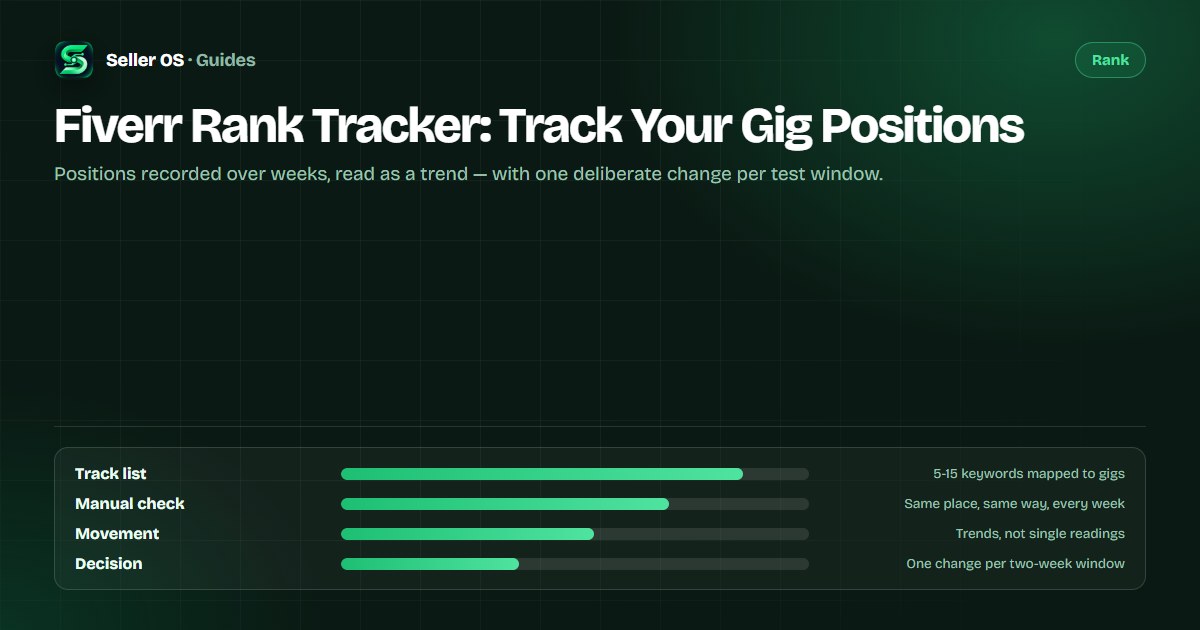
What rank tracking actually measures
Fiverr search does not hand you a rank number. What you can observe is a sample: run a search for a keyword and note where your gig appears in the results. A tracker is simply a habit (or a tool) that repeats that sample on a schedule and keeps the history.
That distinction matters. Your sampled position is not an absolute rank. Results change with your account history, saved location, and how you browse. The value is not any single reading — it is the direction and size of the change across readings taken the same way.
- Analytics tells you how your gig performed on the keywords buyers actually used.
- Rank tracking tells you where your gig sits for the keywords you chose to watch.
- Neither one replaces the other; the useful picture needs both.
Choose 5 to 15 keywords worth watching
Tracking every word in your description produces noise. Start with the primary phrase in your gig title, then add the phrases you believe buyers type when they are close to ordering: a platform, an industry, a style, or a turnaround. Map each keyword to the gig it belongs to so a movement never gets attributed to the wrong listing.
A simple starting set is one primary phrase, three to five supporting phrases, and two or three long-tail phrases you have evidence for — from Fiverr autocomplete, competitor titles, or the words buyers used in your own inbox.
| Role | Example keyword | Why it is on the list |
|---|---|---|
| Primary | explainer video | The phrase in the gig title; the anchor for every test |
| Supporting | saas explainer video | Industry qualifier you can realistically serve |
| Supporting | animated explainer video | A format variant buyers search directly |
| Long-tail | 60 second explainer video | Specific enough to win while the gig is young |
| Long-tail | explainer video for startup | Buyer-stage phrasing straight from inbox language |
How to check your position manually
Use your browser's private window and search Fiverr for one tracked keyword at a time. Look for your gig across the first pages of organic results, note the page and the spot on the page, and log the date. Noting the neighboring gigs is worth thirty extra seconds: it tells you later whether you moved or the whole page shuffled.
Two caveats keep this honest. Fiverr results are personalized and can vary by session, location, and device, so treat each reading as an estimate. And if your gig does not appear at all, log that as 'not seen in N pages' rather than inventing a number — a consistent absence is still a signal.
Open a private window so your own browsing history does not reshape the results.
Search one keyword, scan pages in order, and note page plus position of your gig.
Record the date, the keyword, the result, and one neighboring gig as a reference point.
Repeat at the same time of day and the same day of the week for every future check.
How often should you sample positions?
Weekly is the useful cadence. Daily checks mostly measure noise and invite panic edits; monthly checks are too sparse to connect a change to its cause. Pick one day and time, protect it like a delivery deadline, and let the log grow for a few weeks before reading anything into it.
If you changed something on a gig — a title, tags, a thumbnail — give the change a two-week window before judging it. That matches how long early click and conversion signals take to accumulate on a small listing, and it stops you from stacking three edits into one unreadable test.
How to read position movement
Ask three questions in order. Did the change persist across two or more checks? Did it affect one keyword or all of your tracked set? And did the neighboring gigs move with you? A gig that shifted two spots while the entire page reordered is usually a result of ranking adjustments or seasonality, not a verdict on your gig.
The worked example below shows the useful pattern: one keyword climbs, one stays flat, one declines. The right response is not three changes — it is one: re-check relevance for the declining phrase, usually by confirming that the phrase actually appears, naturally, where buyers look first.
| Keyword | Week 1 | Week 2 | Week 3 | Read |
|---|---|---|---|---|
| explainer video | p2 · #14 | p2 · #12 | p2 · #9 | Climbing; keep the current fields |
| saas explainer video | p3 · #21 | p3 · #22 | p3 · #20 | Flat; wait another window |
| animated explainer video | p1 · #8 | p2 · #15 | p2 · #18 | Declining; audit this phrase first |
The mistakes that make rank data useless
The most common mistake is changing several fields between checks and then reading the position as proof one of them worked. The second is tracking too many keywords, which turns the log into a spreadsheet nobody reads. The third is checking from a logged-in session that is already full of your own browsing, which quietly fills the top of the results with gigs the algorithm thinks you like.
Rank tracking is also not a promise. No tool can guarantee a position, because Fiverr's ordering depends on relevance and performance signals that change with every buyer and every search. What tracking buys you is memory: the ability to tell a real trend from a bad week, and to keep only the changes that moved the number.
“Changing a gig does not inherently mean it will lose ranking, but significant changes can alter the relevance and performance signals associated with the listing.”
— The Seller OS guide to editing a gig safely, September 2026
Where Seller OS helps
Seller OS keeps the tracking habit without the spreadsheet: add the keywords you sell against, and the Keyword Rank tracker records a local history of positions, movement, and the competitor gigs around yours, so a two-week window is visible at a glance. The data stays in Chrome local storage — it is not uploaded to a server.
It also trims the busywork around the habit: keyword suggestions when you are building the track list, and, on Pro, a background keyword monitor that refreshes positions while Chrome is open and flags notable moves. It samples and records; it never edits, sends, or publishes anything on its own.

Fiverr Rank Tracker questions
Does Fiverr have a built-in gig rank tracker?
Not in the sense of position history for keywords you choose. Fiverr's analytics shows how your gig performed, including keyword-level data where Fiverr provides it. A rank tracker adds something different: sampled positions for a fixed keyword list, recorded over weeks, which is what lets you judge whether a change helped.
How many keywords should I track?
Five is a fine start and fifteen is plenty. One primary phrase from your gig title, three to five supporting phrases, and two or three long-tail phrases you have evidence buyers use. Tracking forty keywords creates noise you will not act on, and every keyword should map clearly to one gig.
Why does my position look different on another device?
Fiverr results are personalized to the browsing session, location, and account, so two devices can legitimately show different orderings. That is why consistency beats precision: check from the same kind of session, the same location, and the same day each week, and compare your readings to each other rather than to someone else's.
Can I track competitors' positions too?
Yes, and the neighboring-gig habit does it for free: noting which gigs sit above you at each check shows whether a specific competitor passed you or the whole page shifted. Seller OS keeps tracked competitor positions alongside your own keywords, locally, so the comparison history is in one place.
Track your positions, not your anxiety.
Add your keywords, let the local rank history build, and change one thing per window.