 Seller OS
Best Fiverr SEO tools: a roundup by job
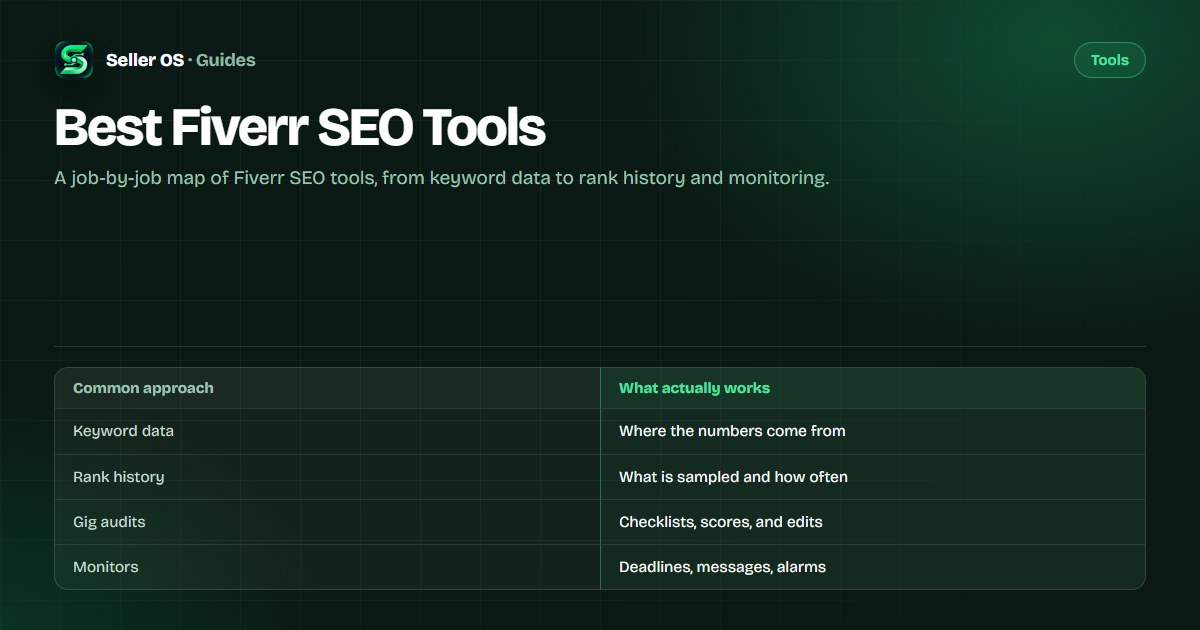
There is no single best Fiverr SEO tool, because the work splits into different jobs: finding keyword candidates, watching positions, auditing a listing, drafting replies, and monitoring deadlines. A tool that is strong at one job can be weak at the next, and most roundups skip that distinction.
This guide sorts the options by job, states what each vendor publishes, and lists the questions to ask before paying. The category map of the wider space lives at Fiverr seller tools.
Free plan available. Local-first data. Human review on every change.
How to judge any Fiverr SEO tool
Four questions separate useful tools from decoration. Where does the data come from? Does the output respect Fiverr's fields? Where is your data stored? And does the tool propose changes or apply them? A tool can answer three of these well and still fail on the fourth.
The source question matters most for keyword data. Fiverr's own keyword views are gated to Seller Plus members; third-party tools cannot read them and instead sample public search results, autocomplete, or their own models. A vendor that says this plainly is more trustworthy than one that implies insider access.
- Ask where the numbers come from: gated platform data, public sampling, or estimates.
- Check field awareness: does the output fit the tags, keywords field, and 1,200-character description?
- Check the data location: local browser storage, a vendor account, or a cloud sync.
- Prefer tools that propose over tools that publish: your review step is the guardrail.
Tools that surface keyword data
Fiverr's own option is Seller Plus. Its Advanced Analytics tabs include Keyword Research and Top Keywords, and as published on help.fiverr.com, checked September 2026, they are available to Standard and Premium members only, at $25 and $49 per month, with Standard open to Level 1 sellers and above and Premium to Level 2 and above. The tabs are web-only.
Among third-party tools, FivData publishes free keyword analytics that collect data from up to three search result pages without a browser extension, with a free tier of 10 tool uses per day and Pro at $1.99 per month, as published on fivdata.com, checked September 2026. Fivlytics publishes free keyword analytics covering competition, gig counts, and pricing distribution, as published on fivlytics.com, checked September 2026.
Fiverr Mate, a Chrome extension from Syntaximos, publishes a Keyword Explorer, a Suggested Keywords Generator, and a Service Category Analyzer. Its published plans are Free and $10.99 per month Pro, and the vendor states it is not an official Fiverr extension, as published on syntaximos.com, checked September 2026.
Tools that keep a rank history
A rank history means stored samples over time, which is different from a one-off check. FivData publishes a free gig rank checker that scans up to three pages of search results and returns your position for a username and keyword. Fivlytics publishes a tracker service with a 30-day rank chart, a daily status email, and tracking up to five pages, at a fixed $4.99 per month for one keyword, as published on fivlytics.com, checked September 2026.
GigRank, a Chrome Web Store extension, publishes automatic multi-page rank scanning, scheduled background checks, and local-first storage with optional cloud sync, plus a disclaimer that it does not claim to improve rankings or guarantee orders, as published in its store listing, checked September 2026. Gig SEO by Xeviora publishes rank history recorded from search pages you open yourself and a read-only design; its page showed a Coming soon status, as published on gigseo.xeviora.com, checked September 2026.
Cadence and storage are the deciding details here, and the separate rank tracker roundup compares them directly. Before paying, decide how often you will actually open the history; a chart you look at once a month will not change any decision you make. A weekly check you keep is worth more than a dashboard you ignore.
Tools that audit a gig listing
Fiverr Mate publishes SEO Mate, which scores gig metadata live while you browse, as published on syntaximos.com, checked September 2026. PromoteGigs publishes a free Fiverr SEO score checker and an SEO optimizer among its tool menu, as published on promotegigs.com, checked September 2026.
A score is only useful if you can see the checklist behind it. An audit should compare your title, keywords field, tags, description, and gallery against your gig's own performance data, not against a generic ideal. If a tool cannot explain why it scored something, the number is decoration.
Tools for inbox drafting and monitors
Flowance publishes an inbox extension that prepares replies for review and send, with a conversation board that groups threads by stage. Its published plans are $9, $19, and $49 per month, and the vendor states that only one optional feature, Smart First Reply, can send automatically, and only when you explicitly enable it, as published on flowance.io, checked September 2026.
Fiverr's own inbox assistant is going away: as published on help.fiverr.com, checked September 2026, the Personal Assistant closed to new subscribers on September 1, 2026 and will shut down for all freelancers on October 1, 2026. Sellers who relied on it should plan a replacement that still keeps a person on the send button.
For monitoring, FivData's browser add-on publishes message alerts and a Hide Balance feature, as published on fivdata.com, checked September 2026. Seller OS publishes a Pro set of monitors that run while Chrome is open, described further down this page.
Compare Fiverr SEO tools at a glance
The table below summarizes what each option publishes, sorted by the job it covers. It is not a ranking; no vendor here bought a position, and the right choice depends on the job you actually need. Every vendor fact carries its source and check date.
Read the table as a shortlist, not a verdict. Two tools that cover the same job usually differ in one detail that decides it for you: how deep the check runs, whether history is stored, and where that history lives. Pick one, run it for a full test window, and keep a manual check as your control.
| Option | Job | What is published | Watch for |
|---|---|---|---|
| FivData | Keyword data and rank checks | Free with 10 uses per day; Pro $1.99 per month; checks up to 3 pages | Depth limits on the free check |
| Fivlytics | Keyword data and rank tracking | Free analytics; tracker $4.99 per month per keyword with a 30-day chart | Per-keyword pricing adds up |
| Fiverr Mate | Keywords and gig audits | Free and $10.99 per month Pro; SEO Mate scores metadata live | Vendor states it is not official |
| Flowance | Inbox drafting | $9, $19, and $49 per month; drafts prepared for review | One optional auto-send feature |
| Seller Plus | Fiverr's own keyword analytics | $25 and $49 per month; keyword tabs, web-only | Gated by level; no rank history |
| Seller OS | Rank, audits, drafts, monitors | Local-first; Free, $12 per month Pro, $99 lifetime | Human review on every action |
Mistakes when buying Fiverr SEO tools
The expensive mistakes are structural: buying keyword data from a tool that estimates demand, paying per keyword before you know your list, installing an extension that asks for Fiverr account access, and expecting any tool to replace your judgment about the buyer and the offer.
Treat spending like a test: one tool, one job, one billing cycle, and a measurable outcome such as a keyword list you actually use or a position log you actually read. If you work with prompts instead of subscriptions, start with the general prompt bank or the SEO prompt set.
If you are still unsure, buy nothing for two weeks and write down the question you want a tool to answer. The answer usually points to one job, and one job is a much cheaper purchase than a full stack you will not use.
Where Seller OS helps
Seller OS is a local-first Chrome extension that covers several of these jobs in one workspace. It drafts and fills; a person performs every final Send, Save, Continue, or Publish action, and your data stays in Chrome local storage rather than a vendor account.
The Gig Performance Optimizer audits a live gig against its own performance data, keyword research and rank tracking keep a local position history with competitor moves, and inbox and brief drafts are prepared for your review. Free covers unlimited manual use with daily caps on automated actions; Pro adds the monitors that run while Chrome is open.
Best Fiverr SEO Tools questions
What is the best Fiverr SEO tool?
The best tool depends on the job. For keyword data, compare Fiverr's Seller Plus tabs with third-party analytics; for rank history, compare cadence and data location; for audits, drafts, and monitors, check whether the tool proposes changes or applies them. Start from the job you need, not from a ranking list.
Is Seller Plus worth it for SEO data?
As published on help.fiverr.com, checked September 2026, Standard costs $25 per month and Premium $49, with the keyword tabs limited to those tiers and unavailable on the mobile app. If keyword-level data is the reason you would subscribe, compare it with the third-party options above before you pay.
Do third-party tools show Fiverr's internal keyword data?
No. Fiverr's keyword views sit inside Seller Plus, and external tools cannot read them. Third-party tools sample public search results, autocomplete, and seller pages, or estimate from their own models. One tool page from FiverrTutorials discloses that its suggestions are AI-estimated rather than Fiverr data.
Can a tool edit my gig for me?
The tools here draft and propose, and the publish action stays with you. Fiverr's own guidance is to give new or updated keywords at least 30 days before reviewing impact, so treat changes as tests. One field change per window keeps the cause of any movement readable.
Pick the tool for the job you have.
Start with the job, check what the vendor publishes, and keep the final click human.