 Seller OS
Fiverr SEO tools vs manual Fiverr SEO: an honest split
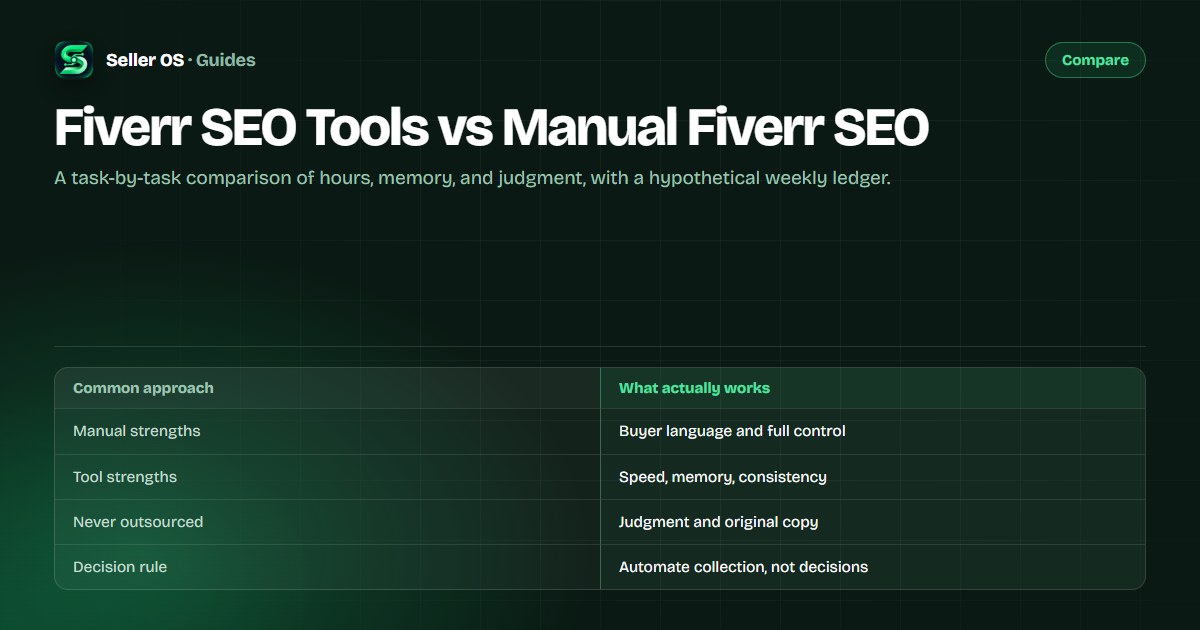
Manual Fiverr SEO is not outdated, and tools are not magic. Manual work gives you close contact with buyer language and full control over what each field says. Tools compress the repetitive parts: collecting candidates, tracking positions, remembering history. The honest split is deciding which parts of the work deserve your hours.
This guide compares the two approaches task by task, including a hypothetical time ledger, then gives a decision checklist. It also names the work no tool should do for you on Fiverr, whatever it promises.
Free plan available. Local-first data. Human review on every change.
What manual Fiverr SEO really involves
Manual SEO is a weekly routine, not a one-time task. You mine autocomplete, read competitor titles and tags, write and rewrite fields, check a few positions by searching in a private window, and reread your own analytics for what moved. Done well, it keeps you close to the language buyers use, because you are reading it yourself.
The cost is repetition. The same searches, the same checks, and the same note-taking happen every week, and Fiverr's 30-day default window means unlogged numbers quietly disappear. That repetition is exactly where tools earn their place: not by thinking for you, but by not forgetting.
Timing adds a second cost. Fiverr's published guidance to Seller Plus members is to give new or updated keywords at least 30 days before reviewing impact, which means manual routines need patience as well as hours, and tools that surface early movement can tempt you to react too soon.
A hypothetical weekly time ledger
The numbers below are illustrative, not measured from any platform or seller. They show the shape of the trade: manual hours cluster in collection and repetition, and tools mostly shrink those rows while leaving writing and judgment intact.
The ledger is a thinking tool, not a promise. Fill it with your own week and the rows you resent will tell you what to automate. If writing fields is your favorite part and checking positions is the chore, the ledger simply shows you where the hours go.
| Task | Manual | Tool-assisted | What changes |
|---|---|---|---|
| Keyword candidates | 45 min | 15 min | Tools gather; you still choose |
| Competitor scan | 60 min | 20 min | Scanning speeds up; reading stays yours |
| Writing fields | 90 min | 75 min | Drafting helps; voice and accuracy stay yours |
| Position checks | 35 min | 5 min | Sampling is automatic; interpretation stays |
| Total | About 3.8 hours | About 1.9 hours | Saved hours are collection, not judgment |
What tools actually change (and what they do not)
Three things improve with tooling. Speed: collecting candidates and positions takes minutes instead of an afternoon. Memory: per-keyword history and gig records persist beyond Fiverr's rolling windows. Consistency: the same checks happen on the same schedule, which is what makes trends visible.
None of that is judgment. A tool cannot know which phrase describes the work you want more of, whether a buyer's phrasing fits your niche, or whether a rewrite keeps your voice. It can score, suggest, and draft; the decision about what a gig should say stays with you. Keyword tools are useful in proportion to how modestly they claim.
Memory is the least visible change and often the most valuable. Fiverr's 30-day default window keeps replacing detail as time passes, so a written or tool-kept history turns what the dashboard forgets into a trend you can actually compare. The gig performance tracking guide covers that habit.
The work no tool should replace
Judgment tops the list: choosing which phrases to pursue and which jobs to decline. Originality follows: your portfolio, your delivery standards, and the specific language of your niche cannot come from a generator, or buyers will notice the difference. Relationships sit there too, because repeat buyers return for how you handled the work.
Then there is the human gate. On Fiverr, a person performs the final Send, Save, Continue, and Publish actions; a tool that fills a draft is fine, and one that publishes for you is not. The Fiverr SEO tips guide covers the habits; the decision about when to change a gig stays behind the checklist in this guide.
There is also a category of tools that should stay out: anything that promises to manipulate search results, automate account activity, or send messages without review. Those promises conflict with the platform's rules and with your own reputation, no matter how good the marketing sounds.
Where tools earn their subscription
Tools earn their place on jobs with two properties: high repetition and a clear right answer. Position sampling, history keeping, metadata collection, and unattended monitors fit both. Writing, pricing judgment, and buyer conversations fit neither, even though drafting tools can help there.
Before subscribing, count what you will actually open. A rank tracker you check weekly beats a suite you log into twice a quarter. Free routes also exist, including Fiverr's own autocomplete and the free tiers several third-party tools publish. If you are unsure what the position half measures, the rank tracker vs analytics comparison explains it.
Cheapest is not always free. A free tool that requires an hour of manual exports each week may cost more than a $2 subscription. Put the expected minutes saved next to the monthly price and decide with both numbers visible.
| Job | Repetition | Tool verdict |
|---|---|---|
| Weekly position samples | High | Worth automating |
| Gig history log | High | Worth automating or exporting |
| Competitor metadata collection | Medium | Useful if it stays read-only |
| Copywriting | Medium | Draft only; you decide what ships |
| Pricing choices | Low | Keep human, use guardrails |
Manual and tool mistakes that cost gigs
The manual mistake is frequency without memory: rewriting titles, tags, and descriptions every time something dips, with no record of what changed. That stacks edits into one unreadable test and usually makes performance harder to explain, not easier. Slow down and keep a log.
The tool mistake is trusting scores and generated copy without review. A tool that fills fields confidently can still get your niche wrong, and a checklist cannot see your portfolio or your buyers. Route comparisons live in the Fiverr Seller Plus alternative and FivData alternative pages; the extension landscape is covered in Fiverr Mate alternatives.
A five-step decision for your own workflow
Use the steps below in order. The point is to buy only after a specific job has proved it costs you real time, and to keep the decisions that shape your gig under your own name. Write the decision down, too: a one-page note saying which jobs you automated, what it costs, and what you expect to improve makes the 30-day review honest. Without it, subscriptions renew by default and nobody remembers why they started.
Log one week
write down each SEO task and how long it took
Spot the repetition
find rows you repeat weekly with the same method
Check the free route
autocomplete, your inbox, and free tiers first
Buy for one job
pick the cheapest tool that covers the biggest row
Review in 30 days
keep it only if you opened it and the hours fell
Where Seller OS helps
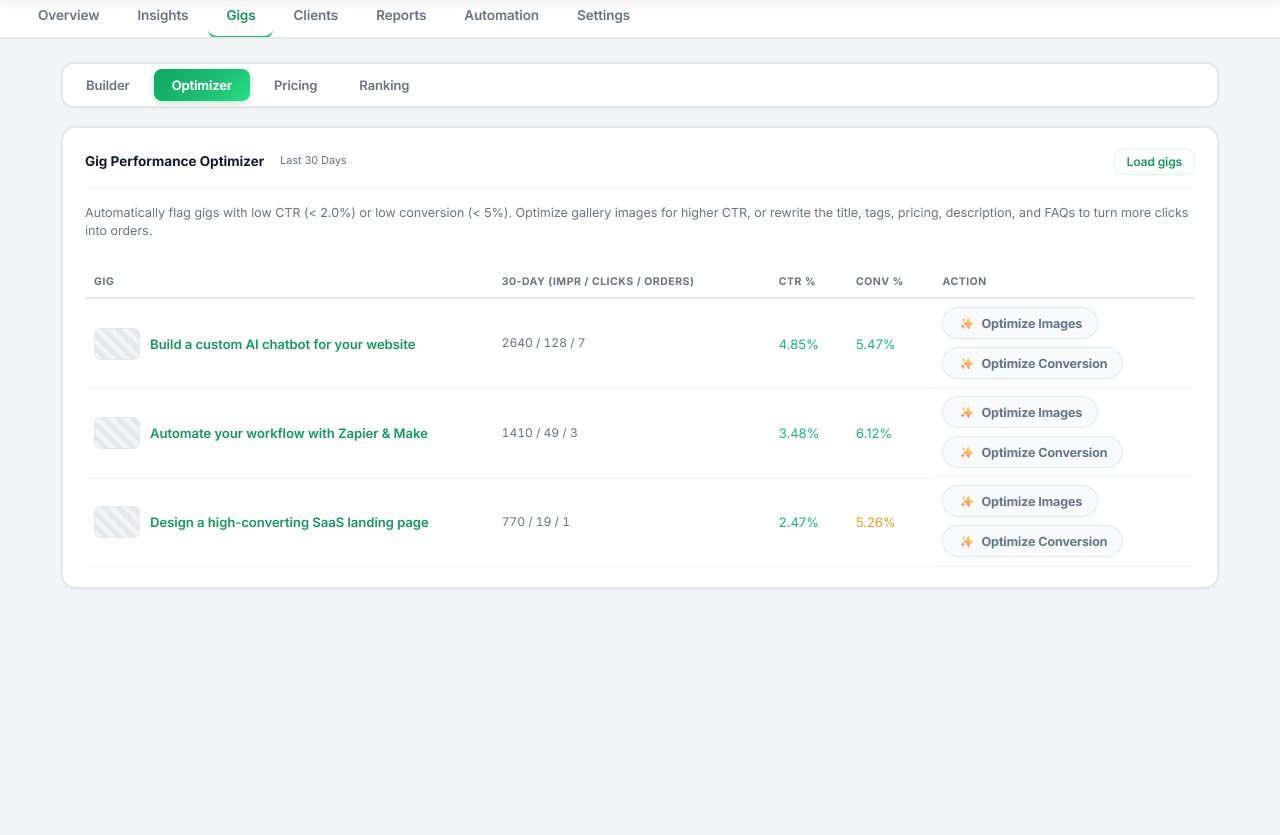
Seller OS sits on the tool side of this ledger but keeps the decisions human. A Gig Builder drafts a gig from an idea or competitor URL and fills the Fiverr wizard while you complete Save, Continue, and Publish; the Gig Performance Optimizer reviews a live gig's copy and conversion signals against its own performance data and proposes changes; keyword suggestions and rank history remove the weekly manual sampling.
Pricing review adds profit guardrails and a recent-price write guard, and Pro monitors run while Chrome is open. Data stays in Chrome local storage, you approve every change, and no feature sends, saves, or publishes on its own. It shortens the repetitive rows; it does not replace your judgment or your voice.
Fiverr SEO Tools vs Manual Fiverr SEO questions
Do I need a paid Fiverr SEO tool to rank?
No. Manual work with free sources remains a complete approach: autocomplete for candidates, inbox language for buyer phrases, hand-written fields, and a consistent position log. Paid tools reduce time and improve memory, but no tool can guarantee a ranking, and a paid subscription you rarely open is worse than a routine you keep.
Can manual Fiverr SEO still work?
Yes, and it has advantages: you stay close to buyer language and control every word. The risk is repetition fatigue, where checks stop happening or numbers go unlogged. If you keep a weekly cadence and write changes down, manual SEO works. Tools mainly protect the cadence, not the quality.
How much time does Fiverr SEO take each week?
It depends on scope, but the hypothetical ledger on this page sketches a range: about 3.8 hours manually for one gig and five phrases, about 1.9 hours tool-assisted. Your real numbers will differ; the exercise of logging one week of tasks tells you more than any estimate, including this one.
What should never be automated on Fiverr?
Final actions and judgment calls. A person should perform every Send, Save, Continue, and Publish action, and generated copy should be reviewed before it goes near a gig. Pricing decisions, buyer conversations, and anything that claims to manipulate search results stay with you. Automation is for collecting and remembering, not for deciding.
Automate the collection, keep the judgment.
Log one week of tasks, cover the repetitive rows with the cheapest tool, and review it after 30 days.