 Seller OS
Fiverr Mate alternatives: tools for the same jobs
Fiverr Mate is a Chrome extension for Fiverr SEO work, and it is not the only option. Depending on the job, a free web checker, Fiverr's own paid keyword views, a read-only local extension, or a draft-first workspace can fit better. The right alternative depends on what you used Fiverr Mate for.
This guide describes Fiverr Mate as published on its vendor page, checked September 2026, then maps alternatives by job: keyword research, gig metadata, scoring, and tracking. Vendor claims stay attributed and prices stay dated.
Free plan available. Local-first data. Human review on every change.
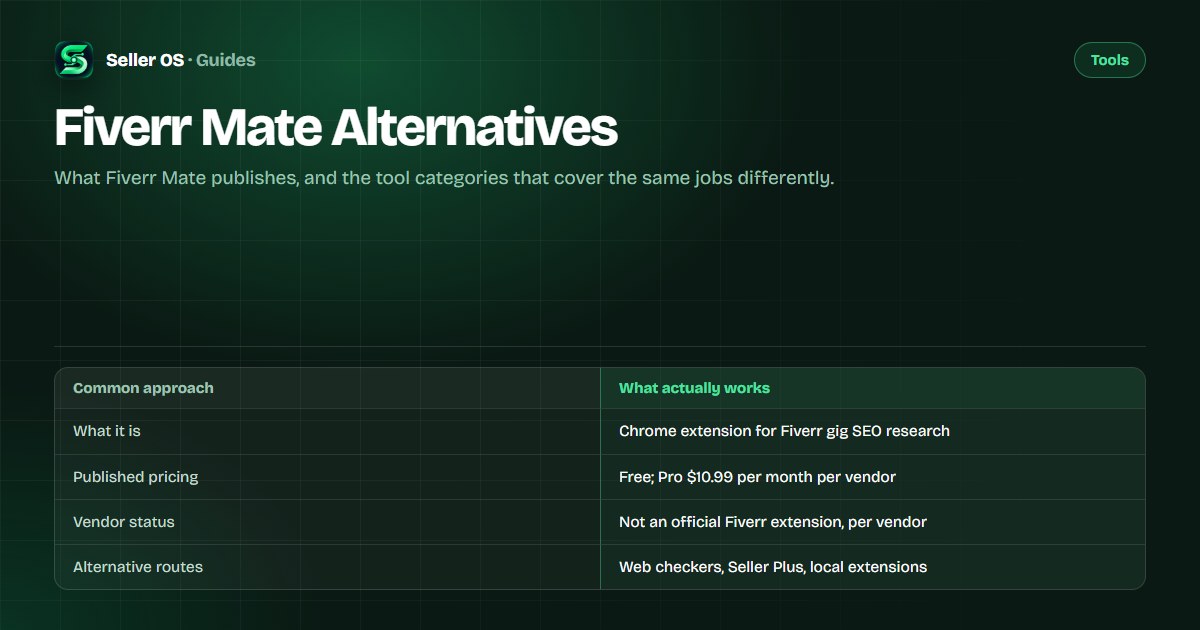
What Fiverr Mate publishes about itself
As published on syntaximos.com, checked September 2026, Fiverr Mate is a Chrome extension that analyzes Fiverr to improve gig SEO and reduce research time. Its published feature list includes a Keyword Explorer, a Suggested Keywords Generator, a Search Keywords Generator, a Gig Meta Data Downloader, SEO Mate scoring, and Fiverr Mate AI for generating titles, descriptions, and FAQs.
Two vendor disclosures matter. Its FAQ says it can run in a separate browser profile with no connection to your personal Fiverr account, and the vendor states Fiverr Mate is not an official Fiverr extension. The fiverrmate.com domain could not be reached when the facts for this guide were compiled in September 2026; syntaximos.com is the current vendor page. Confirm details there before subscribing.
Published pricing and what vendors claim
Pricing is the easy part. As published on syntaximos.com, checked September 2026, Fiverr Mate has a Free plan and a Pro plan at $10.99 per month, with a monthly or yearly toggle that shows Save 9% on yearly; the yearly amount itself was not shown in the facts compiled for this guide. For Fiverr's own program, as published on Fiverr's Seller Plus help page, checked the same month, Standard is $25 per month and Premium is $49 per month, with eligibility from Level 1 and Level 2.
Alternatives price differently. As published on fivdata.com, checked September 2026, the free tier allows 10 tool uses per day with ads, and Pro is $1.99 per month. As published on flowance.io, checked the same month, tiers run $9, $19, and $49 per month, with a 7-day trial and an optional one-time automatic first reply. Price is not the deciding factor; the job is.
| Route | Published model | Best-suited job |
|---|---|---|
| Fiverr Mate (Syntaximos) | Chrome extension; Free and Pro $10.99/month | Keyword and metadata research while browsing |
| FivData | Web tools; Free with 10 uses/day; Pro $1.99/month | Quick rank checks and keyword analytics |
| Fiverr Seller Plus | Fiverr's program; Standard $25, Premium $49/month | Fiverr's own keyword and gig data |
| Flowance | Chrome extension; $9, $19, and $49/month tiers | Inbox conversations and reply drafts |
| Seller OS | Chrome extension; Free, Pro $12/month, Lifetime $99 | Local gig, inbox, pricing, and tracking workflow |
The alternative routes, by category
Four routes cover most of what sellers used Fiverr Mate for. Free web checkers return keyword analytics and rank positions without an install; they are the fastest way to check one phrase or one gig. Fiverr's own program supplies the internal keyword data nobody else can show, gated by level and price. Read-only local extensions record positions from pages you open yourself. Draft-first workspaces handle inbox and conversation work.
Two examples of the read-only and draft-first routes, as published and checked September 2026: Gig SEO by Xeviora describes itself as read-only by design, tracking rank history from search pages you open, and its page showed a Coming soon status when the facts for this guide were compiled; Flowance prepares replies for your review, with one optional one-time automatic first reply. Status and features can change, so check the live pages.
Fiverr's own program deserves a separate look because it is the only source of Fiverr's internal keyword data; the Fiverr Seller Plus alternative page details what it includes and who qualifies.
Match the alternative to the job
Start from the job, not the brand. If you opened Fiverr Mate for its Keyword Explorer, a web analytics tool or Fiverr's own keyword views may serve you. If you used the metadata downloader to study competitor gigs, a manual note-taking routine plus your own gig audits covers it. If you relied on SEO Mate scoring, look for an audit tool that reads your live gig's performance rather than a generic checklist.
No single alternative replicates every Fiverr Mate feature, and that is fine. Most sellers only use two or three of its tools regularly. Name those jobs first, then pick the cheapest route that covers them, even if that means a free tool plus one paid tool instead of a single subscription. If position tracking is the job, the rank tracker vs analytics comparison explains what each view answers.
| Job | Alternative route |
|---|---|
| Keyword candidates and tags | Free autocomplete tools or Seller Plus keyword views |
| Competitor gig metadata | Manual scan with notes, or a read-only extension |
| Gig SEO scoring | An audit tool that reads the gig's own analytics |
| Position checks over time | A rank tracker or a consistent manual log |
| Inbox and buyer replies | A draft-first conversation tool |
How to switch tools without losing work
Before removing anything, export what you would miss. Gig metadata you collected, tag lists, notes on competitor gigs, and any keyword lists live in the old tool's storage, so copy them into a document or your client records first. If you used a separate browser profile, keep it until the new routine has survived a full week.
If you keep notes, keep them somewhere portable. The Fiverr competitor research guide shows a note format that survives tool changes, and it costs nothing to maintain.
List the jobs
write down which Fiverr Mate features you actually used in the last month
Match each job
assign one alternative route per job before installing anything
Copy your data
move keyword lists, tags, and notes out of the old tool
Run both for a week
keep the old extension installed but unused as a fallback
Cancel and re-check
after the week, uninstall and cancel if the new routine holds
Honest limits of any Fiverr SEO extension
No extension can show Fiverr's internal keyword data. Fiverr documents its keyword-level views as Seller Plus features, so third-party tools work from public search pages or from estimates. One listing in this space, GigRank, publishes a disclaimer, as seen in its Chrome Web Store listing checked September 2026: it does not claim to improve rankings, guarantee more orders, or manipulate Fiverr's algorithms. That is the honest framing for the whole category.
Fiverr controls search, and no tool changes that. Treat every extension claim about ranking as marketing, keep your own records, and check the permissions you grant. If a tool wants your Fiverr password rather than reading pages you visit, that is a reason to walk away. For two deeper comparisons, see the FivData alternative and Flowance alternative pages.
Check permissions against the job, and grant no more access than the task needs. A read-only tracker exposes less than a tool that edits pages for you, which matters if a vendor changes hands or a page changes shape.
Switching mistakes that cost more than the tool
Stacking subscriptions is the most common one. A seller keeps Fiverr Mate, adds a rank tracker, adds an inbox tool, and pays for overlapping features. Audit what you actually opened last month before renewing anything. Free tiers and Fiverr's own free tools often cover the gap.
The second mistake is choosing by feature count. A tool with twenty features you never open is worse than a free one you use weekly. The third is assuming a new tool will change your results by itself: the work is still your gig copy, your delivery, and your decisions. Compare the routes in Fiverr SEO tools vs manual and best Fiverr keyword tools before you switch.
Where Seller OS helps
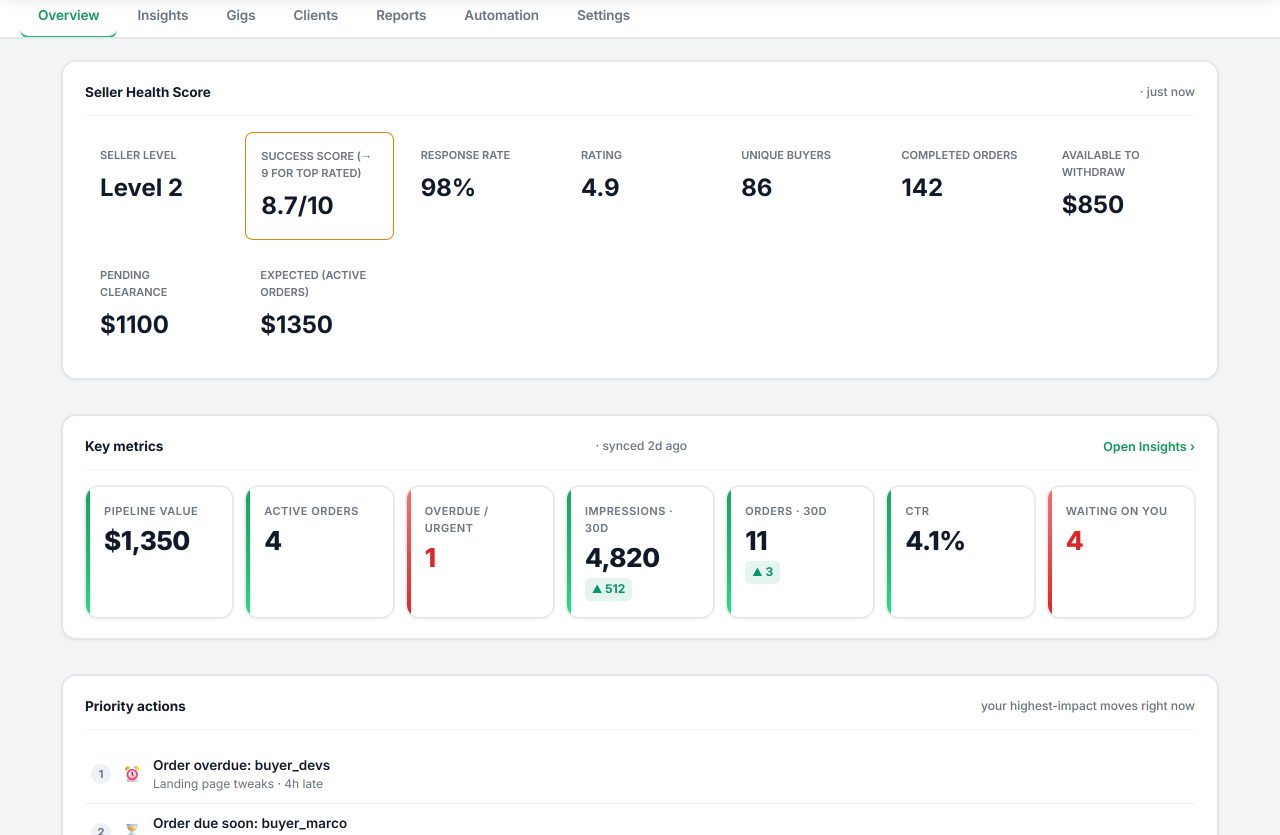
Seller OS is not a Fiverr Mate clone; it covers a different span. A Gig Performance Optimizer audits a live gig against its own impressions, clicks, and conversions, keyword suggestions feed a local tracked list with position history, and inbox, brief, and order replies arrive as drafts you review. Client records, pricing review with guardrails, and Pro monitors fill the rest.
Everything lives in Chrome local storage, and the human gate holds: a person performs every final Send, Save, Continue, or Publish action. It does not show Fiverr's internal keyword data, does not guarantee rankings, and monitors run only while Chrome is open.
Fiverr Mate Alternatives questions
Is Fiverr Mate still available?
As published on its vendor page, syntaximos.com, checked September 2026, Fiverr Mate is available as a Chrome extension with a Free plan and Pro at $10.99 per month. The fiverrmate.com domain could not be reached when this guide's facts were compiled, so treat syntaximos.com as the current source and verify before subscribing.
Are there free alternatives to Fiverr Mate?
Yes. FivData's free tier allows 10 tool uses per day with ads, and Fivlytics publishes free keyword analytics, both as published on their sites and checked September 2026. Fiverr's autocomplete is free for every seller. Free routes cover candidate finding and quick checks; paid tools add depth, history, or convenience, not different Fiverr data.
What is the closest alternative to Fiverr Mate?
There is no single clone. For keyword research, a web analytics suite or Fiverr's own Seller Plus keyword views are closest. For metadata study, a read-only extension or a manual routine works. For scoring, choose a tool that audits your live gig's performance rather than a generic checklist. Match the job, then pick the route.
Is it safe to use third-party Fiverr SEO extensions?
Read permissions before installing, never share your Fiverr password, and prefer tools that read pages you visit over tools that claim account access. Fiverr Mate's own vendor FAQ says it can run in a separate browser profile with no connection to your Fiverr account, and the vendor states it is not official. Check each tool's terms yourself.
Pick alternatives by job, not by brand.
List the jobs you actually used, cover each with the cheapest route, and keep your data in your own records.