 Seller OS
Locked out of Fiverr 2FA: recovery steps
Locked out by two-factor authentication, you still have a path back in. As general security practice, check first for any backup codes you saved and any device where you are still signed in, because Fiverr's help center states that signing in from an already verified device is the fastest way back. If neither works, account recovery runs through Customer Support after ownership verification.
This guide walks the recovery sequence in order, lists the identity evidence Fiverr asks for, and ends with prevention. It cannot promise instant access, because Fiverr publishes no instant reset and requires verification first.
Free plan available. Local-first data. Human review on every change.
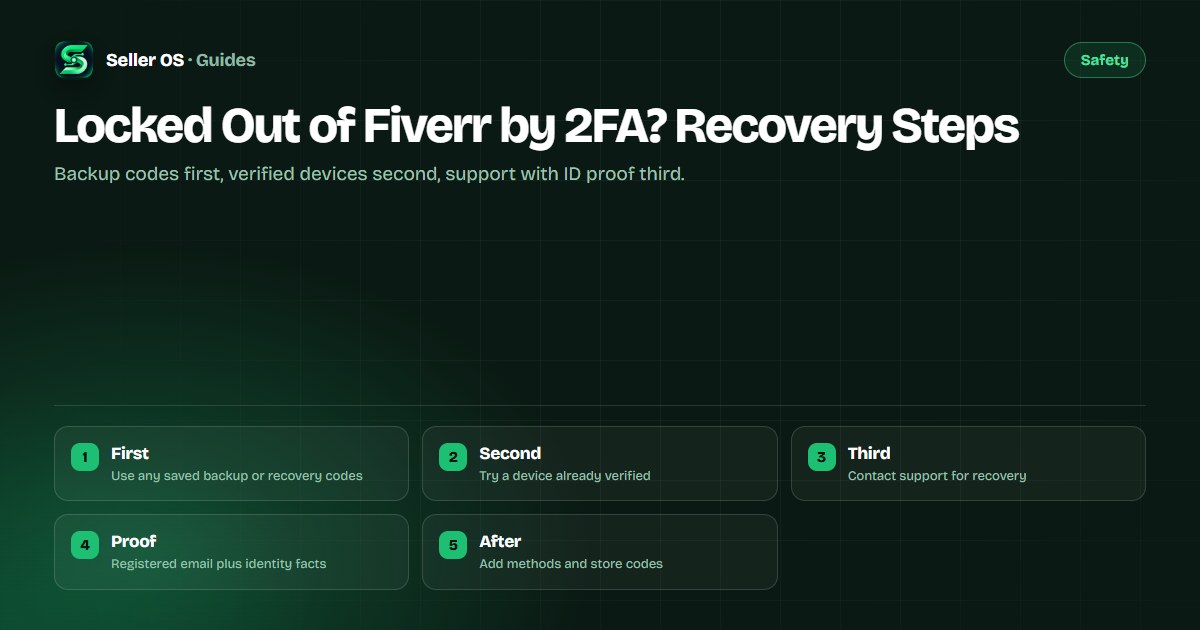
Start with saved codes and signed-in devices
Before anything else, search for the one-time backup or recovery codes you may have stored when two-factor authentication was first enabled. As general security practice, many services issue these codes at setup, so check your password manager, a printed note, or any secure file where you keep account records. One unused code can end the lockout in seconds.
Next, try signing in from a device where you are already logged in, such as your phone app or a second browser. Fiverr's help center states that without any verified device or contact method, Customer Support is the recovery route, which makes a signed-in session your quickest way back. Example: your laptop asks for a code, but the phone app is still signed in, so you approve the login there and update the number.
Run the recovery sequence in this order
Work the steps from least disruptive to most, and stop at the first one that succeeds. Each step below is general security practice; the Fiverr-specific requirements are noted where Fiverr publishes them. Jumping straight to support before trying your own devices only adds days to a problem you might solve in minutes.
If you reach the support step, send the request from your registered email address with the evidence listed later in this guide. Fiverr's published security pages state that support can temporarily disable two-factor authentication or clear an old phone number only after verifying ownership of the account.
Saved codes
Enter any backup or recovery code you stored at setup, exactly as saved
Verified device
Sign in from a phone, tablet, or browser where you are still logged in
Code channel
Request the code by email, text, or app notice if any channel still reaches you
Registered email
Write to support from the email address on the account, not a new one
Identity evidence
Include the ownership facts Fiverr asks for, listed in the section below
What Fiverr requires before restoring access
Fiverr's help center states that verification codes can arrive by email, by text message where the phone number is verified, or as a notice on an already signed-in device. Codes expire after ten minutes, and only the most recent code is valid, so request one code and wait for it instead of requesting several. Repeated wrong password attempts can lock the account for twenty-four hours.
During recovery, only one security detail can be updated per twenty-four hours, so plan a single careful request rather than several small ones. Fiverr's published pages state that support verifies ownership first and cannot skip that check, which means recovery is never instant no matter how urgent the orders feel.
| Published rule | What it means | Your move |
|---|---|---|
| Codes expire in 10 minutes | Old codes stop working | Use the newest code only |
| One security change per day | No stacked updates | Bundle the request into one message |
| Too many wrong passwords | Wait 24 hours | Stop guessing and pause |
Identity evidence to include with your request
Fiverr's published recovery pages state that freelancers may be asked for their security-question answer, the full registered phone number, and the payout identifier used for withdrawals. Gather these before you write, because an incomplete first message starts a slow back-and-forth. The registered-email guide explains why the sending address matters so much.
Write one short message: your username, what changed (lost phone, new number, no access to email), and the evidence items. The contact guide maps each problem to its route. If login attempts from a new place are part of the story, the new-location guide helps you describe that cleanly.
- Your Fiverr username and the registered email address on the account.
- The security-question answer, kept under twenty characters as Fiverr publishes.
- The full phone number currently registered, including the country code.
- The payout identifier you used for withdrawals, exactly as registered.
- What changed and when: lost device, changed number, or lost email access.
Common mistakes that extend the lockout
The most common mistake sellers make is hammering the code screen: requesting five codes, trying each one, and mistyping the password between attempts. Because only the newest code counts and too many wrong passwords trigger a twenty-four-hour wait, each extra guess can push recovery a full day out. Request one code, enter it carefully, and stop if it fails twice.
The second mistake is opening a second account to keep working while locked out. Fiverr's published enforcement pages state that creating a new account after access trouble is not allowed, and a duplicate account flag can convert a simple recovery into a policy case. Example: a seller locked out on Monday opens a fresh account Tuesday, then spends weeks appealing the duplicate instead of finishing the original recovery.
Prevent the next lockout before it happens
Once you are back in, add more than one way to receive codes. Fiverr's help center states that codes can come by email, text, or a notice on a signed-in device, so keep at least two of those current: a verified phone number plus email access, with the app signed in on a second device. Then store any backup codes somewhere a lost phone cannot take from you.
Review the connected-devices list in your account security settings and disconnect anything you no longer own. For the full setup routine, read the 2FA and sessions guide, and if you ever suspect someone else triggered the lockout, switch to the hacked-account guide instead.
- Keep two working code channels: verified phone plus accessible email.
- Stay signed in on a second trusted device as a spare key.
- Store backup codes in a password manager and one offline copy.
- Remove old devices from the connected-devices list after upgrades.
- Update the phone number before switching carriers or traveling long term.
Where Seller OS helps
While you wait for recovery, your open work still needs tracking. Seller OS keeps local client records with notes and order history in Chrome local storage, so once you are back in you can see exactly which buyers were waiting and what each order needed, without digging through old tabs.
It drafts replies and follow-ups for you to review, and a person performs every final Send. It cannot bypass two-factor authentication, reset your codes, or contact Fiverr support for you; recovery itself stays between you and Fiverr.

Locked Out of Fiverr by 2FA? Recovery Steps questions
I lost my phone with Fiverr 2FA on it. What do I do first?
First look for any backup or recovery codes you saved when 2FA was enabled, and try signing in from a device where you are still logged in. Fiverr's help center states a verified device is the fastest way back. If neither works, contact Customer Support from your registered email with the identity evidence in this guide.
Can Fiverr support disable 2FA on my account immediately?
No, not immediately. Fiverr's published security pages state that support can temporarily disable 2FA or clear an old phone number only after verifying account ownership. Gather your security-question answer, registered phone number, and payout identifier before writing, since an incomplete request adds a slow round of follow-up questions.
Why does my Fiverr code keep saying it is invalid?
Fiverr publishes that codes expire after ten minutes and only the most recent code is valid, so older codes from earlier requests will fail. Request a single new code and enter it carefully. If you have tried several times, stop: too many wrong attempts can add a twenty-four-hour lockout on top of the 2FA problem.
Should I create a new Fiverr account while locked out of 2FA?
No. Fiverr's enforcement pages state that creating a new account after access trouble is not allowed, and duplicate-account detection can turn a simple recovery into a policy case. Stay with the original account, work the recovery sequence, and use the waiting time to organize your order notes for when access returns.
Work the sequence, then secure the account
Codes first, verified device second, one careful support request third, then add spare methods.