 Seller OS
Fiverr Logo Maker and logo gigs for sellers
Logo work on Fiverr runs through two different doors: a normal logo design gig you publish and rank, and Logo Maker, Fiverr's productized tool that matches clients with freelancers. They have different rules, and the rule that surprises most sellers is that the tool is currently closed to new freelancers.
This page separates the two, then covers how a logo gig is filed, phrases worth testing before you write a title, how the three packages should differ, and the delivery rule that puts your work on your profile whether you like it or not.
Free plan available. Local-first data. Human review on every change.
Two doors, and only one is open
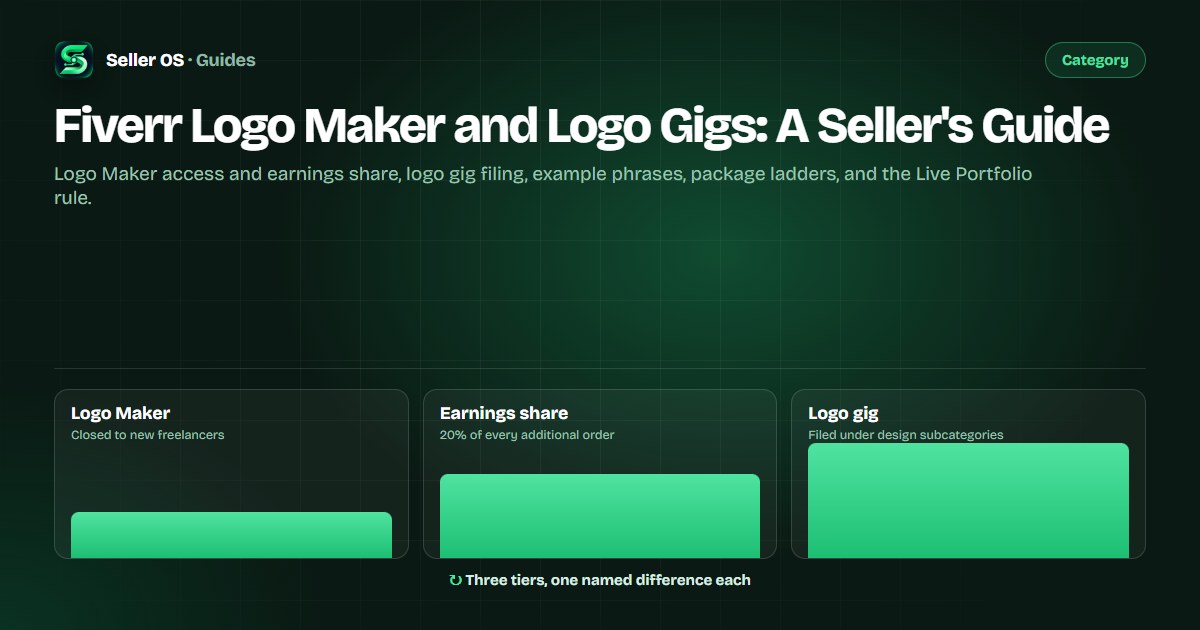
Logo Maker is an official Fiverr product for logo designs, reached from My Business in your seller menu. On the seller side, Fiverr states that Logo Maker is currently closed to new freelancers, so a new account cannot plan around it. If you do not see it in your menu, that is the published state rather than an error.
For freelancers who do have access, Fiverr publishes one earnings line: 20% of every additional order goes to you. Nothing about volume, assignment, or frequency is published, so treat that percentage as the whole contract rather than as a projection.
One useful published detail applies either way: automation gigs such as Logo Maker and Consultation gigs do not count toward your active gig limit. Your four slots as a new seller stay four slots even if a Logo Maker gig appears later.
- Logo Maker — official product, closed to new freelancers
- Access point — My Business in the seller menu
- Earnings line — 20% of every additional order
- Gig limit — automation gigs do not count toward it
- Client-facing URL — not verified here, so do not cite it
Plan around a normal logo gig
Since the tool is closed to new sellers, the plan is a published logo gig with a gallery, three packages, and a phrase a buyer can find. Fiverr states the category cannot be changed after publishing, so the choice between logo design and an adjacent design subcategory is a decision you make once.
Treat Logo Maker as a possible second channel only if it shows up in your menu one day. The 20% line is worth knowing, but building a business around an unopened door is how a first month disappears.
The rest of this page is the part you control today: filing, phrases, packages, and delivery files.
Example phrases worth validating
These are constructed examples for you to test in Fiverr search before you commit a title, not observed rankings. Type each one, look at what returns, and keep the phrases whose results include gigs you could compete with on gallery and package quality.
The pattern is style plus industry or use case, which is the same combination method the logo SEO guide builds titles from. Validate here, then write the title there — this table exists to show you what to test, not to replace the method.
| Phrase to test | Why it is worth testing |
|---|---|
| minimalist logo for coffee shop | Local business plus a style word |
| wordmark logo for a saas startup | Style plus an industry buyers name often |
| mascot logo for an esports team | Format that buyers search as a style |
| vintage logo for a bakery | Style plus a repeatable niche |
| logo and brand kit for a clinic | Bundle buyers ask for by name |
| monogram logo for a personal brand | Format with a clear deliverable |
Packages, prices, and the data available to you
Every logo gig gets three packages, and the only way the ladder works is one visible difference between tiers — concepts, revisions, source files, or a brand kit add-on. Two packages that differ only in price push the buyer to the cheapest option and leave the middle tier dead.
Worked example: Basic carries one concept and two revisions with PNG delivery, Standard carries three concepts, three revisions, and SVG, Premium carries three concepts plus a brand kit with the color and font sheet. Each tier adds exactly one thing a buyer can name, and the middle tier becomes the obvious middle rather than a trap.
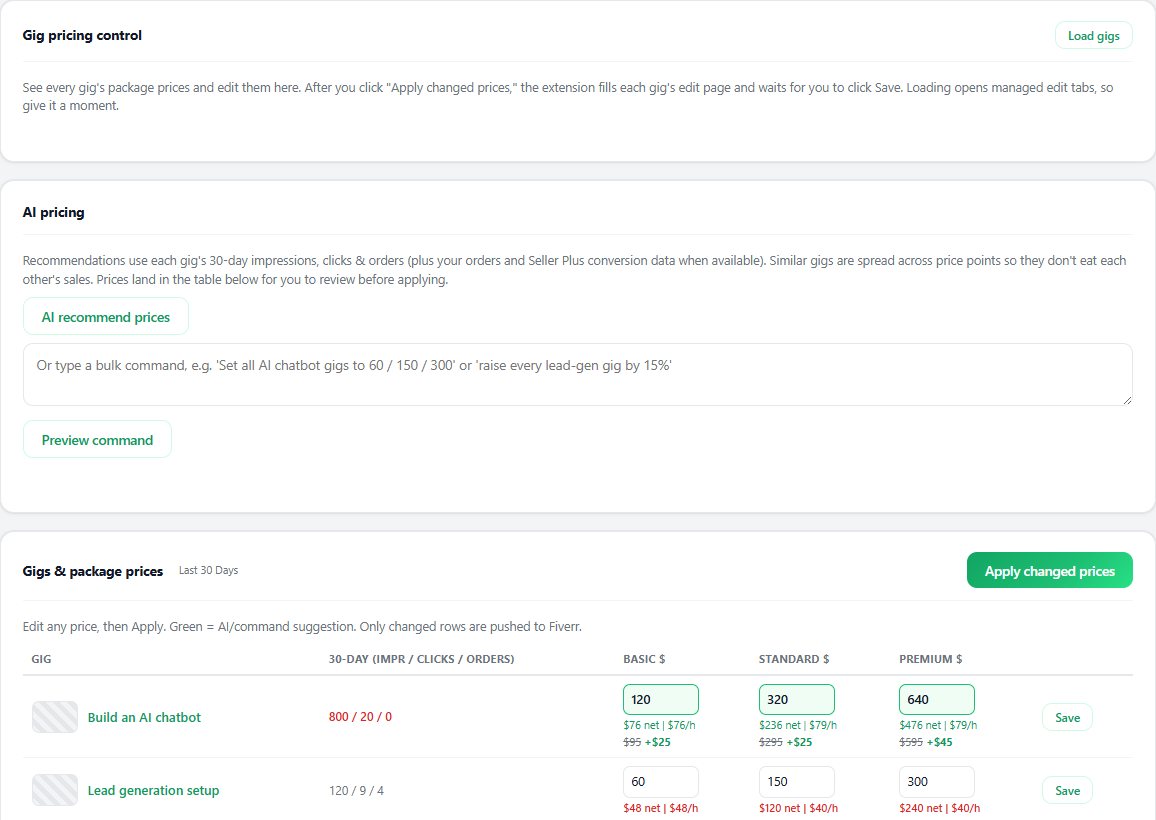
If you subscribe to Seller Plus, Pricing Insights covers Logo Animation, Logo Design, and Article and Blog Posts, and it compares your package prices against similar gigs ordered in the last 30 days by country, level, and order details. It excludes extras, subscriptions, milestones, and custom offers, so read it as a package comparison rather than a full revenue model.
Give each tier one difference a buyer can name
Check your prices against Pricing Insights if you have Seller Plus
Raise prices on one gig first, then read the window
Keep the basic tier a smaller version, never a discount
The gallery rule you cannot switch off
The gallery holds up to three images, one video, and two PDFs, and the main image has to survive the card thumbnail: 1280 by 769 pixels recommended, with text on the image kept to ten words or fewer. For logo work specifically, grids and mockups are what buyers inspect, which the logo SEO guide covers in detail.
The part sellers miss is Live Portfolio. Fiverr states it is enabled by default for each gig, shows the most recent seventeen eligible files, and cannot be disabled for gigs in the Logo design and Illustration subcategories. Delivery files the buyer approves appear on your profile, your gig page, and your profession page, tagged as made on Fiverr.
That changes how you deliver. Send files you are willing to display: clean exports, a mockup sheet, and a version without stray guides, because seventeen slots of your public proof will be filled by whatever you hand over most recently.
- Main image at 1280 by 769, text under ten words
- Grid or mockup as the first frame buyers see
- Live Portfolio on by default and permanent for logo design
- Seventeen most recent eligible files shown publicly
- Delivery files chosen as public proof before you send them
The mistakes that keep logo gigs quiet
The common mistake is pricing three identical packages and hoping buyers self-sort. The upsell guide covers how to make the first tier carry the offer, and the price raise guide covers when to move numbers without losing the orders you already get.
The second is writing a title from imagination instead of from phrases that already return results. Validate the words, then write the title — a gig filed correctly with unsearched wording is invisible for a reason that has nothing to do with your design skill.
The third is forgetting the Live Portfolio is on. Deliver a rough draft with guides and notes, and that file sits in your public proof next to your best work. The image guide covers what earns the click; the gallery covers what you keep.
Where Seller OS helps
Seller OS drafts the title and package copy from the style and industry you choose, tracks the phrases you validated so a title change can be read against a baseline later, and keeps the gallery checklist in view before a delivery goes out.
It does not publish, send, or price anything on your behalf. A person performs every final Save, Continue, or Publish action, and the tools make no claim about orders.
Fiverr Logo Maker and Logo Gigs questions
Can new sellers use Fiverr Logo Maker?
No. Fiverr states that Logo Maker is currently closed to new freelancers, so it will not appear as a plan for a new account. If you already have access through My Business, Fiverr publishes one earnings line: 20% of every additional order goes to you.
Does a Logo Maker gig count toward my gig limit?
No. Fiverr states that every gig status counts toward the limit except deleted gigs and automation gigs such as Logo Maker and Consultation gigs. Your four active slots as a new seller, ten at Level 1 and Level 2, and thirty at Top Rated stand regardless.
Can I turn off Live Portfolio on a logo gig?
Not for logo work. Live Portfolio is enabled by default for every gig and cannot be disabled for gigs in the Logo design and Illustration subcategories, where it shows the most recent seventeen eligible files the buyer approved. Plan your delivery files as public proof.
How should I price logo packages on Fiverr?
Three packages, one named difference per tier — concepts, revisions, source files, or a brand kit. Seller Plus members can check Pricing Insights, which covers Logo Design and compares your prices against similar gigs ordered in the last 30 days, excluding extras and custom offers.
File it, validate it, then write the title
Pick the subcategory, test the phrases, give each package one named difference, and deliver files you are happy to display.