 Seller OS
Fiverr username change and display name rules
Fiverr's help center states that your username is your permanent account ID and cannot be changed, while your display name is editable from your profile. Mixing those two up causes the most expensive mistakes, because sellers plan rebrands around a handle that will never move.
This guide separates the two names, walks the published display-name path and its rules, and gives you a link-preservation checklist. Rules are attributed to the Help Center; the checklist is practical advice.
Free plan available. Local-first data. Human review on every change.
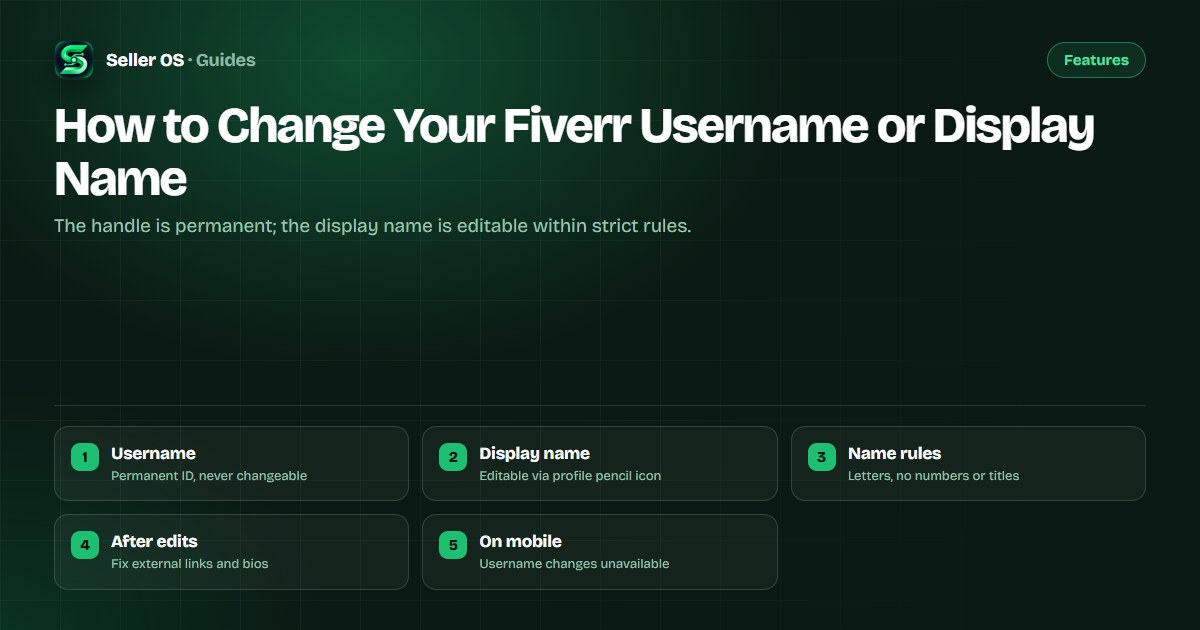
Username versus display name
Fiverr's help center states that your display name is different from your username, which is your permanent Fiverr account ID and cannot be changed. The mobile app guidance restates the same rule: usernames cannot be changed. Your profile URL is built on that permanent handle, so it follows you for the life of the account.
The display name is the human-readable name buyers see on your profile, proposals, and reviews. Because only that layer is editable, every rebrand plan should start by accepting the handle as fixed and designing the visible identity around the display name, gig titles, and profile copy instead.
How to edit your display name
Fiverr's help center states the display-name path: sign in, switch to the selling view, click your profile picture, edit through the pencil icon beside the display name, and save. If the pencil or save control does not respond, switch to a desktop browser before assuming the feature is broken.
Illustrative scenario: a seller named Daniel Z wants a friendlier profile. He opens the selling view on desktop, clicks the pencil, types the accepted form, saves, and reloads the public profile to confirm. The username in the URL stays identical while the visible name updates, which is exactly the expected outcome.
Sign in and switch to the selling view first.
Open your profile through the profile picture menu.
Choose the pencil icon beside the display name.
Type a compliant name and save the change.
Reload the public profile to confirm the result.
Display-name rules to follow
Fiverr's help center states that the display name must be your real name or a name representing you such as a nickname, using English letters and spaces only, with no special characters except periods and apostrophes and no numbers, and that it must comply with Community Standards. Capitalization is standardized automatically after you save.
The article also prohibits service words such as SEO or design, profession words such as designer or developer, adjectives such as expert or best, and status terms such as pro, level, top rated, or Fiverr. A common mistake sellers make is submitting Best Logo Designer 24 and then filing support tickets about a rejection the rules already predicted.
| Rule area | Published rule | Safe example |
|---|---|---|
| Characters | English letters, spaces, periods | Daniel Z |
| Numbers | Not allowed in display names | Spell out, never digits |
| Services | No service or profession words | Personal name, not a title |
| Status words | No pro, level, or top rated | Leave badges to Fiverr |
Agency and formatting notes
Fiverr's help center states that agencies may use the agency or business name or the responsible person's name, with long business names shortened to abbreviations aligned to the brand. The recommended personal format is first name plus last-name initial, which keeps profiles consistent across the marketplace.
After saving, check how the name renders in search, proposals, and past review threads, since cached views can lag behind the fresh profile. If a buyer references your old visible name, confirm the change once in-thread rather than editing old messages that no longer reflect the current profile.
What breaks when names change
A display-name edit does not move your profile URL, because the URL follows the permanent username. What breaks instead is human recognition: external bios, portfolio pages, social profiles, and email signatures that quote the old visible name or link text now disagree with the live profile.
Illustrative example: a designer whose portfolio links read Designed by PixelPro Studio while the Fiverr profile now reads Daniel Z creates a trust gap for every buyer who cross-checks. Update the five places buyers actually verify: portfolio header, social bios, proposal boilerplate, invoice signature, and any guest-post author boxes, and pair the pass with the profile optimization guide.
- Update portfolio headers and about-page introductions first.
- Rewrite social bios that quote the old display name.
- Refresh proposal and email signature boilerplate.
- Fix author boxes on guest posts that link to the profile.
- Keep the profile URL unchanged everywhere it already works.
Rebrand without touching the handle
Since the username cannot change, reposition through layers you control: display name, professional title, gig titles, packages, gallery proof, and the profile description. A coherent specialty expressed across those layers outweighs any handle, because buyers hire the visible promise, not the URL slug.
If identity verification is pending, finish the verification steps before restyling the profile, so the name on record and the name on display stay consistent. And if anything about the account itself seems wrong, the contact guide is the route, not repeated profile edits.
Where Seller OS helps
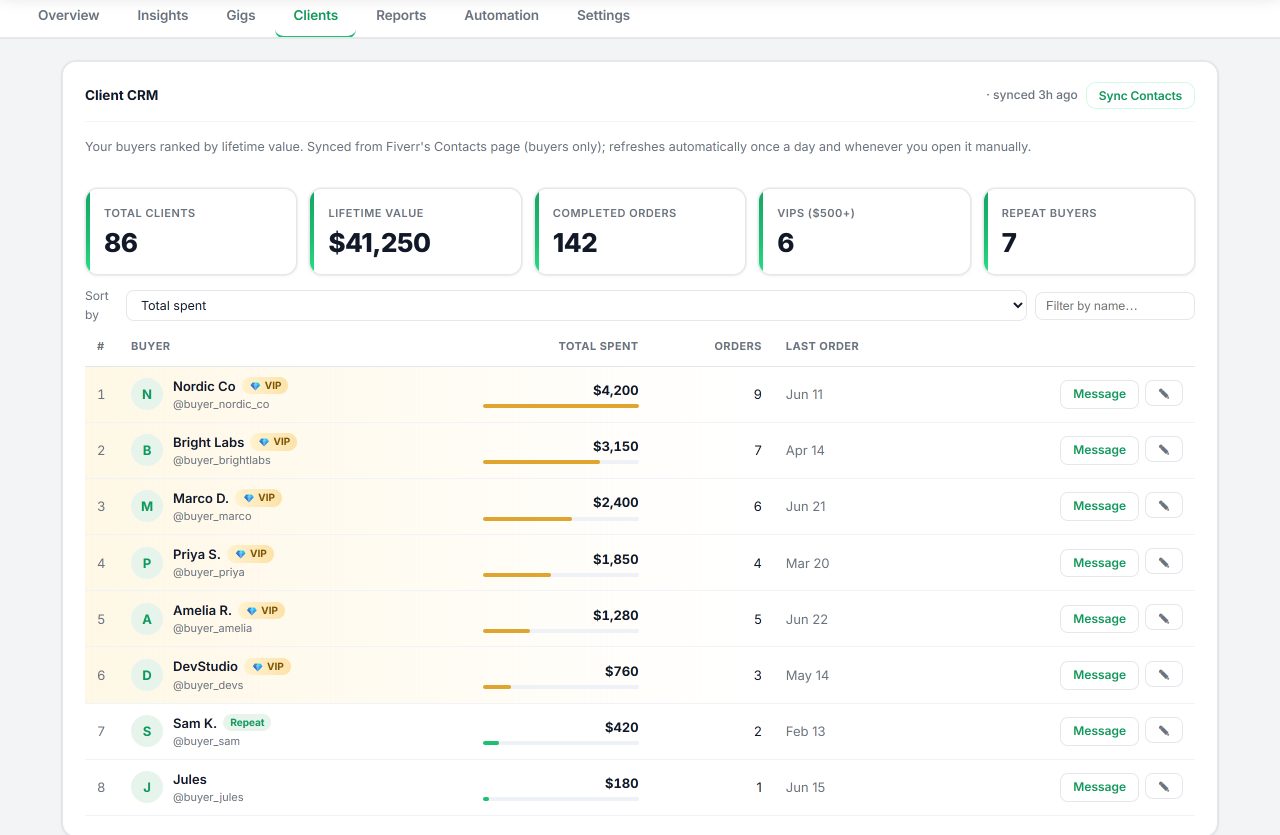
Seller OS keeps your rebrand consistent: local client records with notes and history preserve how buyers know you, and its drafts for inbox replies and brief responses carry the new display name and title into every message you review. The Gig Performance Optimizer checks whether gig copy still matches the repositioned profile.
It does not change usernames, edit display names, or publish profile updates; a person performs every final Save. It also cannot rewrite external portfolio pages for you, so the off-platform link checklist above stays manual work.
How to Change Your Fiverr Username or Display Name questions
Can you change your Fiverr username?
No. Fiverr's help center states your username is your permanent account ID and cannot be changed, and the mobile guidance repeats that usernames cannot be changed. Your profile URL is built on that handle. Rebrand through the display name, professional title, gig titles, and profile copy, which are all editable layers around the fixed handle.
How do I change my Fiverr display name?
Sign in, switch to the selling view, click your profile picture, use the pencil icon beside the display name, and save. Fiverr's help center documents that exact path. Use a real name or nickname in English letters, reload the public profile afterward, and update external bios that quote the old visible name.
What names does Fiverr reject for display names?
Fiverr's help center states display names allow English letters and spaces with only periods and apostrophes, no numbers, and must meet Community Standards. They cannot contain service words, profession words, adjectives like expert or best, or status terms like pro, level, top rated, or Fiverr. Capitalization is standardized automatically.
Will changing my display name break my profile link?
No, because the profile URL follows the permanent username, which never changes. What needs updating is human-facing copy: portfolio headers, social bios, proposal boilerplate, and author boxes that quote the old visible name. Align those five spots promptly so cross-checking buyers see one consistent identity.
Keep the handle, fix the visible name
Edit the display name within the rules, then update every bio that quotes it.