 Seller OS
How long does it take for a Fiverr gig to rank?
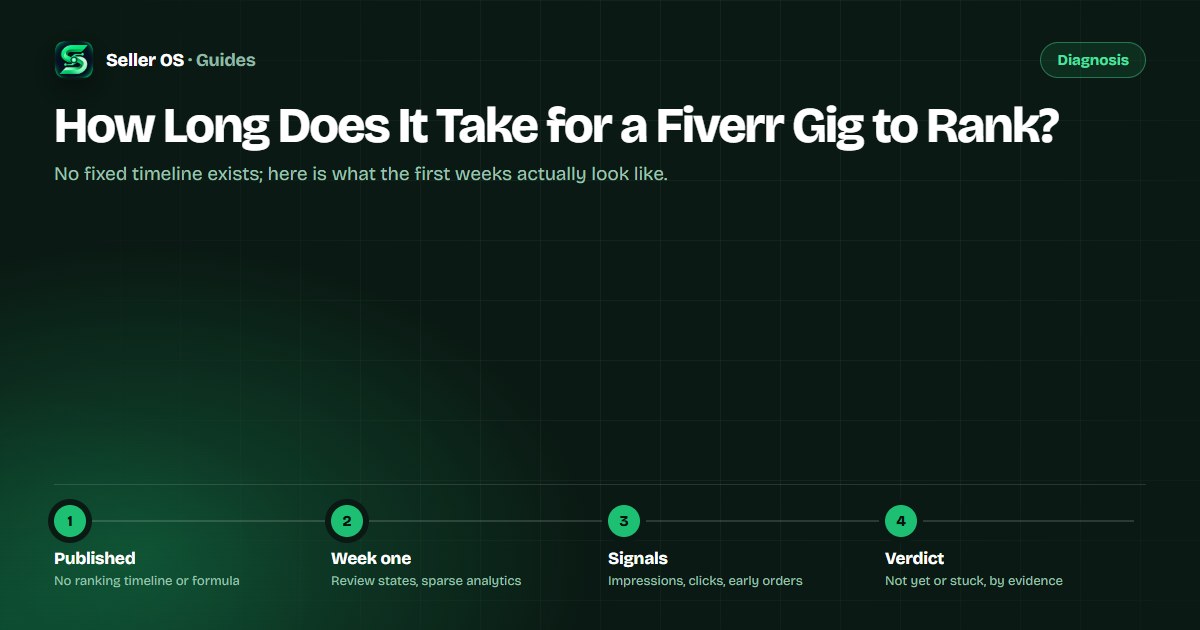
Fiverr does not publish a ranking timeline, and any guide that gives you a number of days is guessing. What Fiverr does publish are the mechanics around ranking: how search matching prioritizes fields, how long to wait before judging keyword changes, and where your gig's visibility shows up in analytics.
This guide separates the published parts from observation: what typically happens in the first days and weeks, the signals that say a gig is still being tested versus stuck, and the mistakes that make a young gig look dead when it is not.
Free plan available. Local-first data. Human review on every change.
The honest answer: no fixed timeline
Fiverr does not publish how long a gig takes to rank, and it does not publish the ranking formula. The Help Center describes matching priorities, stating that the algorithm prioritizes title text first, then the positive keywords field, then the description, and it gives measurement guidance, but no timeline. Anyone quoting a specific number of days is extrapolating.
That is not a dodge; it changes what you should do. Instead of counting days, you track the observable stages a new gig passes through and react only when a stage fails to appear. The triage plan for a quiet new gig covers what to check at each stage.
What the first days usually involve
A new gig often starts in a review state before it is visible. Fiverr's gig management page can show Pending Approval, which means the gig is under review, and significant edits later may trigger another review during which the gig may not be visible. Until the gig is Active, there is nothing to measure.
Once live, analytics start from zero. Fiverr's per-gig statistics display the past 30 days by default, as described in Fiverr's Managing your Gigs article, so a week-old gig has a short column of data and no history to compare against. A quiet first week is normal; it is not evidence of a problem.
Use the waiting time for something useful: write down the phrases you will track and the day you will first read the numbers. That gives the gig a baseline window instead of an anxious daily refresh.
What the first weeks can look like
Over the first weeks you are watching for one sequence: impressions appearing, then clicks, then the occasional order. Each step feeds the next, and the order matters. A gig with impressions but no clicks has an attention question, not a relevance question.
Category depth changes the pace. In a crowded subcategory your gig competes against listings with long order histories; in a narrow one, a relevant new gig can surface faster. Fiverr does not publish per-category timelines either, so judge your gig against its own trend rather than someone else's.
Write down what you expect to see. A note like impressions by week two and a first click by week three turns the wait into a test instead of a mood, and it stops you from editing a gig that is simply on a slower curve than you hoped.
| Signal | Early reading | What to do |
|---|---|---|
| No impressions yet | Gig may still be in review, or very new | Confirm the gig is Active first |
| Impressions, no clicks | Attention: title or first image | Check the card at search-result size |
| Clicks, no orders | Conversion: offer or scope | Read the description as a stranger |
| Slow, steady movement | Normal for a young gig | Keep the window running |
How to tell not yet from stuck
Not yet looks like this: the gig is Active, impressions appear in the 30-day view, and at least one of clicks or orders moves across consecutive windows. Stuck looks different: weeks pass with zero impressions while other new gigs in the subcategory surface, or a review state never clears.
Fiverr's own guidance is that keyword changes need at least 30 days before you review impact. Apply the same window here. If you changed something, wait. If nothing changed and no signal appeared across two full windows, treat it as stuck and run the triage checks rather than waiting longer.
One practical habit: check in the same window, from the same kind of session, and log the reading. Two readings taken differently are not a trend, and the whole distinction between not yet and stuck depends on comparing like with like.
- Not yet: the gig is Active and some signal moves across windows.
- Stuck: zero impressions for weeks while comparable new gigs surface.
- Stuck: a review state that never clears.
- Both: keep the same window before judging either way.
What actually moves a young gig
Relevance comes first: the phrase in your title, supported by the positive keywords field and tags, matching what buyers type. Attention comes second: a first image and title that survive search-result size. Then come the signals Fiverr can only get from real buyers, clicks and completed orders that show the gig satisfies the search.
That is why the useful early work is boring: fix the fields, publish, wait, and let the first orders arrive. Edits made in a panic restart the observation clock and often make the gig less consistent, not more.
Mistakes that make a young gig look dead
Editing every week is the biggest one: each change resets your window, and Fiverr may re-review significant edits. Checking rankings from a logged-in session full of your own browsing is another, because you are sampling a personalized page rather than the market. And assuming the gig is indexed the moment it is published ignores the review state.
Comparing against a friend's gig, or against your own older gig in a different subcategory, mixes two different histories. The only fair comparison is your gig against its own previous window.
Finally, remember what is unpublished: no timeline, no formula, and no per-category pace. Build your judgment on your own gig's trend line, and treat any quoted number of days as someone else's guess.
Where Seller OS helps
Seller OS keeps the trend line for you: add the phrases you sell against, and the keyword rank tracker records positions, movement, and the competitor gigs around yours in a local history, so not yet and stuck stop being a feeling. On Pro, a background keyword monitor refreshes positions while Chrome is open.
It cannot shorten a timeline that Fiverr does not publish, and it will not promise a position. It samples and records; your job is to keep the window honest and make one change at a time.

How Long Does It Take for a Fiverr Gig to Rank? questions
How long does it take a new Fiverr gig to rank?
Fiverr does not publish a ranking timeline, so there is no official number of days. What you can observe is a sequence: the gig clears review, impressions appear in the 30-day analytics view, clicks follow, then orders. Judge your gig by its own trend across full windows, not by a quoted figure.
Does Fiverr publish how its ranking works?
Partially. Fiverr's Seller Plus documentation states that the algorithm prioritizes title text first, then the positive keywords field, then the description, and it advises giving keyword changes at least 30 days before reviewing impact. It does not publish the full formula, weights, or any ranking timeline.
Why does my gig have impressions but no orders yet?
That is the conversion layer, not the ranking layer: buyers see the gig but are not clicking through to an order. Check the card at search-result size, the description's opening promise, and the package structure. It is also normal early on, because one window of data rarely settles the question.
Should I edit my gig while waiting for it to rank?
Only with a reason. Fiverr says significant edits such as changes to the title, category, or pricing may trigger a review, and each edit resets what your measurement window can tell you. If you do change something, note the date and wait a full window before judging it.
Stop counting days, start reading signals.
Track the trend, give changes a full window, and treat not yet as a stage, not a verdict.