 Seller OS
How often should you update a Fiverr gig?
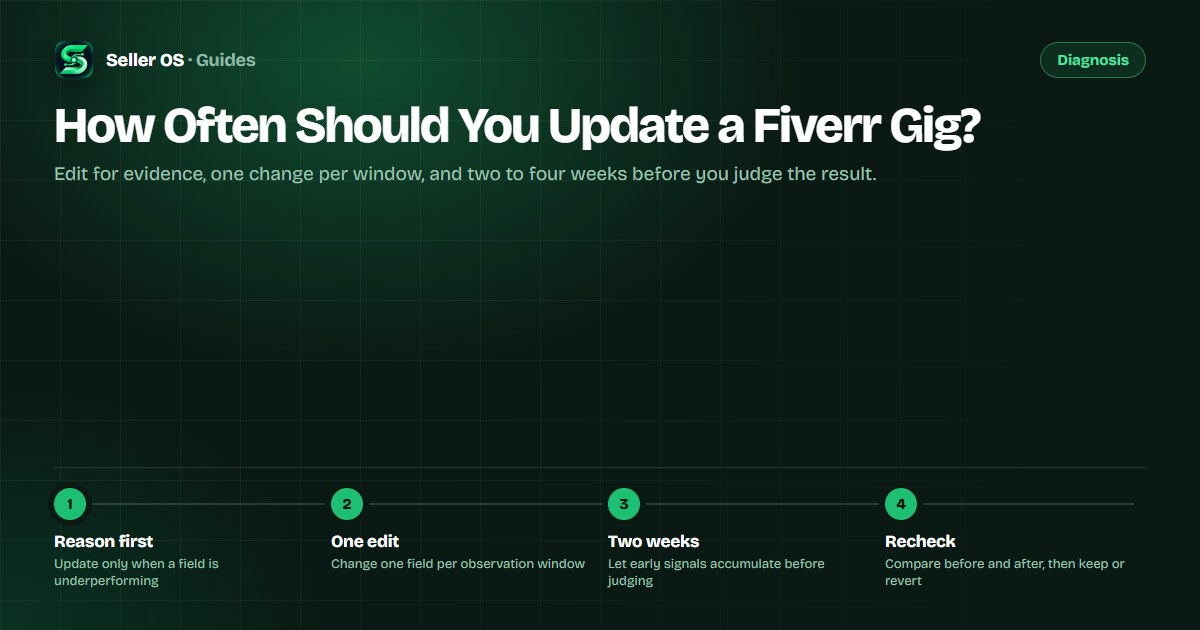
Fiverr does not publish a rule that says you must update a gig on a schedule. The useful approach is evidence-driven: update when a specific field is underperforming, change one thing at a time, and give the change two to four weeks before judging it. Editing for the sake of activity mostly creates noise you cannot read.
This guide covers the triggers that justify an edit, what to change together and what never to change together, and when leaving the gig alone is the right call. It also shows a simple update log so you can tell a real change from cosmetic fiddling.
Free plan available. Local-first data. Human review on every change.
Why there is no update schedule to follow
Fiverr's help center documents how to edit a gig, but it does not publish an update frequency, a freshness bonus, or a rule that rewards regular changes. That means most cadence advice online is someone's habit dressed up as a platform requirement.
What you can control is narrower and more useful: an edit matters when it changes what the buyer sees or how well the listing matches a query. Calendar edits change neither, so they add risk without adding evidence.
The advice to refresh a gig regularly usually comes from a misreading of how marketplaces work. Freshness matters to platforms that crawl pages for a search index; a Fiverr gig is not a page waiting to be re-crawled. What matters here is match and buyer response, and neither improves because time passed.
- Update when a field is factually wrong, outdated, or off-target
- Update when the same buyer question keeps arriving and your copy does not answer it
- Do not update just because the last edit was weeks ago
Signals that justify a gig update
Four kinds of evidence are worth acting on. First, analytics: a funnel layer that moved and stayed moved. Second, buyer language: repeated questions in your inbox that the gig page should already answer. Third, relevance: a keyword you sell against that no longer appears naturally in your fields. Fourth, accuracy: a deliverable, turnaround, or process that changed and makes the current copy wrong.
Notice what is missing from that list: boredom, competitor envy, and the calendar. None of those are evidence that a specific field is failing, so none of them can justify which field to change.
Your inbox is the most underused evidence source you have. Copy the exact wording buyers use in first messages, then read your description and FAQ as if you were that buyer. If the page never answers their phrasing, the page is the thing to update, not the price.
| Trigger | Evidence to check | Typical first edit |
|---|---|---|
| A funnel layer moved | Your gig statistics over 30 days | One field tied to that layer |
| A question keeps arriving | Inbox threads from the last month | Add the answer to the description |
| A phrase no longer fits | Your own search samples for it | Tags or title wording |
| The service changed | Your current packages and workflow | Package scope or a description line |
One change per observation window
If you change a thumbnail, a title, and a price on the same day, the result tells you nothing about which one worked. Treat every edit as a small test with one variable. Decide the single field most likely to move the number you care about, change it, and hold everything else steady.
Then wait. Two to four weeks is the shortest honest window for most copy and image changes; keyword-driven edits read even more slowly, because a matching change has to meet buyers searching that phrase.
The window is not a fixed law. A gig with steady traffic can read a change in two weeks; a gig with a handful of impressions a week needs longer, or the sample will say more about luck than about the edit. Pick the window that gives the metric a fair chance, and write it down before you start.
Write the change down
date, field, old value, new value, and the number you expect to move
Edit that one field only
leave title, tags, images, and price untouched
Wait two to four weeks
resist the urge to stack a second edit mid-window
Compare the same metric over equal windows
then keep the edit or revert it
What counts as a real update for a gig
A real update changes what a buyer understands or what Fiverr can match. Rewriting a sentence so the first line names the deliverable is real. Fixing a typo is not. Reordering packages so the middle tier solves the common case is real. Swapping a word because you are tired of reading it is not.
Here is a worked example. A seller samples one phrase weekly and finds the gig on page three for it. They swap exactly one tag to include that phrase, log the date, and change nothing else. Three weekly samples later the phrase appears on page two, so the tag stays and the next window can test something new. The sampling routine matches the one in the gig rank tracker guide.
Keep an update log that answers one question
The log only needs one question: did the number move after the change? Five columns do it — date, field changed, old value, new value, and the next check date. If you cannot fill in all five, you are about to make an edit you will not be able to evaluate.
Review the log monthly rather than daily. The monthly view also reveals patterns a single edit hides, such as a dip that keeps landing in the same weeks each season, or a phrase that never recovers because the gig was built for a different buyer. When the log suggests several fields are drifting at once, a full SEO audit reviews them in one pass.
When leaving the gig alone is right
Some movements have nothing to do with your fields. Results shift with demand, seasonality, and the session doing the searching, so one soft week is not evidence that an edit is due. Check whether the gigs around yours moved too before blaming your copy.
The other case is a gig that is already working. If orders and conversion are healthy, an unplanned edit adds risk without a reason. Save your attention for a listing that is actually underperforming, and let the working one collect evidence.
Seasonality is the quietest confounder. A gift-adjacent category can dip every January and recover every March no matter what you edit. When the same movement appears in the log at the same point in previous months, the calendar is the better explanation, and the correct update is none at all.
Where Seller OS helps
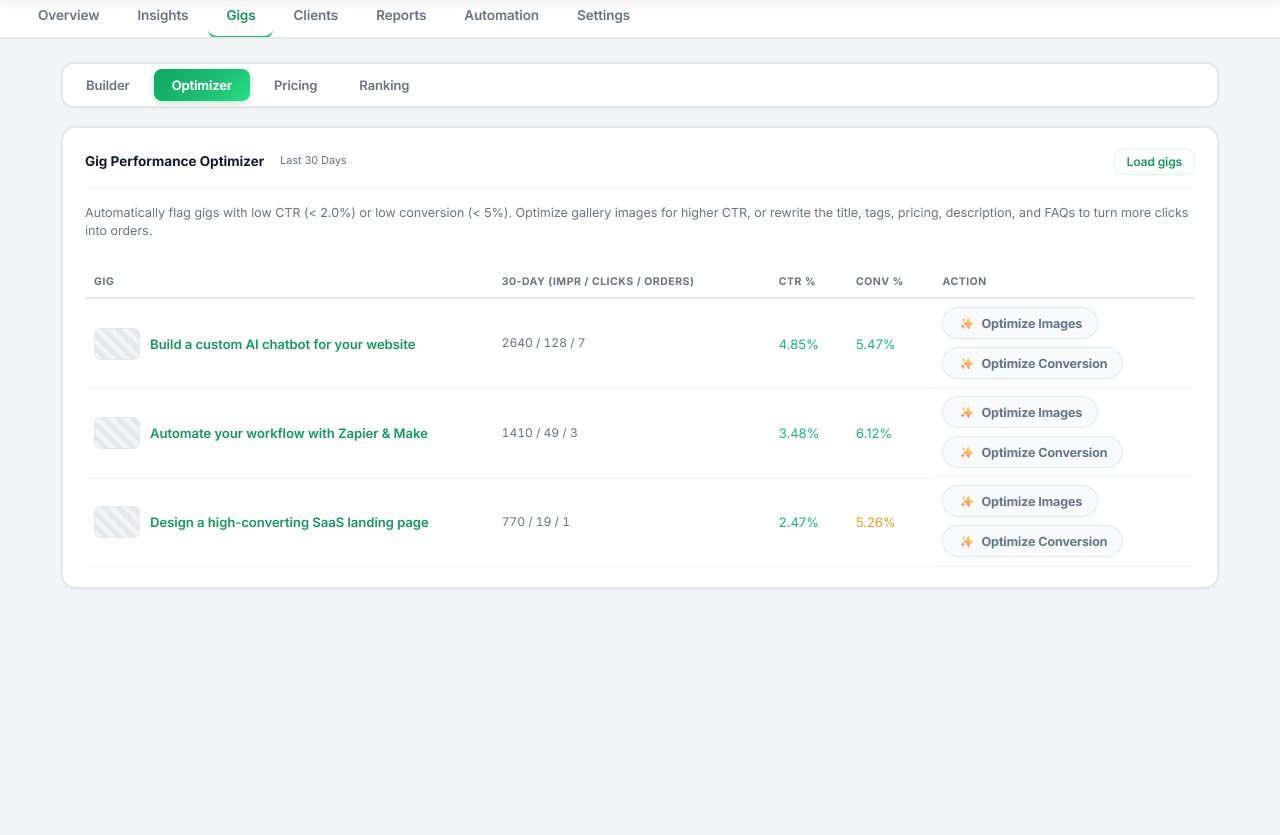
Seller OS supports this cadence without adding a new habit. The Gig Performance Optimizer reviews a live gig's copy, gallery, and conversion signals against the gig's own performance data and proposes changes; you apply them by hand in the Fiverr editor. The Keyword Rank tracker then records whether the change moved the phrases you care about, week by week, with the history staying in Chrome local storage.
On Pro, a background keyword monitor refreshes positions while Chrome is open and flags notable moves, and the local reports and action queue keep the update log short enough to actually read. The tool stops at suggestions and drafts; every Save or Publish click stays with you.
How Often Should You Update a Fiverr Gig? questions
How often should I update my Fiverr gig?
There is no published schedule. Update when you have evidence that a specific field is underperforming, then change one field per window and wait two to four weeks before judging it. Regular edits without a reason usually make your own data harder to read, not your gig stronger.
Does editing a Fiverr gig reset its ranking?
Fiverr does not publish a penalty for editing. Changing fields can shift how well the gig matches a search, especially for the fields involved, which is why one change per window is the safer habit. The dedicated guide on edit risk covers what tends to move and how to test it safely.
How long before an edit shows results?
Give copy and image changes two to four weeks, and treat anything shorter as noise. Keyword-driven edits tend to read even more slowly, because the matching change has to meet buyers who search that phrase. Compare the same metric over equal window lengths before keeping or reverting anything.
Should I update a gig that is already getting orders?
Only for a reason: a fact that changed, a question buyers keep asking, or a metric that moved. A healthy gig is not improved by cosmetic edits, and every edit costs you a clean read. Fix what is actually broken and leave the rest alone for now.
Update with evidence, not habit
Log one change, let the optimizer propose what to test, and let rank history decide if it worked.