 Seller OS
Fiverr Seller Plus: is it worth it for your volume
Seller Plus is Fiverr's paid seller subscription: a flat monthly fee in exchange for research tools, deeper analytics, priority support, and learning resources, with higher tiers adding extras such as a dedicated success manager. The question is never whether the features exist; it is whether they earn back the fee at your volume.
This guide walks through what sellers actually open each week, how to weigh the fee against your order count, who benefits, and who should skip it. For a head-to-head with a local-first alternative, read the Seller Plus alternative page.
Free plan available. Local-first data. Human review on every change.
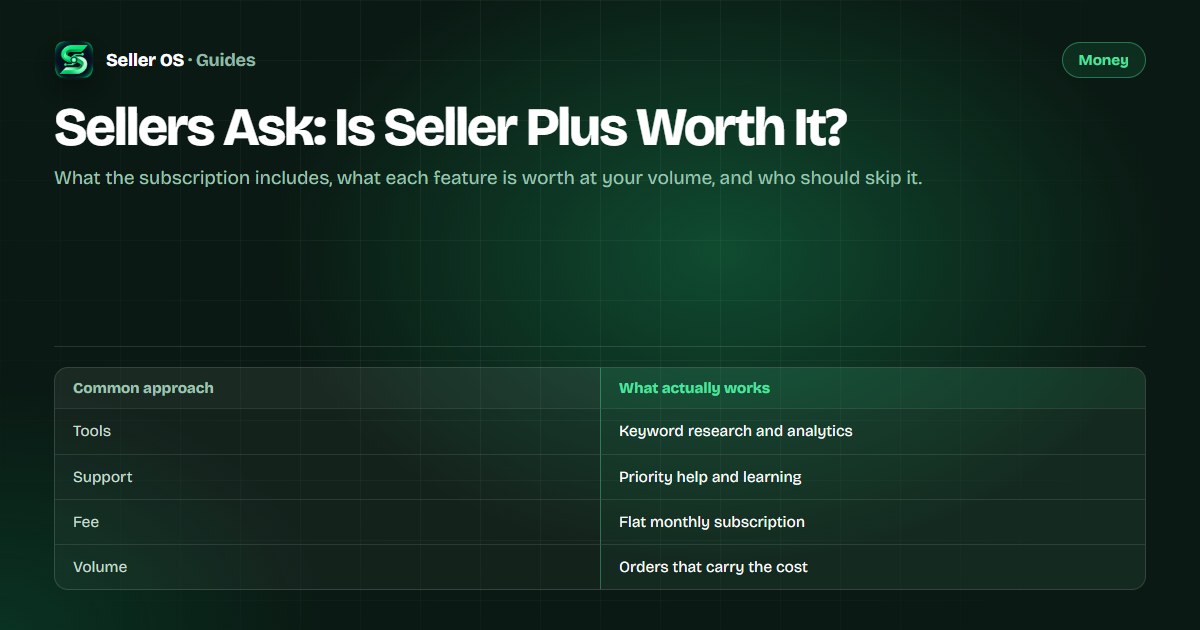
What Seller Plus actually gives you
The core of the subscription is information: keyword research data, deeper gig analytics, and reports that free accounts do not see. Around that sit priority customer support, educational content, and a badge on your profile. Higher tiers add a dedicated success manager for one-to-one guidance. Fiverr lists the current inclusions on its Seller Plus page, so confirm the lineup there before you decide, because tiers and perks change over time.
In practice, sellers open two things most weeks: the keyword data when planning gigs, and the analytics when diagnosing a dip. Everything else is occasional. If neither of those weekly habits fits your work, you are paying for a shelf of tools you rarely touch.
- Keyword research: demand and competition signals for planning gigs and titles.
- Deeper analytics: gig-level performance views beyond the free dashboard.
- Priority support and learning resources for when something breaks or stalls.
- Higher tiers: a dedicated success manager for direct guidance.
The monthly fee against your order volume
Because the fee is flat, its weight depends entirely on how many orders you complete. Divide the monthly fee shown on the Seller Plus page by your average monthly orders to get the per-order cost of the subscription. At twenty orders a month that cost is small; at two orders a month it can exceed what the tools could plausibly add.
Then ask what each feature replaces. If the keyword data saves you from one mistargeted gig per quarter, price that avoided waste. If priority support saves one cancelled order a year, price that rescue. As a rule of thumb, the subscription earns its place when one avoided mistake per quarter covers the fee; below that, free sources plus the keyword research guide usually carry you.
| Your volume | How the fee feels | Likely verdict |
|---|---|---|
| Starting out, a few orders a month | Fee rivals your profit | Skip for now |
| Steady part-time, weekly orders | Fee is a small share per order | Test one quarter |
| Full-time, daily orders | Fee is minor next to revenue | Keep if you use the data weekly |
Who gets value from it
Volume sellers in keyword-driven categories gain the most. If you run several gigs, publish often, and make title and tag decisions weekly, the research data compounds across every listing. Sellers diagnosing a ranking or conversion dip also benefit, because the deeper analytics shorten the guesswork.
The success-manager tier fits sellers whose monthly revenue makes one-to-one guidance cheap by comparison. If a single advised change to pricing or packaging pays for months of the fee, the math is straightforward. Compare the toolset with the broader seller tools landscape before you commit to a tier.
Who should skip it for now
New sellers with one gig and few orders should skip it. At that stage the binding constraint is proof: reviews, portfolio pieces, and completed orders. No analytics subscription creates those, and the fee raises the monthly revenue you need just to stand still. Free autocomplete, buyer requests, and competitor pages give you enough signal to pick a first niche.
Repeat buyers and referral-driven sellers should also think twice. If most of your orders come from existing clients rather than search, keyword data and search analytics touch a small share of your revenue. Spend the fee on delivery quality instead.
A 30-day way to decide
Instead of debating the subscription in theory, test it against your own behavior. The steps below turn one billing month into an answer you can trust, because they measure what you actually opened rather than what the feature list promises.
List the features you would open weekly
name the two or three you expect to use, such as keyword data and gig analytics, and ignore the rest.
Use each one on a real decision
retitle a gig, reprice a package, or diagnose a dip, and write down what changed because of the data.
Price the outcomes
one avoided bad gig, one rescued order, or hours saved, set against the monthly fee shown on the Seller Plus page.
Keep or cancel on evidence
keep it only if the month's outcomes covered the fee; otherwise cancel and revisit when your volume doubles.
Where Seller OS helps
Seller OS approaches the same jobs from the opposite direction: one-time tooling that lives in your browser instead of a monthly subscription. The gig builder drafts listings from an idea or competitor URL, the gig optimizer reviews live gig copy and conversion signals, and keyword views come from your own research rather than a rented dashboard.
The framing stays honest and local-first. Your data remains in Chrome local storage, every draft is filled into Fiverr pages for your review, and a person completes each Save, Continue, or Publish step. Nothing is published or purchased without your click.

Sellers Ask: Is Seller Plus Worth It? questions
Is Seller Plus worth it for a new Fiverr seller?
Usually not. With one gig and few monthly orders, the flat fee takes a large share of small revenue, and your binding constraint is proof such as reviews and portfolio pieces, which no subscription creates. Use free research sources first, build order history, and reconsider Seller Plus once weekly orders make the per-order cost of the fee small.
Which Seller Plus features do sellers actually use?
Most regular users open two things weekly: keyword research data when planning or retitling gigs, and deeper gig analytics when diagnosing a dip in impressions or orders. Priority support and learning content matter occasionally, and the dedicated success manager only exists on higher tiers. If neither weekly habit fits your work, the subscription rarely earns its fee.
Can I do keyword research without Seller Plus?
Yes. Fiverr search autocomplete, top-gig titles and tags, category pages, and buyer request wording all reveal demand language for free. The free-stack workflow collects these sources in order and shows how to verify each one. Paid data is faster and more precise, but free sources are enough to pick and validate a first niche.
How often should I reconsider the Seller Plus decision?
Revisit it whenever your order volume roughly doubles or you add new gigs, since both change the per-order cost of the fee. A practical rhythm is one deliberate review per quarter: check which features you opened, what decisions they changed, and whether the outcomes covered the fee. Cancel in quiet months and resubscribe when research work peaks.
Weigh the fee against your volume.
One month of honest use tells you more than any feature list.