 Seller OS
New Fiverr gig vs existing gig: which should you build?
Not every idea earns a new listing. The right choice depends on whether your existing gig already has evidence behind it. When a gig has months of impressions, clicks, and reviews, improving it usually beats starting from zero. When the idea serves a different buyer, a separate gig can win.
This guide gives you a decision rule for each situation: how to read the history in your gig's analytics, when a new niche deserves its own listing, how to avoid competing with yourself for the same search phrase, and how to migrate demand if you do split.
Free plan available. Local-first data. Human review on every change.
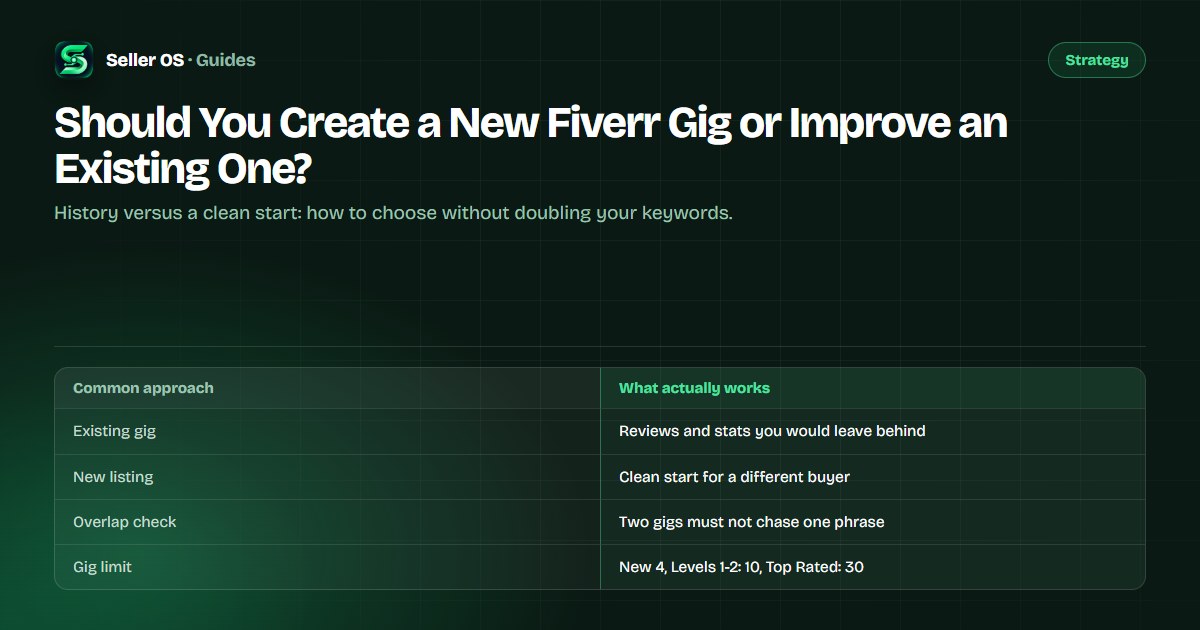
Decide in one minute: history or niche?
The fast test has two questions. First, does the existing gig show evidence of demand for the new idea: impressions, clicks, or orders in its analytics? Second, would the new idea attract the same buyer or a different one? If the evidence exists and the buyer is the same, improve the gig you already have.
If the idea targets a different buyer, a different deliverable, or a different price band, and the current listing has no traction for it, a new gig is the better container. Fiverr's per-gig statistics show impressions, clicks, orders, cancellation rate, and conversion rate for the last 30 days by default, which is enough to answer both questions honestly.
- Same buyer, evidence exists: improve the live listing.
- Different buyer, no evidence: a separate listing is defensible.
- Not sure: run one improvement cycle before deciding.
What an existing gig's history is worth
A gig that has been live for months carries three assets a new listing cannot match on day one: a record of impressions and clicks, the reviews shown on its gig page, and keyword performance you can compare across periods. None of that transfers when you publish something new.
That history is also how you diagnose. A gig with steady clicks and weak orders has a conversion problem, not a demand problem, and a new listing would inherit the same weak pages. A gig with no impressions for the phrase you care about is a different story.
- Impressions and clicks: evidence buyers see the gig at all.
- Reviews: proof attached to the live listing.
- Conversion history: whether the page turns attention into orders.
When a new gig wins the argument
A new listing is justified when the current gig would have to become a different service to serve the idea. Fiverr's category cannot be changed after a gig is published, so if the new idea belongs in a different category, a new listing is the only clean route.
Suppose your live gig is a WordPress bug-fix service priced from $30, and buyers keep asking for complete site builds at $400 and up. Improving the bug-fix gig to cover both would blur its promise and its price. A second gig, built for the build brief with its own packages, keeps both offers clear.
| Situation | Read | Move |
|---|---|---|
| Different category or deliverable | The current gig cannot absorb it | New listing |
| Different phrase, same deliverable | Two gigs would chase one phrase | Improve or rename the promise |
| Steady clicks, few orders | Conversion gap, not demand | Improve the pages first |
| No impressions for a wanted phrase | Relevance gap | Test fields before splitting |
How to avoid duplicating your own keywords
The most common self-inflicted wound is publishing a second gig that targets the same primary phrase as the first. Two listings with the same promise compete for the same impressions and split your attention. Fiverr's Help Center states that matching prioritizes title text first, then the positive keywords field, then the description.
List every live title
write out the primary phrase inside each one.
Name the new gig's promise
if it repeats a phrase above, improve instead.
Give each gig one job
one buyer problem, one primary phrase.
Check the overlap
search both phrases and note whether you crowd your own results.
“The algorithm prioritizes title text first, then the positive keywords field, then the description.”
— Fiverr's Help Center, Advanced Analytics for Seller Plus, September 2026
An improve-first checklist to try before splitting
Before you spend a gig slot, run one honest improvement cycle on the existing listing. Change one thing at a time and let it run through a full stats window before judging; Fiverr's per-gig statistics default to a 30-day view with arrows comparing the previous period.
If a full window passes with no change in impressions or orders, the listing is a candidate for a clean start, especially when the new idea serves a different buyer. That is a decision made with evidence, not impatience.
Title and first image
does the promise match the phrase buyers use?
Packages
do the three tiers differ in scope, speed, or format?
Description
do the first two lines state the outcome and the scope?
FAQ
do the answers remove the questions you see in your inbox?
Numbers
after a full window, keep or revert one change at a time.
The migration path if you do split
A new gig starts with no history, so the first job is to give it a reason to be found. Build it around one specific phrase from your inbox or a targeted buyer need, and keep the fields tight: a clear title, the positive keyword phrases, and a description that states the deliverable and who it is for.
While the new listing builds its own record, keep the old gig earning. If buyers still ask the old gig for the new service, answer in the message and point them to the new listing, and mention the companion service naturally in the old gig's FAQ copy. Watch both gigs' analytics separately rather than reading one blended number for the account.
- One primary phrase per listing, with no shared keyword.
- Separate analytics review per gig, not one account view.
- The old gig stays live while it still converts.
Mistakes that waste gig slots and momentum
Every gig status counts toward your active limit except deleted gigs and automation gigs such as Logo Maker and Consultation services. The published limits are 4 gigs for New Sellers, 10 at Level 1 and Level 2, and 30 at Top Rated, so a slot spent on a near-duplicate is expensive.
The second mistake is abandoning a gig too early. A listing that has never had a field change and has never seen a full 30-day window has not really been tested. Fix the obvious mismatches, run the window, then decide with evidence.
Where Seller OS helps
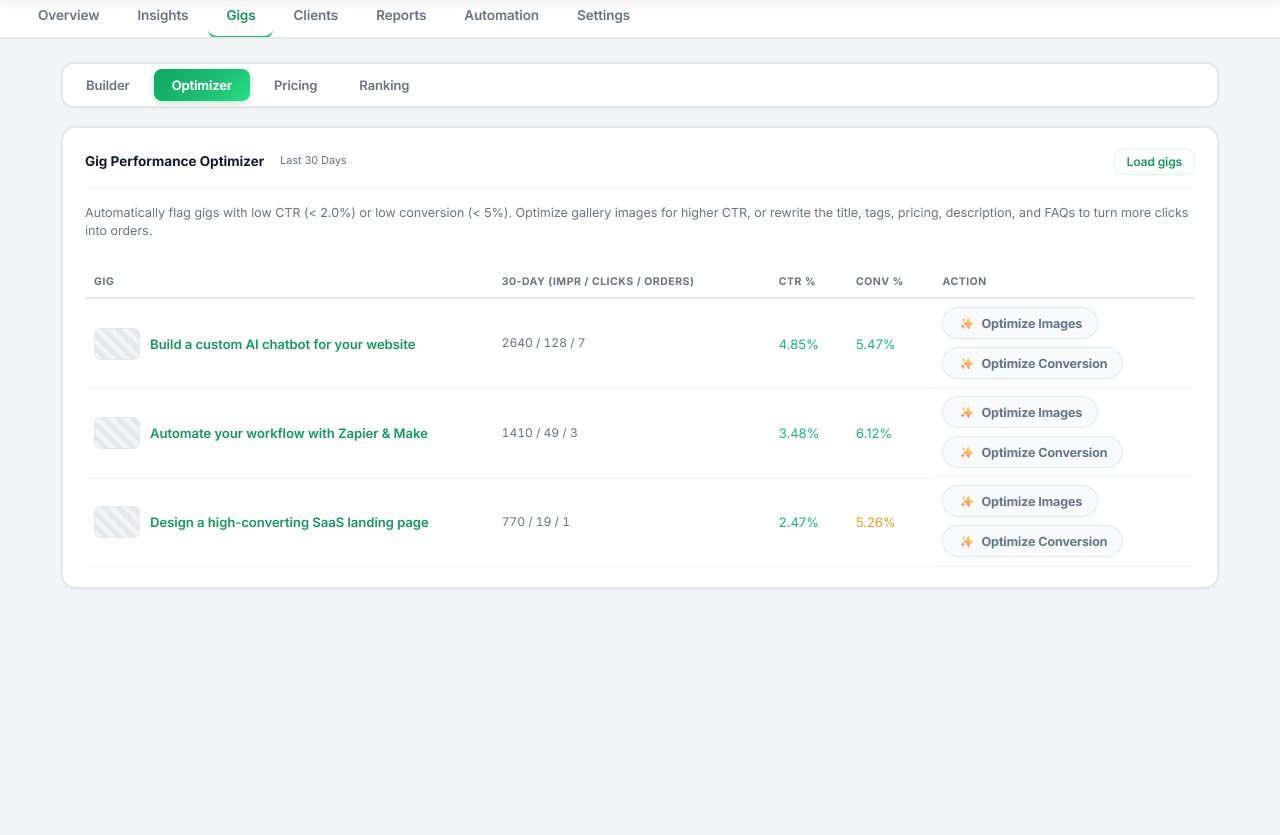
Seller OS reads the evidence this decision needs. The Gig Performance Optimizer reviews a live gig's copy, gallery, and conversion signals against its own performance data and proposes changes you approve one at a time, while the Keyword Rank tracker keeps a local history of where each gig appears for the phrases you chose.
If you start a second listing, the Gig Builder turns a one-line idea into a structured gig and fills the Fiverr wizard for you, and keyword research helps keep the two listings on different phrases. You complete every Save, Continue, and Publish action yourself, and the data stays in Chrome local storage.
Should You Create a New Fiverr Gig or Improve an Existing One? questions
Should I create a new Fiverr gig or improve the existing one?
Improve the existing gig when it already has impressions, clicks, or reviews for the service you want to sell, because that history is an asset. Create a new listing when the idea serves a different buyer, deliverable, price band, or category, since Fiverr does not let you change a gig's category after publishing.
Will a second gig hurt my existing gig's ranking?
Fiverr publishes nothing about one gig penalizing another. The practical risk sits with you: two listings that target the same primary phrase compete for the same impressions and split your attention. Keep one primary phrase per gig, give each listing a distinct promise, and track both separately in analytics.
Can I move my reviews to a new gig?
No. Reviews attach to the gig page where the order happened, and your profile carries your review record as a seller. A new listing starts with no reviews on its own page, which is the strongest argument for improving a gig that already has proof instead of starting over.
When is a second gig the wrong move?
When it would duplicate an existing listing's keywords or promise, split your delivery capacity, or replace the work of fixing a gig that already has history. A second gig should serve a different buyer with a different deliverable — not the same service under a new title.
Decide with evidence, not impatience.
Read the live gig's analytics, make the honest call, and give the choice one full stats window.