 Seller OS
How to reactivate a Fiverr gig by reason
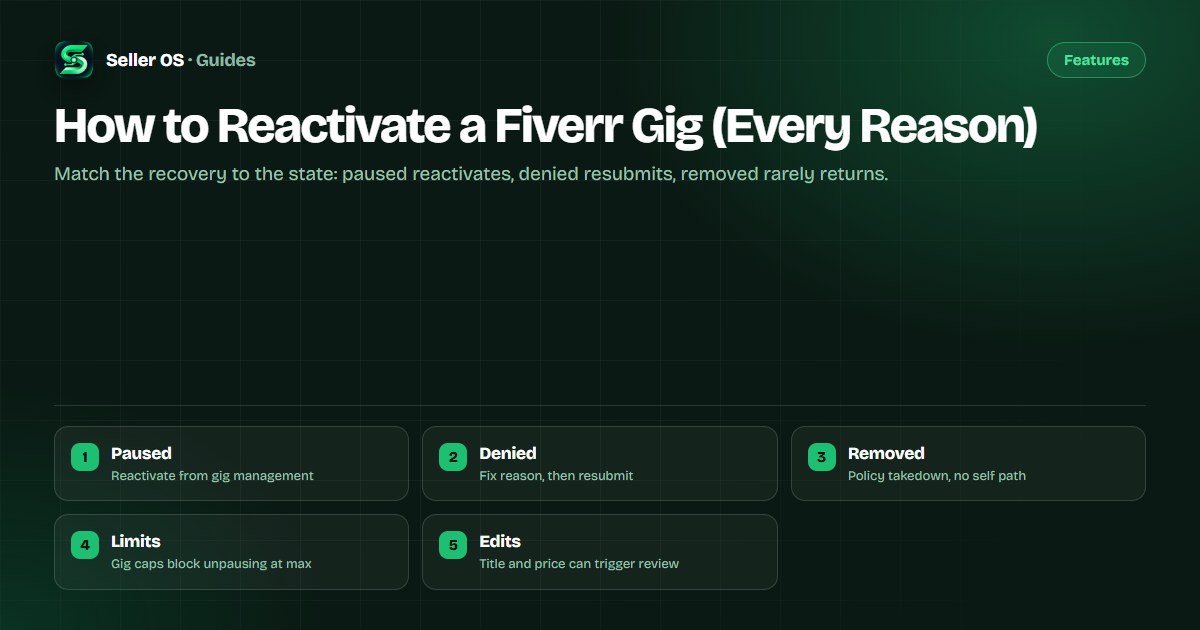
Fiverr's help center states that a paused gig is not currently visible to clients but you can reactivate it, while denied and removed gigs follow stricter paths. The right recovery depends entirely on which state your gig is actually in.
This guide maps each reason to its recovery action and honest timeline. State rules are attributed to Fiverr; the sequencing is practical advice that links to the paused and denied guides instead of repeating them.
Free plan available. Local-first data. Human review on every change.
Identify the gig state before acting
Fiverr's help center lists gig states on the management page as Active, Pending Approval, Requires Modification, Draft, Denied, and Paused. A denied gig shows its reason in the Denied Gigs section behind an alert at the top of the page, which is the first thing to read before touching any setting.
A common mistake sellers make is mashing the activate control on a gig that is actually denied or removed and concluding the button is broken. Confirm the label first: paused means hidden but recoverable by you, denied means fix and resubmit, and removed means enforcement action with no self-service reactivation documented. Thirty seconds spent reading the management page label saves days of appeals filed against the wrong process.
Self-paused gigs: the direct path
Fiverr's help center states that paused gigs are not visible to clients but can be reactivated, using the Pause and Activate actions on the management page. For a gig you paused yourself, reactivation is usually immediate once you choose Activate and the page confirms the state change.
Illustrative scenario: you paused a design gig before a holiday and return with three open queue slots. You open gig management, confirm you hold fewer active gigs than your level allows, choose Activate, and check search visibility after the page refreshes. If it does not reappear at once, allow brief re-indexing before editing anything.
Availability overlap that looks like a pause
Fiverr's help center states that setting yourself unavailable keeps gigs visible but blocks new orders, temporarily removes gigs from search, and reactivates visibility automatically when the period ends. A gig that seems paused during a break may actually be suppressed by the availability window rather than the gig-level pause control.
Check both layers: the gig-level state on the management page and the account availability dates on the dashboard. If availability is the cause, ending the unavailable period restores the path, and the vacation mode guide explains the search and ranking notes, including possible effects after long unavailability.
Denied gigs and review-triggering edits
Fiverr's help center states that a denied gig was not approved with the reason viewable on the management page, and instructs sellers to check the reason, fix policy issues, and resubmit. It also states that significant edits such as title, category, or pricing changes may trigger a review during which the gig may not be visible.
If the denial followed edits that changed the core service, the creating-a-gig article directs you to create a new gig in the matching category instead of forcing the old one back. Illustrative example: a writing gig rewritten into video editing should become a new video gig rather than a resubmitted writing gig with mismatched history.
- Read the full denial reason before changing anything.
- Fix the cited policy or content issue completely.
- Resubmit and leave the gig untouched during review.
- Changed core service means a new gig, not a revival.
- Use the denied-fix guide for the detailed sequence.
Removed gigs: the hard boundary
Fiverr's enforcement guidance states that a gig may be removed when its services are not allowed under Community Standards and Terms of Service, that the owner is notified and can no longer access or reuse its content for future gigs, and that two removals within 60 days at least 24 hours apart may also bring an account warning. No self-service reactivation path for removed gigs is documented.
If your gig was removed, read the notice, review the cited policy, and contact support through the proper appeal path rather than duplicating the gig. For the surrounding enforcement detail, the gig paused comparison and the gig removed guide carry the violation-side specifics.
Gig limits and realistic timelines
Fiverr's published level limits state active gig caps of 4 for new freelancers, 10 each for Level 1 and Level 2, and 30 for Top Rated. If you sit at the cap, a paused gig cannot be unpaused until you are back within the limit, which turns some reactivation failures into arithmetic rather than errors.
No official review turnaround time is published for pending or resubmitted gigs, so treat every waiting period as uncertain. Reactivate self-paused gigs instantly, resubmit denied gigs once with a complete fix, and for anything removed, the paused gig guide plus a support appeal are the only honest routes.
| Your state | Recovery action | Expect |
|---|---|---|
| Self-paused | Activate in gig management | Usually immediate |
| Availability overlap | End unavailable period | Visibility returns after |
| Denied | Fix reason, resubmit | Review wait, no published time |
| Removed | Review policy, appeal via support | No self-service path |
Where Seller OS helps
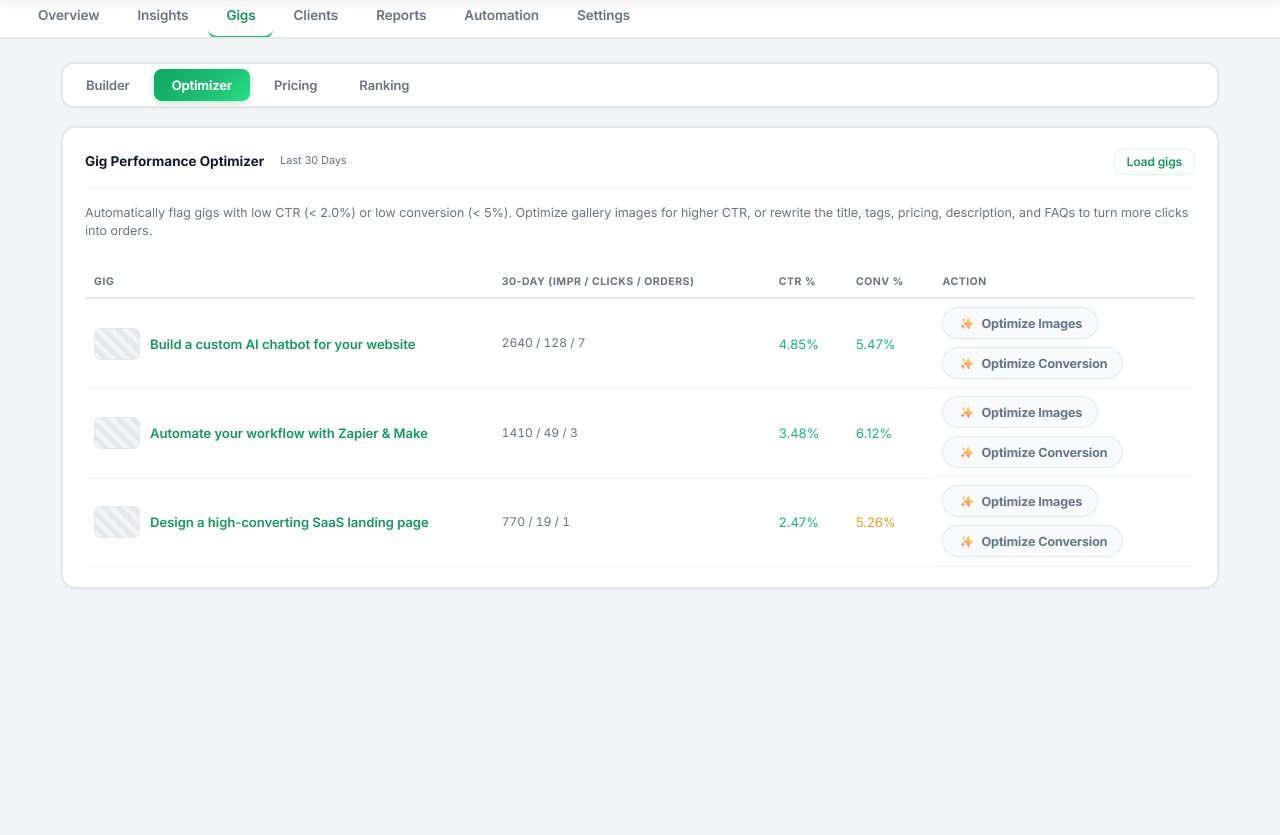
Seller OS supports the recovery this map describes: its Gig Performance Optimizer reviews a live gig's copy, gallery, and conversion signals against the gig's own performance data and proposes changes before you resubmit, while local client records keep prior scope notes intact. A person completes every Save, Continue, or Publish step.
It does not reactivate gigs, shorten review queues, or reverse removals. Paused gigs you can switch on yourself; denied and removed gigs move through Fiverr's review and appeal paths, and the tool only helps the content you submit meet the published rules.
How to Reactivate a Fiverr Gig questions
How do I reactivate a paused Fiverr gig?
Fiverr's help center states paused gigs are not visible but can be reactivated through the Pause and Activate actions on the gig management page. Confirm you are within your level's active-gig limit first, choose Activate, and allow brief re-indexing. If the gig was paused by an availability window instead, ending that period restores visibility.
Why will my Fiverr gig not reactivate?
The usual causes are a misread state, a full gig limit, or a pending review. Confirm the management-page label: denied gigs need a fix and resubmit, removed gigs have no self-service path, and significant edits can hold a gig in review. Level caps of 4, 10, 10, and 30 gigs can also block unpausing until you are within limit.
Can I reactivate a denied Fiverr gig?
Fiverr's help center states denied gigs show their reason on the management page and directs sellers to fix policy issues and resubmit. Read the full reason, correct it completely, and resubmit once. If your edits changed the core service, the creating-a-gig guidance says to create a new gig in the matching category instead.
Can I reactivate a removed Fiverr gig?
No self-service reactivation path for removed gigs is documented. Fiverr's enforcement guidance states removed gig content cannot be accessed or reused and that two removals within 60 days may bring an account warning. Read the notice, review the cited policy, and use the support appeal path rather than republishing the same gig.
Read the state, then act once
Paused reactivates, denied resubmits after a full fix, removed appeals.