 Seller OS
Gig paused by you vs by Fiverr: how to tell
A paused gig looks the same from the outside, but the pause has an owner. One is a control you pressed or a setting that took effect. The other is a hold Fiverr applied, which may be a routine review state or a violation decision. The difference decides who can reverse it.
This guide separates the two, compares what each does to search, and gives the exact recovery action for each. It attributes the states to Fiverr's published pages rather than guessing at an internal rule.
Free plan available. Local-first data. Human review on every change.
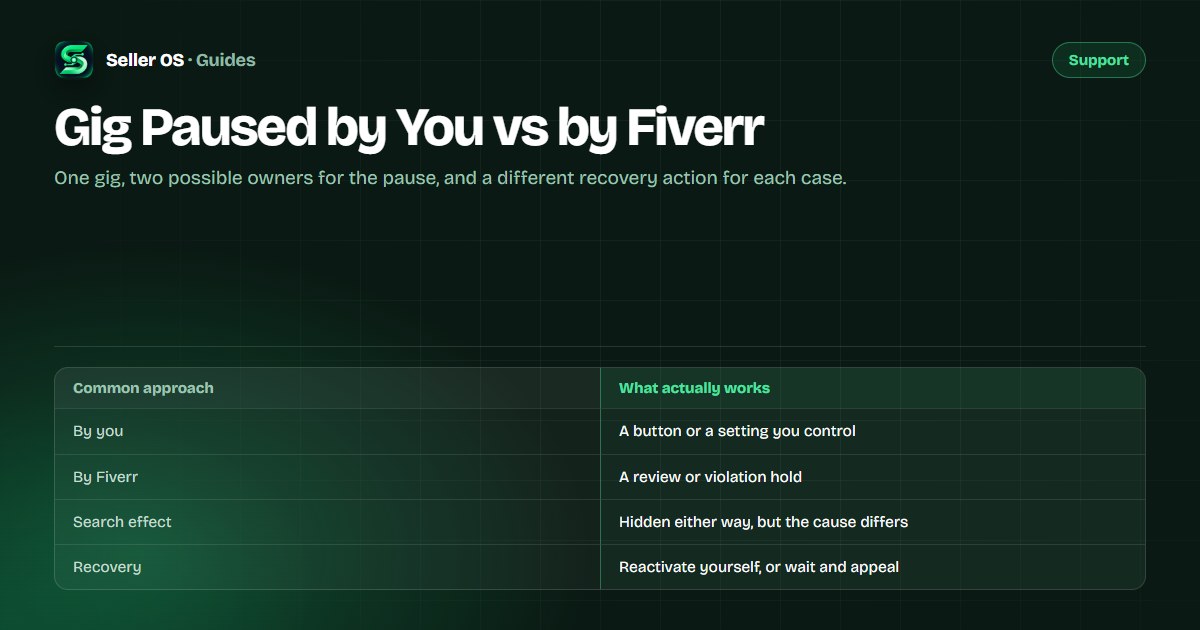
The two kinds of pause
Fiverr's Managing your Gigs page lists Paused as a status where the gig is not visible to clients but you can reactivate it. That is the self-serve case. Everything else that hides a listing arrives under a different name, and Fiverr owns the timeline.
So the first question is not why the gig is hidden, but who set the state. If the control is in your hands, the fix is one click. If it is not, the fix is a process you follow, and pressing anything will not help.
| State | Owner | Who can reverse it |
|---|---|---|
| Paused by button | You | You, on the same page |
| Queue limit or availability | Your setting | You, by changing the setting |
| Pending Approval | Fiverr | Fiverr, when the review ends |
| Violation hold | Fiverr | Fiverr, after review or appeal |
Paused by you: what it does to search
A seller pause is deliberate, and Fiverr's definition is narrow: the gig is not visible to clients and you can bring it back. Two settings cause the same effect automatically. The queue-limit feature removes a gig from search while your order queue is full, and Fiverr states that using it does not affect your ranking or ratings.
Availability is the second automatic case. While you are set unavailable, gigs can drop out of search and return when you are available again; Fiverr says ranking might be affected only if unavailability runs over 30 days within a 180-day window. The out of office guide covers the mechanics.
Paused by Fiverr: review and violation holds
When Fiverr sets the state, the status label is usually not the word Paused. Significant edits to the title, category, or pricing may trigger a review, and the gig may show Pending Approval and stay hidden until it completes. That is a wait rather than a punishment, and the gig under review guide covers it in full.
A violation hold is heavier. It comes from an enforcement decision rather than a routine review, and Fiverr's enforcement page describes removals and warnings as its tools. A hold like this is not reversed by a button; it follows a notice and, if you disagree, a complaint.
What each pause does to impressions
Self-serve pauses take the gig out of search while the setting is active, and it returns when you reverse it. The queue limit is documented as not affecting ranking or ratings, so a busy week that triggers it is not a ranking problem and does not need a rescue.
A Fiverr-set hold also removes the gig from search, and impressions can fall to zero for the duration. The recovery is external to you, so the honest response is to wait out the review, or appeal a violation once, rather than editing in a loop. If impressions dropped with no state change at all, the question is different, and the impressions triage is the right page.
The exact recovery action for each case
Match the action to the owner. For a self-pause, check availability and the queue limit first, then use the reactivate control. For a review, stop editing and let it finish. For a violation, read the notice, save it, and appeal once if you have grounds.
Keep the sequence in order, because the wrong action wastes the window. Reactivating a gig that Fiverr is holding does nothing, and editing a gig that is already in review can restart the check.
Confirm the owner
the status label and any alert name who set it.
Self-pause
clear availability or the queue limit, then reactivate the gig.
Review state
make no further significant edits until it completes.
Violation hold
copy the notice, check the cited policy, appeal once if warranted.
No state change
treat it as a traffic question, not a pause.
What not to do while a gig is paused
Do not delete and re-upload to reset a state. A new listing can be reviewed too, and a copy spends one of your limited active gig slots. Do not keep editing a gig that is already in review; each significant edit can restart the check.
Do not create a second account to work around a hold. Fiverr states that opening a new account after yours has been disabled is not allowed, and the multiple accounts rule page explains the location dimension. Keep delivering any active orders while a listing is down, because those deadlines still count.
Where Seller OS helps
Seller OS does not manage Fiverr account states and cannot restore, review, or appeal a gig; those live with Fiverr and your account. What it does is keep the rest of your operation steady while one listing is out. On Pro, monitors run while Chrome is open, and the deadline guard tracks active-order deadlines so a paused gig never turns into a late delivery.
The local client records also keep the history you need if a buyer goes quiet during the outage, and the inbox reply drafts help you answer clients who can still message you. Everything is drafted for your review, and a person sends every reply.

Gig Paused by You vs by Fiverr questions
How do I tell if I paused my gig or Fiverr did?
Read the status label on the gig management page. If it says Paused, the reactivate control is in your hands, so you set it. If it says Pending Approval or Requires Modification, Fiverr is reviewing it. A violation hold usually arrives as a notice rather than a row you can toggle, and it names the reason.
Why is my gig paused with no action from me?
Two settings create that impression. A full order queue can remove a gig from search temporarily, and being set unavailable can drop gigs out of search until you return. Fiverr documents both. Significant edits to the title, category, or pricing may also trigger a review that hides the listing while it runs.
How do I unpause my Fiverr gig?
If the status is Paused, open My Business, then Gigs, and use the reactivate control on that page. If you cannot find one, the gig is probably in a different state such as Pending Approval, Requires Modification, or a violation hold, so read the alert at the top of the page first.
Does a paused gig lose its ranking?
Fiverr does not publish what Pause itself does to ranking. The queue-limit feature, which also removes a gig from search temporarily, is documented as not affecting ranking or ratings. For availability, Fiverr says ranking might be affected only if unavailability runs over 30 days within a 180-day window.
Find the owner before you act
Read the state, take the one recovery step it allows, and keep the rest of the desk steady.