 Seller OS
Spam and scam messages in your Fiverr inbox
Almost every active Fiverr seller gets junk in the inbox: fake job offers, copy-paste pitches, payment lures, and links that lead off the platform. A little of it is noise. Some of it is aimed at your account or your time, and answering it the wrong way costs more than ignoring it the right way.
This guide is about inbox triage, not buyer screening. You will learn the patterns that mark a message as spam, how to report and block through the controls Fiverr describes in its Help Center, and how to keep your response-rate metric intact while you clear the noise.
Free plan available. Local-first data. Human review on every change.
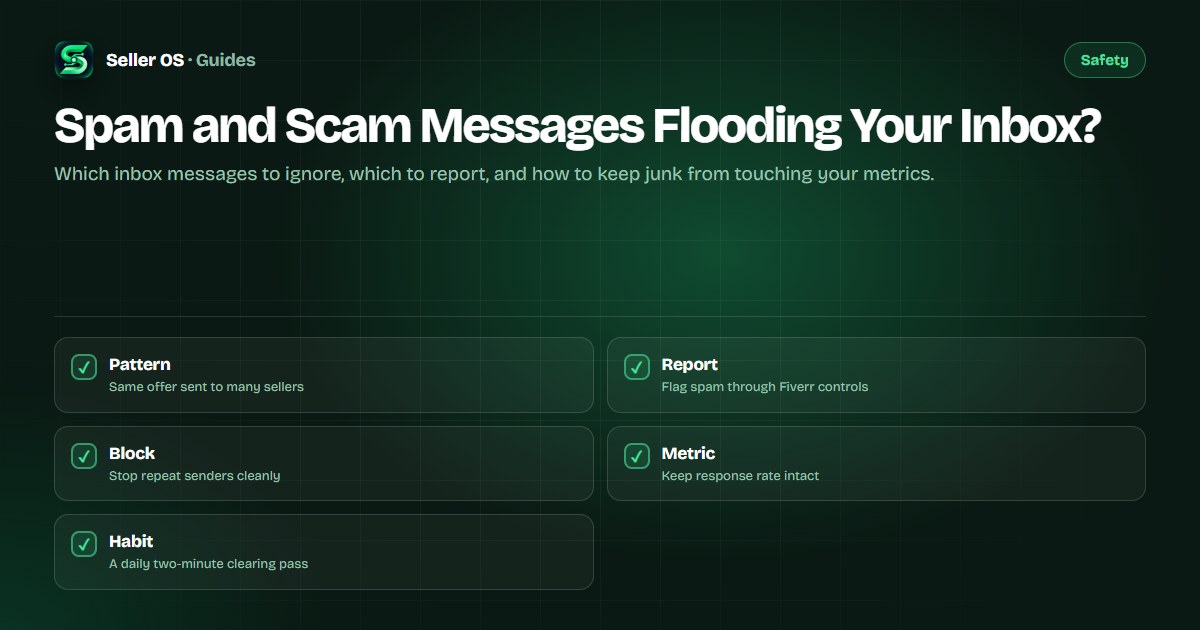
What inbox spam looks like on Fiverr
Inbox spam on Fiverr usually arrives in bulk. The same long message lands with dozens of sellers at once, often from a new account with no order history, no reviews, and a generic avatar. The text is vague about your gig, names no deliverable, and pushes toward a quick reply, a link click, or a move to another app.
Common shapes include the too-good job offer with no brief, the message that pastes a link or QR code before any discussion, the buyer who asks for your email or messaging handle in the first line, and the pitch that wants free work framed as a test. None of these prove intent on their own, but two or three together are enough to treat the thread as junk and handle it through reporting rather than conversation.
- Bulk-style wording with no reference to your gig, packages, or portfolio.
- Pressure to reply fast, click a link, or continue on Telegram, WhatsApp, or email.
- Payment or fee claims that sit outside an order, such as deposits or verification charges.
- Attachments or QR codes arriving before any real brief exists.
Spam versus a real buyer with bad writing
Not every awkward first message is spam. New buyers often write short, unclear notes, skip details, and ask broad questions about price and timing. The difference is direction: a real buyer answers your clarifying questions and stays on the order topic, while a spam thread deflects, repeats the script, or escalates the pressure when you slow it down.
Give an unclear message one structured reply before you judge it. Ask what they need delivered, in what format, and by when, and point to your requirements or packages. A genuine buyer narrows the scope. A spam sender ignores your questions, sends another link, or restates the offer word for word. That second step is your filter, and it keeps you from blocking real work by mistake.
How to report and block without making it worse
Fiverr treats spam, phishing, and malware as report categories, and the reporting controls sit inside the conversation and on user profiles, as described in the Fiverr Help Center. Use them instead of arguing with the sender. Open the thread, choose the report option that matches what you received, add a short factual note about the pattern, and submit. Then block the sender so follow-ups stop.
Do not click links, scan QR codes, download files, or reply with personal details while you report. Do not warn the sender that you reported them, and do not post the message publicly with names attached. Keep a short private note of the username, date, and pattern in case the same pitch returns under a new account, then archive the thread and move on.
Pause
do not click links, open files, or share contact details from the thread
Report
use the in-conversation report control and pick the closest spam category
Block
block the sender so repeat messages stop cleanly
Archive
file the thread away and log the pattern privately for next time
Keep your response rate safe while ignoring junk
Sellers worry that ignoring spam will hurt the response-rate metric, and that worry keeps too many people replying to threads they should have reported. Your response rate reflects replies to genuine buyer inquiries within the window Fiverr measures. Reported spam is not a conversation you owe a polite answer, and a short report plus block is the correct handling, not rudeness.
Build a routine that separates the two streams. Check new threads once or twice a day, answer real inquiries first, and then clear the junk in one pass: report, block, archive. The response-rate guide covers the metric itself, and the phishing guide covers link-based lures in more depth. Speed matters for real buyers, and silence plus a report is the right answer for bulk spam.
| Signal | Reply | Report and block |
|---|---|---|
| Names your gig or deliverable | Yes, answer it | No |
| Bulk wording, no brief | One test question | Yes, if it repeats |
| Link or file before discussion | No click, ask why | Yes |
| Asks to move off Fiverr | Redirect on-platform | Yes, if pressed |
A daily habit that keeps volume down
Spam volume rises and falls with your visibility. New gigs, gigs that rank well, and sellers who reply fast tend to attract more bulk messages, because spammers target accounts that look active. You cannot prevent the messages from arriving, but you can keep them from shaping your day.
Run a two-minute clearing pass at a fixed time: newest threads first, real buyers answered, junk reported and archived, nothing left sitting in unread. Turn off message previews on shared screens, keep attachments set to scan-before-open as a personal rule, and review it quarterly and unblock no one without a reason. The attachment guide and the off-platform lure guide extend this routine to files and payment pressure.
Where Seller OS helps
Seller OS does not read your Fiverr inbox and does not auto-reply to anyone, which matters for a safety topic like this. Automated replies to spam threads would only signal an active account and risk engaging with lures. The inbox assistant instead helps you draft replies to genuine inquiries faster, from templates you review, so the real threads get answered while junk gets reported.
Client records and message drafts stay in Chrome local storage on your own machine. Nothing is published or sent without your click, and the extension never asks for your Fiverr password or verification codes.

Spam and Scam Messages Flooding Your Inbox? questions
Should I reply to spam messages in my Fiverr inbox?
No. Replying signals an active account and invites more bulk messages, and it can pull you into payment or link lures. Use the in-conversation report control, block the sender, and archive the thread. Save your replies for inquiries that name your gig and answer your clarifying questions.
Will ignoring spam hurt my Fiverr response rate?
Your response rate measures replies to genuine buyer inquiries, not bulk spam you reported. Answer real threads inside the measured window and clear junk through report and block in the same pass. That routine protects both the metric and your time, since reported threads are handled rather than left unread.
How do I report a spam message on Fiverr?
Open the conversation, choose the report option that matches the pattern, and add a short factual note about what arrived. Fiverr lists spam and phishing among its report categories in the Help Center. Block the sender after reporting, archive the thread, and keep a private note of the pattern.
Why am I suddenly getting more spam on Fiverr?
Bulk senders target visible and fast-replying accounts, so new gigs and well-ranked gigs attract more junk. Treat a spike as a signal to tighten your routine, not your offer. Run a fixed daily clearing pass, report each wave, and keep attachments and links under a scan-first rule.
Clear the junk, answer the buyers.
Report spam in one pass, then spend your replies on inquiries that name real work.