 Seller OS
Best Fiverr Chrome extensions for sellers in 2026
Dozens of Chrome extensions promise to make selling on Fiverr easier, but they differ wildly in what they access, what they cost, and how recently they were updated. This permission-first roundup covers SEO and rank tools, quick-view overlays, and inbox helpers, with every vendor figure attributed to its Chrome Web Store listing checked October 1, 2026.
You get dated facts per tool, a what-you-give-up line for each, a safety checklist every extension must pass, and a final stack recommendation. No invented user numbers appear below: where counts could not be verified, that is stated plainly.
Free plan available. Local-first data. Human review on every change.
How this roundup judges extensions
Features come second here; permissions, freshness, and cost come first. For each extension you will see what it accesses, what it costs, when its listing was last updated, and the trade-off you accept by installing it. Every user count and rating is a dated store snapshot, checked October 1, 2026, never a permanent fact. Re-check any figure that matters to your decision on the live listing before you quote it.
Freshness matters because Fiverr pages change. A tool updated in May 2026 was built against recent page markup, while one untouched since 2022 may misread or break on current layouts. Treat the update date as a maintenance signal, read recent reviews for breakage reports, and prefer tools whose vendors still answer questions.
SEO and rank tools compared
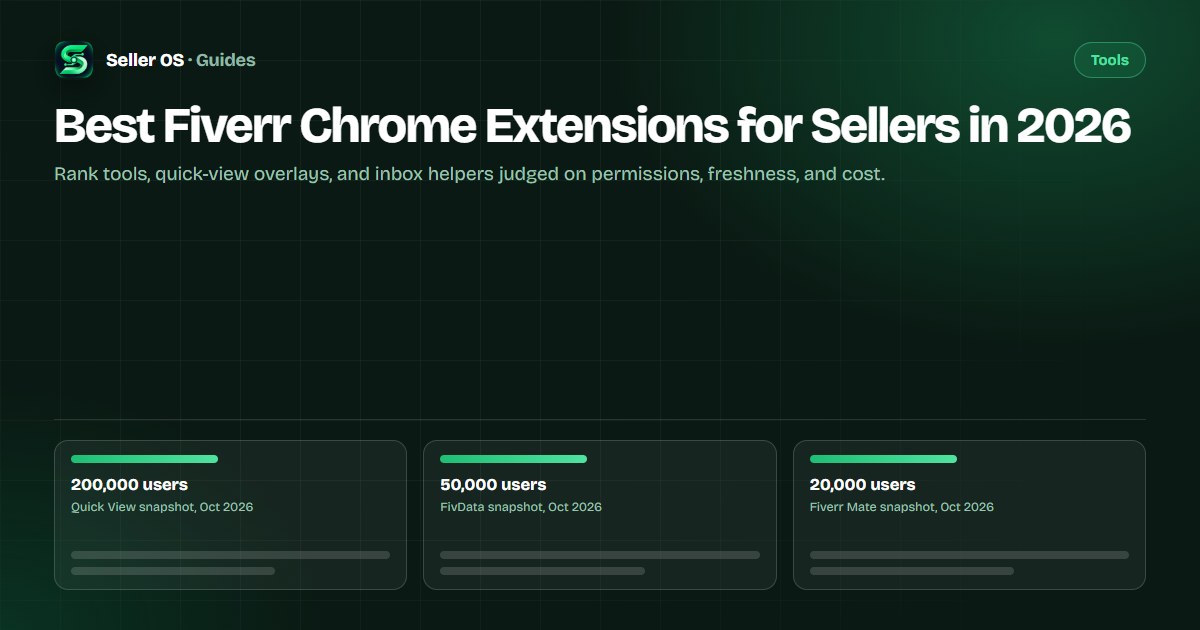
As published on the Chrome Web Store listings, checked October 1, 2026, FivData is the largest of the four with keyword analytics, a rank checker, dark mode, inbox alerts, and balance hiding from Softink Lab. Fiverr Mate pairs gig SEO scoring with bulk tasks and AI-generated content from syntaximos.com. Both carry disclaimers stating they are not official Fiverr products. Read both disclaimers in full before granting either tool access to your seller pages.
GigRank claims automatic multi-page scanning with a side-panel dashboard and local-first storage, but no user counts were captured for it, so verify scale on the live listing before trusting popularity signals. The rank tracker roundup, Mate options, and SEO tools guide examine each lane in depth.
| Extension | Dated listing facts | What you give up |
|---|---|---|
| FivData assistant | 50,000 users, 4.5 of 5, May 2026 | Widest page access for full features |
| Fiverr Mate SEO | 20,000 users, 4.3 of 5, Feb 2025 | AI content upsell beside SEO |
| Seller Assistant | 10,000 users, 4.3 of 5, Nov 2024 | Rank-only scope, older build |
| GigRank tracker | Features listed, no counts captured | Unverified scale, check listing |
Quick-view and insight overlays
As published on its listing, checked October 1, 2026, Fiverr Quick View reports 200,000 users with a 3.9 rating from 112 ratings, updated February 19, 2025. It sorts search results by rating or sales, extracts frequently used keywords, and shows favorites, orders, ratings, buyer countries, and past feedback, with a disclaimer that it is not an official Fiverr plugin. The full review lives on the Quick View page.
Illustrative scenario: you open five rival gigs and read their order counts and keyword badges without leaving search. That convenience is real, but the figures are the vendor's computed views, not Fiverr data. A smaller overlay, FIVERR +, reports 5,000 users with a 4.8 rating from 196 ratings, yet its listing shows an October 2022 update, so expect breakage on current pages and verify before relying on it.
Inbox and reply helpers
Reply help is the category where human review matters most. Fiverr's own Personal Assistant shut down for all freelancers on October 1, 2026, so no built-in AI drafts your pre-order messages anymore. Third-party helpers fill that gap, but any tool that sends messages on its own changes your voice and your liability, which is why drafts-you-review is the only sane default.
As published on flowance.io, checked September 28, 2026, Flowance prepares replies across Starter, Pro, and Power tiers with manual sending by default and one optional automatic first reply you must explicitly enable. Whatever helper you trial, confirm that nothing sends without your click, and keep sensitive client details out of tools you have not vetted. A helper that cannot explain what it touches in plain words has not earned your inbox.
Safety checklist every extension must pass
Run this list on the live listing before every install, not from memory. Permissions tell you what the tool can touch, the update date tells you whether anyone maintains it, and recent reviews tell you whether it still works on current Fiverr pages. The safety guide explains each check with examples.
Keep a one-line log for every extension you keep: name, install date, permissions granted, and the job it does. When a tool updates its permission requests, the log tells you whether the new access still matches the job. Anything that cannot justify its access gets removed the same day.
- Match each permission against the features you will actually use.
- Confirm a recent update date and read the newest reviews first.
- Verify the vendor name, site, and contact from the listing.
- Check for an unofficial disclaimer and understand what it means.
- Grant the narrowest access; deny optional reads you do not need.
- Schedule a quarterly review and remove whatever went unused.
The collector mistake and your final stack
The common mistake sellers make is collecting extensions: a rank tracker, two SEO overlays, a quick-view tool, and an inbox helper all reading every Fiverr page at once. The browser slows, the numbers disagree, and each tool holds standing access to your seller account pages. Illustrative math: five overlapping tools each scanning daily means five copies of your page data flowing to five vendors for one job.
Your final stack is three items at most: Fiverr's own free statistics as the referee, one research or rank tool matched to your gap, and optionally one reply helper that only drafts. Revisit the set quarterly, remove whatever you stopped opening, and never keep two tools that do the same job. Set a calendar reminder now so the review happens instead of living on a wish list.
Where Seller OS helps
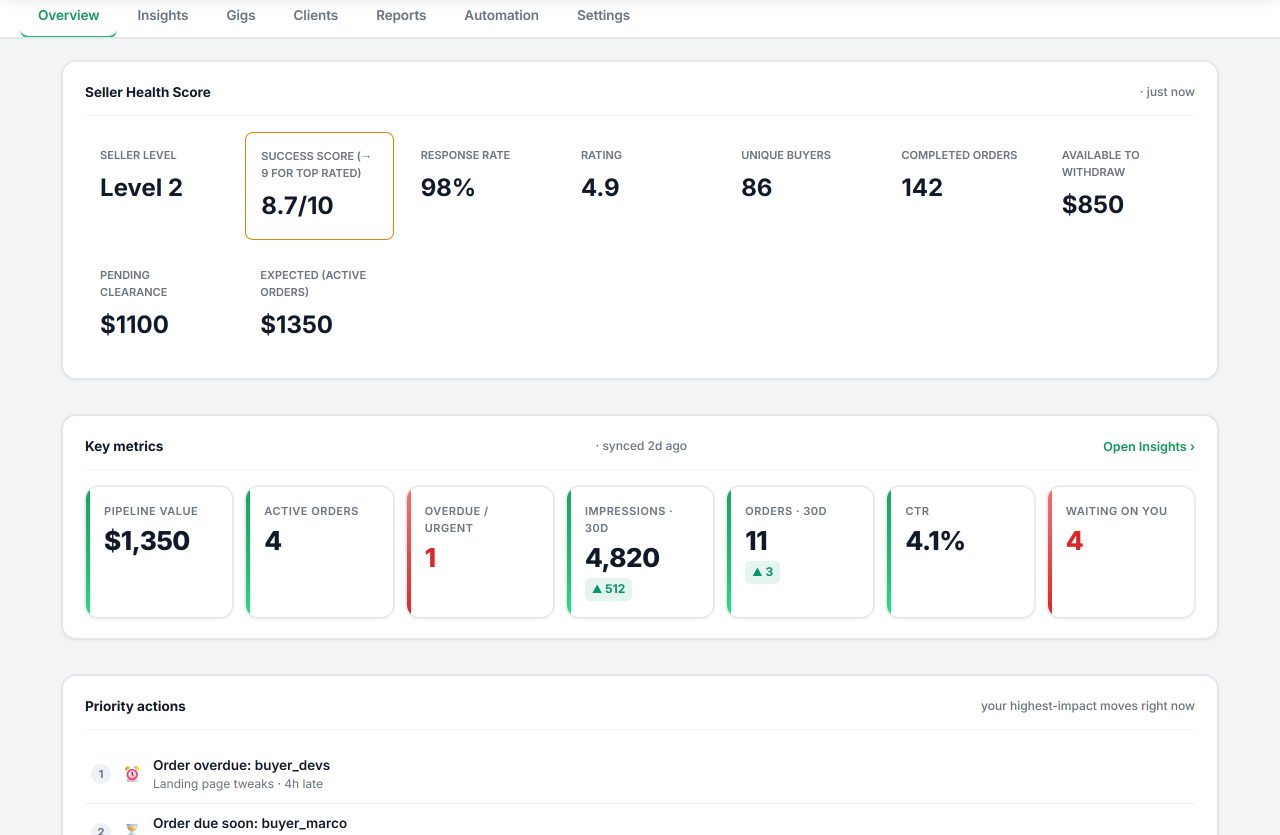
Seller OS is the reply-helper entry in this roundup with research attached. It prepares inbox reply drafts, brief responses, and order-message drafts you review before sending, keeps local client records with notes and history, tracks keyword ranks with position history, and audits gigs against their own performance data.
It drafts and fills; a person performs every final Send, Save, Continue, or Publish action. It does not overlay badges on Fiverr search pages or show buyer countries, and monitors run only while Chrome is open. Data stays in Chrome local storage on the Free plan with daily caps on automated actions, Pro Monthly at $12, or Lifetime at $99.
Best Fiverr Chrome Extensions for Sellers in 2026 questions
What are the best Chrome extensions for Fiverr sellers?
For research breadth, FivData reports 50,000 users and Fiverr Mate reports 20,000 users on their listings; for quick overlays, Quick View reports 200,000 users; for narrow rank checks, Seller Assistant reports 10,000 users. All figures are Chrome Web Store snapshots checked October 1, 2026. Pick by the gap you feel, install one, and verify permissions first.
Are Fiverr Chrome extensions safe to use?
They are third-party tools, and several carry explicit disclaimers stating they are not official Fiverr products. Read each listing's permissions, last-update date, and recent reviews before installing, and grant the narrowest access that covers the features you want. Remove anything you have not opened in a month, since unused access is pure risk.
Can Fiverr's own tools replace extensions?
Partly. Fiverr's free gig statistics cover impressions, clicks, orders, and cancellation rate, and search autocomplete gives keyword ideas with no install at all. Keyword-level analytics stay gated to Seller Plus members. Extensions add convenience and side-by-side context, but none of them can show official data Fiverr keeps to itself.
How many Fiverr extensions should I install?
Two or three non-overlapping tools at most: one for research or ranks, optionally one for replies, plus Fiverr's own dashboard. Overlapping extensions double-read your pages, disagree with each other, and widen permission exposure for no extra insight. Review the set every quarter and remove whatever you stopped opening.
Install one gap-fill
Name your biggest gap, install one matching extension, and remove the rest.