 Seller OS
Can you share WhatsApp or Zoom on Fiverr
Buyers ask for your WhatsApp, email, or a Zoom link in the most ordinary situations: a quick call, a file too large to attach, a scheduling question. On Fiverr, handing over that contact can still bring a warning, because the platform reads contact-sharing as a step toward leaving the platform.
This guide states the contact-sharing rule as Fiverr publishes it, explains why sellers get flagged, and shows how to meet genuine needs without breaking the rule. Platform rules are attributed to the Fiverr Help Center throughout.
Free plan available. Local-first data. Human review on every change.
What the contact-sharing rule says
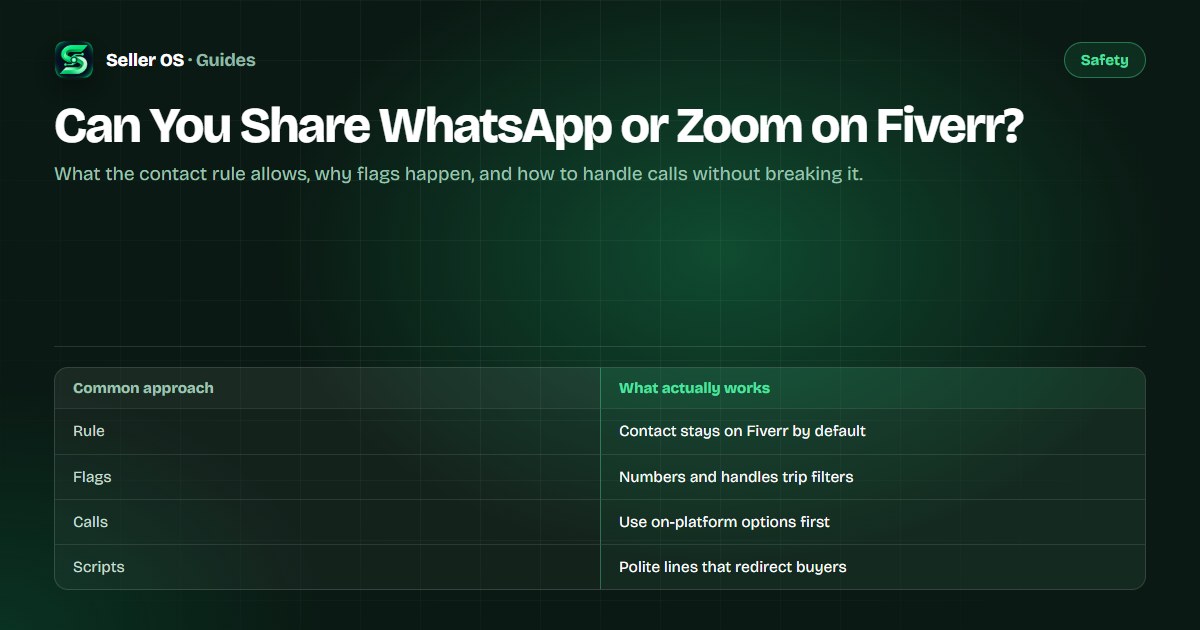
Fiverr requires buyers and sellers to keep communication and transactions on the platform, and exchanging personal contact details to move a conversation elsewhere violates that requirement. The rule exists so orders, payments, and messages stay inside the system that protects both sides. Fiverr states the requirement in its Help Center and its terms.
The reading is strict by design, and you should assume the strict reading applies to you. An order that genuinely cannot be completed without some off-platform contact is the rare edge case, not the norm, and even then the order and its payment stay on Fiverr. When in doubt, keep the exchange inside your inbox.
Why sellers get flagged for sharing contact
Automated filters scan messages for phone numbers, email addresses, social handles, and links, and a first message containing them is the classic trigger. Repeated attempts after a blocked message read as intent to bypass, which can turn a quiet filter block into a warning on the account.
Buyer pressure does not transfer the risk. If the buyer asks and you send, the flag lands on the exchange, not on whoever suggested it. That is why the redirect has to come from you even when the request felt innocent, and why disguising a number to dodge the filter only makes the intent clearer.
How to handle calls and scheduling safely
Most contact requests are really requests for a conversation or a file handoff, and both have on-platform answers. Offer the on-platform route first before discussing anything else.
Offer a Fiverr call first
check the call or video options Fiverr provides for your order type before suggesting anything external.
Keep scheduling in the inbox
propose two or three time windows in messages and confirm the chosen one there.
Handle large files inside the order
use order attachments, or ask the buyer to split the delivery into parts.
Confirm everything in writing
time, agenda, and deliverables go into messages so the record exists.
Escalate genuine dead ends
if an order truly cannot proceed without off-platform contact, ask support through the contact guide before sharing anything.
Polite scripts that redirect buyers
You do not need to lecture the buyer about policy. A short, warm line that offers the on-platform alternative keeps the order moving and keeps you compliant.
- For a call request: ask whether a Fiverr call works, so everything stays with the order.
- For WhatsApp or Telegram: say you keep all project chat in the inbox so nothing gets lost, then ask what they wanted to cover.
- For email: ask them to send it as an order attachment so it is timestamped with the project.
- For pressure to move off-platform: say you can only take payment and files through Fiverr, then offer the fastest path inside the order.
Where Seller OS helps
Seller OS helps with the wording side of these moments. The inbox assistant drafts redirect replies for your review, so you can answer a contact request in seconds without typing a risky improvisation under pressure.
It never sends anything on its own. Drafts, client notes, and order history stay in Chrome local storage on your machine, and a person completes every message and every action on Fiverr.

Can You Share WhatsApp or Zoom on Fiverr? questions
Can I share my WhatsApp number on Fiverr?
Not by default. Fiverr requires communication to stay on the platform, and sharing a number to move the conversation elsewhere violates that requirement. Filters often block the message, and repeated attempts can bring a warning. Keep the discussion in the inbox and offer a Fiverr call or written confirmation instead.
Are Zoom calls with buyers allowed?
A call about an order is a normal working step, but the arrangement and the record should stay on the platform. Use whatever call options Fiverr provides for your order type, confirm the time and agenda in messages, and never move payment or files to the call app. If the order cannot proceed without external contact, ask support first.
What happens if I share my email address?
The message may be blocked by filters, and the exchange can lead to a warning on your account even when the buyer asked first. Buyer pressure does not transfer the risk to the buyer. Ask for the content as an order attachment instead, so files and agreements stay timestamped inside the project.
A buyer insists on moving off Fiverr. What do I say?
Decline once, politely, and offer the fastest on-platform path: a Fiverr call, inbox scheduling, or order attachments. Do not debate the policy or disguise your details to bypass filters. Treat continued insistence as a red flag, since pressure to leave the platform is one of the standard early signs of a fake buyer.
Keep the conversation where it protects you.
Answer contact requests with an on-platform alternative and keep every order under Fiverr protection.