 Seller OS
Clicked a suspicious Fiverr file: do this now
You opened a client file and something feels wrong: a strange installer launched, a document demanded macros, the screen behaved oddly, or a login prompt appeared from nowhere. Panic is the normal reaction, and it is also the most dangerous one, because rushed clicks in the next minutes do the real damage.
This guide gives you the ordered response: contain the machine, scan it, reset passwords from a clean device, check your sessions, and report the file to Fiverr. It is general cybersecurity practice in a calm sequence, not Fiverr policy, and the account steps are attributed to the Fiverr Help Center.
Free plan available. Local-first data. Human review on every change.
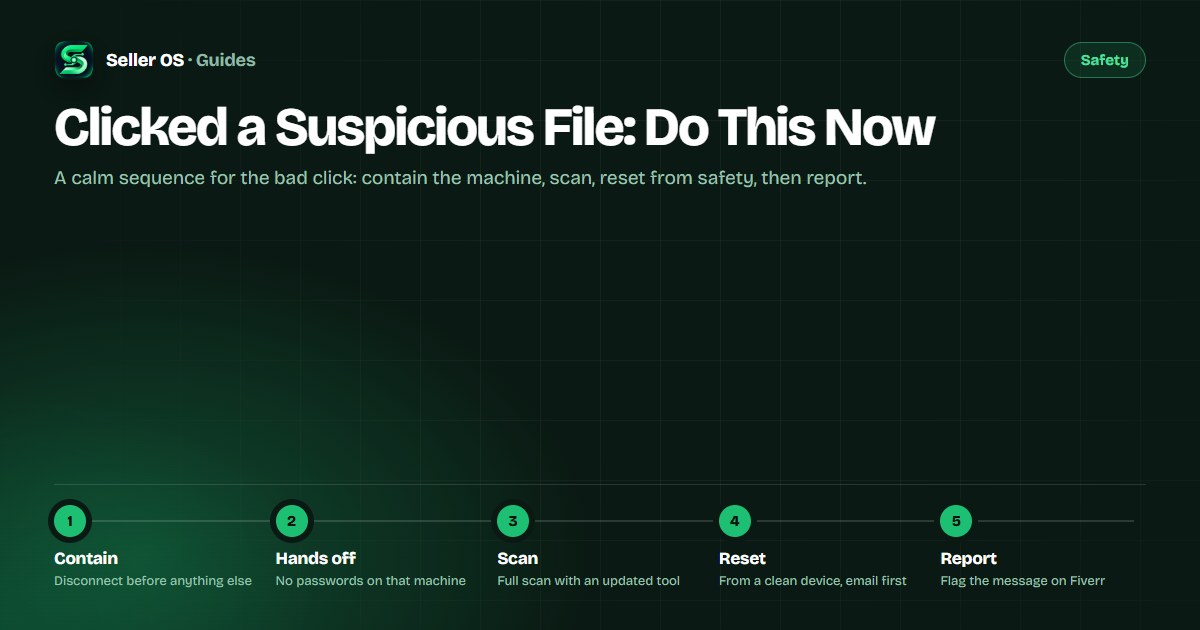
The first minute: stop the spread
Disconnect the machine from the network right away, through Wi-Fi off, cable out, or airplane mode. Most malicious programs need the connection to fetch their second stage or send data out, and cutting it costs you nothing while buying you everything.
Then stop touching credentials. Do not log into Fiverr, email, or banking to check whether anything happened, do not pay anything the screen demands, and do not plug in USB drives or external disks. Note what you saw and which file started it, because that note guides every step below.
Contain the machine and run a scan
Work from containment outward. Close the application that opened the file, leave the machine disconnected, and run a full scan with your system's built-in scanner or a reputable antivirus tool that is fully updated. Follow whatever the tool recommends for anything it finds: quarantine or removal, not exceptions.
Stay disconnected
keep the network off until the scan and the password resets are done.
Close the opener
shut the app that launched the file, and do not reopen the file to investigate.
Run a full scan
use an updated scanner over the whole machine, not only the download folder.
Follow the verdict
quarantine or remove what it flags, and restart if the tool asks.
Watch for persistence
if symptoms return after a clean scan, stop and bring the machine to a professional.
Reset passwords from a clean device
Assume anything typed on the affected machine while it was connected may have been observed. Move to a different device you trust, a phone on mobile data works, and reset passwords there, starting with your email, because email resets unlock everything else.
Continue with Fiverr, then payment and banking logins, giving each a unique new password. Turn on two-factor authentication for your Fiverr account if it is not already on; Fiverr documents the security settings in the Help Center, so follow the current steps there rather than any remembered version.
Check sessions and report to Fiverr
Once passwords are reset, look for signs someone else used your accounts: sent messages you did not write, orders you did not touch, and login or session lists showing places you have never been. Fiverr documents its session and security controls in the Help Center, so review them there and sign out anything unfamiliar.
- Report the message that carried the file, using the spam or malware category provided.
- Keep the message thread intact so the report carries the full context.
- If the buyer seems legitimate, tell them briefly that their file behaved maliciously and ask for a clean format.
- Expect follow-on phishing: treat urgent security emails and login prompts with suspicion for the next weeks.
- Harden the machine before real work resumes, following the safe-handling standard.
When to bring in professional help
Some outcomes sit beyond a home routine: ransom demands, a scanner that is disabled or cannot update, symptoms that return after removal, or any sign that financial accounts were touched. Those are the point to stop self-service and bring the machine to a local professional you can hold accountable.
If you lost access to your Fiverr account itself, use the published recovery and contact paths rather than creating a second account, which breaks a separate rule. The support contact guide walks through the routes in order.
Where Seller OS helps
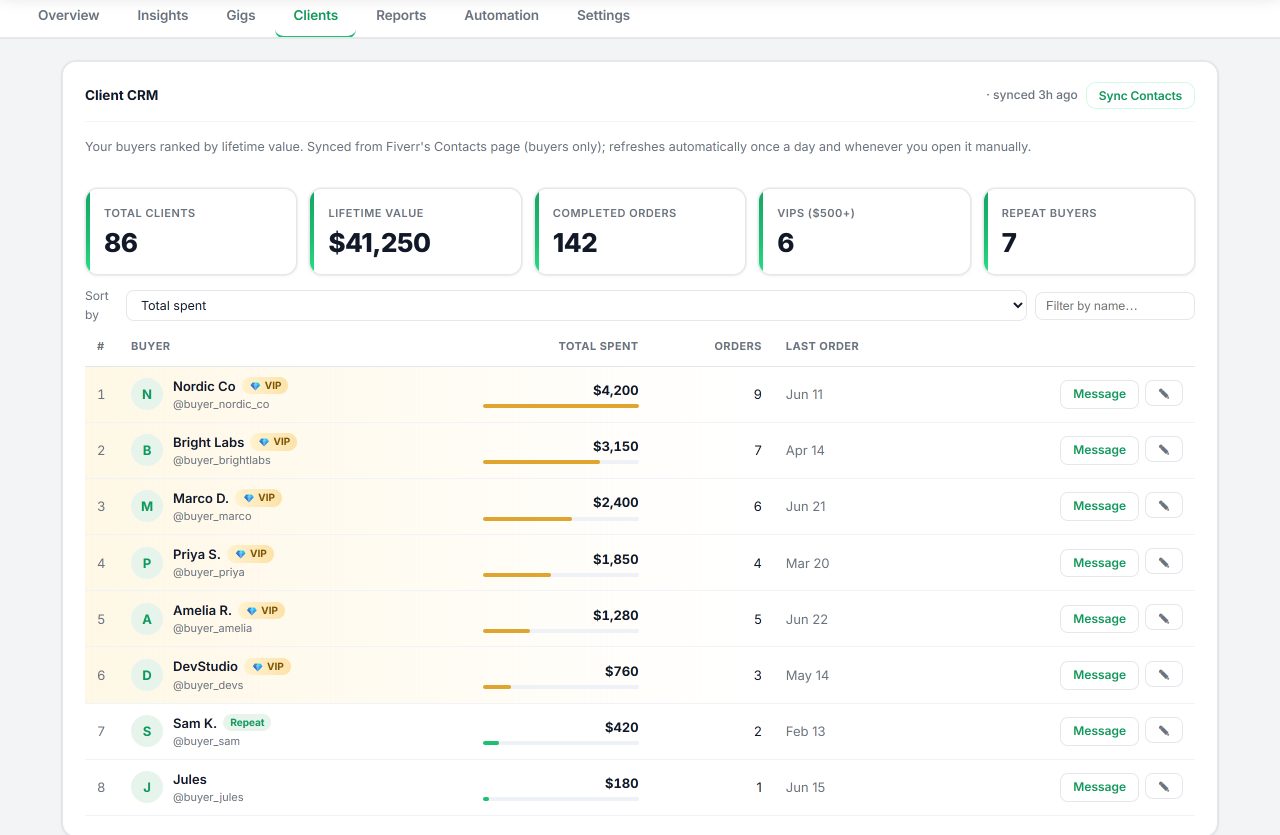
Your local Seller OS records help during this response. Client notes and order history in Chrome local storage show exactly which order the file came from, so your report to Fiverr names the right message thread without searching a compromised inbox from the affected machine.
The extension itself never opens attachments and never acts on Fiverr without your review, so it adds no new exposure while you work through the incident steps above.
Clicked a Suspicious File questions
I just opened a suspicious file. What do I do first?
Disconnect from the network immediately, then stop typing passwords or payment details on that machine. Close the application that opened the file and note what happened. Do not pay any demand on the screen or plug in external drives. Containment in the first minute limits what the file can fetch or send.
Should I change my Fiverr password from the same computer?
No. Assume anything typed on the affected machine may have been observed, so reset passwords from a different device you trust. Start with your email account, then Fiverr, then payment logins, giving each a unique password. Turn on two-factor authentication for Fiverr if it is not already active.
Should I tell the buyer their file looked malicious?
Report the message through Fiverr first, then decide based on the context. If the buyer seems legitimate, a brief factual note asking for a clean format is reasonable, since their own machine may be compromised. If the message already looked like a scam, keep it short, keep everything on-platform, and let the report speak.
Do I need to reinstall my system after a bad click?
Not always. A full scan with an updated tool followed by quarantine or removal resolves many incidents, especially when you disconnected fast. Consider professional help or a reinstall when symptoms persist, the scanner cannot run or update, ransom demands appear, or financial accounts show unfamiliar activity.
Contain first, then clean up.
Disconnect, scan, reset from a clean device, and report the message before resuming work.