 Seller OS
Excel data cleaning gig roadmap for Fiverr
Excel cleaning is one of the most honest gigs on Fiverr: the buyer hands you a messy spreadsheet and pays for a correct one back. Messy means duplicates, merged exports, inconsistent names and dates, broken formulas, and source data that was never meant to be analyzed. Your job is to return order with evidence that nothing was lost.
This roadmap scopes the four request types you will actually receive, lays out a four-week skill plan, shows how to build sample-file proof without exposing anyone's data, and sets per-task pricing that survives contact with real files. It is a cleaning roadmap specifically, not a general data-analysis career guide.
Free plan available. Local-first data. Human review on every change.
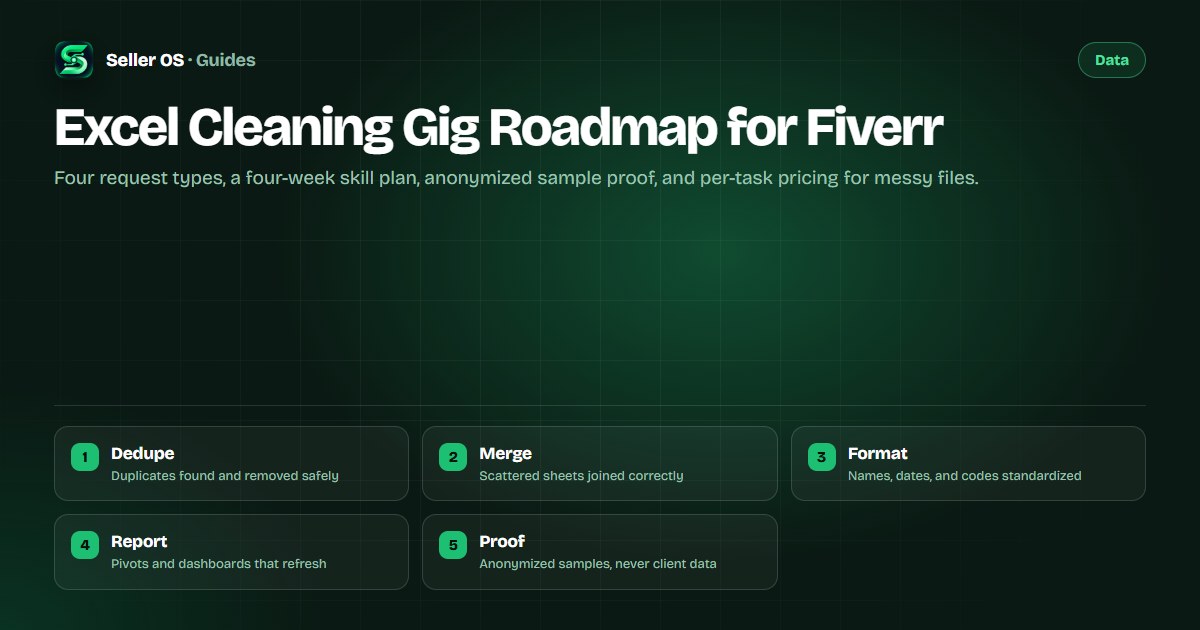
The four requests you will actually get
Nearly every cleaning order is one of four jobs. Deduplication means finding and removing duplicate rows without deleting records that only look alike, which requires checking keys across columns rather than trusting one field. Merging means joining exports from different systems or months into one table with consistent columns, the classic monthly-report rescue.
Formatting means standardizing names, dates, phone codes, and categories so the file can be filtered and pivoted, plus fixing text encodings and stray spaces that break lookups. Pivot and dashboard work means turning the cleaned table into summary views and charts that refresh when new rows arrive. Name these four in your gig so buyers recognize their own problem in your listing.
| Request | What it is | What goes wrong |
|---|---|---|
| Dedupe | Remove true duplicates across key columns | Deleting near-matches that were distinct orders |
| Merge | Join sheets and exports into one table | Mismatched columns and shifted rows |
| Formatting | Standardize values and fix encodings | Lookups failing on stray spaces |
| Pivot and dashboard | Summaries and charts that refresh | Hardcoded ranges that miss new rows |
A four-week skill plan
You need working Excel skill, not certification trivia. Each week below ends with a finished artifact you keep: a cleaned file, a merge log, a formatting checklist, or a refreshable report. Practice on deliberately messy files you create yourself by scrambling exports, because real client mess follows patterns you can rehearse.
Time yourself from week two onward. Per-task pricing only works when you know how long a thousand-row dedupe or a five-sheet merge takes you, and buyers of cleaning work care deeply about turnaround. The skill-learning guide covers practice routines that fit this kind of drill well.
Week 1
dedupe drills: remove duplicates with keys, conditional checks, and a before-and-after row count log
Week 2
merge drills: join monthly exports with Power Query, align columns, and document every mapping choice
Week 3
formatting drills: standardize dates, names, and codes with formulas, and build a reusable checklist
Week 4
report drills: build pivots with Tables and structured references so new rows flow in automatically
Sample files that prove ability without exposing data
Cleaning buyers need proof you handle real mess, but you must never show a real client's file. Build two or three sample workbooks from invented data with obviously fake names, messy by design: duplicates planted, formats inconsistent, sheets split the way bad exports split them. Then show the cleaned version beside the original, with a short log of what you changed and the row counts before and after.
The before-and-after pair plus the change log is the entire proof format. A screenshot of a clean table proves nothing; a documented transformation with counts proves method. Keep the samples downloadable or screenshared in your gallery, and state plainly in the gig that client files stay confidential. The portfolio guide covers presentation habits that apply to sample workbooks.
- Two or three invented workbooks, messy by design, with clearly fake names throughout.
- A before-and-after view plus a change log with row counts for each step.
- A stated confidentiality promise: client files are never shown or reused.
- One short video walking through a sample clean, narrating each decision.
Price per task, not per hour
Cleaning work varies too much for hourly billing to satisfy buyers; they want to know what the fixed file costs. Price by task shape instead: a dedupe tier by row band, a merge tier by sheet count, a formatting tier by column count, and a dashboard tier as the premium. Each tier names its input limits so a ten-thousand-row file with five sheets prices itself.
Set the bands from your timed drills, then add margin for the clarification messages every cleaning order needs. Compare rival tiers for what they include rather than copying numbers, following the method in the competitor research guide. Raise a band when that task type stays booked, not because a single order felt hard.
| Tier | Task shape | Includes |
|---|---|---|
| Basic | One sheet, up to 1,000 rows | Dedupe plus formatting, change log |
| Standard | Up to 5 sheets or 5,000 rows | Merge, dedupe, formatting, log |
| Premium | Large file plus summary views | Everything plus refreshable pivots |
Scope the file before you accept the order
Always inspect the file or a representative sample before quoting, because row counts in messages are estimates and estimates lie. Ask for the file, check the true row and sheet counts, look for merged cells and embedded objects that complicate cleaning, and confirm what correct looks like: which column is the key, which duplicates are safe to remove, and what the output must contain.
Reply with a short scope message naming the counts you found, the steps you will take, the turnaround, and one revision round for missed items. Fiverr describes how orders and requirements work in the Help Center guide for clients, and its flow assumes the seller defined the deliverable before work begins.
Where Seller OS helps
Seller OS helps with the listing around your cleaning skill. The gig builder drafts task-band packages, requirements questions that ask for the file sample up front, and FAQs from your request types, while the gig optimizer reviews the live gig against its own performance data so edits follow evidence.
Your workbooks and client files never pass through the extension. It drafts listing fields for your review and tracks your workspace locally; a person completes every Save, Continue, or Publish action, and all records stay in Chrome local storage on your machine.

Excel Cleaning Gig Roadmap for Fiverr questions
What Excel cleaning tasks sell best on Fiverr?
Deduplication, multi-sheet merges, formatting standardization, and pivot or dashboard builds cover nearly all orders. Buyers arrive with messy exports and pay for a correct file back with evidence nothing was lost. Name these four jobs explicitly in your gig so visitors recognize their own problem immediately.
How do I show proof with no client work yet?
Build two or three sample workbooks from invented data with obviously fake names, messy by design, then show each beside its cleaned version with a change log and row counts. A documented transformation with counts proves method where a clean screenshot proves nothing. Never show a real client file.
Should I charge hourly or per task for data cleaning?
Charge per task with named input bands such as row counts, sheet counts, and column counts. Buyers prefer knowing what the fixed file costs, and bands let a large file price itself. Set bands from timed practice drills with margin for clarification messages, and raise a band when that task stays booked.
What must I check before accepting a cleaning order?
Inspect the file or a sample first: true row and sheet counts, merged cells, embedded objects, the key column, and what the output must contain. Reply with a scope message naming your findings, steps, turnaround, and revision terms. Row counts in buyer messages are estimates, so verify before quoting.
Clean files, counted proof.
Build the samples, band the prices, and scope every file before quoting.