 Seller OS
Fiverr portfolio: how to build one that gets orders
Your Fiverr portfolio is the work a buyer can inspect before hiring you, and it appears on your profile, your gig pages, and your profession page. It is also the one proof source every seller controls from day one: two item types, a display order Fiverr mostly decides, and a handful of editorial choices that are fully yours.
This guide covers what to show, how to order and caption it, how to prove skill when you have no client work yet, and a before-and-after rebuild. The upload mechanics have their own guide, linked below.
Free plan available. Local-first data. Human review on every change.
The two kinds of portfolio items
Fiverr documents two portfolio item types. Portfolio projects are pieces you add yourself, and they can come from work on or off Fiverr. Reviews with files, called Live Portfolio, arrive automatically from completed deliveries when the setting is on, and each one is tagged Made on Fiverr.
That split shapes strategy. Live Portfolio grows with your order history, while manual projects are the only part you can compose from scratch today. A new seller leans on projects; an established seller lets the delivery files carry the recent slots and keeps the pins pointed at the work they want next.
Both types surface in the same three places: your profile page, your profession page, and your gig pages, where the portfolio sits below the description. The upload guide covers the fields, formats, and limits for each type.
- Portfolio projects: one to five files each, up to 20 projects.
- Live Portfolio: the most recent 17 eligible delivery files.
- Both are visible to buyers on the profile, the profession page, and gig pages.
Match the portfolio to the gig promise
The portfolio's job is to answer the question the gig page raised. If the gig sells 60-second SaaS explainers, the first items a buyer sees should be exactly that. A beautiful wedding video proves craft, but it does not prove fit, and the buyer has to do the translation themselves.
Worked example, hypothetical: a voice actor's gig promises warm narration for museum audio guides. The profile pins one audio-guide sample and one e-learning module, and the project descriptions name the pacing and the audience. The skill on display is identical to a commercial reel, but every piece answers the gig's promise directly.
Run the test on your own profile: open your best-selling gig, read its promise, then look at your first two visible items. If a buyer cannot connect them in one glance, the portfolio is making the buyer work, and buyers rarely reward that. The professional title guide applies the same match test to your tagline.
Portfolio order: what buyers see first
Fiverr sets most of the display order. The first two projects you pin come first, then the three most recent delivery review files, then your other manual projects in the order you choose, and finally your remaining delivery files, newest first.
That leaves exactly two editorial slots at the top. Treat them as a storefront window: the two pieces that best match your best-selling gig, chosen deliberately rather than left in upload order. Everything below the pins is automatic or lightly sorted, so the pins are where judgment shows.
| Position | What fills it | Who decides |
|---|---|---|
| First two | The projects you pin | You |
| Next three | Recent delivery review files | Fiverr |
| Then | Your other manual projects, up to 18 | You set the order |
| Last | Remaining delivery files, newest first | Fiverr |
No client work yet? Show the process
Proof does not have to be paid work, but it has to be honest. Process pieces work: a concept clearly labeled as a self-initiated exercise, a breakdown of how a piece was made, a redesign of a familiar product with the reasoning shown. What fails is presenting spec work as client work, because buyers check and the profile rules ask for honesty.
Hypothetical example: a new packaging designer with no clients documents a full concept project: the brief they set themselves, three label directions, the chosen one, and the reasoning behind it, all labeled concept work. It shows judgment and process, which is exactly what a buyer with no reviews is assessing.
Three to five well-documented process pieces beat a dozen raw files. The goal is not to look busy; it is to show how you think when a constraint appears, because that is the part of the job a buyer cannot see from a finished image.
Captions: what to write under each piece
Each manual project carries a title and a description. The title field accepts 15 to 50 characters, enough for the piece name plus its type: SaaS explainer, 60 seconds. The description field runs 120 to 1,400 characters, which fits three short parts: the problem, the constraint, and the outcome.
Write for a skimming buyer. Lead with what the piece is, then the one constraint that made it interesting, then what it achieved. Skip adjectives the work cannot support; the file is right there, and the description only needs to point at what to notice.
Weak versus strong, hypothetical. Weak: A logo I designed. Strong: Identity for a bakery rebrand, drawn to stay legible on a 4 cm jar lid and in one color. The second tells a buyer what to look for; the first assumes they will study the image on their own.
Before and after: one portfolio rebuild
Hypothetical seller: a video editor with six decent pieces and no orders. Before: twelve projects in upload order, wedding clips first, descriptions that say Final cut, and two pins that have nothing to do with the gig selling SaaS explainers. The gig gets clicks, the profile gets visits, and nothing converts.
After: projects trimmed to the six that match the gig, the two SaaS explainers pinned first, each description rewritten to problem, constraint, outcome, and the leftover pieces marked as concept work where that is true. No new production was needed; the same files were reordered and described.
The rebuild took an afternoon. That is the point of treating the portfolio as an editorial surface rather than a storage folder: the material already existed, and the only thing missing was a decision about what a buyer should see first.
Portfolio mistakes that cost orders
The most common mistake is volume without a point: every file ever produced, in the order it was made. The second is a top mismatch, where the first two pins are the seller's personal favorites rather than the gig's best evidence. The third is silent pieces, files with no description, leaving the buyer to guess what to look at.
One more: treating the portfolio as finished. New deliveries keep feeding the automatic slots, so the portfolio stays current as long as you keep the pinned two aligned with what you want to sell next. Recheck the pins whenever a gig's promise changes, and the surface never drifts far from the offer.
- Trim: six matched pieces beat twenty random ones.
- Pin: the first two slots are the only ones you truly control.
- Caption: problem, constraint, outcome, with no adjectives required.
- Update: recheck the pins when a gig's promise changes.
Where Seller OS helps
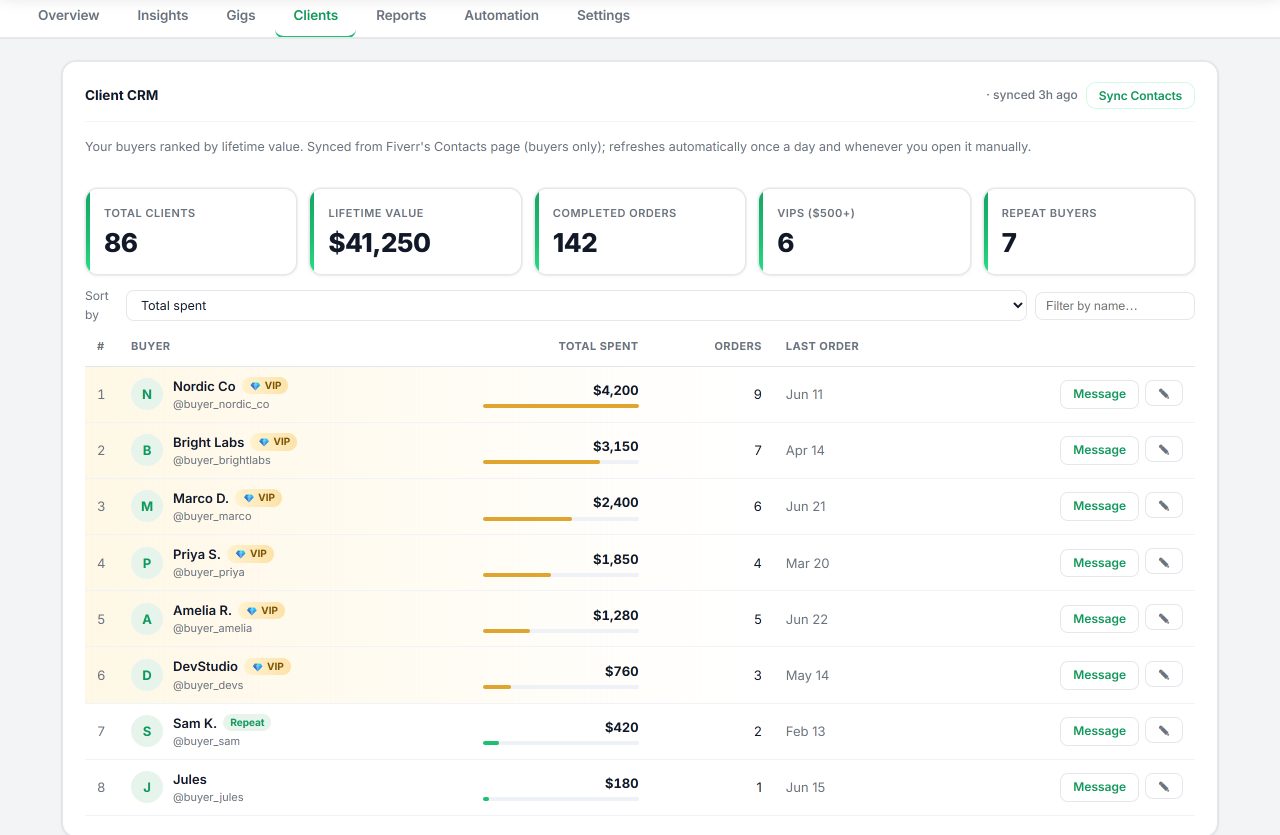
Seller OS does not upload portfolio files; that happens in Fiverr's own editor. What the extension does keep is the raw material: local client records store notes, order history, and the details of past work, so when you sit down to write a project description, the problem, the constraint, and the outcome are already written down somewhere.
On the gig side, the gig optimizer reviews a live gig's copy, gallery, and conversion signals against the gig's own performance data, which is how you catch the mismatch this guide keeps returning to: a gig promising one thing and a portfolio showing another. Drafts and records stay in Chrome local storage, and every final action stays with you.
Fiverr Portfolio questions
How many portfolio projects should I have on Fiverr?
Fiverr allows between one and 20 portfolio projects, and each project can hold up to five files. The useful number is smaller than the maximum: six to ten matched, well-described pieces usually beat twenty unrelated ones, because buyers skim the first few and decide. Fill the rest only when the work supports the gig.
Can I build a Fiverr portfolio without client work?
Yes. Fiverr lets you add projects from work on or off Fiverr, so you can document self-initiated pieces as long as you label them honestly as concept or spec work. Show the process: brief, constraint, decisions, and outcome. Buyers with no reviews to check assess judgment and communication this way.
Which portfolio projects should I pin first?
Pin the two pieces that best match your best-selling gig, because Fiverr shows pinned projects at the top of the portfolio. Those two slots are the only fully editorial ones you get; everything below follows Fiverr's automatic order or your chosen sequence. Revisit the pins whenever a gig's promise changes.
What is the Live Portfolio on Fiverr?
Live Portfolio, called Reviews with files in Fiverr's help article, collects files clients approved attaching to their delivery reviews. It is enabled by default for each gig and shows the most recent 17 eligible files, each tagged Made on Fiverr. It cannot be disabled for gigs in the Logo design and Illustration subcategories.
Build the portfolio the gig promised.
Pin two matched pieces, caption every file, and let new deliveries fill the slots below.