 Seller OS
How to add a Fiverr portfolio
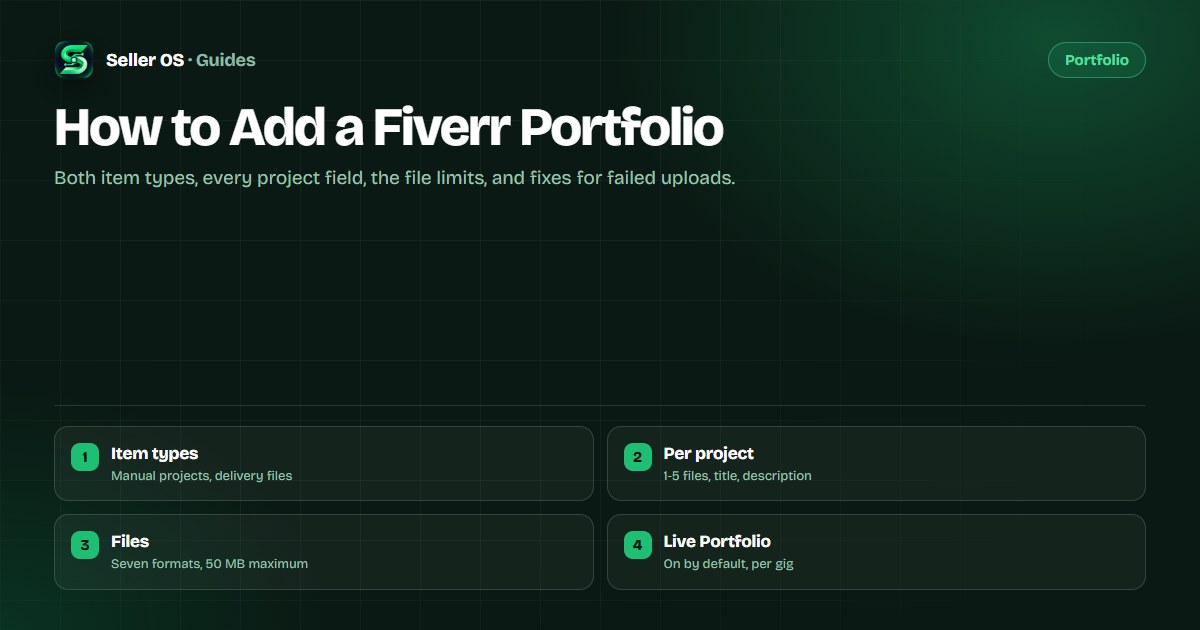
Adding a Fiverr portfolio means filling in project entries with a title, a description, and at least one file, then letting completed deliveries feed the automatic side. The fields have real minimums and maximums, and knowing them before you start saves the frustration of a save that will not go through.
This guide walks through both item types field by field, lists the formats and sizes Fiverr accepts, and covers the upload problems sellers hit most. Strategy, meaning what to show and in what order, lives in the portfolio guide.
Free plan available. Local-first data. Human review on every change.
Where the portfolio lives on Fiverr
The portfolio is part of your freelancer profile. Fiverr's portfolio article describes it as a profile element that appears on your profile page, your profession page, and your gig pages, where it sits below the description. All editing happens on Fiverr; this extension never touches the fields. The profile versus gig guide maps which surface owns which field if the two blur together.
Two item types feed it: portfolio projects, which you add manually, and Reviews with files, which arrive automatically from completed deliveries and carry a Made on Fiverr tag. The next sections take them one at a time, starting with the fields you control directly. Keep one bigger picture in mind as you go: the portfolio is the evidence a buyer checks against your professional title, so the two should describe the same work.
- Portfolio projects: added by you, one to five files each, up to 20 total.
- Reviews with files: automatic delivery files, most recent 17 shown.
- Visibility: your profile page, your profession page, and your gig pages.
Adding a portfolio project, field by field
A project will not save without a title, a description, and at least one file. The title accepts 15 to 50 characters. The description accepts 120 to 1,400 characters, so plan on a real paragraph; Fiverr's minimum rules out a one-line caption. Both fields are required, and the file minimum is one.
The remaining fields are optional but useful: a category, a project duration up to six months, a price range in USD, and a date at month and year level. Each project holds one to five files, and the whole profile accepts one to 20 projects. The portfolio strategy guide covers what to put in each field.
Name the project
a title of 15 to 50 characters that states the piece and its type.
Describe it
120 to 1,400 characters covering problem, constraint, and outcome.
Attach files
at least one, up to five, in an accepted format under 50 MB.
Fill the optional fields
category, duration, price range, and date.
Review the entry
confirm every field meets its minimum before you save.
File formats, sizes, and project limits
Accepted formats are JPEG, JPG, PNG, GIF, MP4, AVI, and PDF. The maximum file size is 50 MB, and the recommended image size is 1,280 x 769 pixels at a 5:3 aspect ratio, the same recommendation that applies to gig gallery images. A short MP4 clip can show motion or interaction that a still cannot, which matters for animation, video, and UI work.
Hitting a wall usually means one of the published numbers, so check them before assuming an upload is broken. The table below collects every limit Fiverr's portfolio article states in one view, from project counts down to title characters.
| Field or limit | What Fiverr's article states |
|---|---|
| Projects per profile | 1 to 20 |
| Files per project | 1 to 5, with at least one required |
| File size and formats | 50 MB max; JPEG, JPG, PNG, GIF, MP4, AVI, PDF |
| Recommended image size | 1,280 x 769 pixels, a 5:3 aspect ratio |
| Project title | 15 to 50 characters |
| Project description | 120 to 1,400 characters |
Live Portfolio: the automatic side
Reviews with files, also called Live Portfolio, is enabled by default for each gig. When a client attaches delivery files to their review, those files appear in your portfolio tagged Made on Fiverr, and Fiverr shows the most recent 17 eligible files. One documented exception: it cannot be disabled for gigs in the Logo design and Illustration subcategories.
You do not upload these files yourself. The client's approval of the delivery attachment is what places them in the portfolio, so the practical lever is the delivery itself: attach the strongest final files to each order, because that is the pool the automatic slots draw from.
Where uploaded items actually appear
Fiverr lists three visible places: your profile page, your profession page, and your gig page, where the portfolio sits below the description. Display starts with your first two pinned projects, then the three most recent delivery review files, then your other manual projects in the order you set, then the remaining delivery files, newest first.
Worked example, hypothetical: a seller uploads six projects. Two are pinned, so the visible sequence becomes those two, then up to three recent delivery files, then the four remaining manual projects in the seller's chosen order. Moving one project into a pinned slot changes what every visitor sees first.
The portfolio guide covers which pieces deserve those slots. For the mechanics here, remember that the pins are the only part of the sequence you can rewrite at will; the rest follows Fiverr's rules.
Common upload problems and fixes
Most failed saves trace back to a published limit. A file over 50 MB will not upload; resize or compress it, or export the image at the recommended 1,280 x 769 pixels. A format outside the seven accepted types is refused, so convert it first. A project without a file cannot be saved, and a description under 120 characters fails the minimum.
The less obvious one is the title: 15 characters minimum and 50 maximum, which rules out both a one-word label and a long sentence. Hypothetical: a designer's 6 MB PNG uploads fine, while the same artwork exported as a 90 MB TIFF is refused, not because the image is wrong but because the format and size sit outside the list.
- File too large — compress it or export at the recommended image size.
- Wrong format — convert to JPEG, PNG, GIF, MP4, AVI, or PDF.
- Missing file — every project needs at least one.
- Short description — write at least 120 characters.
- Odd title — keep it between 15 and 50 characters.
Where Seller OS helps
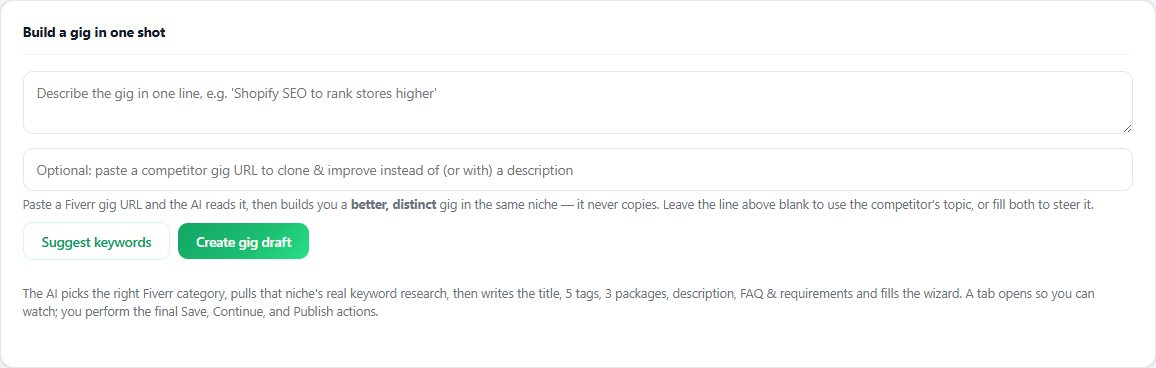
Seller OS does not add, edit, or upload anything to your Fiverr profile or portfolio; those fields live in Fiverr's editor, and this extension leaves them alone. What it helps with is the work around the upload: the gig builder drafts a structured gig from a one-line idea and fills the wizard for your review, so the service your portfolio documents is fully specified before you start.
The gig optimizer then reviews a live gig's copy, gallery, and conversion signals against the gig's own performance data, which is useful when the real question is not how to upload a file but which work deserves the pinned slots. Drafts and records stay in Chrome local storage, and a person performs every Save, Continue, or Publish action.
How to Add a Fiverr Portfolio questions
How do I add a portfolio to my Fiverr profile?
Add portfolio projects from your Fiverr profile. Each needs a title of 15 to 50 characters, a description of 120 to 1,400 characters, and at least one file. You can upload one to 20 projects, with up to five files each. Completed deliveries also feed the automatic Live Portfolio side.
What file types can I upload to a Fiverr portfolio?
Fiverr's portfolio article lists JPEG, JPG, PNG, GIF, MP4, AVI, and PDF, with a maximum file size of 50 MB. For images, the recommended size is 1,280 x 769 pixels at a 5:3 aspect ratio. Convert or compress anything outside those limits before you start uploading.
Why can't I turn off my Live Portfolio?
Live Portfolio is enabled by default for each gig, and Fiverr's article states it cannot be disabled for gigs in the Logo design and Illustration subcategories. For other gigs, the setting is per gig. It draws from files clients approved attaching to their reviews, not from anything you upload separately.
How many files can one portfolio project have?
Each project must include at least one file and can include up to five, and the profile accepts between one and 20 projects. Most sellers need far fewer than the maximum: a handful of matched, well-described projects does more for a buyer than a crowded gallery of unrelated files.
Add the project without fighting the form.
Meet every field minimum, stay inside the file limits, and let deliveries fill the rest.