 Seller OS
Fiverr Ads explained: how Fiverr advertising works
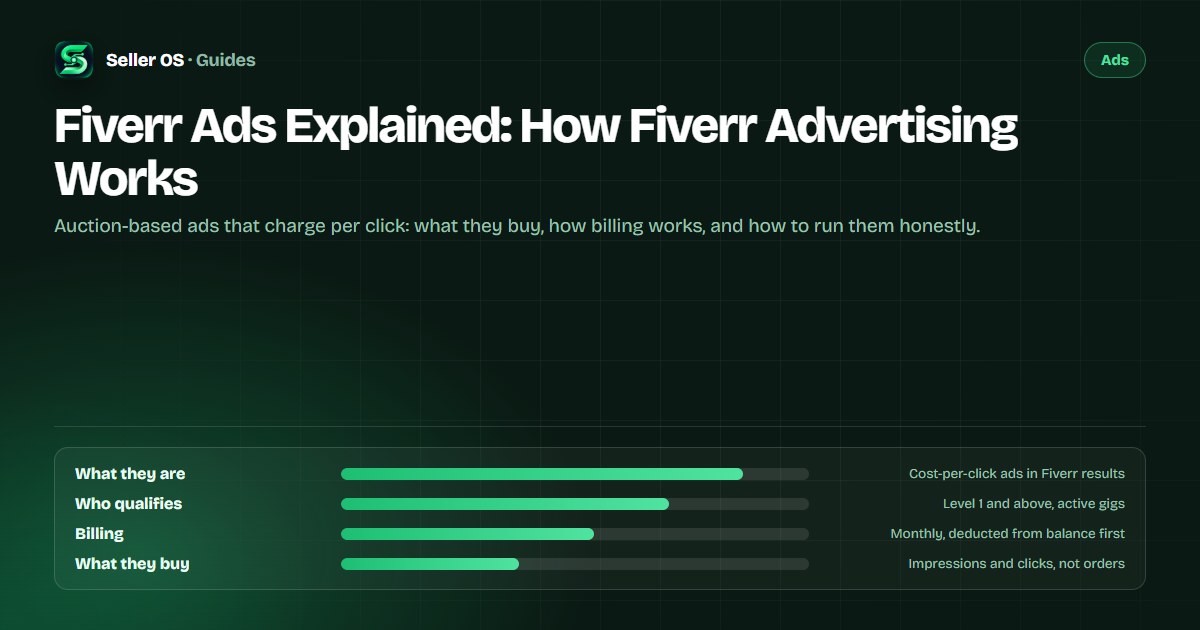
Fiverr Ads are paid placements for your gigs. Fiverr's help center says they push your services to prime locations in search results, category pages, and other pages across the platform, and the product is billed by the click. You set the bid and the spend limit; Fiverr runs the auction and bills once a month.
This guide covers eligibility, the billing model in detail, where ads actually appear, and the honest economics: ads buy impressions and clicks, not orders. Tactics and comparisons live in the related guides, because this page is the overview.
Free plan available. Local-first data. Human review on every change.
What Fiverr Ads are and where they appear
Fiverr Ads are paid placements for your services. Fiverr's help center says they push your services to prime locations in Fiverr's search results, category pages, and other pages across the platform. Ads also appear in clients' inboxes as a contact card with an Ad badge.
Placement is not purchased outright. Fiverr states the product uses a first-price auction, where the gig's quality, meaning how it looks and how well it delivers, and your bid decide where and how often the ad runs. You influence the result with money and with the gig the ad points at, which is why a weak gig is an expensive place to start.
The Help Center calls the product Fiverr Ads everywhere today. Fiverr's legacy marketing pages still use the older name Promoted Gigs, and no rename date has been published, so the two names describe the same product.
Who can run Fiverr Ads, and which gigs
Eligibility starts at Level 1. Fiverr's ads page lists Level 1 and Level 2 freelancers, Top Rated freelancers, and Pro freelancers, and the published level requirements list advertising as a Level 1 benefit. New sellers below Level 1 are not on the published list.
The gig must be active, and a few service types are excluded: Tax Consulting services in the Financial Consulting category, Accounting and Bookkeeping services under Financial Consulting, and all of the Legal Consulting category.
Two gates mean the same seller can advertise one gig and be blocked on another. Check both before you plan a budget: your level first, then the specific gig's category and status, because an excluded service is ineligible no matter how strong the listing looks.
- Seller level: Level 1, Level 2, Top Rated, or Pro.
- Gig status: active listings only.
- Excluded services: Tax Consulting and Accounting and Bookkeeping under Financial Consulting, and all Legal Consulting.
How Fiverr Ads billing actually works
Billing is cost-per-click. Fiverr states you only pay when clients click your ad and are not charged for impressions. Multiple clicks from the same user count as one click, and if a spammer is detected, Fiverr does not charge for those clicks.
Payments run once a month. Costs are deducted from your Fiverr balance first; if funds are insufficient, the remaining amount is charged to your saved payment method or comes out of future earnings. That order matters: keep the balance in mind, or the invoice finds you anyway.
Bid control is yours. Fiverr supports automatic bidding and lets you set a CPC cap, warning that a low cap may make you less competitive. Its own tip is to select no CPC cap so Fiverr sets the optimal bid, which the page describes as up to $6 per click. Regional taxes may apply and are calculated at month end.
Seller Plus Standard and Premium members receive a $5 monthly credit toward Fiverr Ads. Fiverr says the credit is applied automatically and does not roll over.
What ads buy, and what they do not
Ads buy placement and clicks. They do not buy orders. A click is an invitation for the gig page to do its job, and if the page cannot convert the traffic it already receives, paid clicks produce the same empty result at a higher cost.
The metrics Fiverr reports separate the two: impressions, clicks, orders, and spend versus sales, with orders counted inside a 30-day attribution window from the last click. Fiverr notes the attribution is user-level, so an ad click on one gig and a purchase of another within that window can both be attributed. Read the spend line next to the sales line.
Inbox ads carry their own rule: Fiverr says you are not charged for the initial click that opens the ad, only for internal interactions, such as opening your gig card, your profile, or when the client messages you. Clients can hide ads they find irrelevant, and Fiverr states hiding does not affect your organic rating.
Read the funnel in order when the numbers disappoint. If impressions arrive but clicks are rare, the ad is losing a contest for attention against everything around it. If clicks arrive but orders do not, the gig page is the problem. Those are different fixes, and neither one is solved by raising the bid.
A monthly ad budget loop you can run
Treat the first month as a measurement, not a campaign. Set a daily spend limit you can afford to lose. You pick the limit, and Fiverr publishes no minimum or maximum, so decide before you start what result would justify continuing.
Run the loop on one gig first. If you advertise several listings at once, a weak result tells you nothing about which one caused it. Pick the gig with the strongest organic conversion in your analytics, because it has already proven that buyers who find it will order. Let the loop judge the ad, not the page.
Set the cap
choose a daily limit you can lose without pain (example: $10).
Run one week untouched
resist editing the gig or the bid mid-week.
Read spend against sales
clicks without orders point at the page, not the bid.
Cut or continue
orders inside the 30-day attribution window justify the next month.
Fix the gig before scaling
raise the cap only after the page converts paid traffic.
Example: a $10 daily cap runs for a month and spends $70 (hypothetical). If those clicks produce two $100 orders, the spend joins your cost of doing business and the loop repeats. If they produce no orders, the honest read is not that ads do not work. It is that this gig does not convert paid traffic yet, and the next fix belongs on the gig page.
Fiverr Ads, Promoted Gigs, and Promotions
The naming has a history. Fiverr's help center uses Fiverr Ads everywhere today, while legacy marketing pages still call the product Promoted Gigs; no official rename date was published. If a blog post uses the old name, it means the same ad product.
The more expensive mix-up is with Promotions, the first-time client discount tool inside Seller Plus. Promotions reduces the price for eligible new buyers; Fiverr Ads buys placement. One changes what the buyer pays, the other changes how many buyers see the gig, and the difference matters when you are deciding where a budget goes.
Where to go next: tactics for improving an ad's performance live in the optimization guide, and the trade between paid and organic attention is covered in the ads versus organic comparison. This page stays the overview: what the product is, how it is billed, and what it honestly does.
Where Seller OS helps
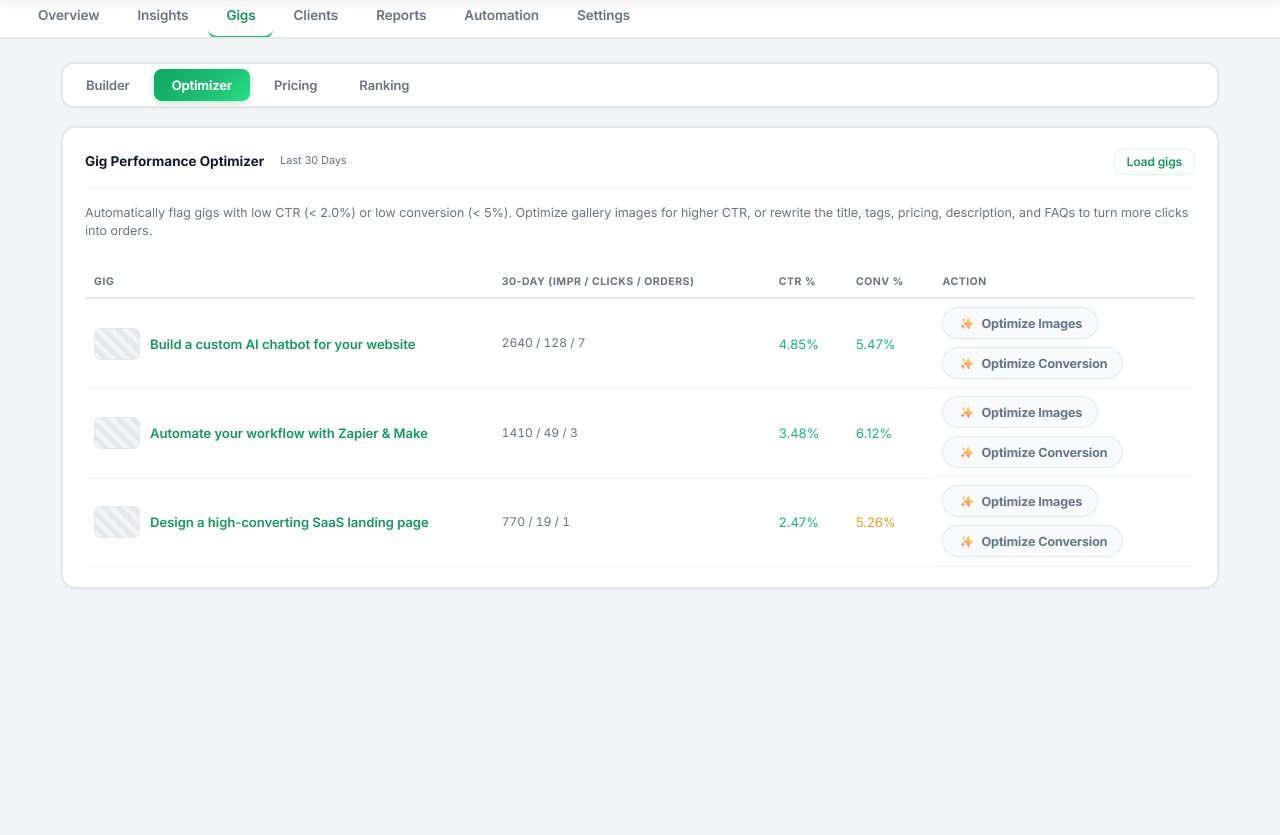
Seller OS is useful before and after the ad spend. Before: the gig audit and Gig Performance Optimizer review a live gig's copy, gallery, and conversion signals against its own performance data, so you find the page problem that would waste paid clicks. The pricing review keeps package margins visible, so a bid never sits under an underpriced tier.
After: reports and a short action queue put spend, orders, and gig performance in one local workspace, and the Pro monitors can flag a drop while it is fresh. Honest limits: Seller OS does not manage bids or budgets, does not connect to Fiverr's ad system, and changes nothing without your review.
Fiverr Ads Explained questions
How does Fiverr Ads billing work?
Fiverr Ads is cost-per-click: you pay when clients click and are not charged for impressions, and multiple clicks from one user count as one click. Payments occur once a month, deducted from your Fiverr balance first, then from your saved payment method or future earnings if the balance is short.
Who is eligible for Fiverr Ads?
Fiverr lists Level 1 and Level 2 freelancers, Top Rated freelancers, and Pro freelancers as eligible, with advertising also listed as a Level 1 benefit. Only active gigs qualify, and a few services are excluded, including all Legal Consulting and certain Financial Consulting services. New sellers below Level 1 are not on the published list.
What do Fiverr Ads cost per click?
Fiverr does not publish average or typical costs. Sellers set a bid, or use automatic bidding with an optional CPC cap, and Fiverr's own tip says choosing no cap lets its system set the bid, described as up to $6 per click. Your actual cost depends on competition and gig quality.
Are Fiverr Ads worth it for a new gig?
That depends on one thing you control: whether the gig converts the traffic it already gets. Ads buy clicks, not orders, and Fiverr publishes no benchmark for ad conversion. If the page converts visitors and just needs more of them, ads can help. If it does not convert, fix the gig first.
Measure the page before you pay per click
Start with a cap you can lose, read spend next to sales, and fix the gig before you scale.