 Seller OS
How to optimize Fiverr Ads: a loop that earns its budget
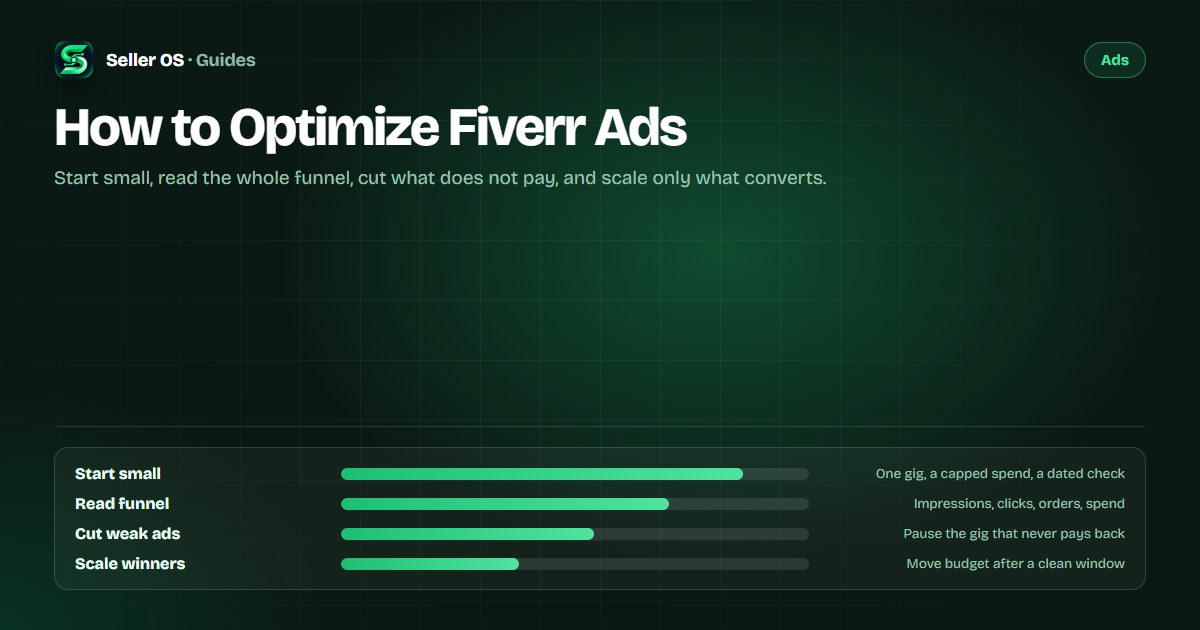
Fiverr Ads charges you per click, not per view, and places your gig through an auction where both your bid and your gig's quality matter. That means optimization is not one setting you find and forget: it is a loop that starts small, reads the whole path from impression to order, cuts what does not pay, and scales what does.
This guide is the loop itself: what you control, how to measure spend against orders rather than clicks alone, a worked example with hypothetical numbers, and when pausing is the right move. The product mechanics live in the Fiverr Ads explainer; this page is the operating manual.
Free plan available. Local-first data. Human review on every change.
What you can actually control in Fiverr Ads
The Fiverr Help Center describes Fiverr Ads as an auction product that pushes your services into prime locations: search results, category pages, other Fiverr pages, and clients' inboxes. You are charged per click, not per view, and Fiverr states that placement is determined by ad quality — the gig's appearance and delivery quality — and by your bid.
That sentence is the whole strategy in miniature. The auction rewards two things: a bid you can afford, and a gig worth clicking and buying from. Everything else is a control you adjust around those two, from the daily spend limit to the bidding mode to which listing you promote. The Help Center also names the product Fiverr Ads today, while some legacy marketing pages still call it Promoted Gigs.
- Eligibility: Fiverr lists Level 1, Level 2, Top Rated, and Pro freelancers, with only active gigs, and a few excluded services.
- Bidding: automatic, a CPC cap of your choosing, or no cap to let Fiverr set the bid.
- Creative: the gig card buyers see — image, title, and the price displayed next to it.
- Delivery quality: Fiverr names it as part of ad quality, so a late delivery is an ad problem too.
Set up a small test that can answer one question
Before you touch a budget, write down the question. A useful first test asks one thing: can this gig turn paid clicks into orders at a cost its margin can carry? The settings themselves are simple — a daily spend limit and a bidding choice — but the discipline is in defining done before you start.
Fiverr's own tip on its ads page is to select No CPC cap so Fiverr can set the optimal bid, described there as up to $6 per click, while noting that a low CPC cap may make you less competitive. Whether you cap or not, the number that matters later is cost per order, so write your ceiling for it now.
Pick one gig
choose the listing you most want to grow.
Set a daily spend limit
an amount you can carry for two weeks without checking daily.
Choose a bidding mode
a CPC cap, or no cap to let Fiverr set the bid.
Write down the maximum
the cost per order this gig's margin can absorb.
Leave the gig's fields alone
no title, tag, or gallery edits during the window.
Measure the whole funnel, not just clicks
Clicks are the easiest number to celebrate and the least informative. Fiverr reports impressions, clicks, and orders attributed within a 30-day window from the last click, plus spend against sales. Multiple clicks from the same user only count as one click, so the click count is deliberately conservative.
Do the two divisions yourself. Click-through is clicks divided by impressions; cost per order is spend divided by orders. Fiverr presents neither as a benchmark and publishes no average figures, and that is fine, because your margin is the only benchmark that matters.
If you have Seller Plus, the Orders breakdown tab adds a funnel view that separates organic and ad traffic, and the Fiverr analytics guide shows where that tab sits among the other views.
| Signal | Two-week reading | What it says |
|---|---|---|
| Impressions | 12,000 | Volume the budget bought |
| Clicks | 240 | The card earns attention |
| Orders | 6, inside the window | The path converts |
| Spend | $96, so $16 per order | Check against your margin |
The kill-and-scale loop, window by window
On the example, a 2 percent click-through and a $16 cost per order are just arithmetic, not platform averages. If this gig earns $48 on a typical order, the ad leaves $32 before your own costs; if it earns $20, the same numbers lose money. That comparison, not the click count, decides whether the test passed.
Fix first when clicks arrive and orders do not. In the auction, ad quality includes the gig's appearance and delivery quality, so a weak card or a shaky delivery record is a paid-placement problem, not just an organic one. Change the card, run another window, then decide.
- Clicks with no orders: fix the card or the offer before raising the bid.
- Orders at a cost per order inside your margin: raise the daily limit in steps.
- Almost no impressions: the bid or the quality is uncompetitive; test the creative first.
- One change per window, dated, so the next reading has one explanation.
How Fiverr Ads interact with organic rank
Fiverr does not publish that ad performance feeds organic search ranking, and buying clicks is not a shortcut to the top of organic results. What the Help Center does state is that ads appear with an ad badge in search results, and that when clients hide an ad they find irrelevant, hiding it will not affect your organic rating.
Treat the two channels as separate experiments. If you rewrite the title while an ad is running, a change in orders has two possible authors and no way to choose between them. Keep the ad window for budget decisions and the organic window for field changes; the Fiverr Ads vs organic comparison takes the choice apart scenario by scenario.
The mistakes that waste an ad budget
The classic mistake is judging in days. Ads accrue slowly at small budgets, and pausing after three quiet days destroys the only thing you were buying: information. Give the test its full window, then act on the whole window.
The second is changing everything at once — bid, cap, image, and price in the same week — which produces a result nobody can explain or repeat. The third is confusing Fiverr Ads with Fiverr Promotions: promotions apply an automatic discount for first-time clients, while ads buy placement per click. Different programs, different math.
When pausing is the right decision
Pause when the numbers say pause, not when the spend makes you nervous. If a full window ends with clicks far above orders and a cost per order your margin cannot carry, the honest move is to stop the ad, fix the listing, and return with the same budget against a better card.
Two details keep a short window from punishing you. Fiverr states that if a spammer is detected you are not charged for those clicks, and that ad payments are settled once a month, taken from your Fiverr balance first. Seller Plus Standard and Premium members also receive a $5 monthly credit toward Fiverr Ads, applied automatically and never carried over.
Where Seller OS helps
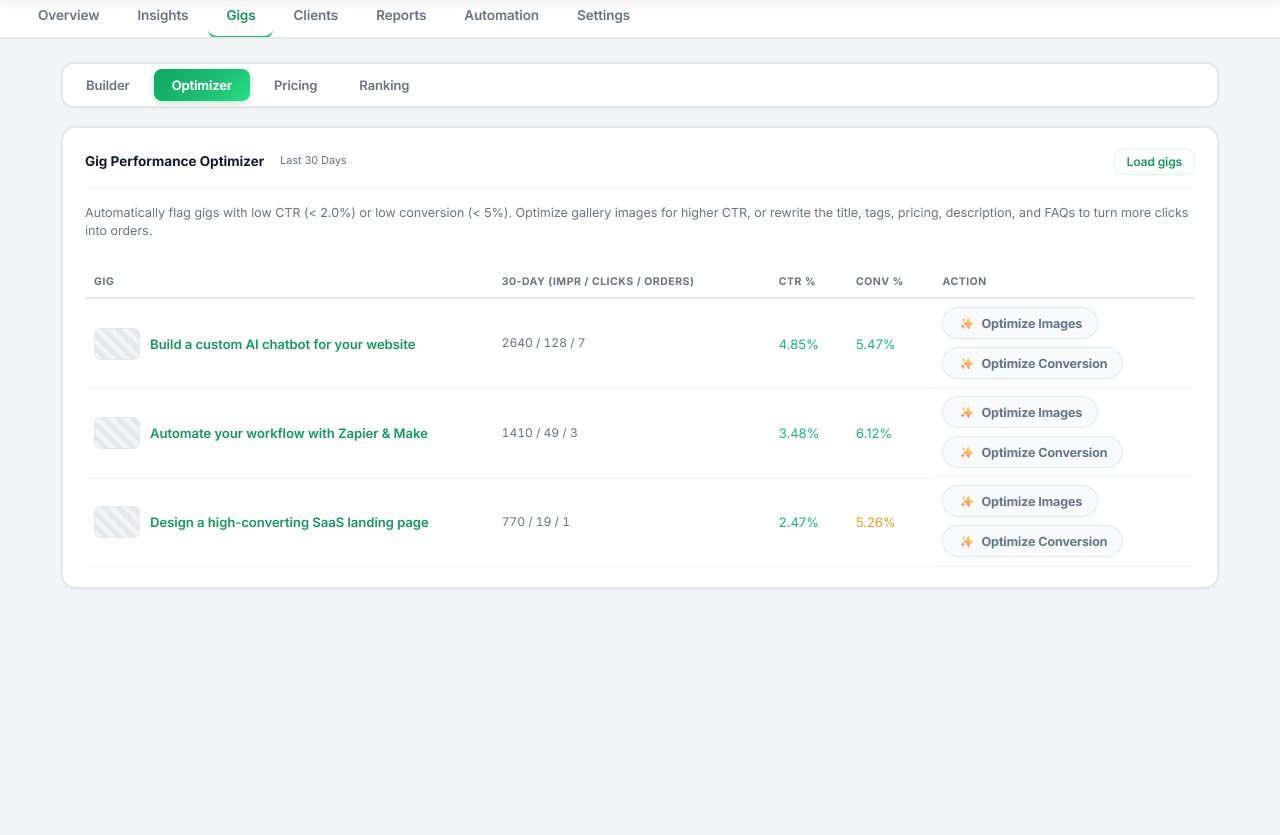
The lever in Fiverr Ads is the gig the ad points at, and Seller OS's gig audit reviews that listing's copy, gallery, and conversion signals against its own performance data, then proposes what to test. It is the fix before the scale: make the card worth the click, then let the budget do its work.
Reports keep each ad window's readings and decisions next to the changes that followed, locally in Chrome. It does not manage your ad settings, bids, or budgets, and it never edits or publishes anything on Fiverr on its own; you review every proposal and make every change yourself.
How to Optimize Fiverr Ads questions
How much should I spend on Fiverr Ads?
Fiverr publishes no minimum or typical budget, so the honest answer starts with your margin: decide the most one order can pay for its own acquisition, then set a daily limit you can carry for a full test window. Small and measurable beats large and vague, especially for a first campaign.
How do I know if Fiverr Ads are working?
Read the whole path: impressions, clicks, orders, and spend, then divide spend by orders. If clicks arrive and orders do not, the gig card or the offer is the problem, not the bid. Fiverr attributes orders within a 30-day window from the last click.
Do Fiverr Ads hurt or help organic ranking?
Fiverr does not publish a connection between ad performance and organic ranking. Ads buy placement marked with an ad badge, and Fiverr says hiding an ad will not affect your organic rating. Keep ad budgets and organic field changes in separate windows so each result has one explanation.
Why did my Fiverr Ads stop showing?
Check the basics first. The gig must be active, eligibility sits at Level 1 and above, and Fiverr settles ad costs monthly from your balance, so outstanding ad debt can put ads on hold. A CPC cap far below the competition can also keep you out of the auction.
Make the gig worth the click.
Start small, read the whole funnel, and cut or scale only after a full window.