 Seller OS
Fiverr app notifications not working: fix the silence
When Fiverr app notifications stop arriving, you usually discover it at the worst moment: a buyer waited hours while you thought the inbox was quiet. Fiverr's help pages describe the in-app notification settings, while your phone controls whether any push can reach you at all.
This guide gives you an ordered triage that works on any phone: Fiverr settings first, then OS permission, battery rules, and focus modes, with separate iOS and Android paths. Every device step is general troubleshooting, and the web fallback keeps you covered while you fix the app.
Free plan available. Local-first data. Human review on every change.
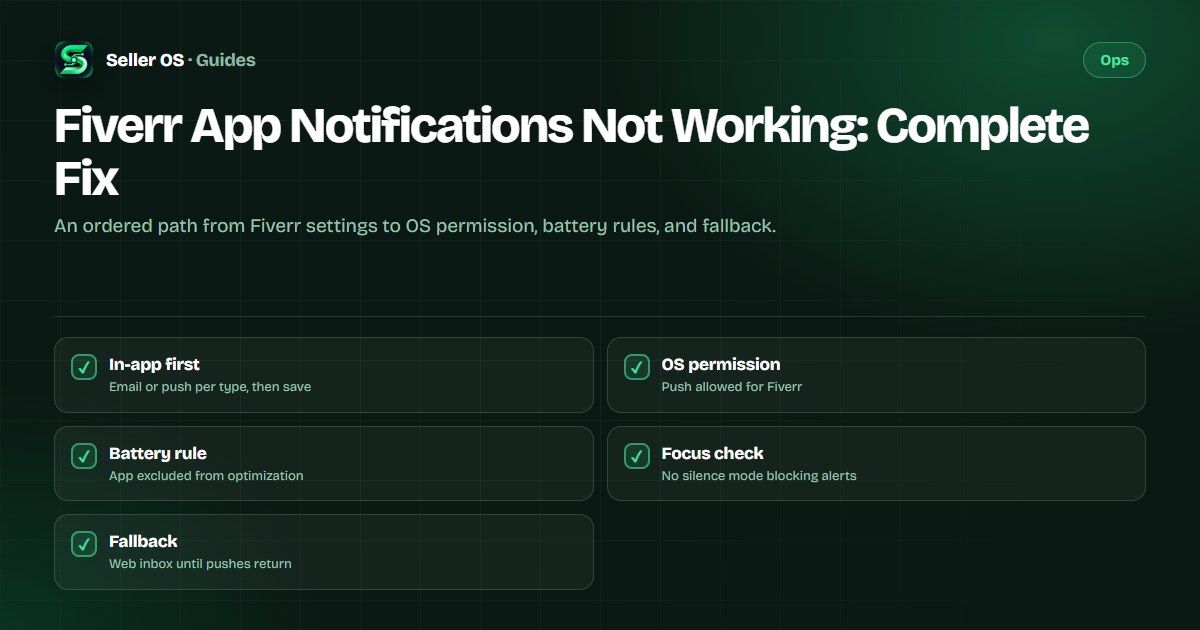
Start inside Fiverr notification settings
Fiverr's help center states that notification preferences live under Account Settings, in the Notifications section or behind the notifications panel Settings icon. You choose Email delivery, Push delivery, or both for each notification type, and you confirm everything with the Update preferences button. If you never saved that screen, some categories may be off without you realizing it.
The same published page describes two extra toggles worth checking: Real-time notifications for on-screen updates and Sound effects for audible cues. Turn on the message and order categories first, because those protect your income directly, then add the rest. If pushes arrive but email does not, or the reverse, the per-type checkboxes are the likely cause.
- Open Account Settings, then Notifications, and confirm each message and order type is checked.
- Choose Push, Email, or both per type instead of assuming one covers everything.
- Confirm the Real-time notifications toggle matches how you want on-screen updates.
- Press Update preferences so nothing stays in an unsaved state.
- Repeat the check for the exact account you sell from if you run more than one profile.
Android path: permission plus battery rules
On Android, a correct Fiverr settings screen still stays silent when the operating system blocks the push or sleeps the app. These are general device troubleshooting steps, not Fiverr features: open system Settings, then Apps, find Fiverr, and confirm notifications are allowed with sound and banners enabled. Then check that you are signed in to the Fiverr mobile app on the same account you checked on the web.
Fiverr's own account-settings article publishes one Android-specific tip for delayed notifications: go to Settings, then Battery, then Battery optimization, find Fiverr, and select Don't optimize or Allow background activity. Illustrative scenario: you enable pushes at 9:00, receive nothing all afternoon, then find the app listed as optimized; after excluding it and restarting the phone, a test message arrives within a minute.
Allow notifications
system Settings, Apps, Fiverr, notifications on with sound and banners.
Exclude Fiverr from battery optimization
Battery, Battery optimization, Fiverr, Don't optimize.
Confirm background activity is permitted so the app can wake for incoming messages.
Restart the phone once, then ask a friend or second account to send a test message.
iOS path: permission plus background refresh
On iPhone, pushes need two separate approvals: the system-level notification permission and background app refresh. These are general device troubleshooting steps: open iOS Settings, find Fiverr, confirm Allow Notifications is on with Lock Screen, Notification Center, and Banners enabled, then confirm Background App Refresh is on for Fiverr. A common mistake sellers make is enabling banners but leaving the app signed out after a password change, so no alert can ever match the account.
Illustrative scenario: you reinstall Fiverr, tap through setup quickly, and deny notifications by habit at the prompt. Days later the inbox shows three unread buyer messages you never heard about. The fix is to open iOS Settings, re-allow Fiverr notifications manually, open the app once so it registers again, and send yourself a test message from the web inbox.
Allow notifications
iOS Settings, Fiverr, Allow Notifications on with all three surfaces.
Enable Background App Refresh for Fiverr so messages can arrive while the app is closed.
Open the Fiverr app once after any reinstall so it registers for pushes again.
Send a test message and confirm it arrives with the app closed, not just open.
Check focus modes and per-type categories
Focus modes are the quietest cause of missed alerts. Do Not Disturb, Sleep, Work, and similar modes on both platforms can silence Fiverr while every setting looks correct, and scheduled focus windows explain the pattern where mornings work but evenings stay silent. Check your active focus mode, its schedule, and whether Fiverr is on the allowed-apps list before you change anything else.
Then return to Fiverr's per-type categories with fresh eyes. Sellers often enable order updates but leave new-message alerts on email only, then never check that mailbox during the day. Fiverr's help center states you can check or uncheck boxes to turn specific notification types on or off, so walk the full list and turn on every category tied to buyer contact.
- Confirm no focus, Do Not Disturb, or Sleep schedule is silencing Fiverr during work hours.
- Add Fiverr to the allowed-apps list inside any focus mode you keep enabled.
- Turn on new-message alerts for push, not email only, if buyers contact you during the day.
- Check the logged-in account matches the one you sell from, on every device.
Test properly and use the web fallback
A real test beats guessing. Ask someone to send your Fiverr inbox a message while the app is fully closed, then watch for the push within a minute or two. If it arrives with the app open but not closed, you have a background or battery problem; if it never arrives anywhere, the in-app category or the account itself is the problem. Repeat the test after each change so you know which step fixed it.
While you troubleshoot, the web inbox is your safety net. Keep a desktop or mobile browser tab signed in to Fiverr with the inbox open, and check it on a timer between jobs. Your response rate measures the percentage of first responses to new messages that you send within 24 hours, as Fiverr's help center states, so a timed web check protects that metric until pushes return. The response guide shows a routine that pairs well with this fallback.
When alerts still stay silent
If every layer checks out and pushes still fail, reinstall the app, sign in fresh, and re-allow notifications at the system prompt instead of dismissing it. Then verify the phone has network access that is not blocking pushes, such as a VPN or a restricted work network, by testing on mobile data. If the failure survives a reinstall on two networks, the problem is beyond device settings.
At that point contact support through the published flow with a clean evidence pack: device model, OS version, app version, which categories you enabled, and the dates of your failed tests. While you wait, keep the web fallback running and lean on your mobile routine so no buyer waits. If a buyer already went quiet during the outage, the unresponsive buyer guide covers the mutual-cancellation path.
| Symptom | Likely layer | Next check |
|---|---|---|
| No pushes anywhere | In-app categories | Re-save notification settings |
| Open-app only alerts | Battery or background | Exclude app from optimization |
| Evening silence only | Focus schedule | Check focus mode timetable |
| One account silent | Wrong login | Confirm account on each device |
Where Seller OS helps
Seller OS cannot repair your phone's notification permission, but it shortens the damage when alerts fail. Its unread message alerts and deadline guard watch your inbox while Chrome is open on the Pro plan, and its inbox reply drafts let you answer the backlog in minutes once you spot it. It drafts and fills; a person performs every final Send, Save, Continue, or Publish action.
The honest limit is that no extension can deliver pushes to a phone whose OS blocks them, and it does not replace Fiverr's own notification settings. Use it as the web-side safety net: open Chrome, review the action queue, and clear the queue yourself while the app fix is still in progress.

Fiverr App Notifications Not Working questions
Why are my Fiverr push notifications not showing at all?
The usual order is in-app categories off, OS permission denied, battery optimization sleeping the app, or a focus mode silencing it. Re-save Fiverr's notification settings first, then allow Fiverr in system settings, exclude it from battery optimization, and check focus schedules. Test with the app closed after each change to find the layer.
How do I fix delayed Fiverr notifications on Android?
Fiverr's own account-settings article publishes the Android tip: open Settings, then Battery, then Battery optimization, find Fiverr, and select Don't optimize or Allow background activity. Also confirm notifications are allowed for Fiverr with sound, restart the phone once, and test with the app closed. Delays that survive this usually mean a focus mode or network issue.
How do I fix Fiverr notifications on iPhone?
Open iOS Settings, find Fiverr, and confirm Allow Notifications is on with Lock Screen, Notification Center, and Banners enabled, plus Background App Refresh on. Open the app once after any reinstall so it registers for pushes, and confirm you are signed in to the selling account. Then send a test message with the app closed to verify.
What should I do while Fiverr notifications are still broken?
Use the web inbox as your fallback and check it on a timer, since Fiverr's help center states your response rate counts first responses to new messages within 24 hours. Keep one browser tab signed in, answer anything waiting, and protect active deadlines first. Contact support with device and app versions plus your test dates if a reinstall does not fix it.
Fix pushes layer by layer
Re-save Fiverr settings, allow the OS prompt, exclude the battery rule, then test.