 Seller OS
Fiverr card verification scam: the warning signs
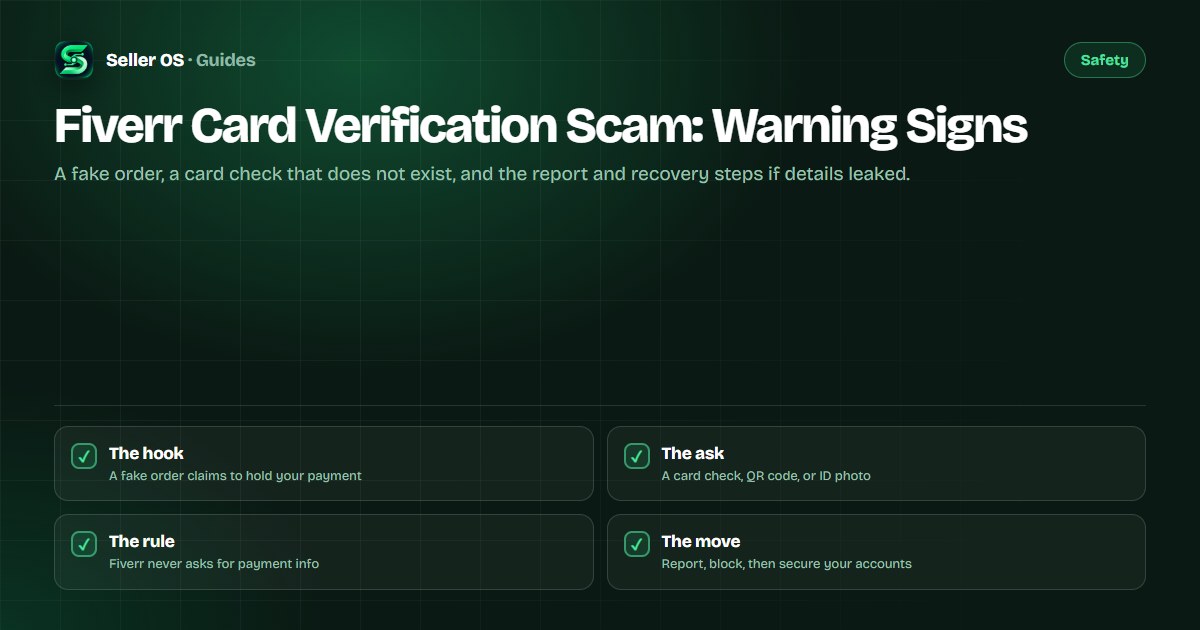
Fiverr's safety guidance is unusually direct: Fiverr will never request your email, login credentials, or payment info in order to process a payment. It adds that representatives may contact you through the inbox, but they will never suggest scanning a QR code, verifying your account with a credit card, or sharing personal information.
That one published sentence defuses every version of the card verification scam. This guide breaks down the scripts sellers report, shows where the fake steps fall apart, and gives you the exact report and block flow plus the order of operations if your details were already shared. For general link-checking habits, start with the phishing guide.
Free plan available. Local-first data. Human review on every change.
What Fiverr will never ask you for
The Fiverr Help Center states the rule that settles every version of this scam: Fiverr will never request your email, login credentials, or payment info in order to process a payment. Representatives may reach out through the inbox, but they will never suggest a QR code, a credit-card verification step, or personal details.
Normal order conversation is about scope, files, and timing, and it is reasonable for a client to ask about your professional background. Sharing certifications or experience is generally safe. Payment processing, however, never needs your card number, a balance screenshot, a one-time code, or a photo of your ID.
- A card number, expiry date, or security code
- A screenshot of your banking app or card balance
- A one-time code sent to your phone
- Your Fiverr password or email login
- A photo of your government ID sent through chat
The card scam scripts sellers report
Community threads describe a small set of recurring scripts. The most common claims a payment is stuck and can be released once you verify a card through a link the sender supplies. Others lead to a QR code that opens a copy of the Fiverr sign-in page, or ask for a card-balance screenshot to prove your account can receive funds.
The scripts change details, not structure. In October 2026, sellers were still asking community forums whether Fiverr requires card details to receive payments, which is exactly the question the script wants you to ask them instead of the Help Center. The published answer stays no.
| Script | What it claims | The tell |
|---|---|---|
| Verify to release payment | Your payout is held until you confirm a card | Real order pages show payment status |
| QR code verification | Scan to confirm your account | Representatives never send QR codes |
| Card balance check | Your card must hold a minimum balance | No such step exists for sellers |
| ID upload in chat | Send ID to unlock your funds | Identity checks run on platform, not in chat |
Why the fake verification step works
The scam borrows the shape of real processes. Orders do have statuses, revenue does clear after completion, and Fiverr may ask a new freelancer to verify identity. Scammers copy that structure, swap in a step that does not exist, and add urgency: the buyer is waiting, the order will be canceled, the funds expire tonight.
A concrete example: a first-time buyer sends an order confirmation screenshot and a link to a verification page. There is no such order in your Orders page. New sellers click fast because they want to protect a first sale. Checking the platform's own Orders and Earnings pages takes seconds and dissolves the script.
The mistake sellers make is treating the message as proof of the order. A message is a claim; your Orders page is the record. An order that is not there cannot have a payment held on it, no matter how official the screenshot looks. The same logic applies to fake buyer patterns across the platform.
How to report and block the sender
Reporting is built into the inbox and takes under a minute. Do it from the message itself, not from a later reply, so the report carries the original content for review.
Do not reply to argue or to announce that you know it is a scam. Engagement adds nothing and can invite more messages from the same operation. If a new message arrives from a different account, run the same sequence; the report is the part that protects the next seller and your own response rate.
Open the conversation
Find the message in your inbox.
Use the three-dot menu
Select Mark as Spam and confirm.
Or file a report
Choose Report, pick a reason, submit.
Block the sender
Optional in the flow, sensible after it.
Check the timing
Spam reported within 24 hours will not affect your response rate.
Mistakes that keep the scam alive
The costliest mistake is paying a verification fee or sending a card photo because the request looked official. A second is clicking the link just to see where it goes, since the page can capture a session or prompt for credentials. A third is staying quiet out of embarrassment, which leaves the sender free to work the next seller and your report unmade inside the 24-hour window.
Build habits instead. Treat every payment-related message as a claim to verify on the platform, sign in by typing the address rather than following a link, and keep the card scam checks close. The inbox spam guide covers the messages that surround the card script, and the off-platform lure guide covers the next move scammers often make.
Where Seller OS helps
Seller OS keeps inbox work local. The inbox assistant drafts replies to real order messages and briefs, and client records and thread history stay in Chrome local storage on your machine. None of it asks for card details, opens links, or hands anything to a third party.
The honest limit: it is not a scam detector. It does not mark messages as spam, file reports, or contact anyone for you, and it cannot recover a payment. It drafts and fills; a person performs every final Send, Save, Continue, or Publish action, including every report and every block. Start free; Pro is $12 monthly or $99 one time.

Fiverr Card Verification Scam questions
Does Fiverr ever ask for card details to receive a payment?
No. Fiverr's help center states that Fiverr will never request your email, login credentials, or payment info in order to process a payment. Representatives may message you through the inbox, but they will never suggest scanning a QR code or verifying your account with a credit card. Any message that does is a scam.
I sent my card details to someone on Fiverr. What should I do first?
Contact your payment provider immediately and ask them to block or reverse the transaction, because Fiverr's guidance for transferred funds puts that step first. Then change your Fiverr and email passwords from a clean device, sign out sessions you do not recognize, and report the message through the inbox tools.
How do I report a card verification message on Fiverr?
Open the conversation, click the three dots next to the message, select Mark as Spam, and confirm. You can also choose Report, pick a reason, optionally block the sender, and submit. On mobile, long-press the message and choose Report Spam or Block. Reports made within 24 hours protect your response rate.
Is a QR code from a Fiverr representative ever real?
No. Fiverr's published safety guidance says representatives will never suggest you scan a QR code, verify your account with a credit card, or share personal information. A QR code hides its destination, which is why it appears in scams so often. Do not scan it; sign in by typing the address yourself and check your orders.
The payment step that never exists
Verify orders on the platform, report the message fast, and move first if card details left your hands.